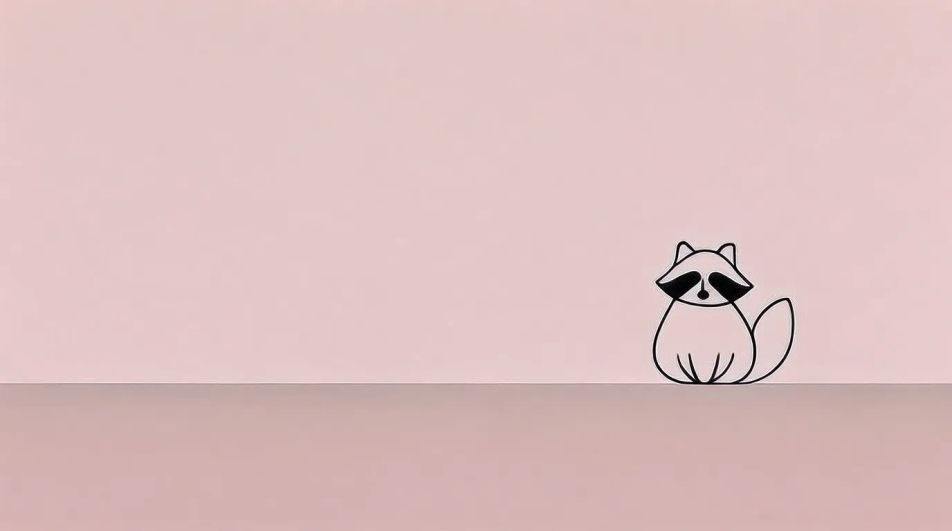
Phone lock screen
A vertical raccoon wallpaper crop with the animal placed lower in the frame so the clock and notifications stay clear up top.
プロンプトを編集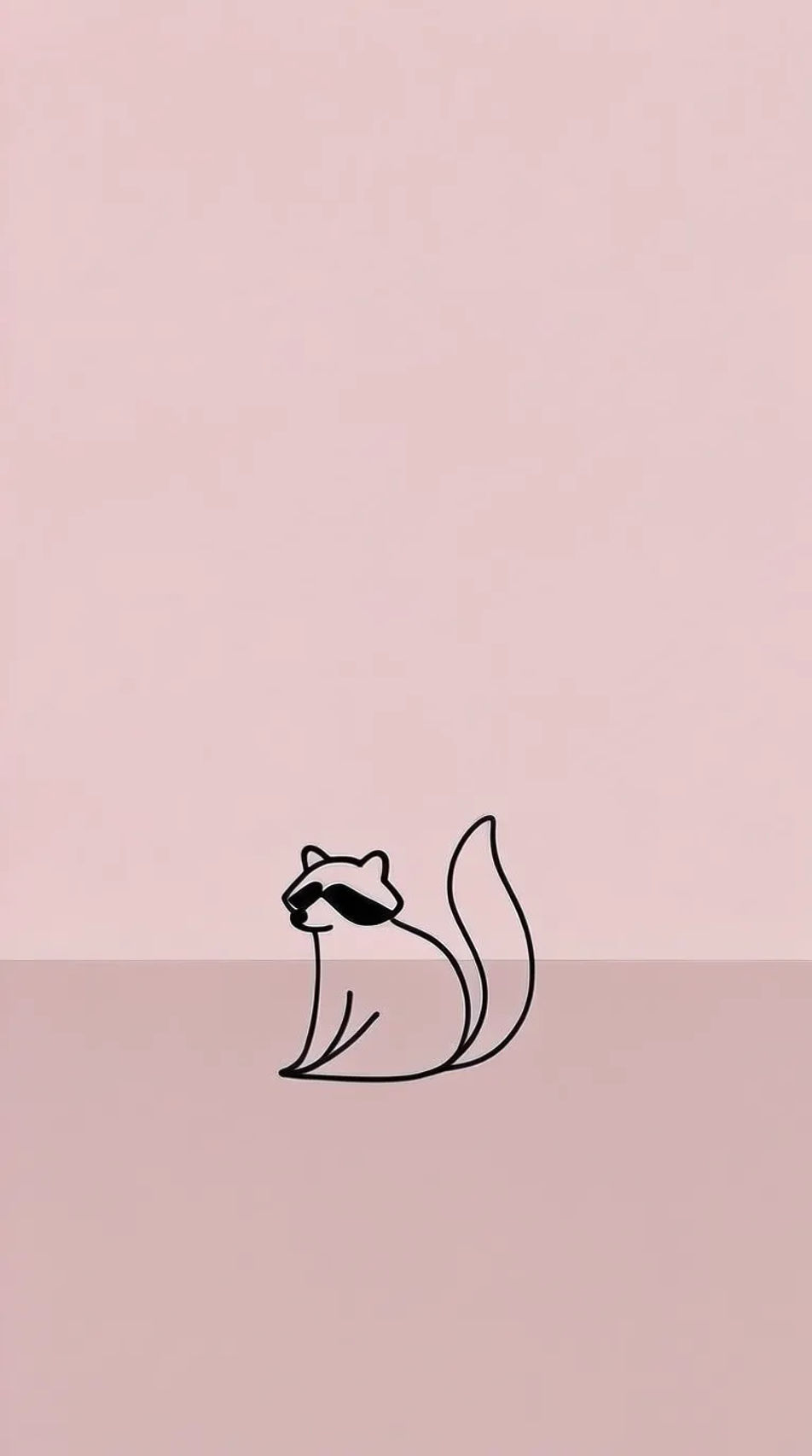
Design a raccoon wallpaper in your browser with Morphic's wallpaper generator. Try a cute cartoon raccoon, a moody nighttime forest portrait, or a cheeky trash-panda meme look, then use Style Transfer to keep one style across phone and desktop. Set the mood and palette, then crop, recolour, and refine on the Canvas so the raccoon sits clear of your clock and icons.
作りたいRaccoon Wallpaperを、わかりやすい言葉で記述します。
Morphicがキャンバス上に公開できる画像を数秒で生成します。
プロンプトを調整して再生成し、気に入った画像を保存・共有します。
画像を新しいアスペクト比に変換します。スマートクロップまたはエッジを拡張してフィットさせます。
キャラクター画像を参考動画とペアにします。あなたのキャラクターがその正確な動きを拾います。
あらゆる映像を全く新しいビジュアルスタイルに再構築します。全てのフレームが変容し、全ての動きはそのまま維持されます。
あらゆるアニメキャラクターを、フォトリアルでハイファッションな実写ポートレートとして再想像してください。
破損、ぼやけ、低解像度の画像を復元します。自然な鮮明さが復元された、シャープで詳細な4Kバージョンを入手してください。
参照画像を選択し、そのビジュアルスタイルを自分の写真やアートワークに適用します。
パンダのAI壁紙
パンダ壁紙ジェネレーターでAIパンダ壁紙を作成しましょう。あらゆるプロジェクトに使えるプロ品質のパンダ壁紙が数秒で見つかります。
おしゃれな壁紙のAI画像
スマホやデスクトップ向けのおしゃれな壁紙をHDでダウンロード。新しいAI生成デザインを見たり、Morphicで唯一無二の壁紙を作成したりできます。
孔雀の壁紙 AI画像
孔雀の壁紙をHDでダウンロード。新着のAI生成デザインを閲覧するか、Morphicで唯一無二の壁紙を作成しましょう。
フェニックスのAI壁紙
フェニックス壁紙生成ツールで、AIによるフェニックスの壁紙を作成しましょう。あらゆるプロジェクトに合うプロ品質のフェニックス壁紙を数秒で見つけられます。
今すぐ無料で始めて、いつでもアップグレードまたはキャンセルできます。
Basic
2400 月 クレジット
1 ユーザーのみ
すべてのモデル
ワークフロー
Standard
3625 月 クレジット
1 ユーザーのみ
すべてのモデル
ワークフロー
Pro
6350 共有 月 クレジット
1 ユーザー
すべてのモデル
ワークフロー
Max
24650 共有 月 クレジット
1 ユーザー
すべてのモデル
ワークフロー
Enterprise
より高い制限のために
カスタム
料金と請求条件

Free
気軽に試したい方に
$0
ずっと無料