Glossy 3D set
A row of glossy three-dimensional scared faces on a soft grey surface, each at a different intensity, lit with a single soft key from above.
プロンプトを編集
Generate a scared emoji image in Morphic's Image tool by describing the expression you want, from wide-eyed panic to a nervous sweat-drop flinch. Choose the face colour, the glossy or flat finish, and the crop, then download a rounded icon that stays readable inside a chat bubble.
A row of glossy three-dimensional scared faces on a soft grey surface, each at a different intensity, lit with a single soft key from above.
プロンプトを編集A flat-vector sheet of scared faces with thick outlines and white die-cut borders, arranged on a pastel background with even spacing.
プロンプトを編集
A single scared emoji face lit by magenta and cyan neon against a near-black backdrop, glossy highlights catching the widened eyes.
プロンプトを編集
A row of scribbled marker-drawn scared faces on off-white paper, uneven ink weight and visible pen texture, warm daylight from a window.
プロンプトを編集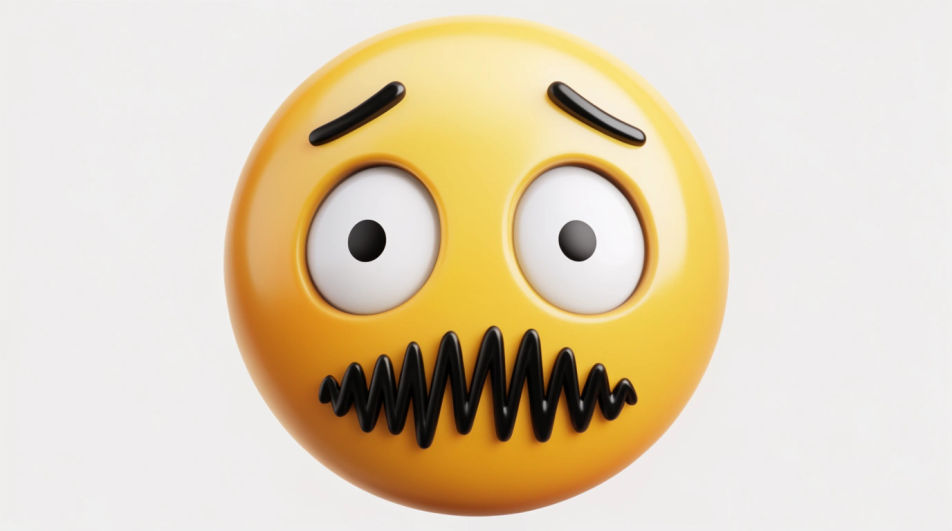
作りたいScared Emojiを、わかりやすい言葉で記述します。
Morphicがキャンバス上に公開できる画像を数秒で生成します。
プロンプトを調整して再生成し、気に入った画像を保存・共有します。
参照画像を選択し、そのビジュアルスタイルを自分の写真やアートワークに適用します。
画像を新しいアスペクト比に変換します。スマートクロップまたはエッジを拡張してフィットさせます。

スケッチや描画をレンダリング済みの完成品に変換します。

任意のキャラクター画像を元に、1枚のリファレンスシートに6つの異なる表情を生成します。
あらゆる映像を全く新しいビジュアルスタイルに再構築します。全てのフレームが変容し、全ての動きはそのまま維持されます。

アニメのイラストをスタイルガイドとして選び、その見た目を画像に適用してください。
Scary emoji generator
Generate scary emoji images in Morphic. Describe the expression, colour and style you want, generate options, then refine the prompt and download it.
Frustrated emoji generator
Generate frustrated emoji images in Morphic. Describe the expression, colour and style you want, generate options, then refine the prompt and download it.
映画祭ポスターのAI画像
Morphicで映画祭ポスターのAI画像を作成。本格的な映画祭ポスターのアートワーク、シーン、ビジュアルを、あらゆるプロジェクト向けに数秒で生成できます。
Finger down emoji maker
Generate finger down emoji images in Morphic. Describe the expression, colour and style you want, generate options, then refine the prompt and download it.
今すぐ無料で始めて、いつでもアップグレードまたはキャンセルできます。
Basic
2400 月 クレジット
1 ユーザーのみ
すべてのモデル
ワークフロー
Standard
3625 月 クレジット
1 ユーザーのみ
すべてのモデル
ワークフロー
Pro
6350 共有 月 クレジット
1 ユーザー
すべてのモデル
ワークフロー
Max
24650 共有 月 クレジット
1 ユーザー
すべてのモデル
ワークフロー
Enterprise
より高い制限のために
カスタム
料金と請求条件

Free
気軽に試したい方に
$0
ずっと無料