Wide valley panorama
A wide scenery drawing of a valley at first light, three depth planes from dark foreground trees to pale distant ridges, fine pencil line, soft graphite tone.
プロンプトを編集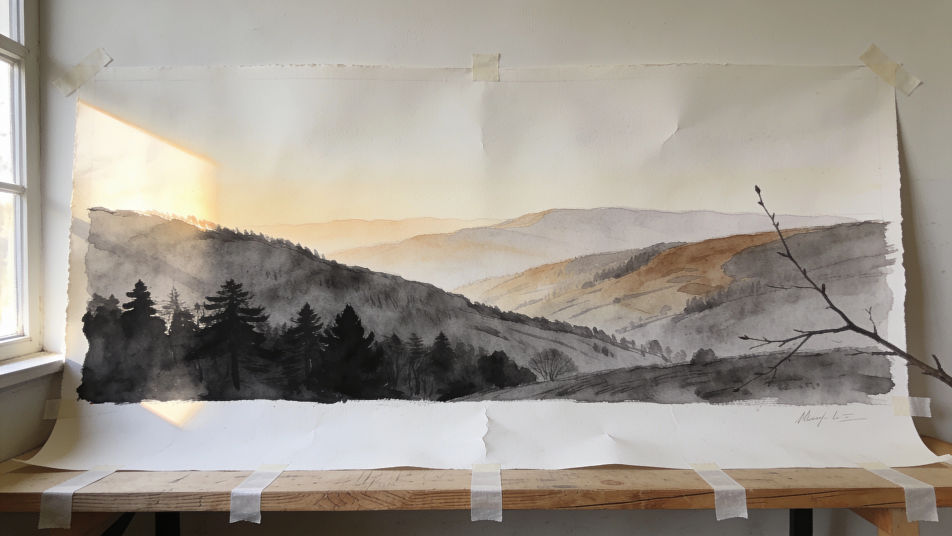
Turn a scenery drawing into a finished picture with Morphic's Image tool, whether you want a misty valley, a village lane at dusk, or a quiet riverbank. Choose the line weight, the depth of the shading, the paper tone, and the colour palette, then download the drawing in HD.
A wide scenery drawing of a valley at first light, three depth planes from dark foreground trees to pale distant ridges, fine pencil line, soft graphite tone.
プロンプトを編集A scenery drawing looking straight down a village lane, walls converging to a small bright opening, brush ink line work, deep shadow on the left wall.
プロンプトを編集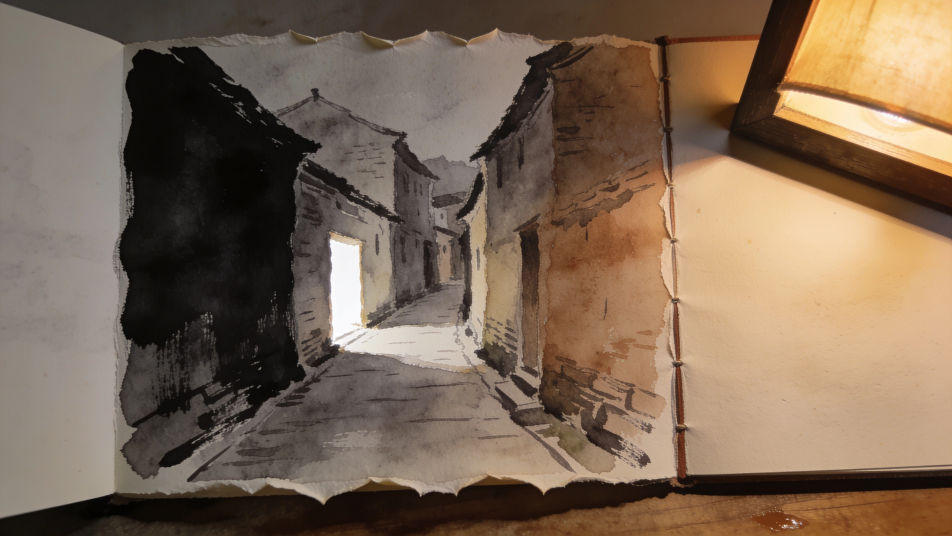
A tight scenery drawing of reeds and ripples at the water edge, coloured pencil layers on the reeds, pale paper left bare for the reflections.
プロンプトを編集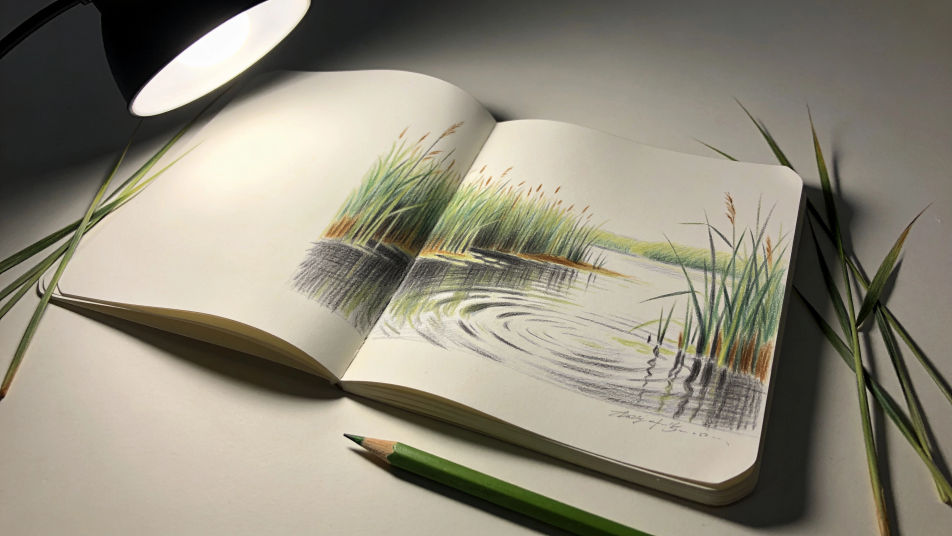
An unfinished scenery drawing with horizon and perspective guides still visible, light pencil blocking, one corner worked up to full tone.
プロンプトを編集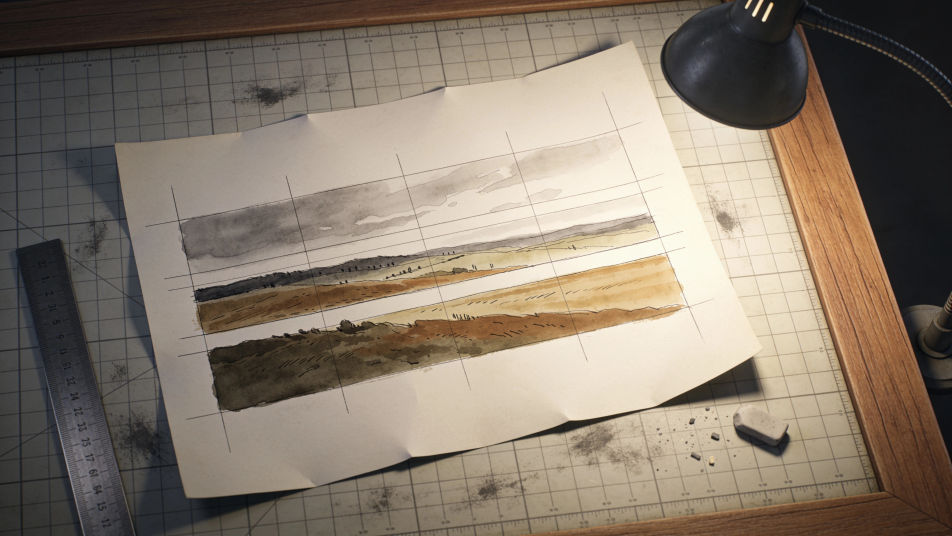
作りたいScenery drawingを、わかりやすい言葉で記述します。
Morphicがキャンバス上に公開できる画像を数秒で生成します。
プロンプトを調整して再生成し、気に入った画像を保存・共有します。
視聴角度を選択し、完全なカメラ制御で画像の正確なパースペクティブシフトを取得します。

単一の写真からのプロフェッショナルな7パネルの場所参照シート。
参照画像1枚でルックを設定します。あらゆるシーンやバッチにその正確なグレードを適用します。
あらゆる映像を全く新しいビジュアルスタイルに再構築します。全てのフレームが変容し、全ての動きはそのまま維持されます。

任意のキャラクター画像を元に、1枚のリファレンスシートに6つの異なる表情を生成します。
不動産の写真は、建設SFXと音楽を使った映画のようなリノベーションのタイムラプスビデオになります。
Landscape AI Drawings
Create beautiful landscape drawings in your browser with Morphic's AI generator. Make original AI mountains, seascapes, forests, deserts, and valleys in any style and HD, no drawing skills needed. Download in seconds and use them in any project.
Mountain drawing generator
Turn a mountain drawing idea into a finished image in Morphic. Describe the line work and style, generate variations, then refine it on the canvas.
Sunset drawing generator
Turn a sunset drawing idea into a finished image in Morphic. Describe the line work and style, generate variations, then refine it on the canvas.
角の店のネオンAI画像
ブラウザで角の店のネオンのAI画像を制作。ジジッと鳴るネオンの看板、濡れた街角の暖かな窓、青い時間帯の空をプロンプトから生成。
今すぐ無料で始めて、いつでもアップグレードまたはキャンセルできます。
Basic
2400 月 クレジット
1 ユーザーのみ
すべてのモデル
ワークフロー
Standard
3625 月 クレジット
1 ユーザーのみ
すべてのモデル
ワークフロー
Pro
6350 共有 月 クレジット
1 ユーザー
すべてのモデル
ワークフロー
Max
24650 共有 月 クレジット
1 ユーザー
すべてのモデル
ワークフロー
Enterprise
より高い制限のために
カスタム
料金と請求条件

Free
気軽に試したい方に
$0
ずっと無料