Classroom of the future
A technology drawing of a classroom of the future in colored pencil, students at touch screen desks, a robot helper and a glowing board.
プロンプトを編集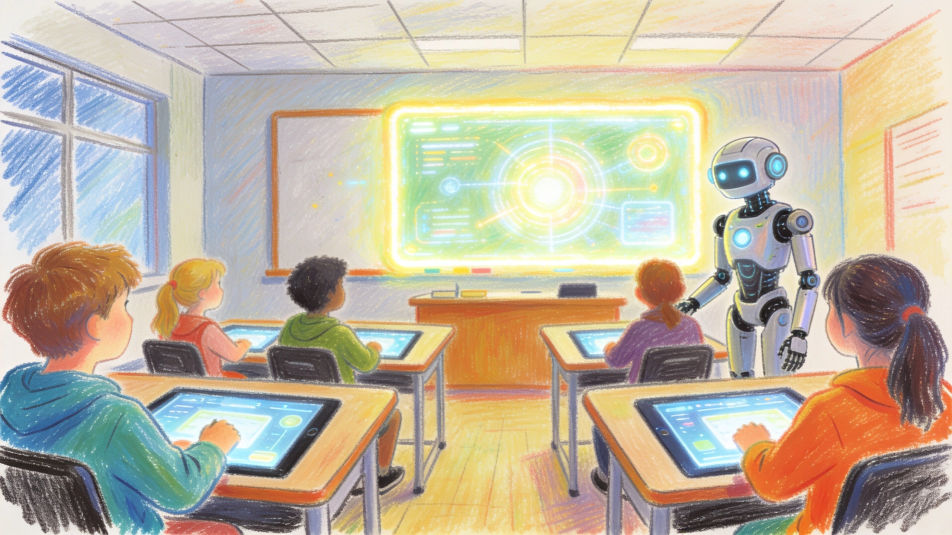
Describe the technology drawing you want in Morphic's Image tool, from a circuit board traced in fine ink to a timeline of devices from a rotary phone to a laptop. Set the medium, the idea and the level of detail, arrange it on the Canvas, then download the drawing in HD.
A technology drawing of a classroom of the future in colored pencil, students at touch screen desks, a robot helper and a glowing board.
プロンプトを編集A technology drawing of a smart city at night in watercolor and ink, electric trams, solar roofs, drones delivering parcels and lit towers.
プロンプトを編集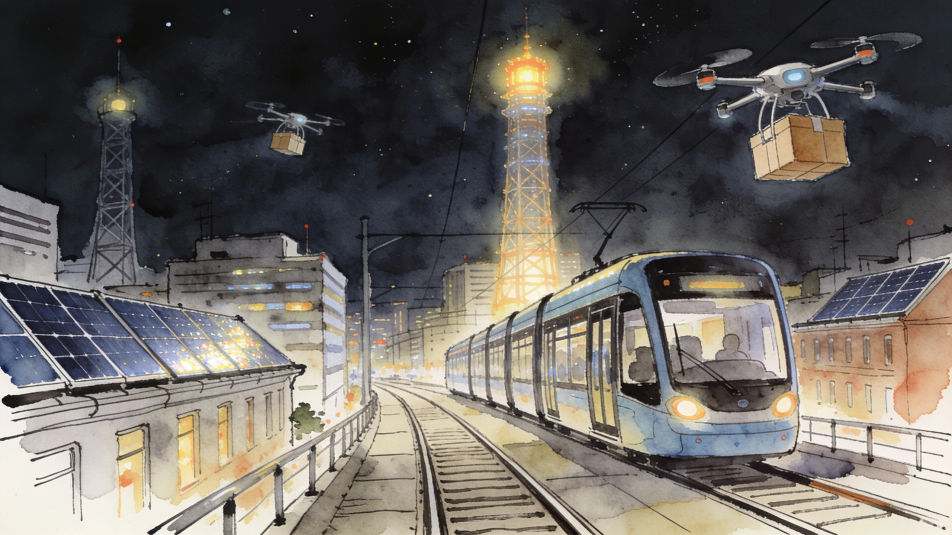
A technology drawing of a farm in pencil, a drone over the crops, a tractor with sensors and solar panels on the barn roof.
プロンプトを編集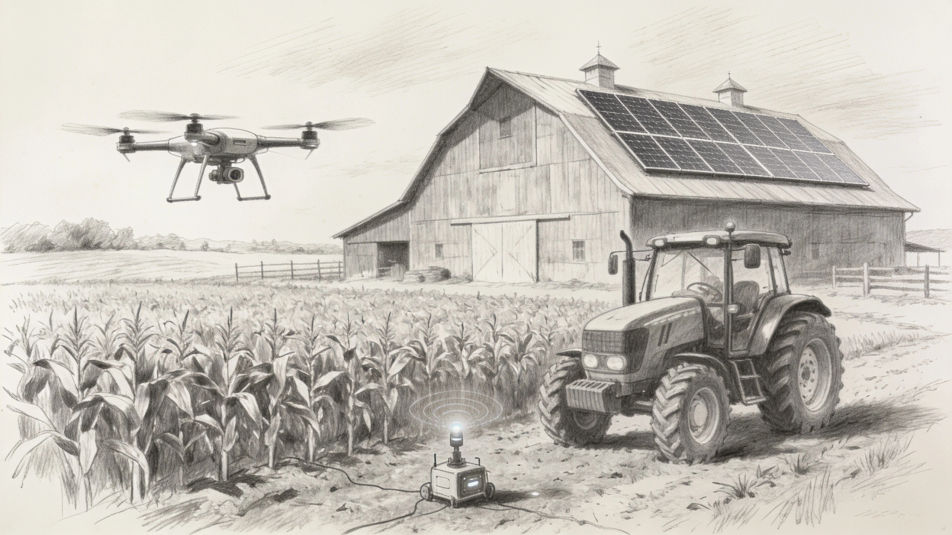
A technology drawing split in two in ink and wash, a typewriter, a radio and a glowing valve on one side, headphones and a laptop on the other.
プロンプトを編集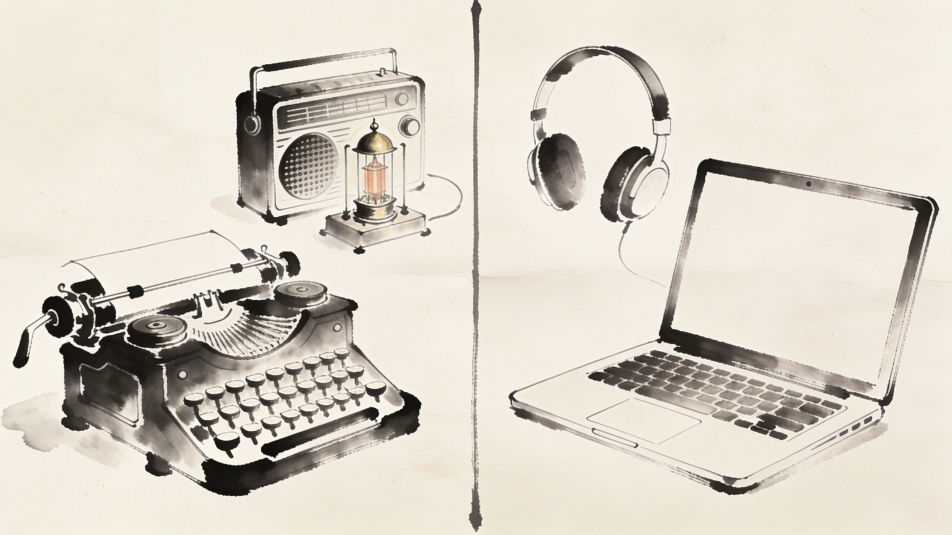
作りたいTechnology drawingを、わかりやすい言葉で記述します。
Morphicがキャンバス上に公開できる画像を数秒で生成します。
プロンプトを調整して再生成し、気に入った画像を保存・共有します。
参照画像を選択し、そのビジュアルスタイルを自分の写真やアートワークに適用します。

スケッチや描画をレンダリング済みの完成品に変換します。
画像を新しいアスペクト比に変換します。スマートクロップまたはエッジを拡張してフィットさせます。

アニメのイラストをスタイルガイドとして選び、その見た目を画像に適用してください。
あらゆる映像を全く新しいビジュアルスタイルに再構築します。全てのフレームが変容し、全ての動きはそのまま維持されます。

任意のキャラクター画像を元に、1枚のリファレンスシートに6つの異なる表情を生成します。
テクノロジーAI画像
テクノロジー画像ジェネレーターでAIテクノロジー画像を作成しましょう。映画のような臨場感のあるテック画像を数秒で見つけられます。回路基板、デジタルインターフェース、データビジュアライゼーション、サイバネティック要素を使ったテック背景を、テックブログやマーケティング向けに生成できます。
Futuristic building drawing maker
Turn a futuristic building drawing idea into a finished image in Morphic. Describe the line work and style, generate variations, then refine it on the canvas.
Computer mouse drawing maker
Turn a computer mouse drawing idea into a finished image in Morphic. Describe the line work and style, generate variations, then refine it on the canvas.
Graffuturism AIアート
MorphicでGraffuturismアートを作成。カリグラフィックなグラフィティの抽象、スプレーのグラデーション、未来派の運動線、ハードエッジがジェスチュラルに出会う表現を、ひとつのプロンプトから。
今すぐ無料で始めて、いつでもアップグレードまたはキャンセルできます。
Basic
2400 月 クレジット
1 ユーザーのみ
すべてのモデル
ワークフロー
Standard
3625 月 クレジット
1 ユーザーのみ
すべてのモデル
ワークフロー
Pro
6350 共有 月 クレジット
1 ユーザー
すべてのモデル
ワークフロー
Max
24650 共有 月 クレジット
1 ユーザー
すべてのモデル
ワークフロー
Enterprise
より高い制限のために
カスタム
料金と請求条件

Free
気軽に試したい方に
$0
ずっと無料