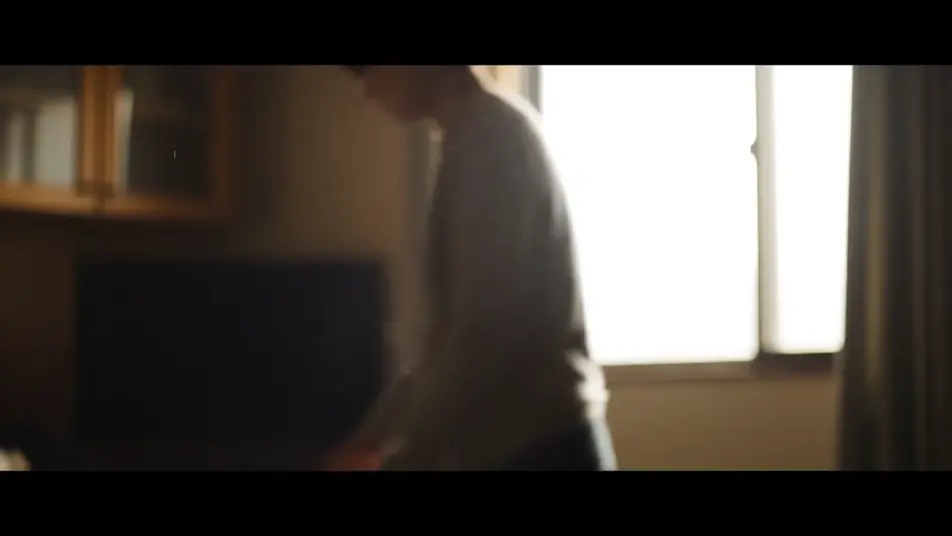
ドキュメンタリー風動画をAIで生成
Morphicのブラウザだけで、ドキュメンタリー風動画をAIで生成できます。手持ちの観察カット、静かなインタビュー、土地を見せる風景を作れます。光とグレードをそろえると、同じクルーが撮ったように見えます。Musicで曲を重ねてComposeで一本につなげば、ブランドムービーや採用動画の素材にもなります。
演出できるドキュメンタリーのショット
構成できるドキュメンタリーのシーケンス
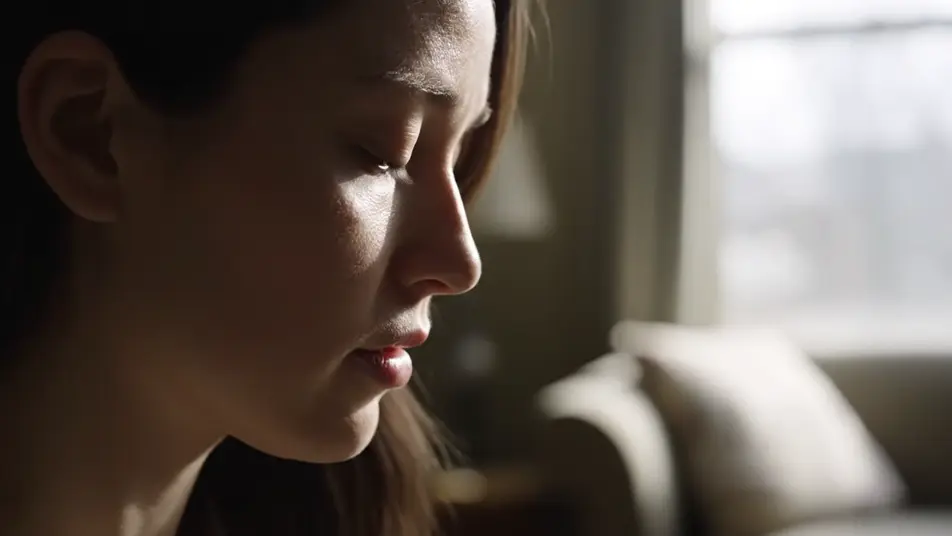
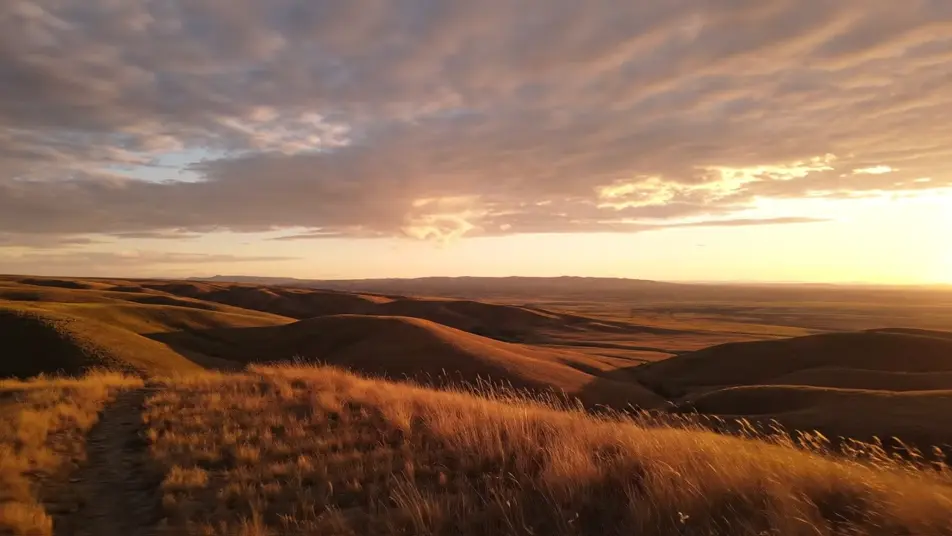
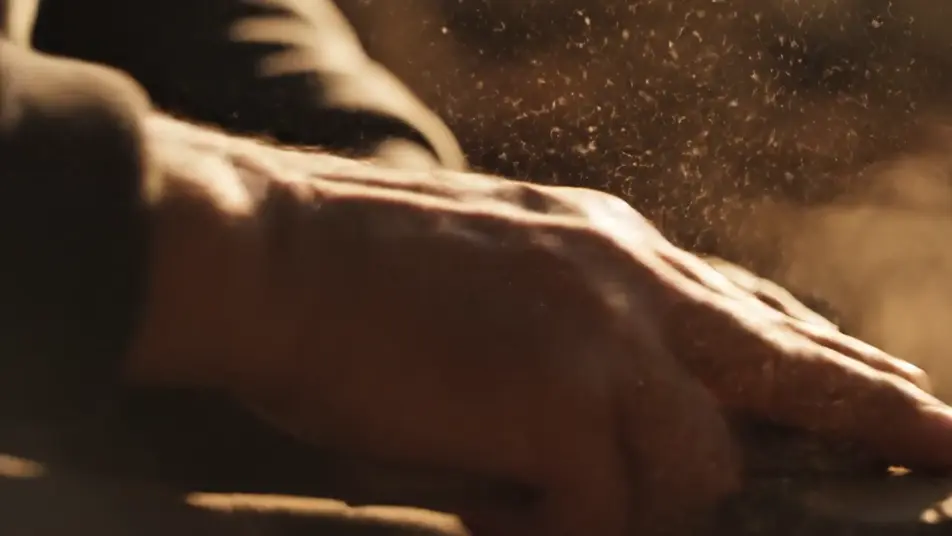
ドキュメンタリー風動画の動画を3ステップで作成
- 一
シーンを記述
作りたいドキュメンタリー風動画のシーンを、わかりやすい言葉で記述します。
- 二
動画を生成
Morphicがキャンバス上に映画のようなクリップを数秒で生成します。
- 三
仕上げて共有
プロンプトを調整して再生成し、気に入ったショットを保存・共有します。

シネマティックシーンへのメッセージ
あらゆるテキスト会話を映画のようなマルチショットビデオにドラマ化します。
このワークフローを試す
タイムフリーズ効果
あらゆるシーンに使える、シネマティックなタイムフリーズ短編動画
このワークフローを試す

タイトルシーケンス
オプションでシネマティックアニメーションを追加できる、プロフェッショナルな映画タイトルカードをゼロから生成します。
このワークフローを試す
リノベーションのタイムラプス
不動産の写真は、建設SFXと音楽を使った映画のようなリノベーションのタイムラプスビデオになります。
このワークフローを試す
Cinematic scene
1枚の画像から9シーンのシネマティックビデオを作成します。
このワークフローを試す
映画の世界に入り込んでみよう
あなたの写真をドロップしてください。アニメーションとマッチしたサウンドトラックを備えた12秒の映画のようなムービーを入手してください。
このワークフローを試す
こちらもおすすめ
AIインタビューBロール生成
編集をつなぐBロール素材をMorphicで生成します。作業風景やクローズアップ、情景カットをテロップなしで作成し、インタビューに重ねられます。
AIムードフィルム
Morphicでムードフィルムを一言から作成。雨に濡れた窓や夕暮れの荒野など、セリフなしで感情を伝えるワンカットをブラウザで生成できます。
AIショーリール動画ジェネレーター
Morphicでショーリール動画を作成。決め技のアクション、クローズアップ、俯瞰ショット、スローモーションを一つのトーンでまとめ、SNS投稿にも使えます。
AIチャンネルトレーラー
チャンネルトレーラーをAIで作成できます。名場面のモンタージュ、VTuberや配信者の決め台詞、B-rollの色調をそろえ、Composeで一本に仕上げられます。
シンプルな料金体系
今すぐ無料で始めて、いつでもアップグレードまたはキャンセルできます。
Basic
$19/ 月
請求額は $0 年2400 月 クレジット
1 ユーザーのみ
すべてのモデル
ワークフロー
Standard
$24/ 月
請求額は $0 年3625 月 クレジット
1 ユーザーのみ
すべてのモデル
ワークフロー
Pro
$45/ 月
請求額は $0 年6350 共有 月 クレジット
1 ユーザー
+ 最大 4 名まで追加費用
すべてのモデル
ワークフロー
Max
$170/ 月
請求額は $0 年24650 共有 月 クレジット
1 ユーザー
+ 最大 9 名まで追加費用
すべてのモデル
ワークフロー
Enterprise
より高い制限のために
カスタム
料金と請求条件
大容量クレジット
カスタムシート制限
すべてのモデル
ワークフロー

Free
気軽に試したい方に
$0
ずっと無料
最大20クレジット
1ユーザーのみ
一部のモデル
ワークフロー
よくある質問
AIでドキュメンタリー風動画はどこで作れますか?
Morphicのブラウザ上で作れます。Text to Videoツールに、撮りたい場面と保ちたいグレードを書きます。数秒でクリップができ、Composeで一本につなげます。
作った映像は商用利用できますか?
はい。自社の映像作品でも、依頼を受けた納品物でも使えます。商用利用の範囲はご契約プランの利用規約をご確認ください。
ブランドムービーや採用動画にも使えますか?
はい。インタビューの一枚と現場のBロールがそろえば、会社紹介や採用動画の骨組みになります。実写の素材と混ぜる場合も、グレードをそろえれば違和感が出にくくなります。
ドキュメンタリー風に見せるコツは?
演出よりも観察を優先します。ショットはプロモーション映像より少し長めに保ちます。自然光と抑えたグレードでそろえれば、同じクルーが撮ったように見えます。
日本語のナレーションや音楽は付けられますか?
はい。Speechツールで日本語のナレーションを生成できます。Musicツールの曲は控えめにすると、声と環境音が前に出ます。