
寄付動画をAIで生成
寄付を呼びかける動画は、まず人の顔を見せることから始まります。Morphicなら、支援物資を手渡す列や、土に触れ合う手元、温かい食事が振る舞われる場面をブラウザで生成できます。Speechでナレーションを重ね、Musicで音楽を添え、Composeで一つの物語に組み立てます。
演出できる寄付動画の場面
組み立てられる支援の情景

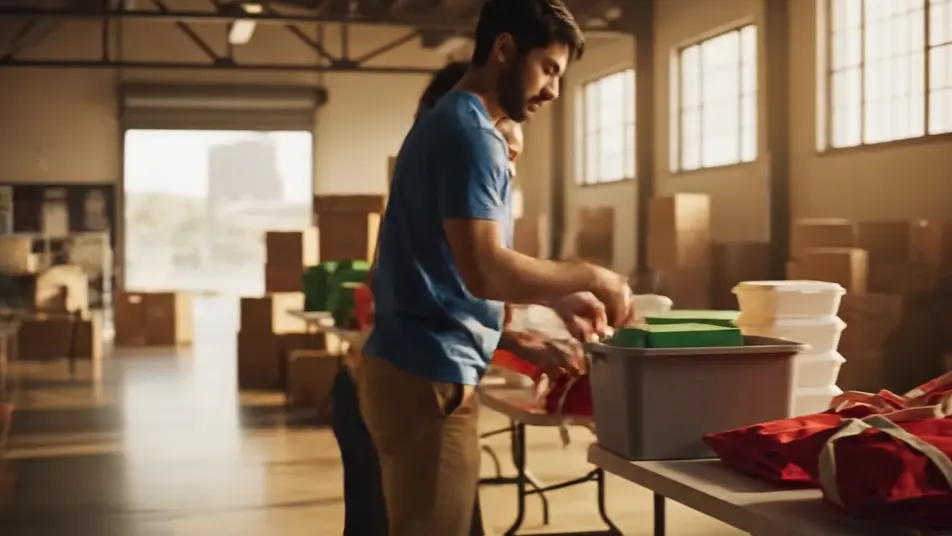

寄付動画の動画を3ステップで作成
- 一
シーンを記述
作りたい寄付動画のシーンを、わかりやすい言葉で記述します。
- 二
動画を生成
Morphicがキャンバス上に映画のようなクリップを数秒で生成します。
- 三
仕上げて共有
プロンプトを調整して再生成し、気に入ったショットを保存・共有します。

シネマティックシーンへのメッセージ
あらゆるテキスト会話を映画のようなマルチショットビデオにドラマ化します。
このワークフローを試す
タイムフリーズ効果
あらゆるシーンに使える、シネマティックなタイムフリーズ短編動画
このワークフローを試す

タイトルシーケンス
オプションでシネマティックアニメーションを追加できる、プロフェッショナルな映画タイトルカードをゼロから生成します。
このワークフローを試す
リノベーションのタイムラプス
不動産の写真は、建設SFXと音楽を使った映画のようなリノベーションのタイムラプスビデオになります。
このワークフローを試す
Cinematic scene
1枚の画像から9シーンのシネマティックビデオを作成します。
このワークフローを試す
映画の世界に入り込んでみよう
あなたの写真をドロップしてください。アニメーションとマッチしたサウンドトラックを備えた12秒の映画のようなムービーを入手してください。
このワークフローを試す
こちらもおすすめ
AI創業者ストーリー動画ジェネレーター
Morphicで創業者ストーリー動画をAI生成。試作の手元や朝の作業場を撮り、人物そのものを主役にした動画を今日中に仕上げられます。
AI投資家向けピッチ動画
創業者の言葉とチームの実行力、製品の実演を映像にします。Morphicで生成し、投資家の記憶に残るピッチに仕上げます。今すぐ無料でお試しください。
AIパネルディスカッション動画
Morphicでパネルディスカッション動画をAI生成。登壇者の会話や進行役、観客の反応を会場なしで撮影。Speechで音声も追加できます。
AI LinkedIn動画広告
撮影なしでAI動画によるLinkedIn広告を生成。専門家のカメラ目線やチームの様子をブラウザで作り、Composeでフィード用に仕上げます。
シンプルな料金体系
今すぐ無料で始めて、いつでもアップグレードまたはキャンセルできます。
Basic
$19/ 月
請求額は $0 年2400 月 クレジット
1 ユーザーのみ
すべてのモデル
ワークフロー
Standard
$24/ 月
請求額は $0 年3625 月 クレジット
1 ユーザーのみ
すべてのモデル
ワークフロー
Pro
$45/ 月
請求額は $0 年6350 共有 月 クレジット
1 ユーザー
+ 最大 4 名まで追加費用
すべてのモデル
ワークフロー
Max
$170/ 月
請求額は $0 年24650 共有 月 クレジット
1 ユーザー
+ 最大 9 名まで追加費用
すべてのモデル
ワークフロー
Enterprise
より高い制限のために
カスタム
料金と請求条件
大容量クレジット
カスタムシート制限
すべてのモデル
ワークフロー

Free
気軽に試したい方に
$0
ずっと無料
最大20クレジット
1ユーザーのみ
一部のモデル
ワークフロー
よくある質問
AIで寄付動画はどこで作れますか?
Morphicのブラウザ上で制作できます。Text to Videoツールで活動の各場面、ボランティア、支援を受けた人、地域の様子を説明すると、Morphicがクリップを生成します。Composeで訴求動画に組み立て、同じ日に公開できます。
生成した動画の著作権や商用利用はどうなりますか?
Morphicで生成した動画は、寄付を呼びかける用途を含めて商用利用できます。団体のロゴやリンクをComposeで加える場合も、生成した映像はそのまま使えます。詳しいライセンス条件はプランのページで確認できます。
効果的な寄付動画にはどんな場面が向いていますか?
寄付者の心を動かすのは顔と行動です。食事を振る舞うボランティア、土の上で重なる手、遊び場で遊ぶ子どもたちが効きます。支援を受けた一人の静かなポートレートが、訴求全体を支えます。
寄付動画に良いプロンプトの書き方は?
1本のクリップに一つの人間的な瞬間を込めます。夕暮れの光や提灯の灯りは、希望を伝える表現として有効です。服装や場所を無地にすることで、人そのものに視線が集まります。
金額や達成率はAI動画で表示できますか?
目標額や進捗バーは映像に直接入れず、Speechのナレーションで伝えます。あるいはComposeで、クリップを組んだ後にきれいなオーバーレイとして追加します。この方法なら映像は次のキャンペーンにも使い回せます。