魔法少女のAI動画
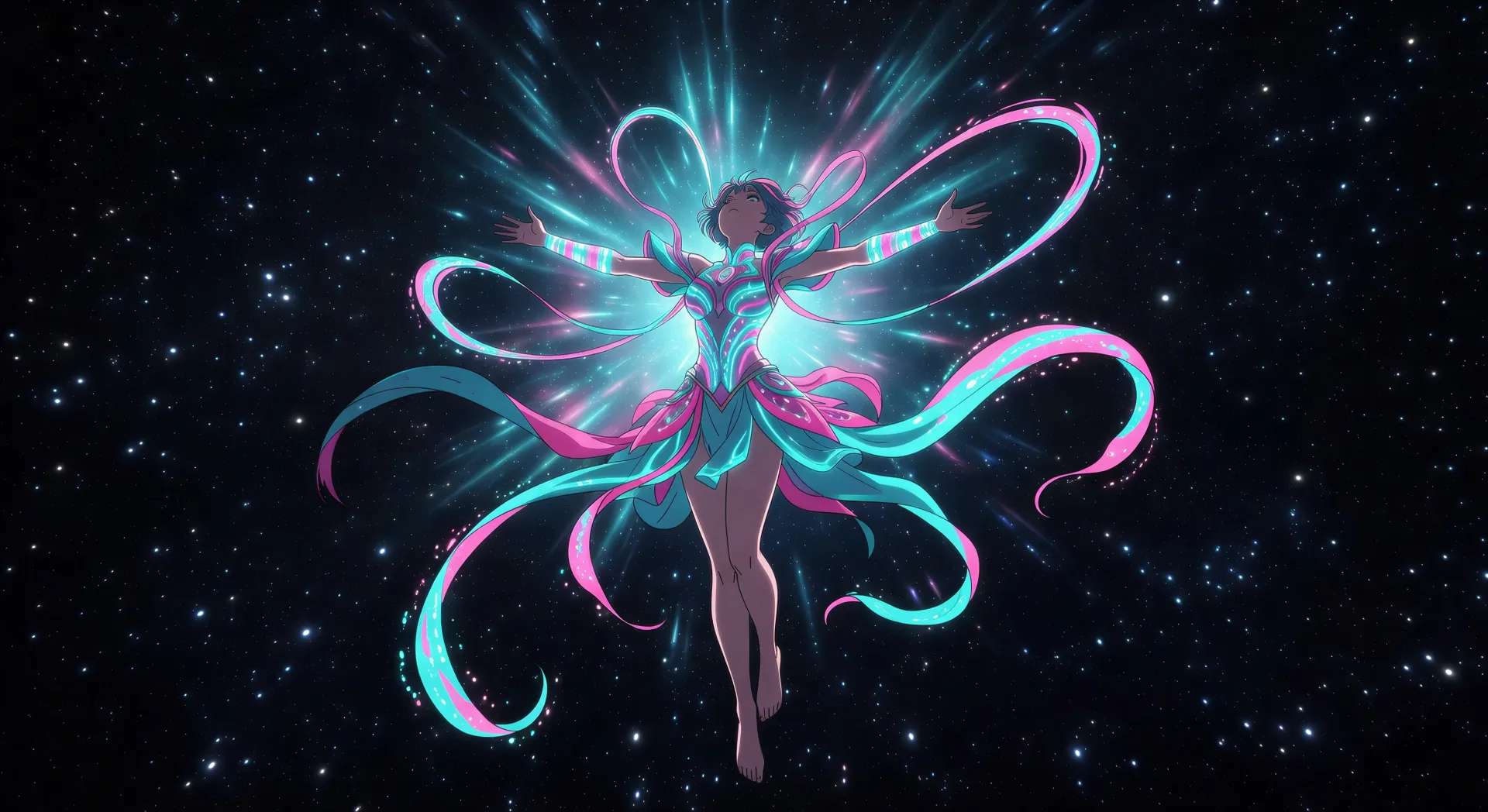
Morphicの魔法少女 AI動画ジェネレーターで、リボンと光の変身をブラウザで演出。星空にほどけるリボンや、ワンドの頂点での必殺技ポーズを生成し、Musicツールでスコアを重ね、セル調の見た目はVideo Style Transferで固定しましょう。
作成できる魔法少女のキャラクター
演出できる魔法少女のシーン
魔法少女の動画を3ステップで作成
- 一
シーンを記述
作りたい魔法少女のシーンを、わかりやすい言葉で記述します。
- 二
動画を生成
Morphicがキャンバス上に映画のようなクリップを数秒で生成します。
- 三
仕上げて共有
プロンプトを調整して再生成し、気に入ったショットを保存・共有します。

アニメ スタイル トランスファー
アニメのイラストをスタイルガイドとして選び、その見た目を画像に適用してください。
このワークフローを試す

レンダリング用のスケッチ
スケッチや描画をレンダリング済みの完成品に変換します。
このワークフローを試す

表情
任意のキャラクター画像を元に、1枚のリファレンスシートに6つの異なる表情を生成します。
このワークフローを試す

キャラクターラインナップ
すべてのキャラクターを身長比較とともに、1枚のラインナップ画像に並べます。
このワークフローを試す

ちびキャラのスプライトアニメーション
写真をアニメ化されたちびキャラのスプライトに変換します。踊ったり、ジャンプしたり、手を振ったり、攻撃したり、その他多くのことができます。
このワークフローを試す
あなたのキャラクターを踊らせて
キャラクター画像をアップロードして、どんなスタイルでも踊らせましょう。
このワークフローを試す
こちらもおすすめ
アニメAI動画
Morphicでアニメ動画を作りましょう。日常系のシーン、メカのカット、魔法少女の変身、そして完成したアニメのエピソードを、たった一つのプロンプトから生成します。
アニメAI動画
Morphicでアニメの戦闘シーン、剣の決闘、魔法のバトル、メカの衝突を作りましょう。たった一つのプロンプトから、生成し、動かし、語らせ、音楽をつけられます。
メカ AI動画
Morphicでメカアニメ動画を作りましょう。コックピット発進、ハンガーベイ、都市規模の戦闘、パイロットのポートレートを一つのプロンプトから生成します。
少女アニメのAI動画
Morphicで少女アニメ動画を作りましょう。恋愛シーン、告白の見せ場、お祭りでつなぐ手、静かなツーショットの瞬間を、ひとつのプロンプトから生成します。
シンプルな料金体系
今すぐ無料で始めて、いつでもアップグレードまたはキャンセルできます。
Basic
$19/ 月
請求額は $0 年2400 月 クレジット
1 ユーザーのみ
すべてのモデル
ワークフロー
Standard
$24/ 月
請求額は $0 年3625 月 クレジット
1 ユーザーのみ
すべてのモデル
ワークフロー
Pro
$45/ 月
請求額は $0 年6350 共有 月 クレジット
1 ユーザー
+ 最大 4 名まで追加費用
すべてのモデル
ワークフロー
Max
$170/ 月
請求額は $0 年24650 共有 月 クレジット
1 ユーザー
+ 最大 9 名まで追加費用
すべてのモデル
ワークフロー
Enterprise
より高い制限のために
カスタム
料金と請求条件
大容量クレジット
カスタムシート制限
すべてのモデル
ワークフロー

Free
気軽に試したい方に
$0
ずっと無料
最大20クレジット
1ユーザーのみ
一部のモデル
ワークフロー
よくある質問
魔法少女の動画はどこでAIで作れますか?
魔法少女の動画は Morphic 上でブラウザから直接作成できます。Text to Video ツールを開き、サブジャンルと瞬間を明示してシーンを説明すると、Morphic がクリップを生成します。インストールも専用ソフトも不要です。
どんな魔法少女のシーンがAI動画に向いていますか?
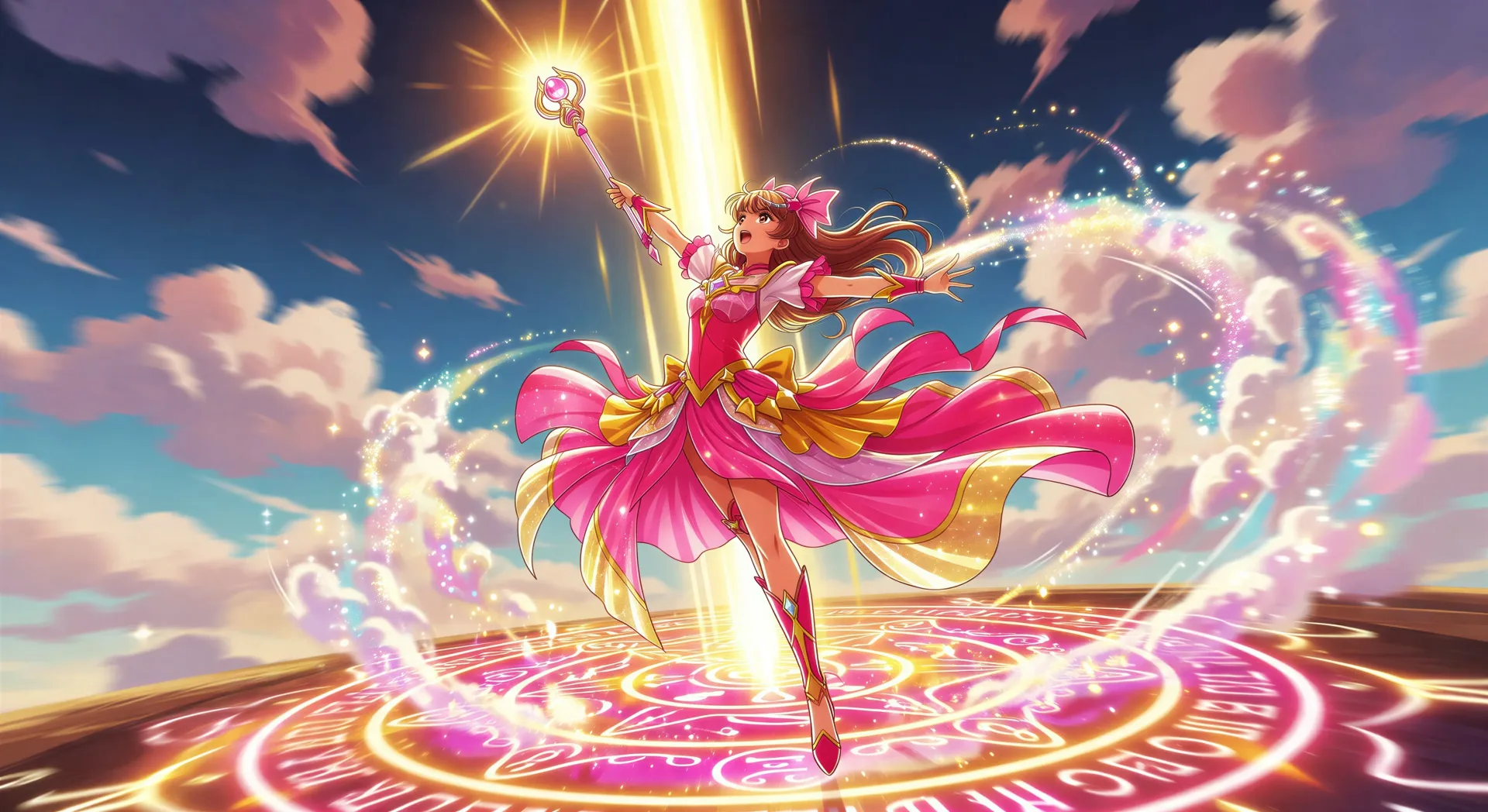
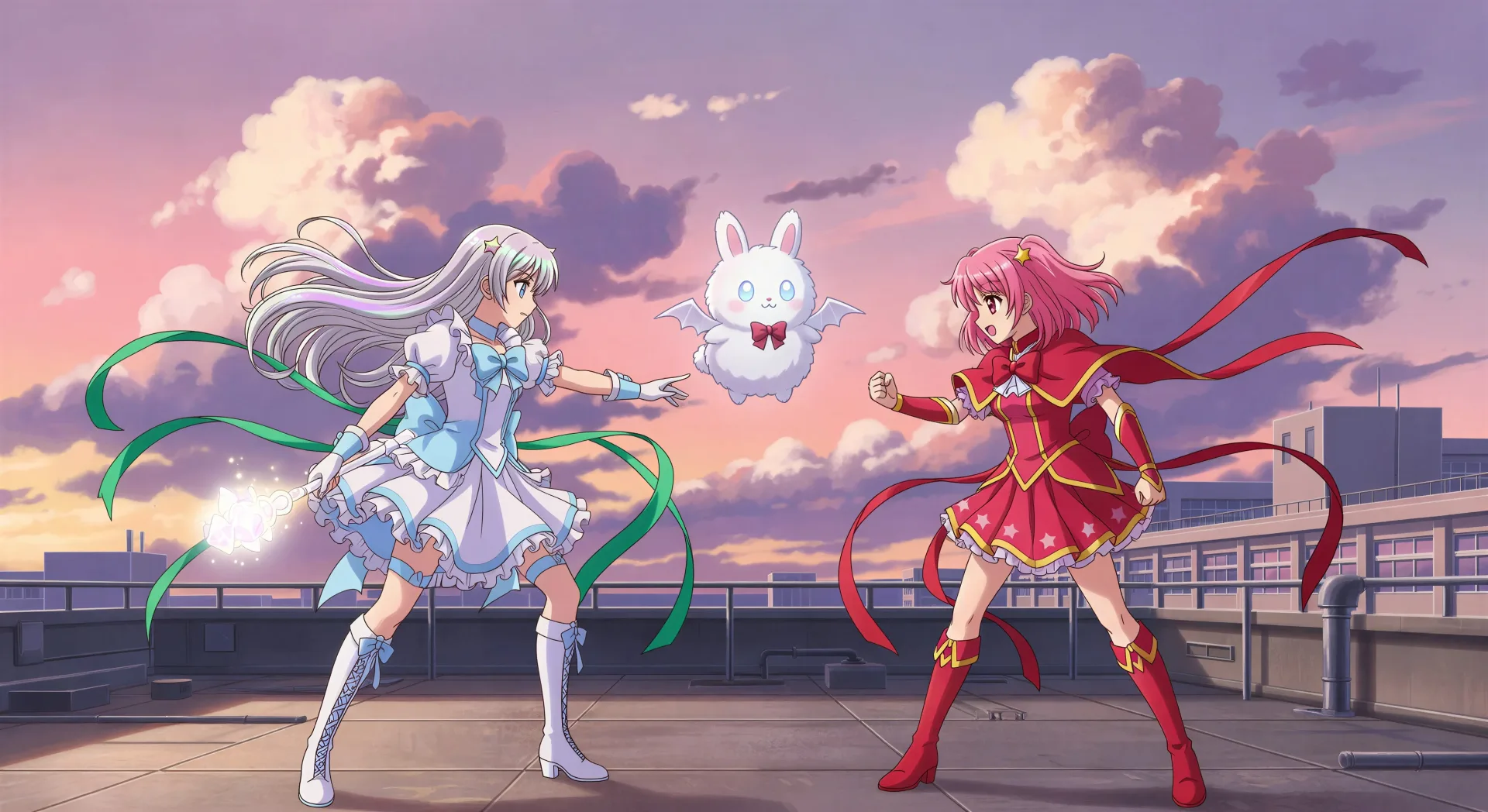
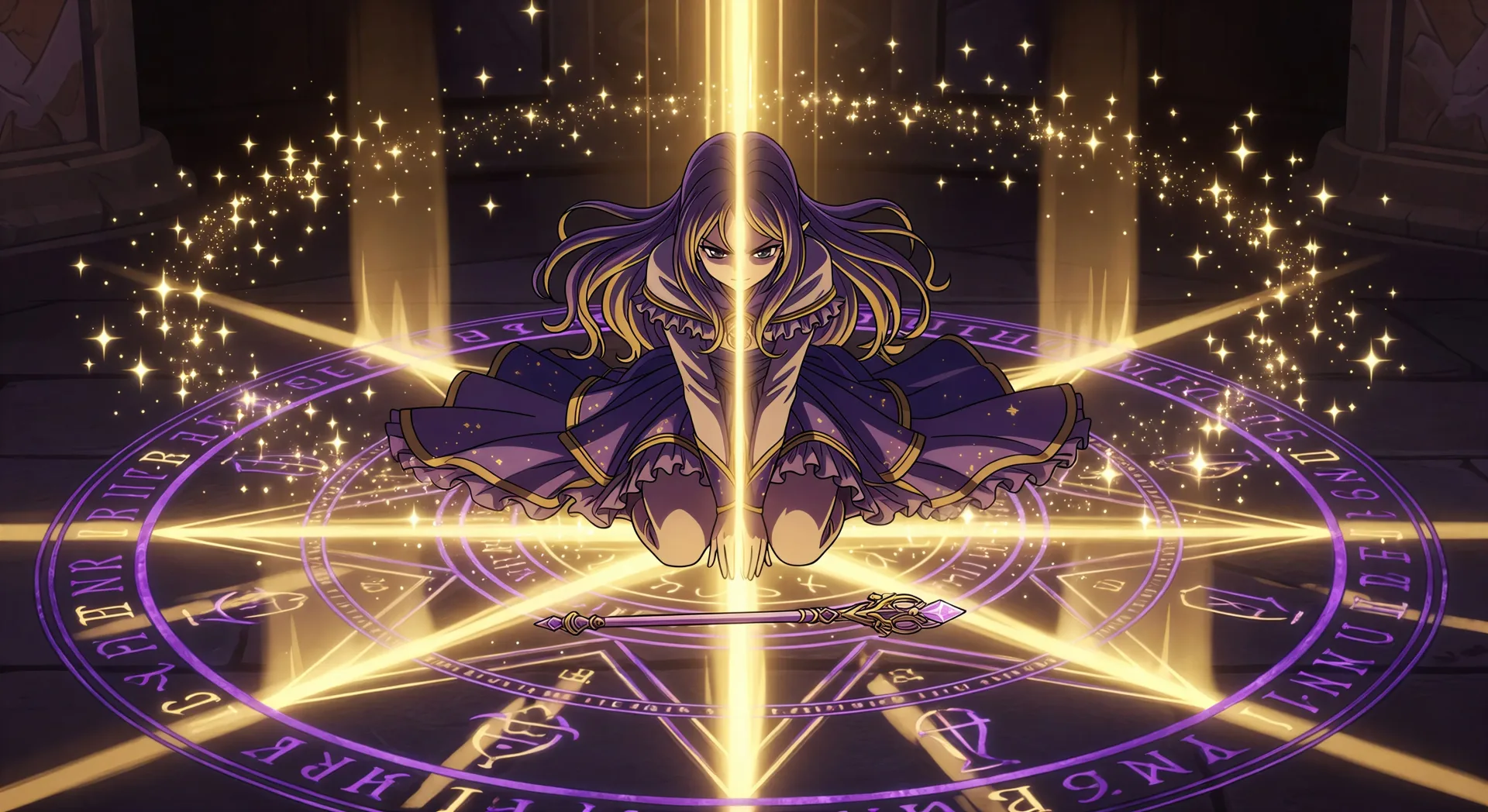
はっきりしたジャンルの拍を持つ単一ショットの瞬間です。変身シーケンス、必殺技ポーズ、夕暮れの屋上対決、紋章の輪の召喚、回転の途中の衣装お披露目など。各シーンをサブジャンル、主たる色、カメラの動きに結びつけましょう。
魔法少女のヒロインをシーンをまたいで揃えるには?
クリップを作る前に Character Lineup ワークフローで普段の姿、魔法形態、ワンド、マスコットを固定し、各ショットのプロンプトでそのキャラクターカードを参照します。Morphic はカットをまたいでデザインを保つので、魔法少女のシリーズがひと続きに感じられます。
変身シーケンスの見た目を指示するには?
ジャンルの手がかりを重ねましょう。「彼女の周りでリボンがほどける」「腕に光の帯となって衣装が形を成す」「背後に星空」「足が地面に触れない」「足元に紋章の輪」といった表現を使います。配置の拍を名指しすることが、ポーズを取っただけの一般的なアニメ少女ではなく変身シーケンスを引き出すのです。
魔法少女の動画にナレーションや音楽を加えられますか?
はい。Speech ツールは選んだ声で台本からナレーションを生成し、Music ツールはオリジナルのサウンドトラックを作ります。生成した動画にそれらを重ねれば、完成した魔法少女のエピソードや予告編を公開できます。
魔法少女の動画を作るのにアニメ制作の経験は必要ですか?
いいえ。Morphic はブラウザで動き、平易な言葉のプロンプトで演出します。魔法少女のシーンを説明できる人なら誰でも作れます。After Effects、Toon Boom、手作業のコマ撮りは必要ありません。