AIメニューボード動画
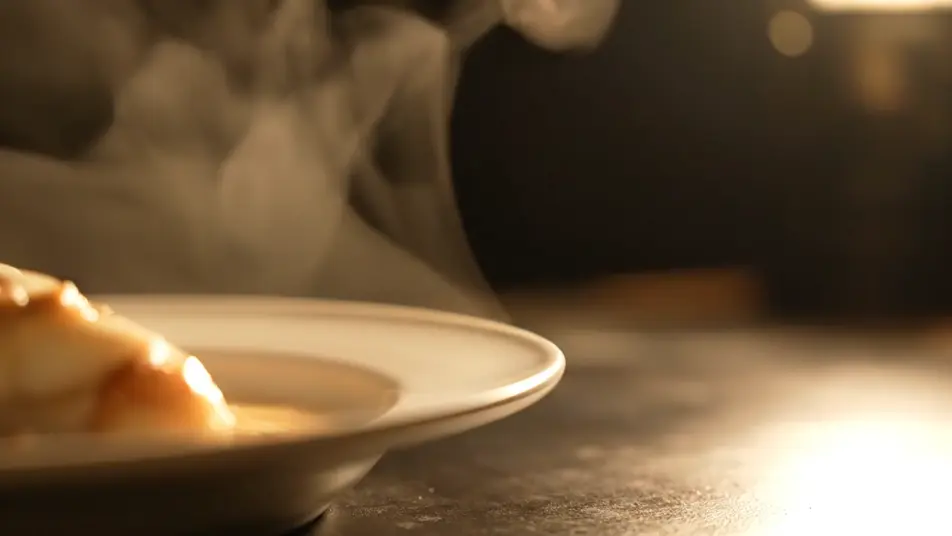
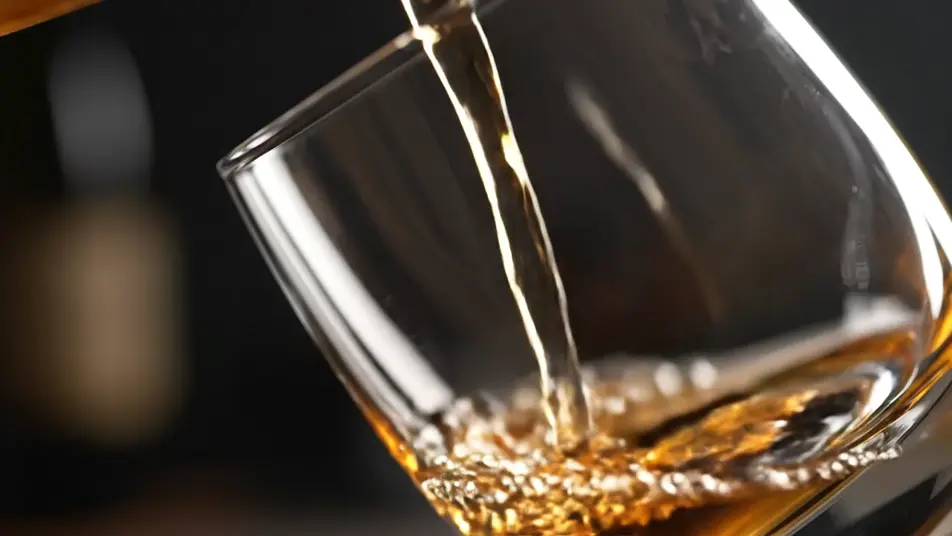
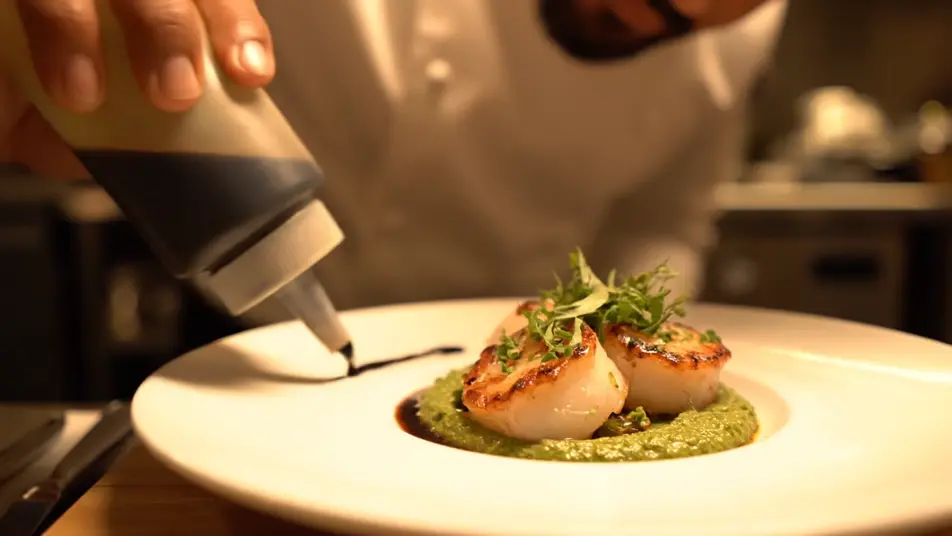
湯気や一滴のしずくが、メニューの背景を動かします。メニューボード動画メーカーは、湯気、ドリンクの注ぎ、食材が舞う瞬間を生成します。Composeでループに仕上げ、実際のメニュー文字を重ねれば、どんな画面にも配信できます。
演出できるモーションベッド
構成できるメニューループ

メニューボード動画の動画を3ステップで作成
- 一
シーンを記述
作りたいメニューボード動画のシーンを、わかりやすい言葉で記述します。
- 二
動画を生成
Morphicがキャンバス上に映画のようなクリップを数秒で生成します。
- 三
仕上げて共有
プロンプトを調整して再生成し、気に入ったショットを保存・共有します。

シネマティックシーンへのメッセージ
あらゆるテキスト会話を映画のようなマルチショットビデオにドラマ化します。
このワークフローを試す
タイムフリーズ効果
あらゆるシーンに使える、シネマティックなタイムフリーズ短編動画
このワークフローを試す

タイトルシーケンス
オプションでシネマティックアニメーションを追加できる、プロフェッショナルな映画タイトルカードをゼロから生成します。
このワークフローを試す
リノベーションのタイムラプス
不動産の写真は、建設SFXと音楽を使った映画のようなリノベーションのタイムラプスビデオになります。
このワークフローを試す
Cinematic scene
1枚の画像から9シーンのシネマティックビデオを作成します。
このワークフローを試す
映画の世界に入り込んでみよう
あなたの写真をドロップしてください。アニメーションとマッチしたサウンドトラックを備えた12秒の映画のようなムービーを入手してください。
このワークフローを試す
こちらもおすすめ
AIホテルPR動画
夕景のプールや灯りのロビーをAIで生成し、滞在の魅力を伝えるホテルPR動画に。プロンプトだけで演出でき、Composeで編集してそのまま公開できます。今すぐ試してみましょう。
ジムプロモーション動画をAIで生成
ジムプロモーション動画をAIで生成。明るいフロアやクラス、ラックされたウェイトを一本の勢いあるカットにまとめ、体験入会を後押しします。
AI創業者ストーリー動画ジェネレーター
Morphicで創業者ストーリー動画をAI生成。試作の手元や朝の作業場を撮り、人物そのものを主役にした動画を今日中に仕上げられます。
AI LinkedIn動画広告
撮影なしでAI動画によるLinkedIn広告を生成。専門家のカメラ目線やチームの様子をブラウザで作り、Composeでフィード用に仕上げます。
シンプルな料金体系
今すぐ無料で始めて、いつでもアップグレードまたはキャンセルできます。
Basic
$19/ 月
請求額は $0 年2400 月 クレジット
1 ユーザーのみ
すべてのモデル
ワークフロー
Standard
$24/ 月
請求額は $0 年3625 月 クレジット
1 ユーザーのみ
すべてのモデル
ワークフロー
Pro
$45/ 月
請求額は $0 年6350 共有 月 クレジット
1 ユーザー
+ 最大 4 名まで追加費用
すべてのモデル
ワークフロー
Max
$170/ 月
請求額は $0 年24650 共有 月 クレジット
1 ユーザー
+ 最大 9 名まで追加費用
すべてのモデル
ワークフロー
Enterprise
より高い制限のために
カスタム
料金と請求条件
大容量クレジット
カスタムシート制限
すべてのモデル
ワークフロー

Free
気軽に試したい方に
$0
ずっと無料
最大20クレジット
1ユーザーのみ
一部のモデル
ワークフロー
よくある質問
AIでメニューボード動画を作るには?
Morphicならブラウザ上で直接作成できます。Text to Videoで各セクションの背景に欲しい食べ物やドリンクの動きを説明すると、クリップが生成されます。Composeで画面サイズに合わせたループにまとめます。
メニューの品目や価格はどう入れますか?
モーションベッドは文字なしで生成し、実際のメニュー文字はComposeで上や横に重ねます。AIが生成する文字は読み取れないことが多いため、価格や品目名は必ず自分で管理する文字を使います。価格を変えるときも、文字を直すだけで済みます。
生成した映像に文字を入れないのはなぜですか?
AI動画は文字や数字を意味のない形に描いてしまうため、価格の読みやすさが損なわれます。映像を純粋な食欲をそそる動きだけにすれば、言葉は守られます。季節メニューが変わっても、映像はそのまま使い続けられます。
メニューボードの背景にはどんな動きが向いていますか?
湯気が立つ、ドリンクが注がれる、食材が落ちるといった、ゆっくりループする動きが料理を引き立てます。速いカットは上に乗る文字と喧嘩します。余白を広めに頼み、カメラを落ち着かせるのがコツです。
画面の形式はどう選べばいいですか?
壁掛けディスプレイには横向き、縦長パネルには縦向きを選びます。各セクションは短いループとして作ると、ボード全体が滑らかに循環します。サイネージプレーヤーに合った解像度でComposeから書き出せば、一日中安定して再生されます。