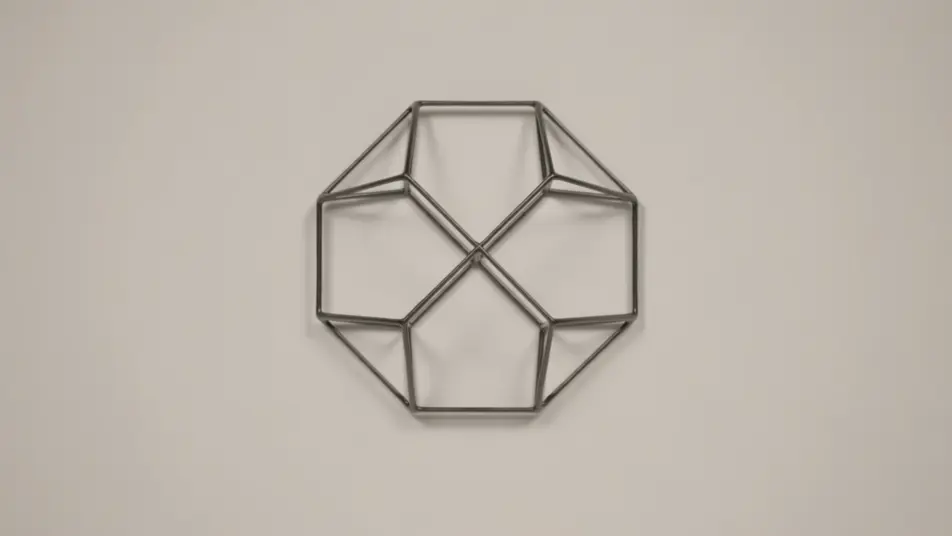
ブランドリニューアル発表動画メーカー
ブランドリニューアルの発表動画は、ブラウザ上でMorphicの生成AIで制作できます。暖簾の掛け替えのようなロゴの変化、刷新理由を語る一言、新しい姿のお披露目まで、プロンプトひとつで再現可能です。Speechで声を添え、Composeで一本の発表にまとめます。
リニューアル発表で使える演出
発表の構成例
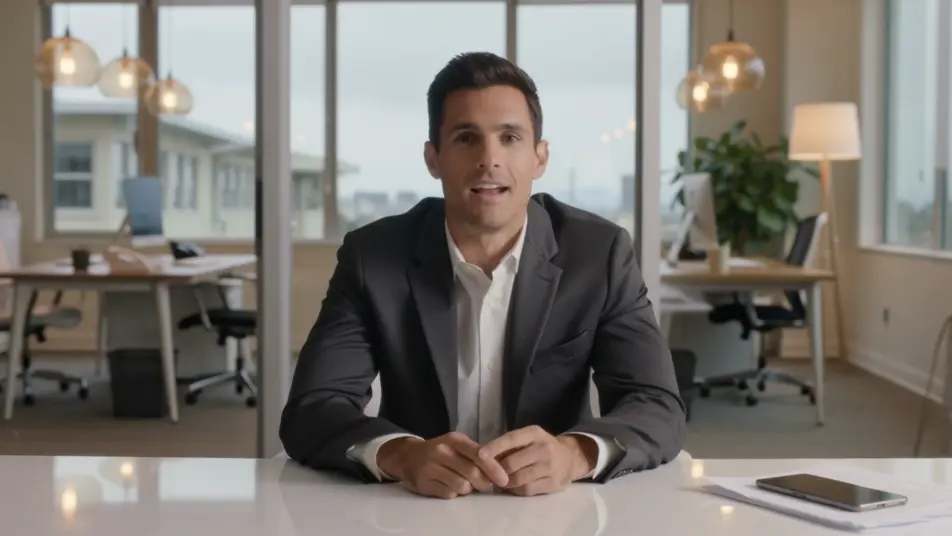


ブランドリニューアル動画の動画を3ステップで作成
- 一
シーンを記述
作りたいブランドリニューアル動画のシーンを、わかりやすい言葉で記述します。
- 二
動画を生成
Morphicがキャンバス上に映画のようなクリップを数秒で生成します。
- 三
仕上げて共有
プロンプトを調整して再生成し、気に入ったショットを保存・共有します。

シネマティックシーンへのメッセージ
あらゆるテキスト会話を映画のようなマルチショットビデオにドラマ化します。
このワークフローを試す
タイムフリーズ効果
あらゆるシーンに使える、シネマティックなタイムフリーズ短編動画
このワークフローを試す

タイトルシーケンス
オプションでシネマティックアニメーションを追加できる、プロフェッショナルな映画タイトルカードをゼロから生成します。
このワークフローを試す
リノベーションのタイムラプス
不動産の写真は、建設SFXと音楽を使った映画のようなリノベーションのタイムラプスビデオになります。
このワークフローを試す
Cinematic scene
1枚の画像から9シーンのシネマティックビデオを作成します。
このワークフローを試す
映画の世界に入り込んでみよう
あなたの写真をドロップしてください。アニメーションとマッチしたサウンドトラックを備えた12秒の映画のようなムービーを入手してください。
このワークフローを試す
こちらもおすすめ
マイルストーン発表動画メーカー
数分でマイルストーン発表動画を作成。数字を披露し、創業者コメントと会社の歩みを加え、数字が変わったら後から更新できます。
パートナーシップ発表動画メーカー
Morphicでパートナーシップ発表動画を作成。ロゴのロックアップやリーダーの言葉、変化点の説明を生成し、後から更新も簡単です。
受賞発表AI動画
受賞発表の動画を制作会社なしでAI生成。候補者の紹介から受賞の瞬間、盾やトロフィーの接写まで同じ見た目でそろい、社内表彰や広報の告知に当日中に間に合います。
オフィス開設動画をAIで生成
オフィス開設動画をAIで生成。鏡開きや内覧、社員からの挨拶をひとつずつ作り、Composeでまとめて当日に公開できます。
シンプルな料金体系
今すぐ無料で始めて、いつでもアップグレードまたはキャンセルできます。
Basic
$19/ 月
請求額は $0 年2400 月 クレジット
1 ユーザーのみ
すべてのモデル
ワークフロー
Standard
$24/ 月
請求額は $0 年3625 月 クレジット
1 ユーザーのみ
すべてのモデル
ワークフロー
Pro
$45/ 月
請求額は $0 年6350 共有 月 クレジット
1 ユーザー
+ 最大 4 名まで追加費用
すべてのモデル
ワークフロー
Max
$170/ 月
請求額は $0 年24650 共有 月 クレジット
1 ユーザー
+ 最大 9 名まで追加費用
すべてのモデル
ワークフロー
Enterprise
より高い制限のために
カスタム
料金と請求条件
大容量クレジット
カスタムシート制限
すべてのモデル
ワークフロー

Free
気軽に試したい方に
$0
ずっと無料
最大20クレジット
1ユーザーのみ
一部のモデル
ワークフロー
よくある質問
AIでブランドリニューアル発表動画は作れますか?
はい、Morphic上でブラウザから制作できます。Text to Videoでロゴの変化や刷新理由、新しい姿のお披露目を描写すると映像が生成されます。Composeで各場面を一本の発表にまとめましょう。
リニューアル発表に向く構成は?
ロゴの変化、短い刷新理由、変わらないものを伝える一言の三つが軸になります。新しい配色とテンポを全場面で揃えると、刷新の印象が一つにまとまります。
リニューアル動画のプロンプトはどう書けばいい?
刷新の理由と新しい配色、トーンを先に決めます。マークの変化、経営者の語り、サインや製品でのお披露目をそれぞれ同じ調子で描写しましょう。配色とテンポの一致が決め手です。
新しい姿が広がるのに合わせて動画を更新できますか?
はい。サインや製品、発表日が決まり次第、その場面だけ作り直してComposeで差し替えられます。他の場面はそのままで、変わった部分だけを更新すれば撮り直しよりずっと早く公開できます。
ナレーションや音楽は付けられますか?
はい。Speechで刷新理由を語る明瞭なナレーションを生成し、Musicで前向きなバックミュージックを重ねられます。音は控えめにし、新しいマークとメッセージを主役に保ちましょう。