AIで作る飲食店のプロモーション動画
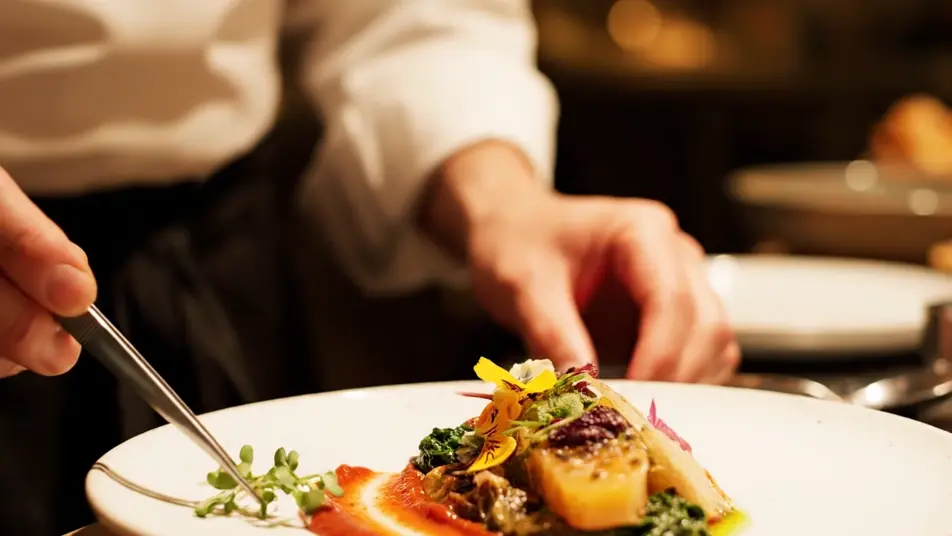
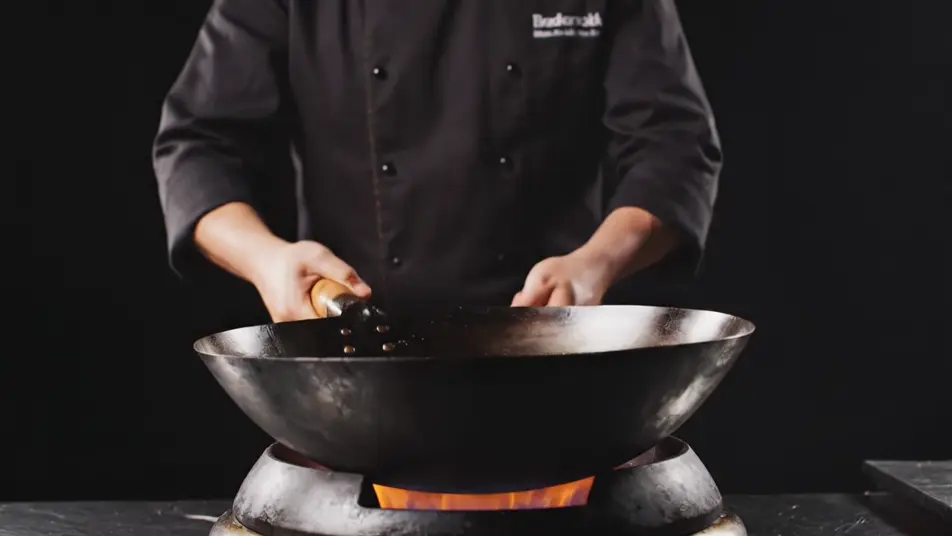
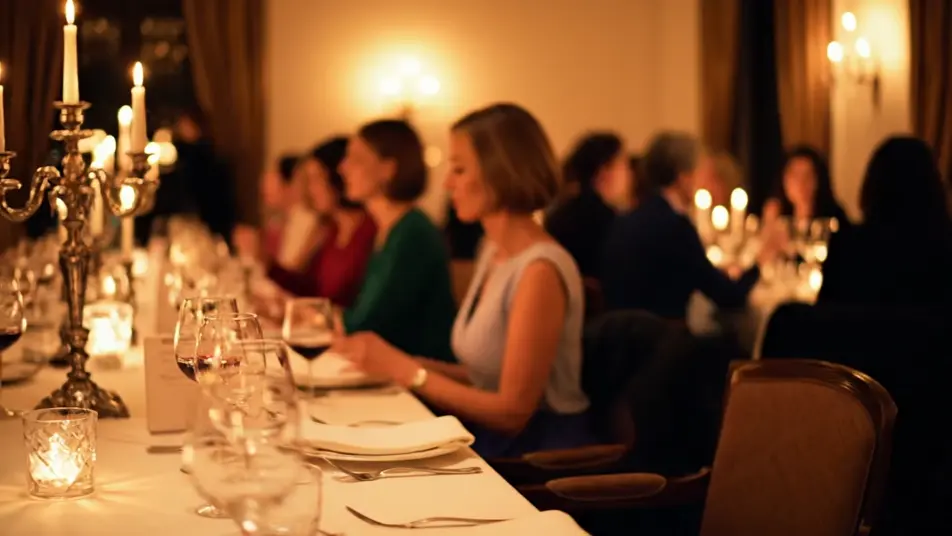
撮影クルーも撮影日も要りません。Morphicなら、盛り付けの手元、中華鍋から立ち上る炎、夜へ沈んでいく客席をブラウザ上で生成できます。Musicで曲を付け、Composeでつなげば一本のPR動画になります。
演出できる飲食店PRのカット
組み立てられる飲食店PRのシーン
飲食店のプロモーション動画の動画を3ステップで作成
- 一
シーンを記述
作りたい飲食店のプロモーション動画のシーンを、わかりやすい言葉で記述します。
- 二
動画を生成
Morphicがキャンバス上に映画のようなクリップを数秒で生成します。
- 三
仕上げて共有
プロンプトを調整して再生成し、気に入ったショットを保存・共有します。

シネマティックシーンへのメッセージ
あらゆるテキスト会話を映画のようなマルチショットビデオにドラマ化します。
このワークフローを試す
タイムフリーズ効果
あらゆるシーンに使える、シネマティックなタイムフリーズ短編動画
このワークフローを試す

タイトルシーケンス
オプションでシネマティックアニメーションを追加できる、プロフェッショナルな映画タイトルカードをゼロから生成します。
このワークフローを試す
リノベーションのタイムラプス
不動産の写真は、建設SFXと音楽を使った映画のようなリノベーションのタイムラプスビデオになります。
このワークフローを試す
Cinematic scene
1枚の画像から9シーンのシネマティックビデオを作成します。
このワークフローを試す
映画の世界に入り込んでみよう
あなたの写真をドロップしてください。アニメーションとマッチしたサウンドトラックを備えた12秒の映画のようなムービーを入手してください。
このワークフローを試す
こちらもおすすめ
AI季節キャンペーン動画
季節キャンペーン動画をAIで生成。雪、紅葉狩り、桜、夏の光を数分で再現し、撮影日もロケ地も不要です。今すぐ季節を選べます。
AIお客様の声動画
窓際の卓上や工房、喫茶店での語りをMorphicで生成。数週間の撮影を待たず、信頼感のあるカットをすぐに作れます。
TikTok広告動画をAIで生成
TikTok広告動画をAIで生成。商品をつかむ手、ビフォーアフター、驚きの表情を縦型で作れます。SNS運用にも広告出稿にもそのまま使えます。今すぐフックを作りましょう。
AI商品デモ動画
ターンテーブル回転や手元のクローズアップ、マクロ撮影まで一つのプロンプトから生成。無地の商品でデモ映像を今すぐ作れます。
シンプルな料金体系
今すぐ無料で始めて、いつでもアップグレードまたはキャンセルできます。
Basic
$19/ 月
請求額は $0 年2400 月 クレジット
1 ユーザーのみ
すべてのモデル
ワークフロー
Standard
$24/ 月
請求額は $0 年3625 月 クレジット
1 ユーザーのみ
すべてのモデル
ワークフロー
Pro
$45/ 月
請求額は $0 年6350 共有 月 クレジット
1 ユーザー
+ 最大 4 名まで追加費用
すべてのモデル
ワークフロー
Max
$170/ 月
請求額は $0 年24650 共有 月 クレジット
1 ユーザー
+ 最大 9 名まで追加費用
すべてのモデル
ワークフロー
Enterprise
より高い制限のために
カスタム
料金と請求条件
大容量クレジット
カスタムシート制限
すべてのモデル
ワークフロー

Free
気軽に試したい方に
$0
ずっと無料
最大20クレジット
1ユーザーのみ
一部のモデル
ワークフロー
よくある質問
AIで飲食店のPR動画はどこで作れますか?
Morphicのブラウザ上で作れます。Text to Videoツールを開き、盛り付けや炎、夜の客席といったカットを一つずつ説明してください。生成した素材はComposeでつなげば、その日のうちに公開できる一本になります。
生成した動画は商用利用できますか?
はい。店頭サイネージやSNS投稿、店舗のWebサイトなど、ご自身の宣伝に使用できます。商用利用の範囲はご契約プランの利用規約をご確認ください。
居酒屋やラーメン店で映えるカットは?
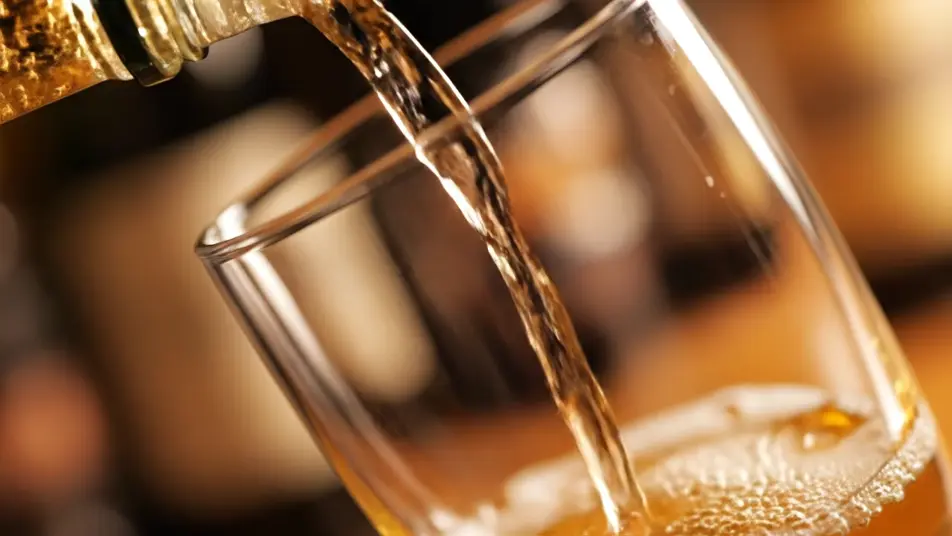
カットは一つの動きに絞ると自然に見えます。盛り付けのアップ。中華鍋の炎。琥珀色の一杯。灯りのともる客席。どれも料理と空気だけで成立します。メニューや看板、文字入りのグラスは画面から外しましょう。
カットごとに雰囲気を揃えるには?
光と色をすべてのプロンプトで使い回します。暖かな金色の光、浅い被写界深度。この2つを毎回書くだけで、どのカットも同じ夜に見えます。並び順はComposeで決め、客席から厨房へ進み、仕上がった一皿で締めましょう。
音楽や日本語のナレーションを加えられますか?
はい。Musicツールが、指定した雰囲気に合うオリジナル曲を作ります。Speechツールで日本語のナレーションも重ねられます。ただし飲食の映像は、音楽だけにして音や湯気を前に出したほうが伝わります。