
AIセキュリティ解説動画
セキュリティ解説動画は、信頼ページの内容をそのまま映像にする一番の近道です。Morphicならブラウザだけで、暗号化の流れやデータフロー図、認証マークの訴求を組み立てられます。声はSpeechで加え、各セグメントはCanvasで一本の解説につなぎます。
演出できるセキュリティ解説の一幕
構成できる信頼の場面
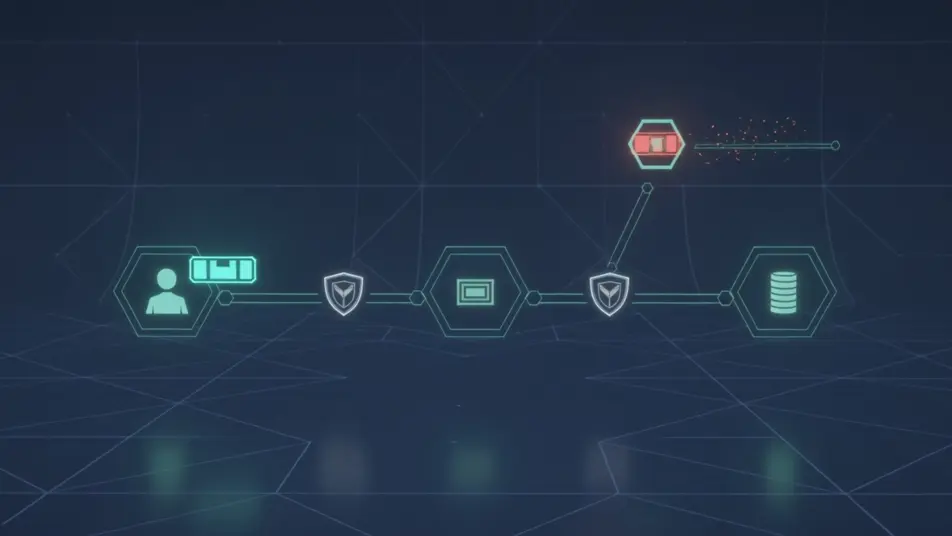

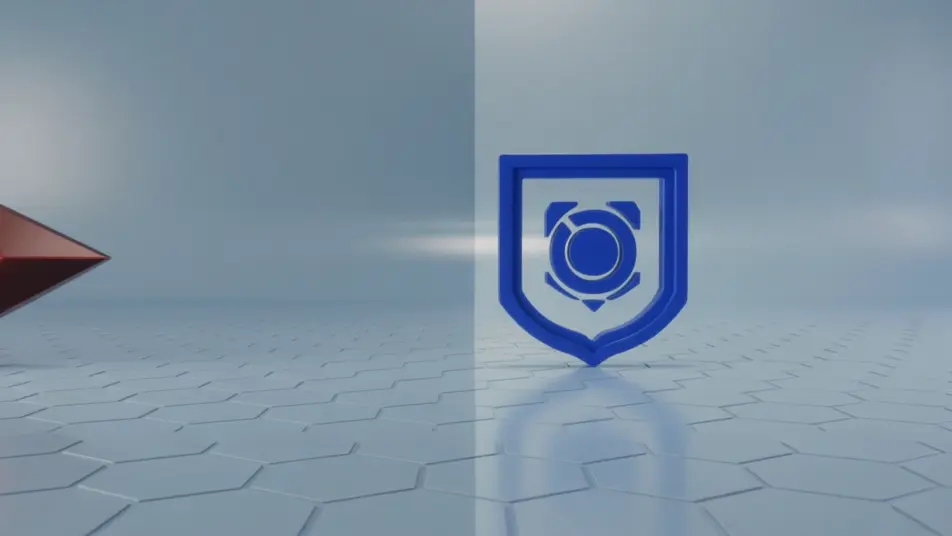
セキュリティ説明動画の動画を3ステップで作成
- 一
シーンを記述
作りたいセキュリティ説明動画のシーンを、わかりやすい言葉で記述します。
- 二
動画を生成
Morphicがキャンバス上に映画のようなクリップを数秒で生成します。
- 三
仕上げて共有
プロンプトを調整して再生成し、気に入ったショットを保存・共有します。

シネマティックシーンへのメッセージ
あらゆるテキスト会話を映画のようなマルチショットビデオにドラマ化します。
このワークフローを試す
タイムフリーズ効果
あらゆるシーンに使える、シネマティックなタイムフリーズ短編動画
このワークフローを試す

タイトルシーケンス
オプションでシネマティックアニメーションを追加できる、プロフェッショナルな映画タイトルカードをゼロから生成します。
このワークフローを試す
リノベーションのタイムラプス
不動産の写真は、建設SFXと音楽を使った映画のようなリノベーションのタイムラプスビデオになります。
このワークフローを試す
Cinematic scene
1枚の画像から9シーンのシネマティックビデオを作成します。
このワークフローを試す
映画の世界に入り込んでみよう
あなたの写真をドロップしてください。アニメーションとマッチしたサウンドトラックを備えた12秒の映画のようなムービーを入手してください。
このワークフローを試す
こちらもおすすめ
AI API解説動画ジェネレーター
Morphicで開発者向けのAPI解説動画をAI生成。リクエスト・レスポンスの流れや認証フローをカードで可視化。ドキュメントがそのまま動画になります。
AIコンプライアンス研修動画
コンプライアンス研修動画をAIで生成。ケーススタディから理解度チェックまでそろえ、日本語ナレーションを重ねて社内研修にまとめられます。
AI導入デモ動画
ツール連携のデモ動画をMorphicで作成します。設定画面やデータ連携、実際の動作までまとめ、Composeで一本にできます。今すぐ無料で試せます。
AIソフトウェア操作動画
Morphicで案内ツアーや機能紹介、操作手順の動画を制作会社なしで作成できます。ナレーションを添えて、Web公開用の一本にまとめられます。
シンプルな料金体系
今すぐ無料で始めて、いつでもアップグレードまたはキャンセルできます。
Basic
$19/ 月
請求額は $0 年2400 月 クレジット
1 ユーザーのみ
すべてのモデル
ワークフロー
Standard
$24/ 月
請求額は $0 年3625 月 クレジット
1 ユーザーのみ
すべてのモデル
ワークフロー
Pro
$45/ 月
請求額は $0 年6350 共有 月 クレジット
1 ユーザー
+ 最大 4 名まで追加費用
すべてのモデル
ワークフロー
Max
$170/ 月
請求額は $0 年24650 共有 月 クレジット
1 ユーザー
+ 最大 9 名まで追加費用
すべてのモデル
ワークフロー
Enterprise
より高い制限のために
カスタム
料金と請求条件
大容量クレジット
カスタムシート制限
すべてのモデル
ワークフロー

Free
気軽に試したい方に
$0
ずっと無料
最大20クレジット
1ユーザーのみ
一部のモデル
ワークフロー
よくある質問
セキュリティ解説動画はどこで作れますか?
Morphic上でブラウザだけで完結します。Text to Videoツールに暗号化の流れやデータフロー図、認証マークの見せ方を書き込むと、各セグメントが生成されます。あとはCanvasで一本の解説につなぐだけです。
セキュリティ解説動画にはどんなセグメントが向いていますか?
暗号化の流れを見せる一幕が特に効果的です。データフロー図や認証マークの一幕、アクセス制御の場面を続けると、抽象的な安全対策を目に見える形に変えられます。
セキュリティ解説の良いプロンプトはどう書けばいいですか?
1つの対策を1つのアイデアに絞り、図解のスタイルを統一して書きます。データが変換されるのか、ゲートが開くのか、動き方を具体的に指定し、配色は一定に保ちましょう。1コマに1対策を書くことが、技術的な内容を分かりやすくします。
シーン全体の見た目をそろえるには?
同じ図解スタイル、配色、動きの言葉をすべてのプロンプトで繰り返し使います。Canvasで候補を並べて比較し、信頼ページのデザインに合うコマを選び、ナレーションに合わせて切り替えのタイミングを調整しましょう。
セキュリティ解説動画にナレーションを追加できますか?
はい。Speechなら、各対策や基準を伝える声を好みのトーンで生成できます。Musicで背景音を加える場合は控えめに保ち、説明とナレーションが埋もれないようにしましょう。