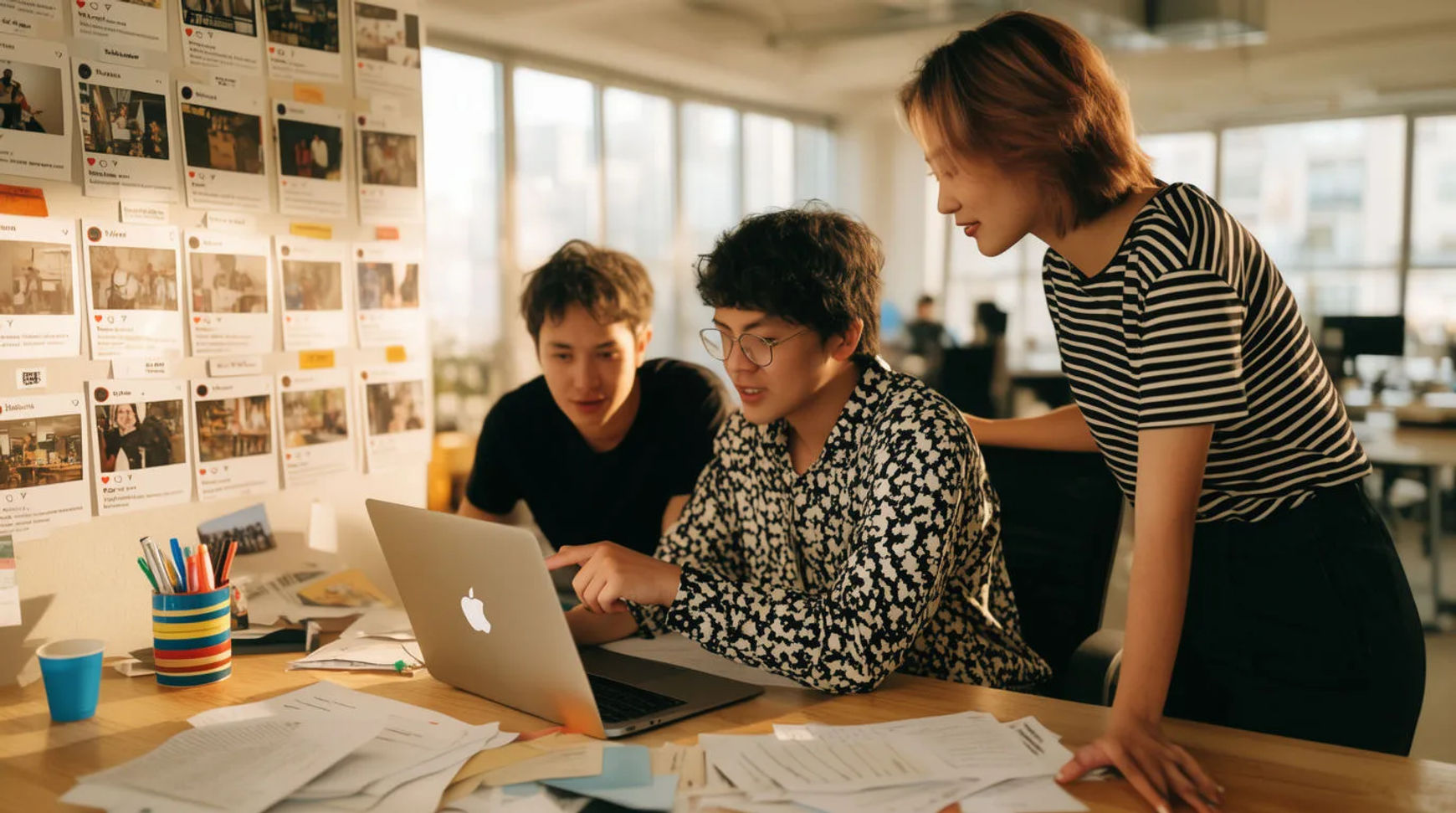
In-house brand teams keep up with social content demand by planning the calendar first, then batch-generating the on-brand video, images, and voice for it inside one AI platform instead of making every post by hand across separate tools. The workflow is short: plan the calendar, batch-generate on-brand assets, keep consistency with references, then schedule and repurpose. Because every step lives in the same project, a week that used to mean a scramble across a design tool, a video app, and a voice service becomes one focused session with no handoffs in between.
Steps at a glance
- Plan the calendar and the concepts
- Batch-generate on-brand assets
- Keep brand consistency with reference sheets
- Schedule and repurpose across channels
- Review together on a shared canvas
How in-house brand teams keep pace, step by step
Plan the calendar and the concepts
Map the week or the month before making anything: the themes, the cadence, and one clear concept per slot. This is the part that stays human, because it is where the brand's voice and the team's judgment actually live. Written as a list of briefs, the calendar becomes a queue the team can hand to the platform one concept at a time rather than a blank week that resets the pressure every morning.
Batch-generate on-brand assets
Take each concept and generate its clips and images from the brief, asking for the whole batch rather than a cautious first set: variants for testing, sizes for each channel, and alternate directions all fire together. Keep the takes that hold, adjust one thing on the ones that drift, and regenerate rather than starting over. A week of assets that used to take the whole team comes back in an afternoon, ready to review.
Keep brand consistency with reference sheets
Build reference sheets for the recurring people, products, and set, and pass those references into every generation that needs them. That is how the same spokesperson, the same product, and the same visual tone hold across a week of posts instead of being re-described in words each time and hoping it lands. Consistency stops being a manual QA pass and becomes a property of how the assets are made.
Schedule and repurpose across channels
One concept rarely earns a single post. Reframe the hero clip vertical for shorts, pull a still for the feed, add a generated voiceover for a channel that needs one, and add captions in a second language as a step in the same project. What was one idea becomes a spread across the calendar, so the week fills out from the work the team already made rather than from new work.
Here are a few of the finished pieces this produces, each generated from a brief rather than filmed:
Hero post
Short cut
Feed still
Manual pipeline versus AI-assisted
The saving is less about any single post and more about how the whole week changes when the work stops moving between apps and people. Here is the shift, honestly drawn.
| Stage | Manual pipeline | AI-assisted |
|---|---|---|
| A week of assets | Days across tools | One focused session |
| Staying on brand | A manual QA pass | References on every shot |
| A revision | A round trip through apps | A regeneration in place |
| Repurposing | Remake for each channel | A parameter, not a remake |
| Review | Export and post for feedback | In place on a shared canvas |
Put it together
Keeping up with social demand is not about a lean team simply working faster; it is about removing the handoffs so a small team can carry a full calendar. Plan the concepts, batch-generate the assets, hold the brand with references, then repurpose one idea into many. The saving that matters most is the tightness of the loop from idea to posted piece, which is where an in-house team either keeps up with the calendar or falls behind it. The lowest-risk way to feel it is to build one week this way and compare the hours honestly. The text-to-video generator is the fastest place to turn a brief into a clip, and how to make an AI video covers directing a shot so it looks made rather than generated.