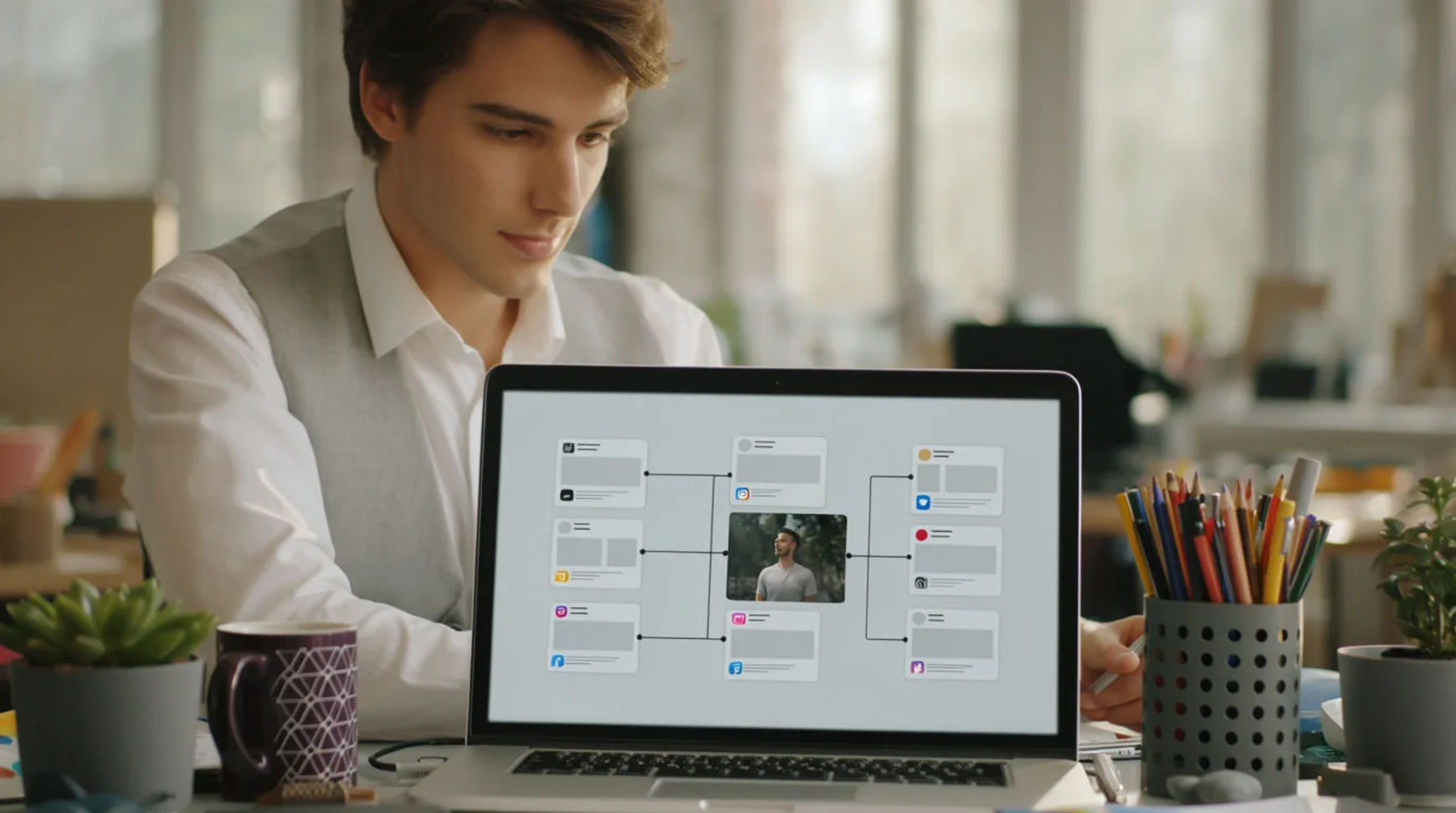
Creators turn one idea into a week of content by treating a single concept as a source and generating many formats and angles from it, instead of making one post and moving on. The workflow is short: pick the core idea, generate the hero piece, spin variants for format, angle, and language, then repurpose those into a week. Because the video, image, and voice tools share one project, a vertical cut, a second angle, and a version in another language are small changes to the same file rather than new productions, which is how one concept fills seven days.
Steps at a glance
- Pick the core idea
- Generate the hero piece
- Spin variants for format, angle, and language
- Repurpose the variants into a week
- Keep the theme tight so the week reads as one story
How creators stretch one idea into a week, step by step
Pick the core idea
Start with one concept strong enough to carry a week: a claim, a story, a demonstration, or a question. This is the part that stays human, because the idea and the hook are where your taste lives. Write it as a short brief you can hand to the platform, and be clear about the single thing the week is about, so every later variant reinforces it instead of wandering off into seven unrelated posts.
Generate the hero piece
Turn the brief into one strong hero piece and direct it like a filmmaker: name the light, the camera move, and the mood. A directed prompt is the difference between a clip that looks generated and one that looks made. Generate a few takes, keep the one that holds, and adjust one thing rather than starting over on the ones that drift. The hero piece is the source the rest of the week is cut from.
Spin variants for format, angle, and language
Now stretch the hero into many. Reframe it vertical for shorts, pull a still for the feed, run a second creative angle as another prompt, and add a version in another language by translating the transcript and regenerating the voice. Each variant is a parameter or a step in the same project, not a reshoot, so ten posts cost minutes instead of ten small productions.
Repurpose the variants into a week
Bring the pieces onto the Compose timeline, add a generated voiceover or a music bed, cut each for rhythm, and export. Spread them across the calendar so the week builds on the same theme rather than jumping between topics. A paid plan exports at higher resolution for posting. What was one idea is now a scheduled week that draws on the work you already made.
Here are a few of the pieces one idea produces, each generated from the same concept rather than filmed separately:
Hero piece
Vertical variant
Second angle
One idea, one post versus one idea, a week
The saving is less about any single clip and more about how far one concept travels. Here is the shift, honestly drawn.
| Stage | One idea, one post | One idea, a week |
|---|---|---|
| The concept | Spent on a single post | A source for the week |
| A second angle | A new idea to find | A second prompt |
| Another format | Remade from scratch | A parameter, not a reshoot |
| Another language | A separate vendor | A step in the same project |
| Best used for | Reacting day to day | Building a themed week |
Put it together
Stretching one idea into a week is not about working harder; it is about getting more posts out of every concept you have, so ideas stop being the bottleneck. Pick the core idea, generate the hero piece, spin variants for format and angle and language, then spread them across the calendar. The saving that matters is how far a single good idea travels, which is where prolific creators separate from stuck ones. The lowest-risk way to feel it is to take your next idea and build a full week from it. The text-to-video generator is the fastest place to turn a concept into a hero clip, and how to make an AI video covers directing a shot so it looks made rather than generated.