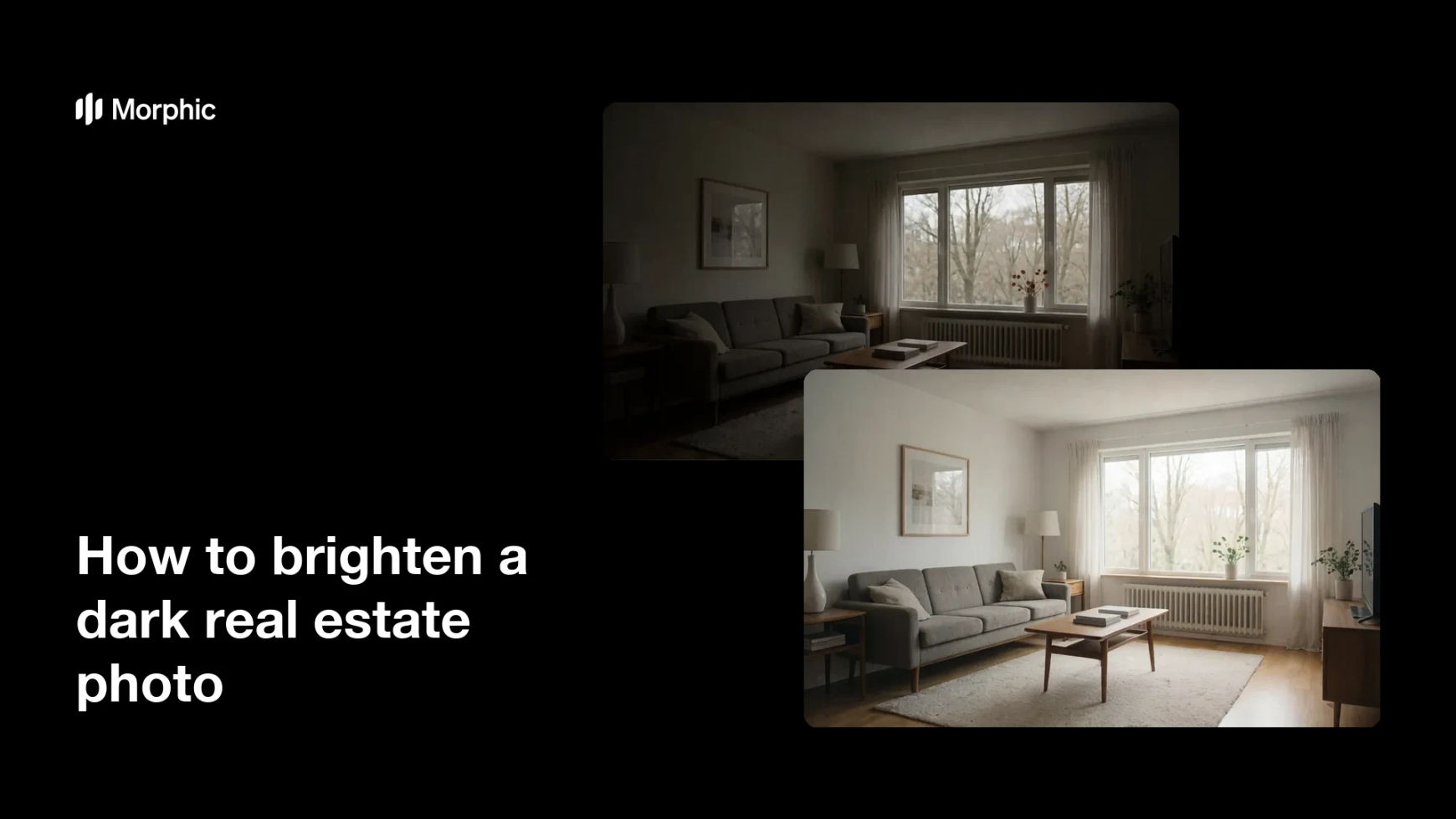
What is brightening a real estate photo?
Brightening a real estate photo means lifting a dim, underexposed listing shot into a clear, well-lit image of the room. It recovers detail in the shadows, balances the exposure, and makes the space feel open and inviting. Agents and listing photographers rely on it because bright, accurate photos get more clicks and showings than dark ones.
With Morphic you brighten a photo from a text prompt in your browser. Upload the dim shot, describe the bright, natural look you want, then adjust and download in HD. You get a clean, well-lit interior without opening editing software or reshooting the room.
Upload the dark photo
Open Morphic and upload the underexposed interior shot you want to fix. Start from the sharpest frame you have so the brightened result keeps its detail.
Describe the look you want
Ask to brighten the room, lift the shadows, and balance the exposure for a natural, well-lit feel. Mention that windows and lamps should look realistic rather than blown out.
Keep the colors true
Ask for accurate whites and neutral tones so walls and floors read as they do in person. This keeps the listing honest and avoids an artificial, over-processed look.
Refine the balance
Review the result and ask for more or less brightness in specific areas, such as a dim corner or a bright window. Small adjustments help the whole room feel evenly lit.
Export and publish
Confirm the room looks bright, sharp, and true to life across the frame. Download in HD, then add it to your listing and marketing.
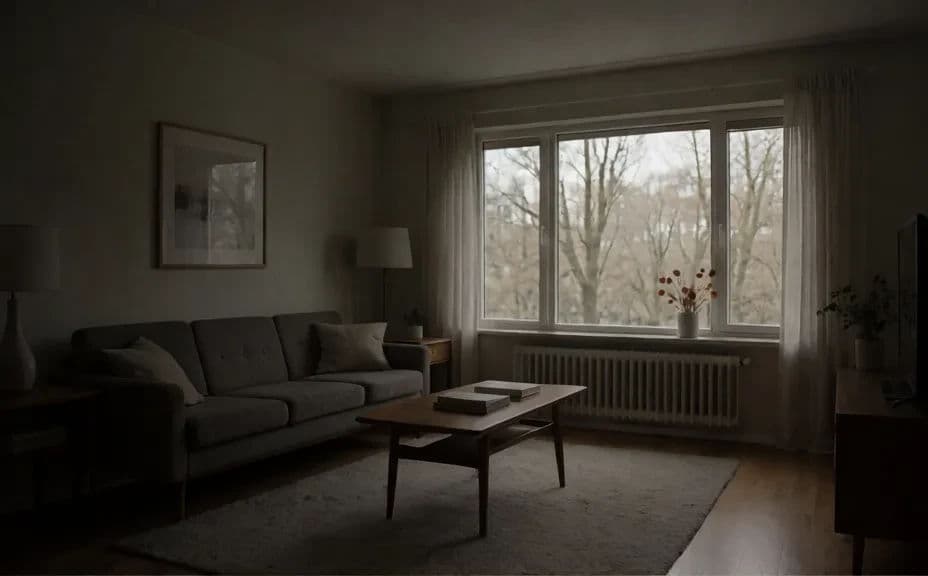
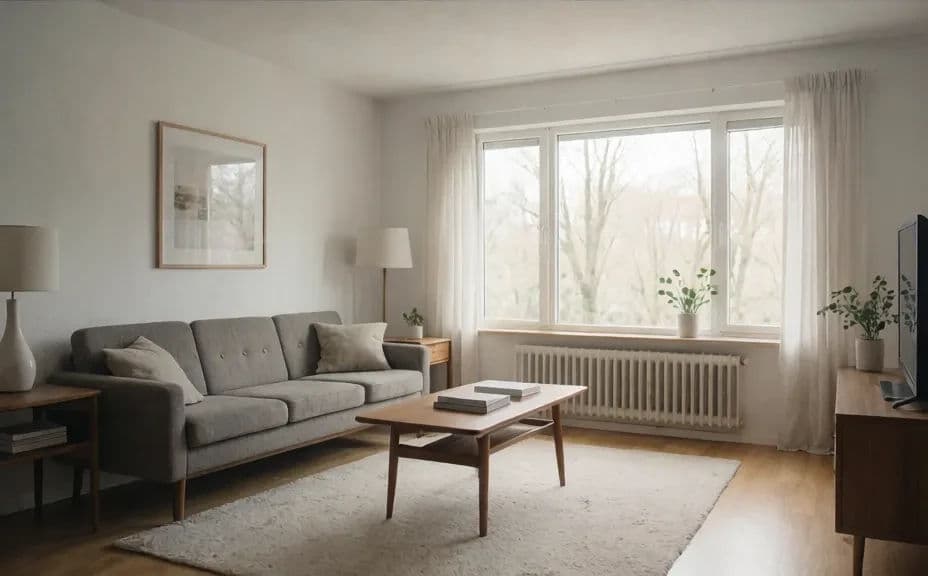
The same interior, dim and underexposed, then brightened into a well-lit room.
What makes a good brightened real estate photo
| Quality | What it means | Why it matters |
|---|---|---|
| Balanced exposure | Highlights and shadows both hold detail | The room reads clearly across the frame |
| Natural light | Windows and lamps look realistic | The space feels inviting, not artificial |
| True colors | Whites and neutrals stay accurate | The listing stays honest to buyers |
| Sharp detail | Textures and edges stay crisp | The photo looks professional at full size |
Morphic vs the traditional way
| Morphic | Photo editing or a reshoot | |
|---|---|---|
| Cost | Available on Morphic | Editing software or a photographer fee |
| Time | A brighter photo in minutes | Hours of editing or a return visit |
| Skill needed | Describe it in plain language | Exposure and retouching skills |
| Consistency | Regenerate an even, natural look | Manual adjustment for every shot |
FAQs
Yes. Upload the dim shot and describe the bright, natural look you want, and the room is lifted while detail is recovered. Refine specific areas if any spot stays too dark.
Yes, if you ask for true whites and neutral tones. This keeps walls and floors reading as they do in person rather than over-processed.
Yes. Ask for realistic windows and lamps, and the exposure balances so bright areas hold detail instead of washing out.
No. Morphic brightens the photo you already have, so you can improve a listing without returning to the property.
Yes, if you start from a clear frame. Preview at full size and refine before you download so textures and edges stay crisp.
Yes. Photos you edit with Morphic are cleared for commercial use across your listings and marketing.