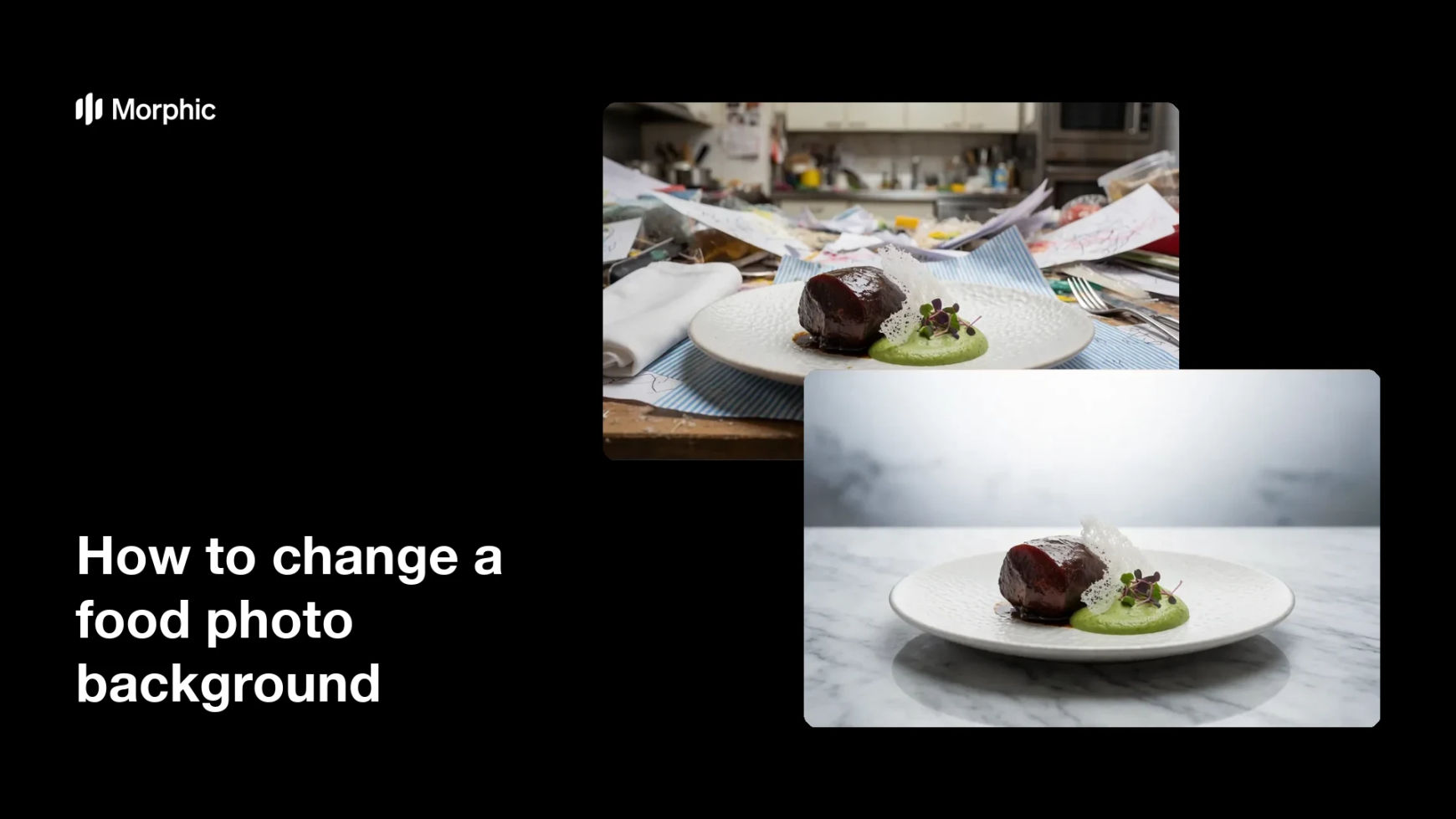
What is changing a food photo background?
Changing a food photo background means replacing the cluttered scene behind a plated dish with a clean, styled surface. It keeps the food exactly as shot while swapping a messy table or busy kitchen for a calm, on-brand backdrop. Restaurants, cafes, and delivery brands rely on it because a tidy background keeps attention on the dish.
With Morphic you change the background from a text prompt in your browser. Upload the photo, describe the clean surface you want behind the dish, then adjust and download in HD. You get a styled, ready-to-publish shot without a photo studio or manual masking.
Upload the food photo
Open Morphic and upload the shot of the plated dish you want to restyle. Start from a frame where the food is sharp and clearly separated from the background.
Describe the new background
Ask to place the same dish on a clean, styled surface, such as a marble counter or a wooden table. Mention the mood you want, from bright and minimal to warm and rustic.
Keep the dish unchanged
Ask to keep the plate, food, and garnishes exactly as they are. This makes sure only the background changes while the dish stays true to what you serve.
Match the light
Review the result and ask for shadows and highlights that match the new surface. Consistent light keeps the dish looking naturally placed rather than pasted in.
Export and publish
Confirm the dish looks real and the background reads clean across the frame. Download in HD, then add it to your menu, listing, or social posts.
The same plated dish on a messy background, then on a clean, styled surface.
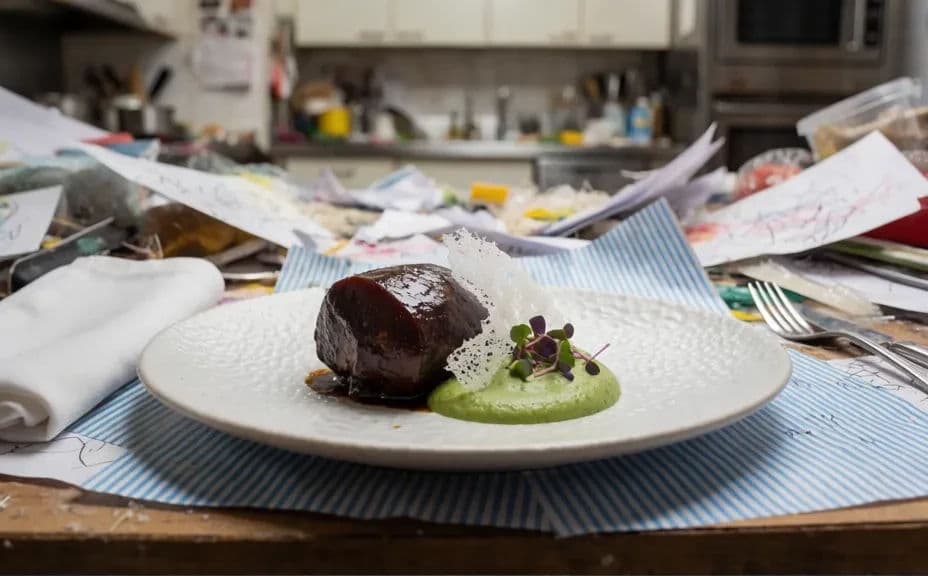
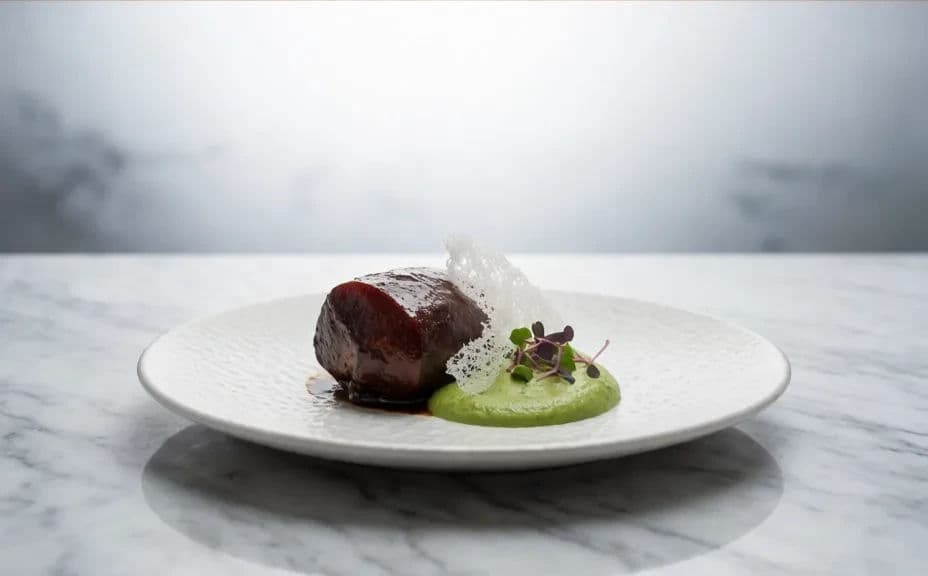
What makes a good food photo background
| Quality | What it means | Why it matters |
|---|---|---|
| Clean surface | The backdrop is tidy and uncluttered | Attention stays on the dish |
| Matched light | Shadows suit the new surface | The food looks naturally placed |
| Untouched dish | The plate and food stay exactly as shot | The photo stays honest to the menu |
| On-brand mood | The surface fits your style | The shot feels consistent with your brand |
Morphic vs the traditional way
| Morphic | Photo editing or a reshoot | |
|---|---|---|
| Cost | Available on Morphic | Editing software or a photographer fee |
| Time | A restyled photo in minutes | Hours of masking or a new shoot |
| Skill needed | Describe it in plain language | Masking and compositing skills |
| Consistency | Regenerate a clean, on-brand surface | Manual masking for every shot |
FAQs
Yes. Ask to change only the background, and the plate, food, and garnishes stay as shot while the surface behind them is replaced.
Any clean surface you describe, from marble and wood to a plain, bright tabletop. Mention the mood you want and the backdrop is styled to match.
Yes, if you ask for matching light. Shadows and highlights are set to suit the new surface so the dish does not look pasted in.
No. Morphic separates the dish from the old background for you, so you describe the new surface in plain language.
Yes. Ask for a different background and regenerate as many options as you need to find the one that fits your brand.
Yes. Photos you edit with Morphic are cleared for commercial use across your menu and marketing.