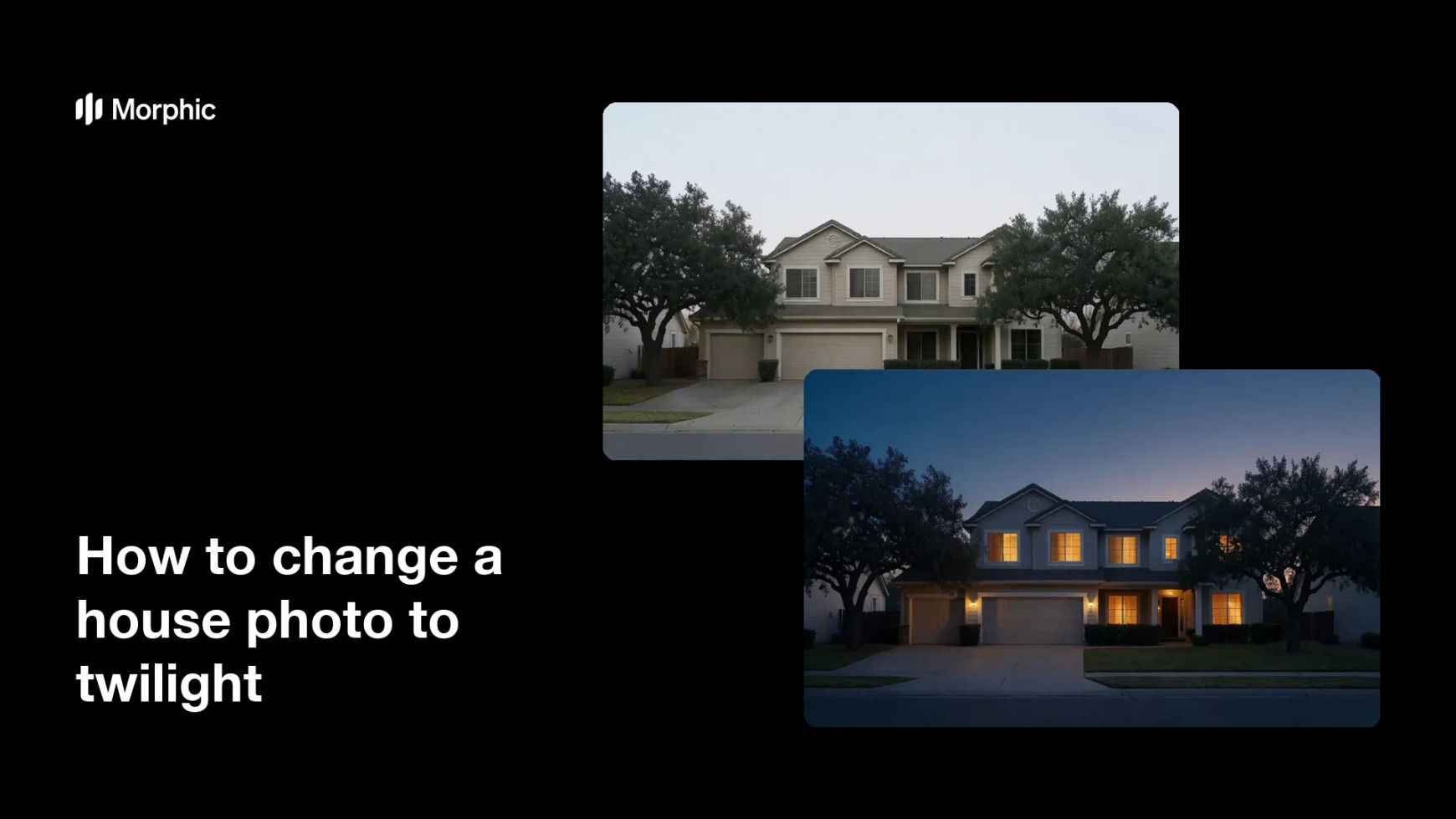
What is a twilight photo conversion?
A twilight conversion turns a daytime photo of a house into a dusk scene, with a deep blue sky and warm light glowing from the windows. Real estate agents love these shots because they make a home feel inviting and premium, and listings with twilight photos often draw more attention. Traditionally the effect meant a photographer waiting on site for the few minutes of golden light after sunset.
Morphic creates the look in your browser from a photo you already have. You upload the daytime exterior, describe the dusk mood you want, and it relights the sky, warms the windows, and balances the shadows. When it looks right, you download the twilight image in high resolution.
Upload the daytime exterior
Start with a clean, well-exposed photo of the house taken in daylight. A sharp original with visible windows gives Morphic the detail it needs for a convincing glow.
Describe the twilight mood
Tell Morphic the feel you want, such as a deep blue dusk sky with warm light in every window. Mentioning the time of day and the sky color helps it match your vision.
Generate the twilight version
Morphic replaces the daytime sky with dusk tones and adds a warm glow to the windows. Review the balance so the house stays clearly visible against the darker sky.
Refine the light
If the windows are too bright or the sky too dark, adjust your description and generate again. Small tweaks to the glow and sky color make the scene feel natural rather than staged.
Download and publish
Export the twilight photo in high resolution and add it to your listing or brochure. Pair it with the daytime shot so buyers can see the home in both lights.
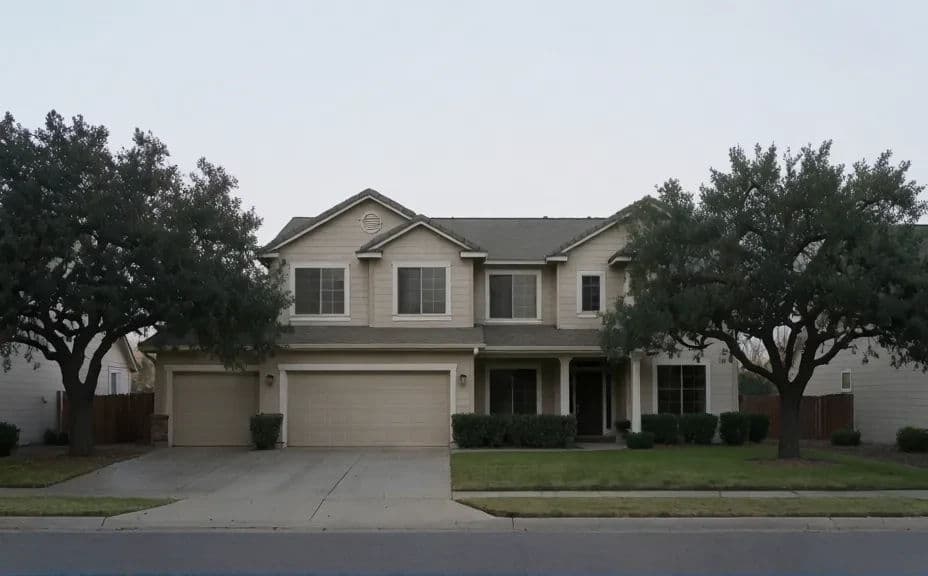
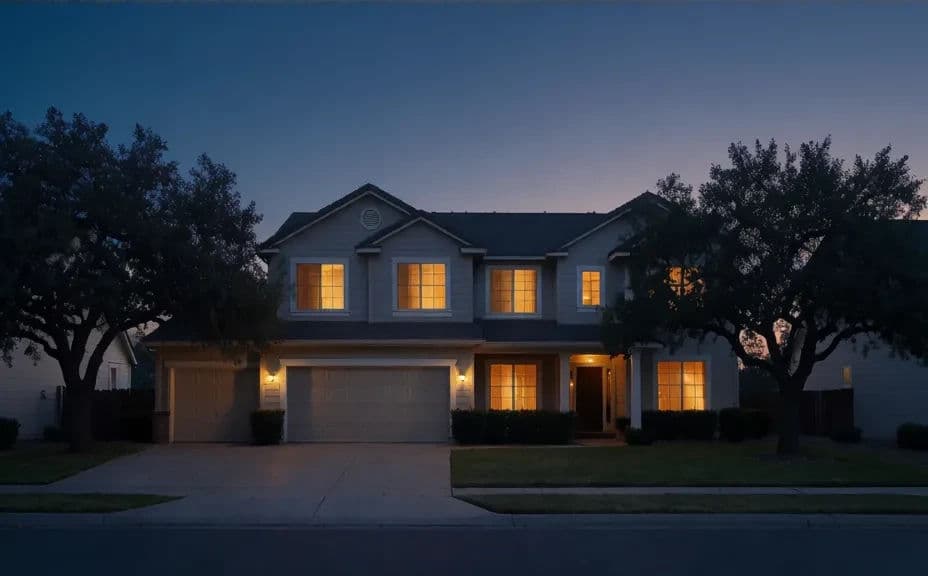
Below is the same house exterior in daylight and after Morphic converted it to twilight.
What makes a good twilight photo
| Quality | What it means | Why it matters |
|---|---|---|
| Balanced sky | A rich dusk gradient that is not too dark | The house must stay visible for the shot to work |
| Warm window glow | Interior light that reads as inviting | Glowing windows are what make a home feel lived in |
| Natural shadows | Light and shade consistent with dusk | Mismatched lighting breaks the twilight illusion |
| Clean detail | Roofline and trim stay crisp | Sharp edges keep the photo looking professional |
Morphic vs the traditional way
| Morphic | A twilight photo shoot | |
|---|---|---|
| Cost | Available on Morphic | A photographer fee per property |
| Time | Minutes from a daytime photo | An evening on site waiting for the light |
| Skill needed | Describe it in plain language | A photographer with lighting and editing gear |
| Consistency | Repeatable dusk look on any listing | Depends on weather and timing that night |