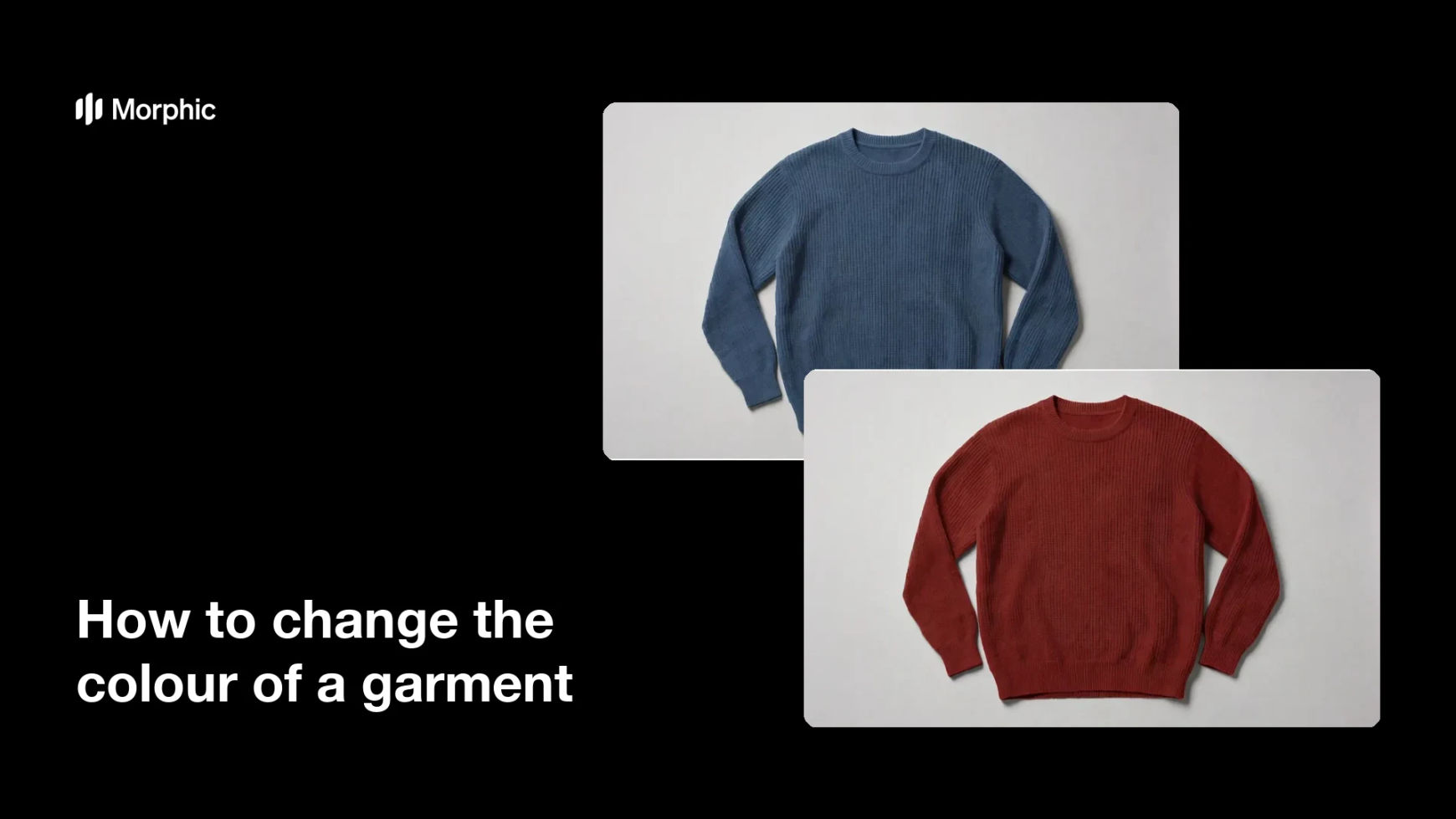
What is a garment colour change?
Changing a garment's colour means recolouring the clothing in an existing photo while leaving the fabric texture, the fit, and the lighting exactly as they were. It is how a brand shows five colourways of the same style without shooting the style five times. Ecommerce teams, wholesalers, and marketplace sellers rely on it to fill out a product page the day a new colour is confirmed.
With Morphic you do this in your browser by uploading the photo and describing the colour you want. The garment shifts to the new shade while the seams, shadows, and folds stay in place, so the result still reads as a real photograph. The image downloads in HD and is cleared for commercial use.
Start with a clean source photo
Choose a well-lit shot where the garment is fully visible and the fabric detail is sharp. A clean source gives the recolour something honest to work from.
Name the exact colour
Open Morphic, upload the photo, and describe the target colour precisely, such as deep forest green or soft blush pink. Vague colour words produce vague results, so be specific about shade and depth.
Protect everything else
Ask for the change to apply only to the garment and to leave the skin, background, and accessories untouched. Say that the fabric texture, seams, and shadows should stay exactly as they are.
Check the shadows and folds
Compare the result with the original and look at the darkest folds and the brightest highlights. If the new colour flattens out, ask for stronger tonal range within the shade.
Repeat for every colourway
Run the same prompt again with each remaining colour so the whole range comes from one source shot. Download the set in HD and load it onto the product page.
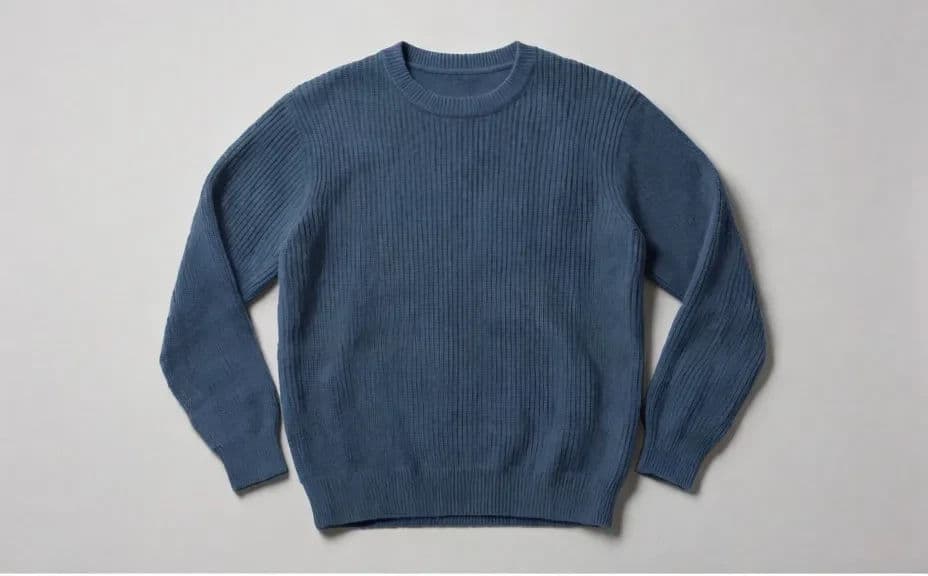
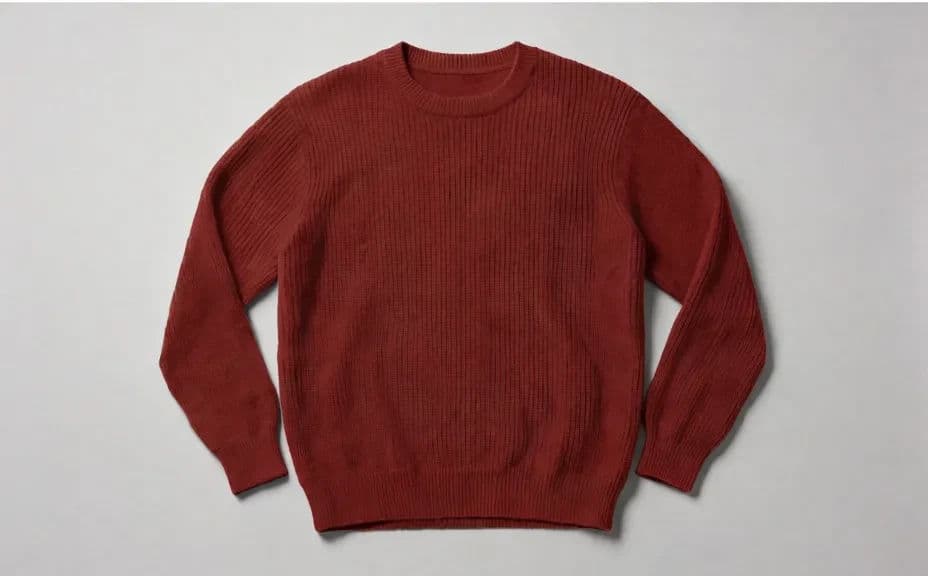
The same garment in the same photo, recoloured into a different shade.
What makes a good garment recolour
| Quality | What it means | Why it matters |
|---|---|---|
| Preserved texture | Weave, knit, and pile still read | A flat recolour looks painted on |
| Correct shadows | Folds keep their depth | Shadow is what keeps the garment three-dimensional |
| Clean edges | Colour stops at the seam line | Bleed onto skin or background gives it away |
| Accurate shade | The colour matches the real product | Returns rise when the photo misleads |
Morphic vs the traditional way
| Morphic | Retouching or reshooting | |
|---|---|---|
| Cost | Available on Morphic | Retoucher fees or a second shoot |
| Time | A new colourway in minutes | Hours of masking per image |
| Skill needed | Describe it in plain language | Masking and colour grading experience |
| Consistency | Every colourway from one source shot | Small differences creep in across versions |
FAQs
Yes, when you ask for it. State that the weave, seams, and shadows must stay unchanged and only the colour should shift.
Describe the shade in detail and compare the result against your reference swatch. Refine the wording until the tone lands where you need it.
It can, though patterns need a clearer instruction about which parts of the print change. Recolour one element at a time for the cleanest result.
Yes. Ask for the skin, hair, and background to remain untouched so the change stays on the clothing.
As many as your range needs. Reuse the same source photo and prompt so the set stays visually identical apart from the colour.
Yes. Images you generate with Morphic are cleared for commercial use on your store and in your marketing.