What is a baby shower invitation?
A baby shower invitation is the card that tells guests who the shower is for, when it happens, and where to turn up. It carries the practical details, but it also sets the tone of the party before anyone arrives, soft and pastel, botanical, or bright and modern. Parents-to-be, friends hosting the shower, and event planners all make one, usually a few weeks ahead of the date.
With Morphic you create that invitation from a text prompt in your browser. Describe the names, the date, the venue, and the look you want, then compare a few layouts and download in HD. You get a card ready to print or send digitally without opening design software.
Settle the wording first
Write out the exact lines you want on the card: the parents' names, the date and time, the venue, and any RSVP details. Locking the copy before you generate keeps every version accurate and saves a second pass over the text.
Describe the card in Morphic
Open Morphic and describe the format you want, a portrait card with the headline at the top and the details grouped below. Ask for a couple of layout options so you can see how the names and date can be arranged.
Choose a palette and motif
Name the colours and the decorative theme, soft sage botanicals, blush watercolour, or clean modern type on cream. The palette should match the party styling so the invitation and the room feel like one event.
Proof every detail
Read the date, time, address, and spelling of each name straight off the card. Regenerate any version where a line is cramped, misaligned, or reads incorrectly.
Download and send
Preview the card at actual size to check the type is comfortable to read. Download in HD, then send it to a printer or share the file directly with guests.
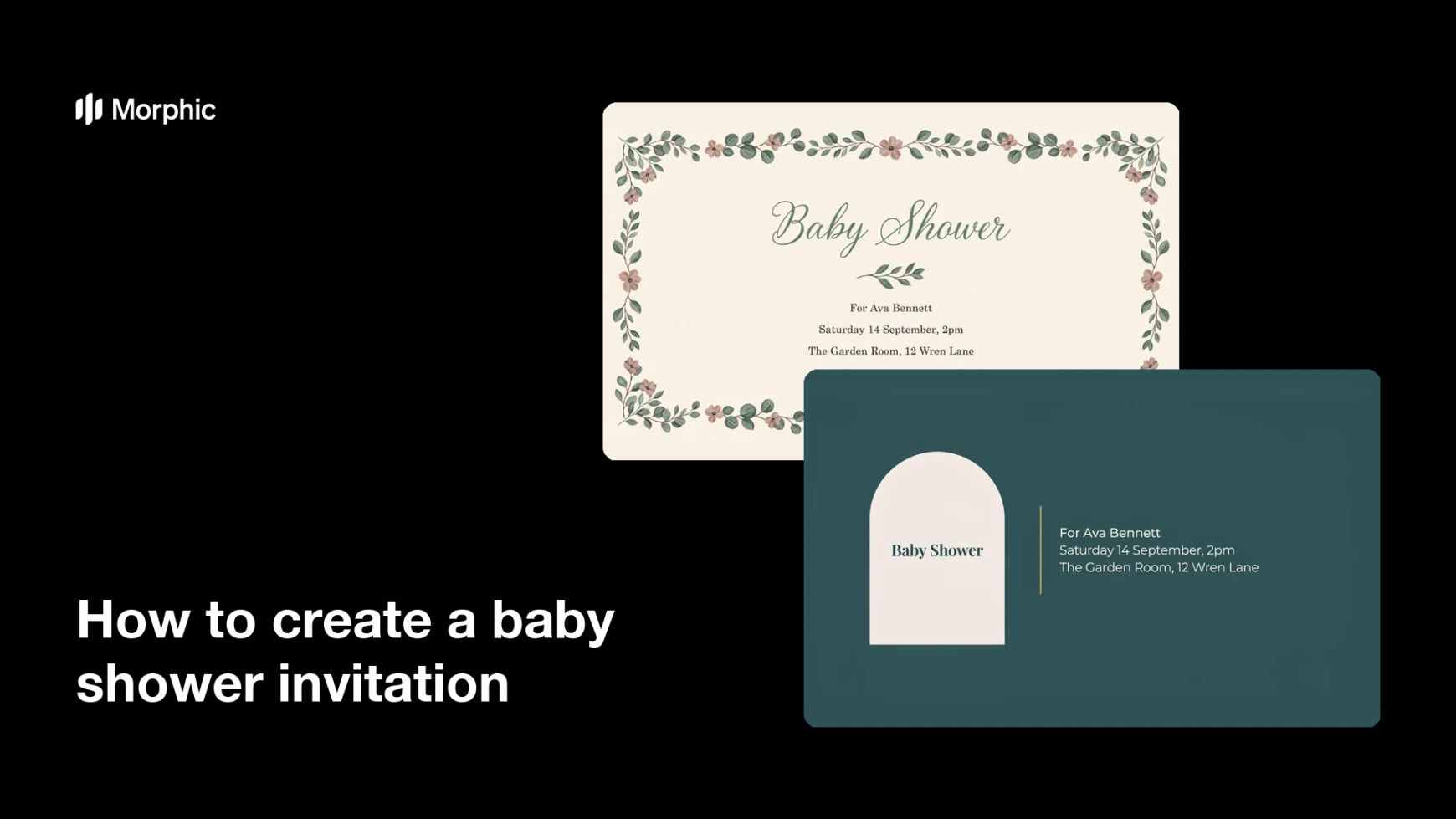
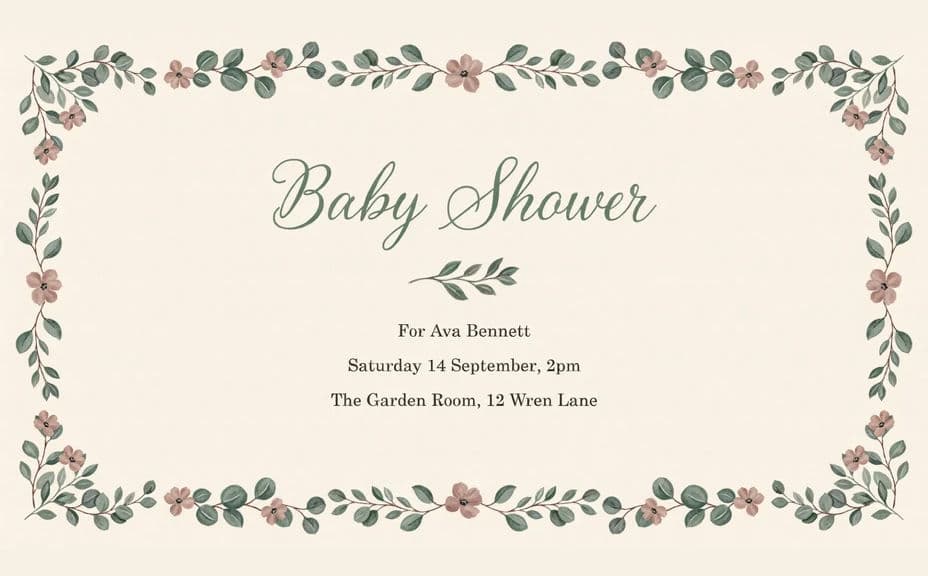
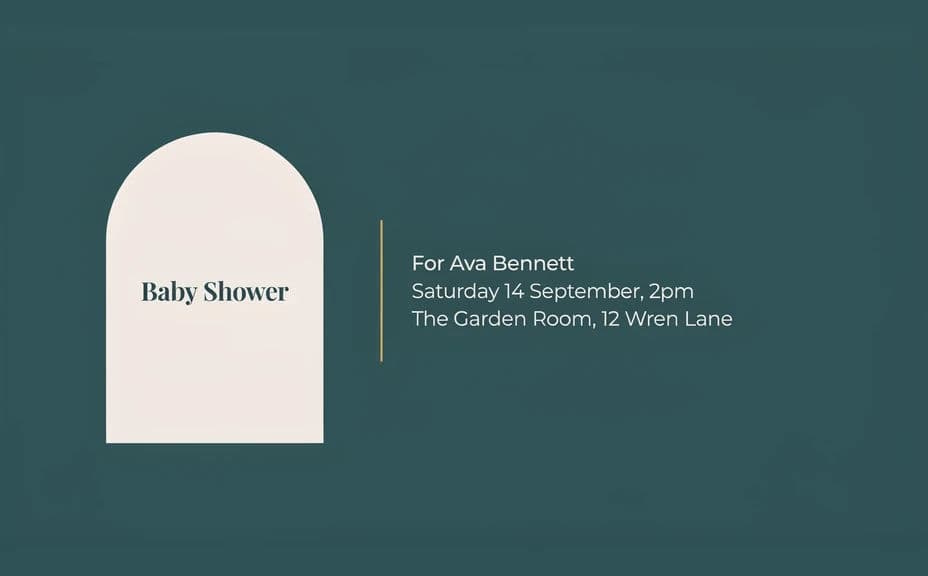
Two design options for the same baby shower invitation, each carrying the same names and event details.
What makes a good baby shower invitation
| Quality | What it means | Why it matters |
|---|---|---|
| Legible details | Date, time, and address read at a glance | Guests do not have to ask you for the basics |
| Clear hierarchy | The headline leads, details follow | The card is understood in a couple of seconds |
| Tone that matches the party | Palette and motif suit the styling | The invitation sets the right expectation |
| Print-safe margins | Text sits away from the trim edge | Nothing important is lost when the card is cut |
Morphic vs the traditional way
| Morphic | Stationery designer or template editor | |
|---|---|---|
| Cost | Available on Morphic | Designer fee or per-card stationery order |
| Time | A finished invitation in minutes | Days of proofs and revision emails |
| Skill needed | Describe it in plain language | Layout and typesetting skills |
| Consistency | Regenerate matching thank-you and signage cards | Manual rework for every companion piece |
FAQs
Yes. Give the exact wording in your prompt, then proof the rendered text and regenerate if any line reads wrong.
Yes. Describe your palette, motif, and type style, and generate the card to match. Keep contrast high so the details stay readable in print.
Yes. Generate the card once, download in HD, and use the same file for a print run or for sharing in a message thread.
A portrait 5x7 card is the common choice. Describe the proportions you want and check the type size at actual print dimensions before ordering.
Describe the new date, venue, or wording and regenerate. There is no manual redraw, so a late change takes moments.
Yes. Images you generate with Morphic are cleared for commercial use, including client events you plan and bill for.