What is a band press photo?
A band press photo is the official group shot that outlets, festivals, and playlists use to represent an act. It shows the lineup in a consistent look and location that matches the music, and it needs to work cropped wide for a listing or square for a profile. Bands, managers, and publicists keep one on file because every submission form asks for it.
With Morphic you produce that shot from a text prompt in your browser. Describe the lineup, the setting, the wardrobe, and the lighting, then adjust the framing and download in HD. You get a usable press image without booking a photographer, a location, and a shoot day.
Decide the look
Choose the setting, wardrobe, and mood that match your sound, from a dim rehearsal room to a bright open street. Note how many members are in frame so the composition is right from the start.
Describe the shot in Morphic
Open Morphic and describe the group, their positions, the location, and the lens feel you want. Specify the aspect ratio you need for press listings and profiles.
Set the lighting
Ask for lighting that carries the mood, such as soft window light, hard flash, or moody backlight. Consistent lighting across the group keeps the shot looking like one real frame.
Generate options to compare
Produce two takes with different setups so you can see which composition presents the band best. Comparing framing and lighting choices side by side makes the call easy.
Crop and export
Check the shot holds up cropped wide for a listing and tight for a profile. Download in HD and drop it into your press kit and submission forms.
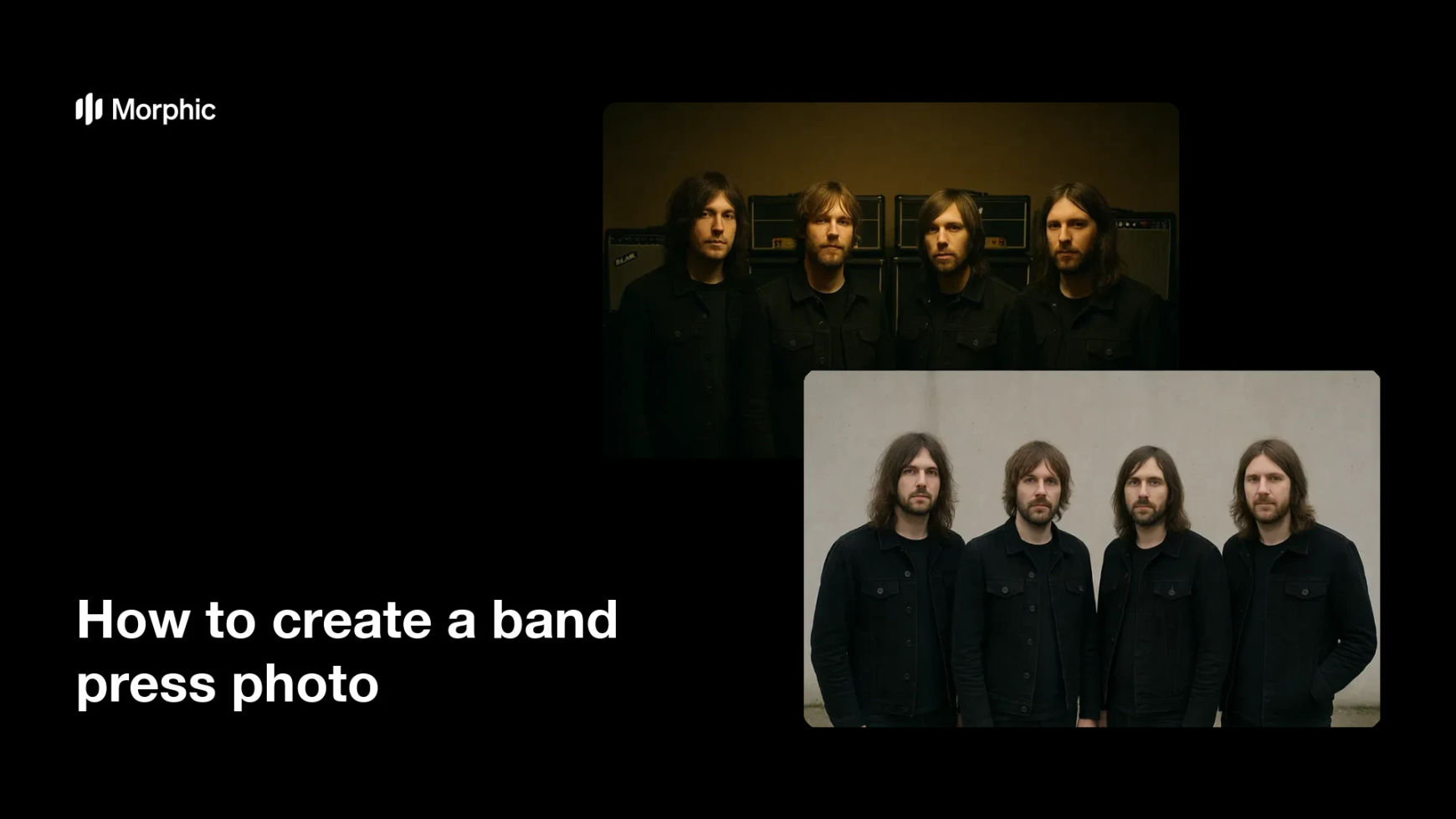
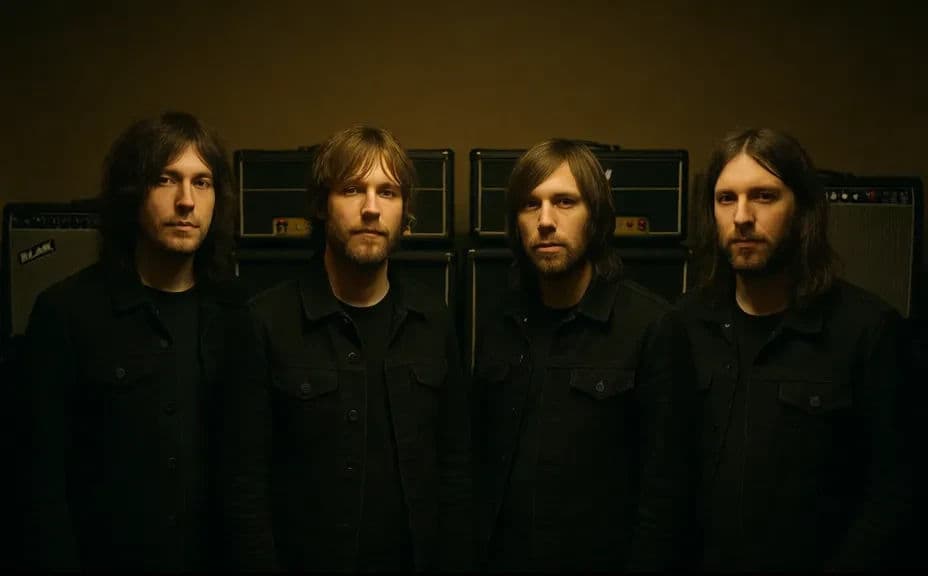
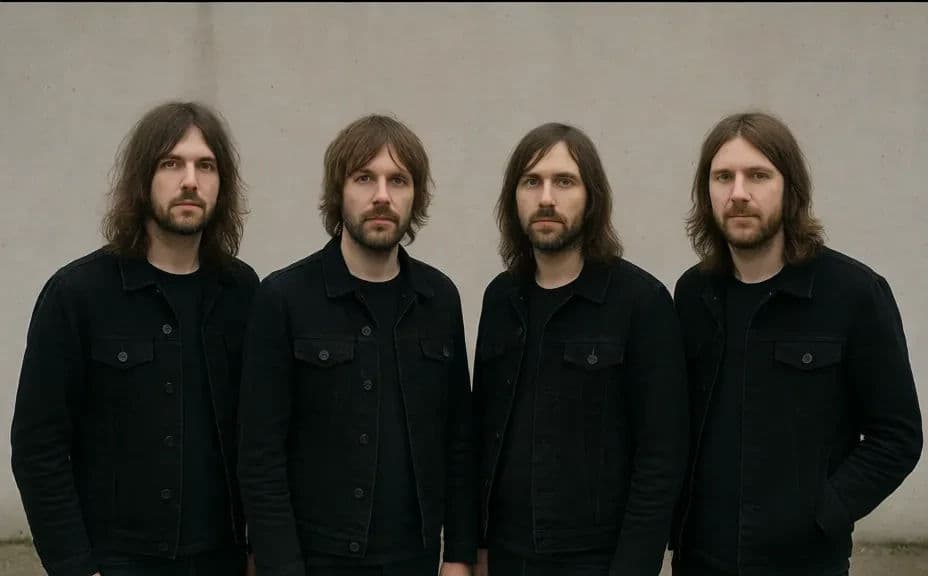
Two press shots of the same band, taken in different setups.
What makes a good band press photo
| Quality | What it means | Why it matters |
|---|---|---|
| Everyone visible | No member is hidden or cut off | The shot represents the full lineup fairly |
| Mood matches the music | Setting and styling signal the genre | Editors place the band in the right context |
| Consistent lighting | One light direction across the group | The image reads as a real, professional frame |
| Crop-friendly framing | Room around the group on all sides | One file serves listings, profiles, and features |
Morphic vs the traditional way
| Morphic | Booking a photo shoot | |
|---|---|---|
| Cost | Available on Morphic | Photographer, location, and crew fees |
| Time | A finished shot in minutes | Weeks of scheduling and a full shoot day |
| Skill needed | Describe it in plain language | Photography, lighting, and styling skills |
| Consistency | Regenerate looks in one visual style | A new shoot for every change of look |
FAQs
Describe the number of people and where each one stands, and the frame is built around that. Smaller groups usually hold detail better in a single frame.
Yes. Name the setting you want, such as a rehearsal room, an alley, a studio backdrop, or an open field, and the shot is staged there.
Whatever the outlet asks for. Generate a wide frame with room around the group so you can crop to landscape, square, or vertical without losing anyone.
Yes. Generate several setups with different locations, wardrobe, and lighting, then keep a small set for different press placements.
Yes. Reuse the same wardrobe, location, and lighting notes in each prompt so every image from the release cycle matches.
Yes. Images you generate with Morphic are cleared for commercial use in press kits, listings, and promotion, with no watermark.