What is a case study video?
A case study video tells the story of a real client result: the problem they faced, the work you did, and the outcome they earned. Sales teams, agencies, and founders use them because a short, well-paced story convinces prospects far faster than a written page ever could.
With Morphic you build one without a film crew or an editing suite. Describe the scenes you want in plain language, generate the visuals and motion in your browser, adjust the pacing, and download the result in HD. The story stays yours; the production work disappears.
Outline the story before you generate anything
Write three beats: the situation, the intervention, and the result. Keep each beat to one or two sentences so the finished video runs tight. A clear outline is the single biggest factor in whether the final cut feels convincing, so settle it before you touch the tool.
Generate the opening scene from a prompt
Open Morphic and describe your first shot: the setting, the mood, and what should be on screen. Ask for the framing you want, such as a wide establishing shot of an office or a close product detail. Generate a few options and pick the one that best matches the tone of your brand.
Build the middle and closing scenes to match
Generate the intervention and result scenes using the same descriptive style so the visuals feel like one piece. Reuse subjects and settings across prompts to keep the look consistent from beat to beat. Add motion where it helps the story breathe, and keep static frames where a claim needs to land.
Layer in the client quote and the numbers
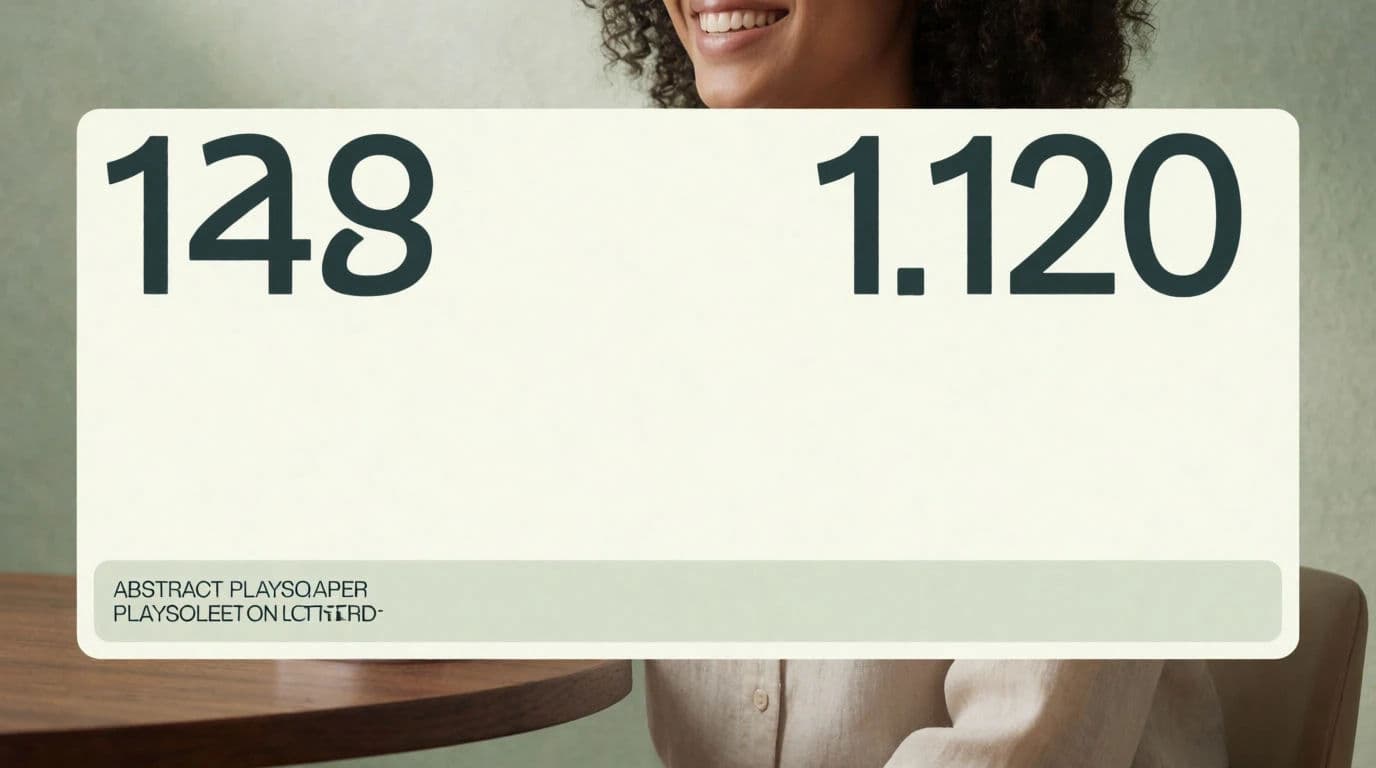
A case study lives on proof. Add the client's headline result and one short quote as on-screen text so viewers absorb the outcome even with the sound off. Keep the figure large and the supporting copy small so the eye lands on the number first.
Review the pacing and download in HD
Watch the full cut once for rhythm, not detail. Trim anything that stalls, tighten the transition into the result, then export in HD. Download a vertical version too if the video is heading for social feeds.
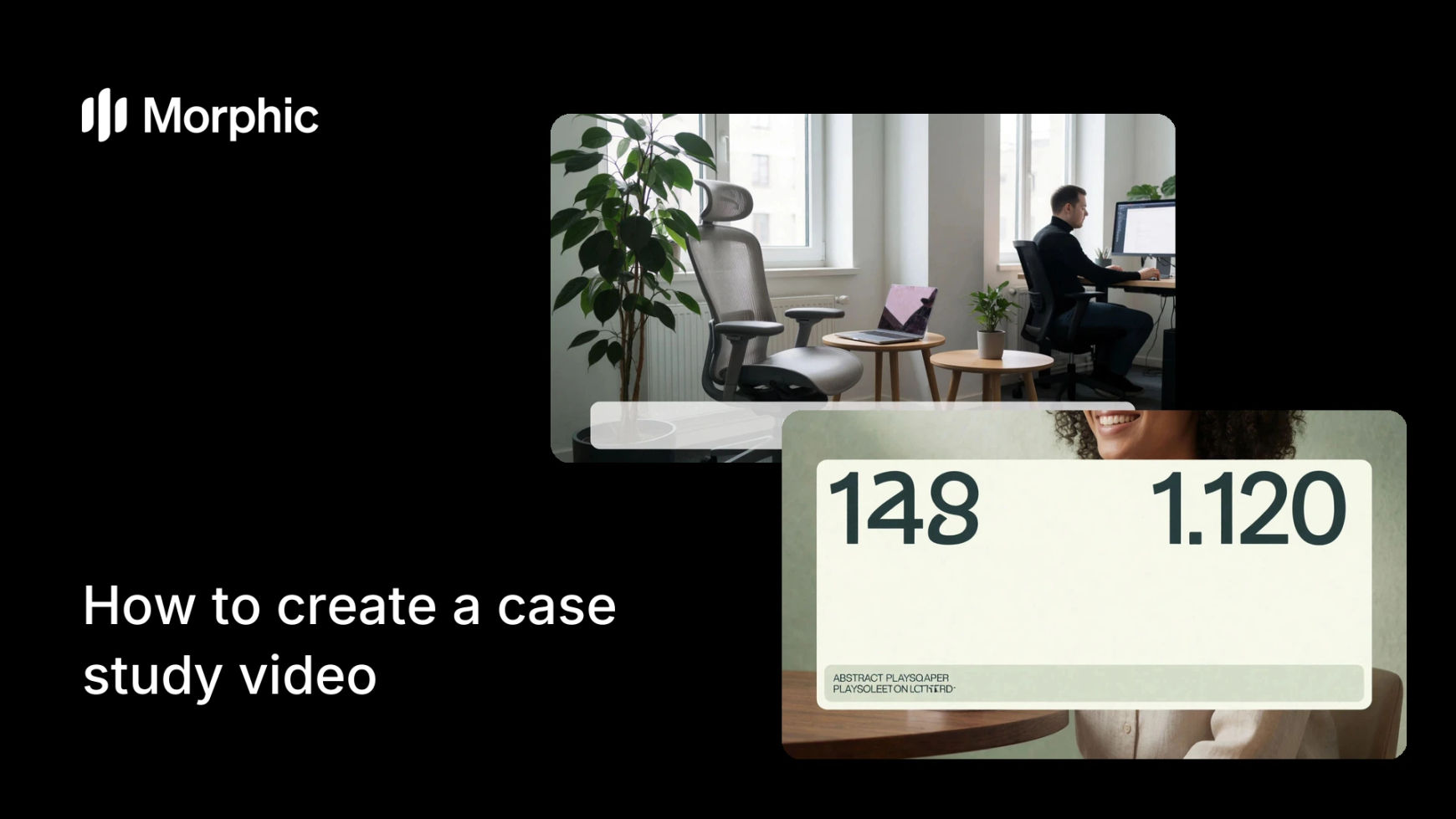
Two frames from the same client-story video: the opening scene and the result.

What makes a great case study video
| Quality | What it means | Why it matters |
|---|---|---|
| A clear arc | Problem, work, and result in that order | Viewers follow the story without effort and remember the outcome |
| Concrete proof | A real number or quote from the client | Specifics are believable in a way that adjectives never are |
| Tight runtime | Every scene earns its place | Short videos hold attention and get finished |
| Consistent look | Scenes feel like one production | A cohesive style reads as professional and trustworthy |
Morphic vs the traditional production route
| Morphic | Traditional video agency | |
|---|---|---|
| Cost | One browser tool | Production fees plus editing and revisions |
| Time | A first cut in a browser session | Weeks of shoots, edits, and approvals |
| Skill needed | Write a clear prompt | Camera, lighting, and editing expertise |
| Consistency | Reuse subjects and style across scenes | Depends on the crew and the shoot day |
FAQs
Aim for under two minutes. The goal is to land one problem, one intervention, and one result cleanly. Anything longer usually means you are telling more than one story and should split it.
No. You can generate representative scenes that match the story from a text prompt, then overlay the real quote and the real numbers. That keeps the proof authentic while the production stays simple.
Use the client's own words. A short, specific quote about how the work changed their day is proof too. Put it on screen as text so it carries even without sound.
Yes. Generate the story once, then export a widescreen cut for a landing page and a vertical cut for social feeds so each placement gets the right frame.
Describe subjects, settings, and mood the same way across every prompt, and reuse the same visual style. Consistent language in your prompts produces a consistent look across scenes.
Yes. Case study videos made with Morphic are yours to use in sales decks, on your site, and across paid and organic channels.