What is a classroom poster?
A classroom poster is a printed wall graphic that reinforces one idea (a rule, a process, a vocabulary set, or a piece of encouragement) while students are in the room. It works by being readable at a distance and simple enough to absorb in passing rather than studied. Teachers use posters to keep reference material visible without repeating the same reminder every lesson.
With Morphic you design that poster from a text prompt in your browser. Describe the headline, the artwork, and the age group, compare a few designs, then download in HD ready to print. You get wall-ready material without a design tool or a print-shop template.
Pick one message
Choose the single idea the poster should reinforce and write the headline in a handful of words. A poster with one message is remembered; a poster with five is wallpaper.
Describe the poster
Open Morphic and describe a portrait poster with that headline, the artwork you want, and the age group it is for. Ask for a couple of designs so you can compare how boldly each one reads.
Tune the style for the room
Ask for colours and illustration style that suit your classroom and year group, and keep the background clean behind the headline. Strong contrast is what makes a poster work from the back row.
Check text and reading distance
Read the headline and any secondary text and confirm the spelling is right. Shrink the preview to thumbnail size as a stand-in for distance, and regenerate anything that stops being legible.
Export and print
Download the chosen design in HD at a portrait page ratio. Print it at A3 or larger and check the headline still reads from the far side of the room.
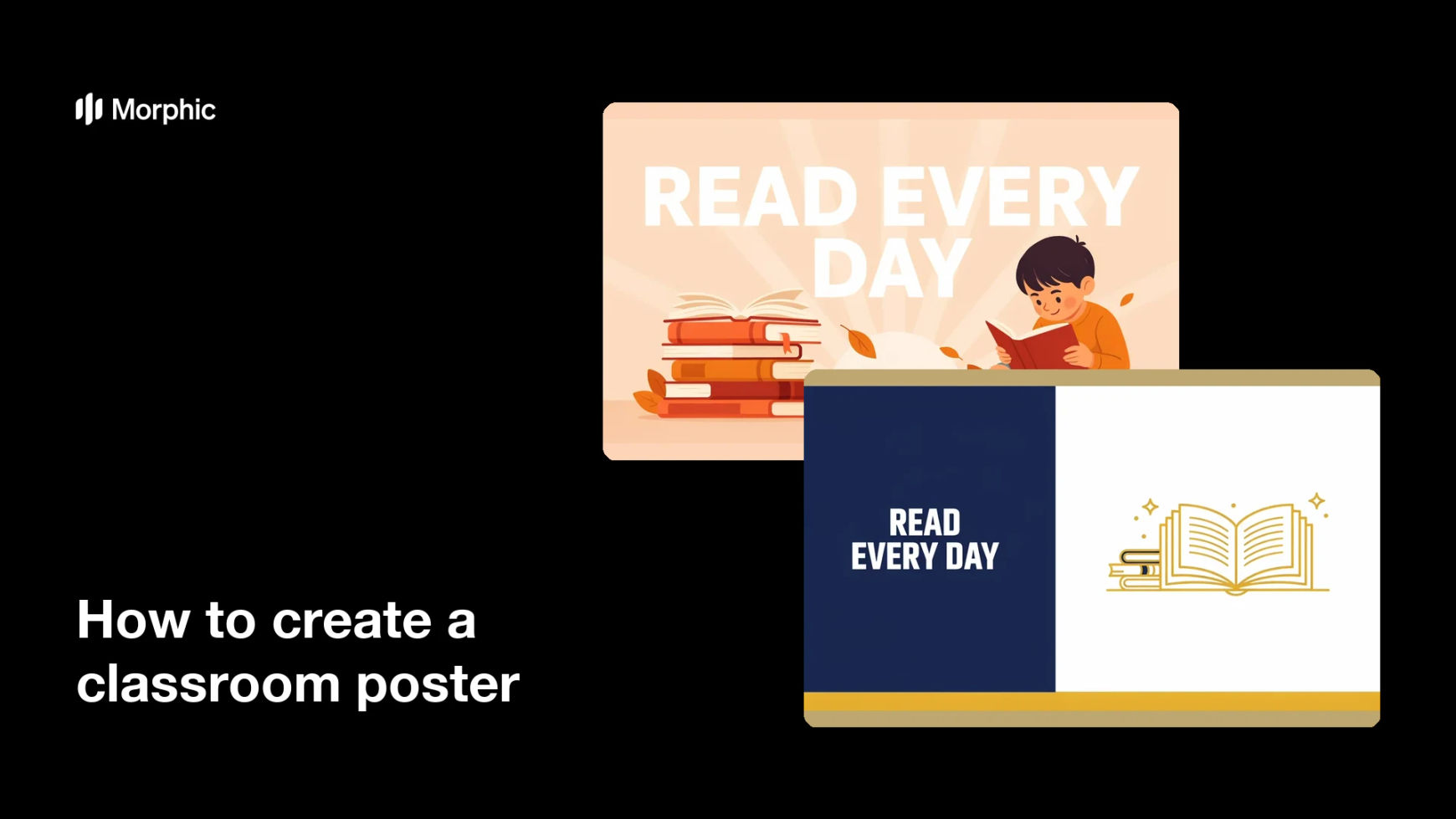
Two design options for the same classroom poster, each carrying the same headline.


What makes a good classroom poster
| Quality | What it means | Why it matters |
|---|---|---|
| One message | A single idea in a short headline | Students absorb it in passing |
| Readable at distance | Large type and high contrast | The back of the room can read it too |
| Age-appropriate art | Style matches the year group | Students engage instead of ignoring it |
| Print-ready quality | Sharp at full poster size | The print looks intentional, not blurry |
Morphic vs the traditional way
| Morphic | Stock posters or design software | |
|---|---|---|
| Cost | Available on Morphic | Poster packs or a software subscription |
| Time | A print-ready poster in minutes | An evening of searching and editing |
| Skill needed | Describe it in plain language | Layout and illustration skills |
| Consistency | Regenerate a matching set for the room | Mismatched styles from different sources |
FAQs
Yes. Give the exact headline in your prompt, then read the rendered text and regenerate if the spelling or spacing is off before printing.
Generate at a portrait page ratio and download in HD, then print at A3 or larger so the headline stays sharp.
Yes. Keep the same described style and swap the headline and artwork for each topic so the wall looks coordinated.
Yes. Say the age group in your prompt and ask for a matching illustration style, from playful and rounded to plain and grown-up.
It will if the headline is short, the type is large, and contrast is high. Preview it small as a proxy for distance before you print.
Yes. Images you generate with Morphic are cleared for commercial use, including private tuition and paid programmes.