What is a clinic brochure?
A clinic brochure is a printed or digital leaflet that introduces a practice, lists the services it offers, and tells people how to book. It usually carries the clinic name, a short welcome line, a services list, opening hours, and contact details, laid out so a visitor can scan it in the waiting room. Practice managers and marketing teams use it because a calm, well-organised leaflet answers the questions patients ask most often at reception.
With Morphic you design this brochure from a text prompt in your browser. Describe the panels, the services list, and the look you want, then adjust the wording and download in HD. You get a polished layout ready for print or email without opening design software.
List what goes on the page
Write out the clinic name, the services you want to feature, opening hours, and the booking details before you start. Keeping this list short makes the finished brochure far easier to scan.
Describe the layout
Open Morphic and describe a clean clinic brochure: a cover panel with the clinic name, a services panel, and a contact panel with space for a logo. Specify the format you need, such as a tri-fold leaflet or a single A4 page.
Set the tone and brand look
Ask for calm, uncluttered styling with your brand colours, generous white space, and a font that stays readable in print. A restrained palette reads as more trustworthy than a busy, high-contrast design.
Generate versions to compare
Produce two layouts with different panel arrangements or colour treatments so you can see which reads best. Comparing designs side by side usually makes the stronger option obvious.
Proof the copy and export
Read every line back and confirm the services, hours, and phone number are accurate before you commit. Download in HD, then send it to your printer or attach it to patient emails.
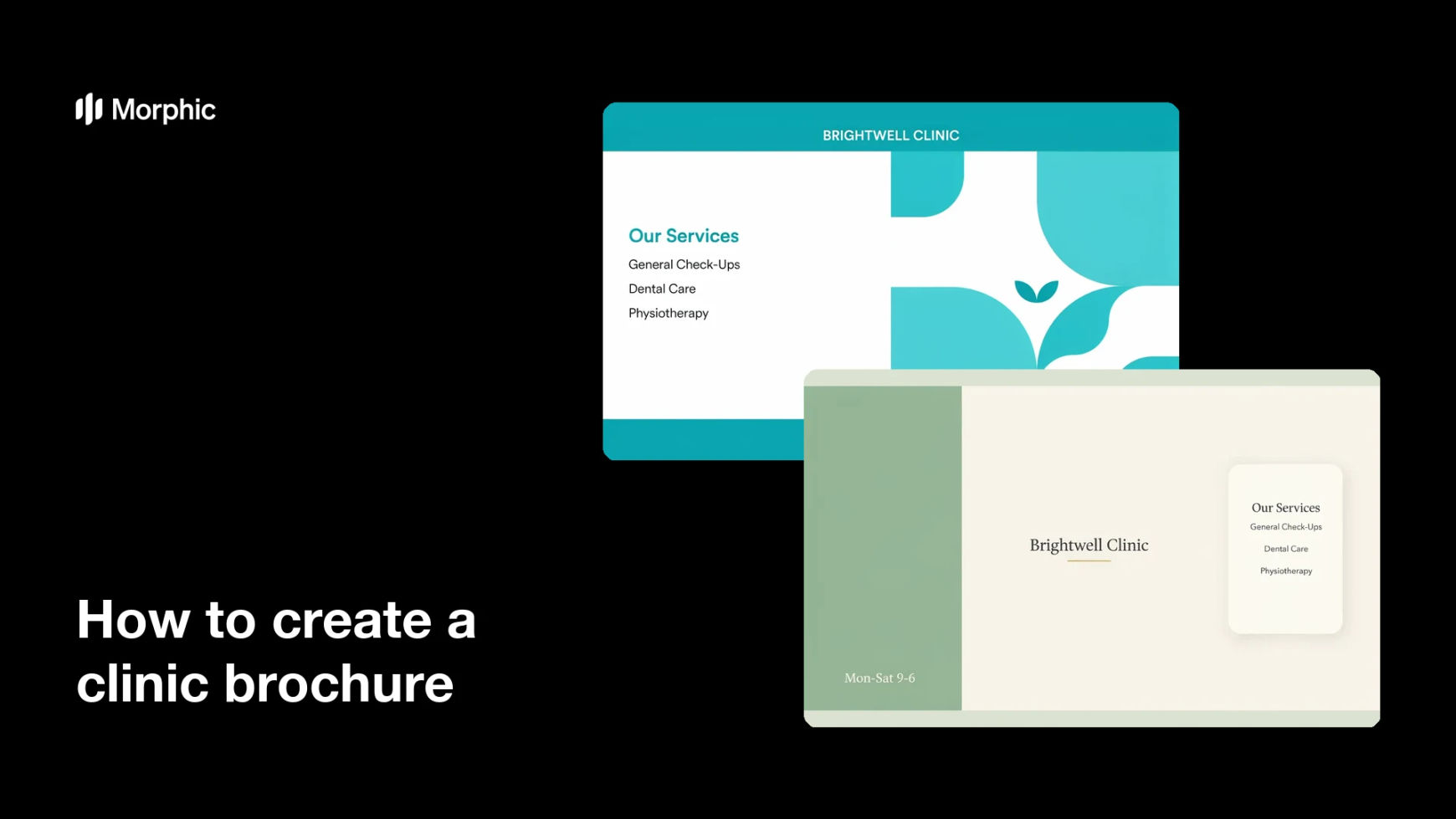
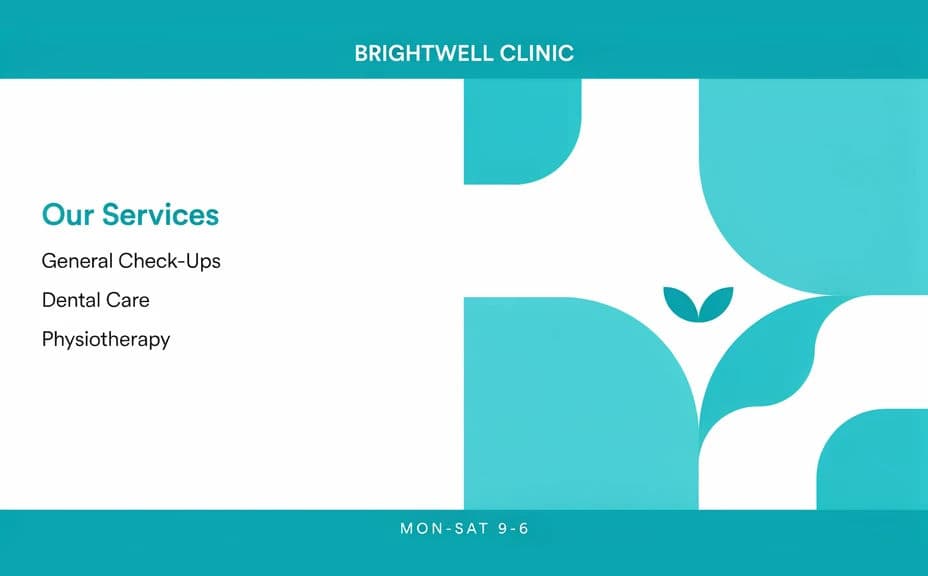
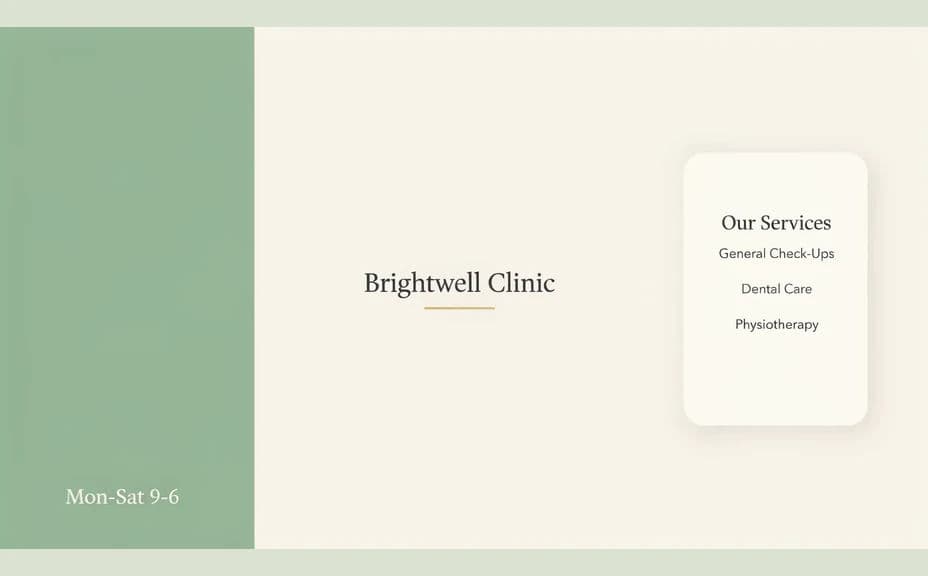
Two layout options for the same clinic brochure, each carrying the same clinic name and services.
What makes a good clinic brochure
| Quality | What it means | Why it matters |
|---|---|---|
| Scannable structure | Clear panels with short headings | A visitor finds what they need in seconds |
| Accurate details | Hours, address, and phone are correct | Patients can act without calling to check |
| Calm styling | Plenty of white space and soft colour | The practice reads as organised and settled |
| Print-ready quality | Sharp type and generous margins | The leaflet holds up once it comes off press |
Morphic vs the traditional way
| Morphic | A design agency or layout software | |
|---|---|---|
| Cost | Available on Morphic | Agency fee or software subscription |
| Time | A finished layout in minutes | Days of briefing and revision rounds |
| Skill needed | Describe it in plain language | Layout and typography experience |
| Consistency | Regenerate panels in the same style | Manual rework for every new version |
FAQs
Yes. Write the clinic name, service headings, and contact lines in your prompt and the layout renders around them. Regenerate with new wording whenever your services change.
Yes. Describe your brand colours, logo placement, and font style, and the brochure renders to match. Keep the palette restrained so the text stays easy to read.
Any format you need. Specify a tri-fold leaflet, a single-page A4, or a digital version sized for email, and the layout adapts.
Yes. Download in HD and ask for generous margins so nothing important sits near the trim edge. Send a proof to your printer before a full run.
Keep it descriptive. Describe the services you offer and how to book rather than promising outcomes, and check the wording against the advertising rules that apply to healthcare where you practise.
Yes. Designs you generate with Morphic are cleared for commercial use across your printed leaflets, website, and patient emails.