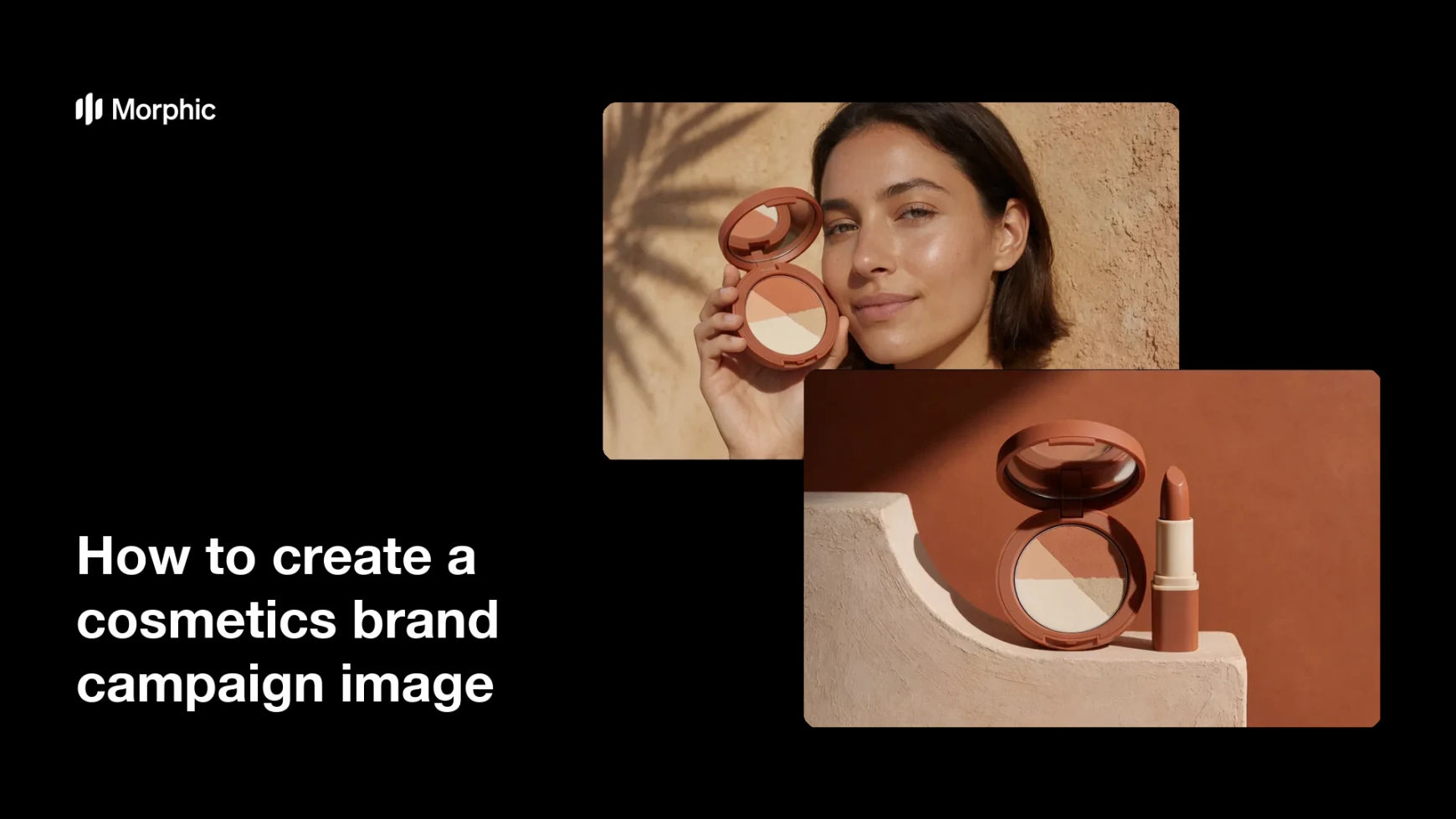
What is a cosmetics brand campaign image?
A cosmetics brand campaign image is the hero visual behind a launch or a season, carrying the product, the mood, and the colour story in one frame. Unlike a plain product shot it is built to sell a feeling, so set design, styling, and palette matter as much as the packaging. Beauty brands run it across billboards, paid social, email headers, and retail displays.
With Morphic you create this visual from a text prompt in your browser. Describe the product, the model or still-life setup, the palette, and the mood, then compare several directions before choosing one. Download the chosen frame in HD, cleared for commercial use.
Define the campaign idea
Write one sentence describing the feeling the campaign should leave, such as warm and sunlit or cool and editorial. A clear idea keeps every later choice consistent.
Set the palette
Name the two or three colours the campaign will live in, including the product's own packaging colour. A tight palette is what makes separate assets look like one campaign.
Describe the scene
Open Morphic and describe the subject, the set, the light, and where the product sits in frame. Say whether the shot is a portrait, a still life, or a hand-held close-up.
Compare directions
Generate a few interpretations of the same brief and place them side by side. Judge them on whether the product still leads the frame, not just on which looks prettiest.
Export and adapt
Pick the winning frame and preview it in the crops you actually need, from wide banner to square post. Download in HD and reuse the same description for the rest of the campaign set.
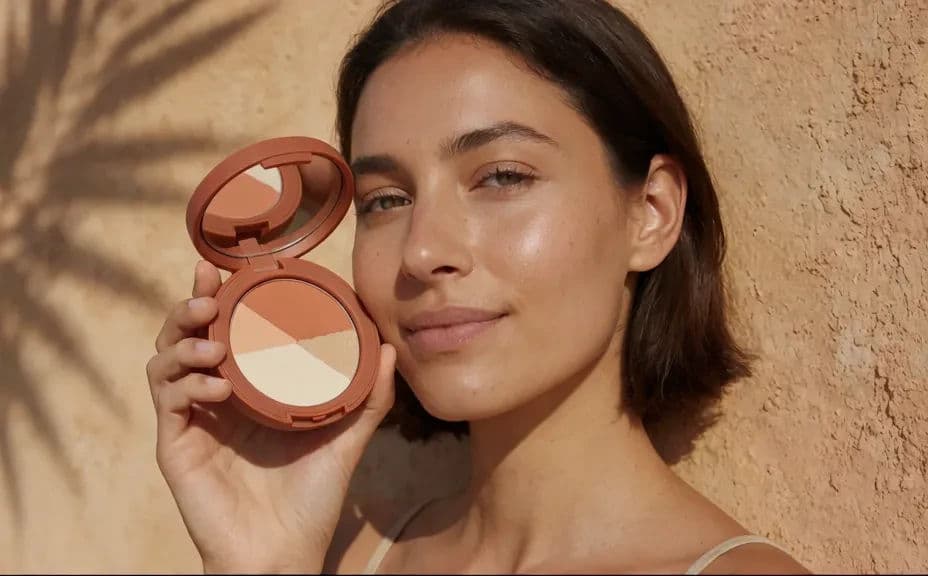
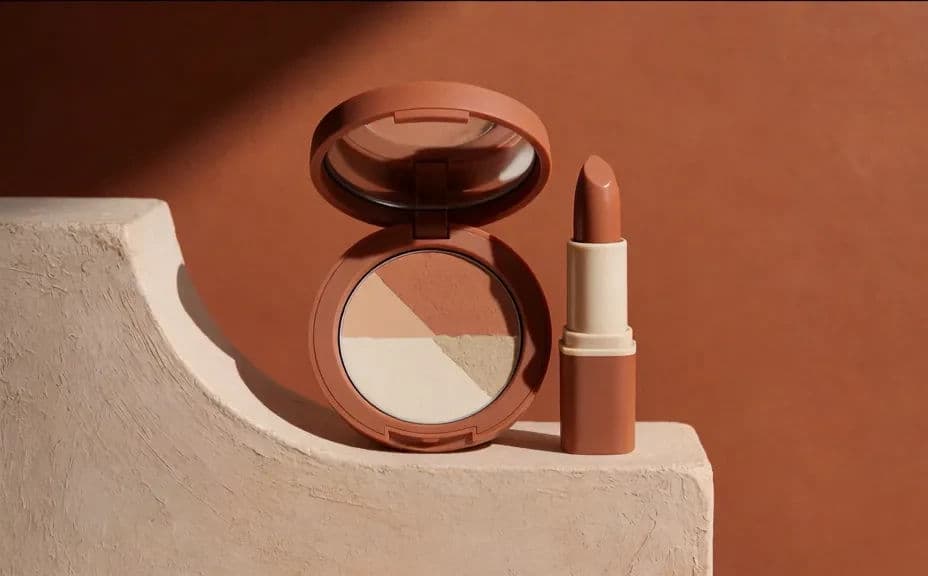
Two campaign directions for the same cosmetics product, shot as different scenes in one palette.
What makes a strong cosmetics campaign image
| Quality | What it means | Why it matters |
|---|---|---|
| A single idea | One mood carries the frame | Mixed messages weaken a launch |
| Product leads | The item is unmistakable | Beautiful images that hide the product do not sell it |
| Tight palette | Two or three colours repeat | Separate assets read as one campaign |
| Crop tolerance | The frame survives banner and square | One shot covers many placements |
Morphic vs the traditional way
| Morphic | A campaign production shoot | |
|---|---|---|
| Cost | Available on Morphic | Crew, model, location, and post-production fees |
| Time | Directions to compare in minutes | Weeks of planning, shooting, and retouching |
| Skill needed | Describe it in plain language | Art direction, photography, and retouching |
| Consistency | Reuse one description across the set | Rebuild the look for every new asset |
FAQs
Yes. Generate a few interpretations of the same brief, compare them side by side, and take only the winner forward.
Lock the palette, the light, and the styling wording, then change only the subject or crop for each asset in the set.
Describe the container, finish, and packaging colour precisely, then regenerate until the product in frame matches what you sell.
Yes. Ask for a styled still life, a hand-held close-up, or a portrait, and the same palette and mood carry across all three.
Yes. Describe the aspect ratio you need and regenerate, keeping the scene description identical so the look stays the same.
Yes. Images you generate with Morphic are cleared for commercial use across paid media, retail, and social channels.