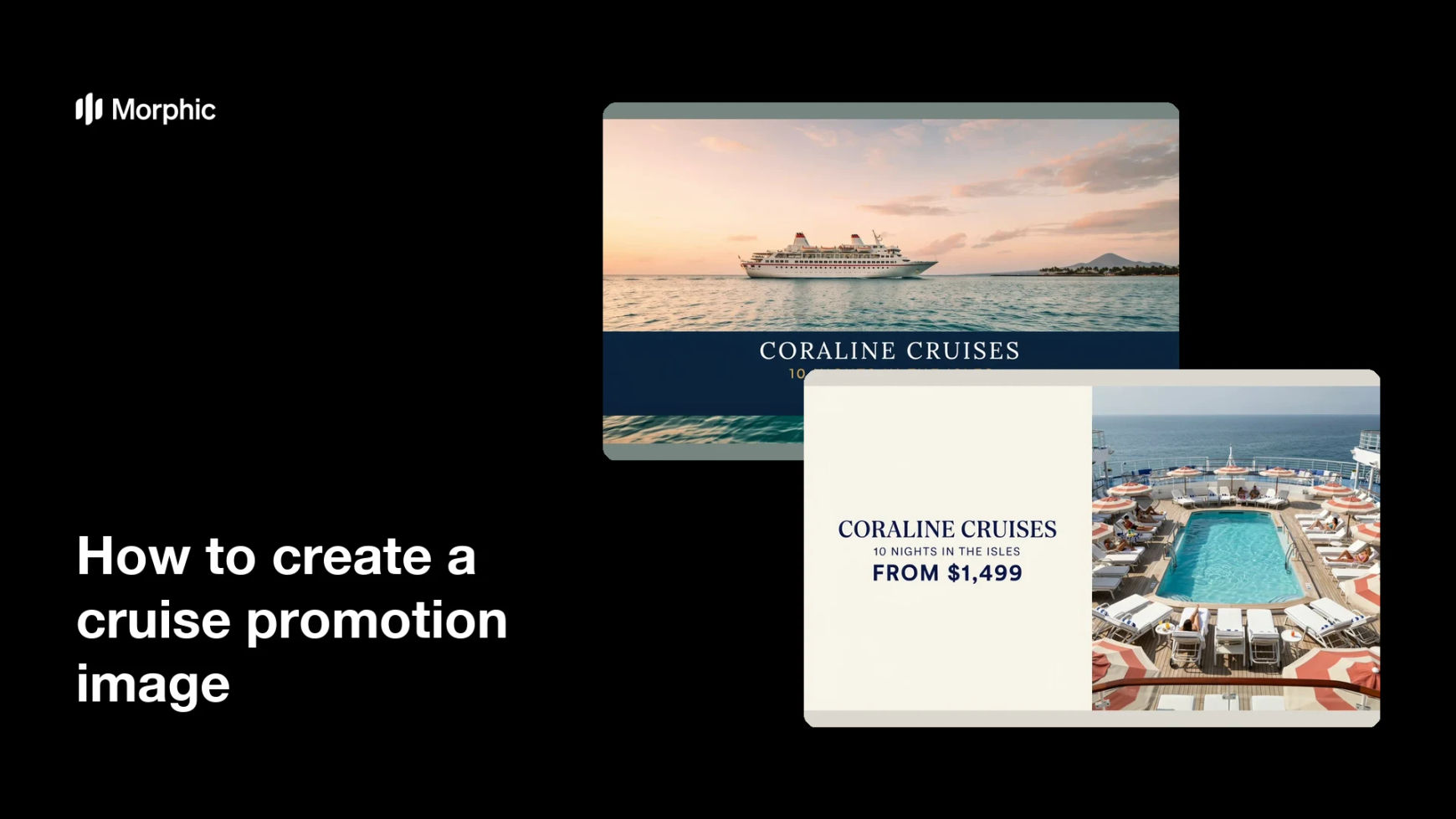
What is a cruise promotion image?
A cruise promotion image is the hero visual behind a sailing offer: a ship, a coastline or deck scene, and the headline that carries the route, the season, or the fare. Cruise lines, travel agencies, and affiliate marketers use it across social ads, email headers, and landing pages, because the promise of a voyage sells on imagery far more than on copy. One strong image does the work of a paragraph of description.
With Morphic you create one from a text prompt in your browser. Describe the ship, the water and sky, the destination cues, and the exact offer text you want rendered, then refine and download in HD. You get a campaign-ready promo image without licensing stock photography or booking a shoot at sea.
Define the sailing and the offer
Pick the route or destination you are promoting and the single offer the image carries, such as a seasonal fare or a new itinerary. One offer per image keeps the headline short and persuasive.
Write the headline text
Set the exact words you want on the image, keeping the route name and any figure brief. Short copy survives being scaled down in a feed or an email header.
Describe the scene
Open Morphic and describe the ship, the time of day, the sea state, and any coastline or deck detail that signals the destination. Golden light and calm water read as premium, while bright midday sun reads as family friendly.
Generate two treatments
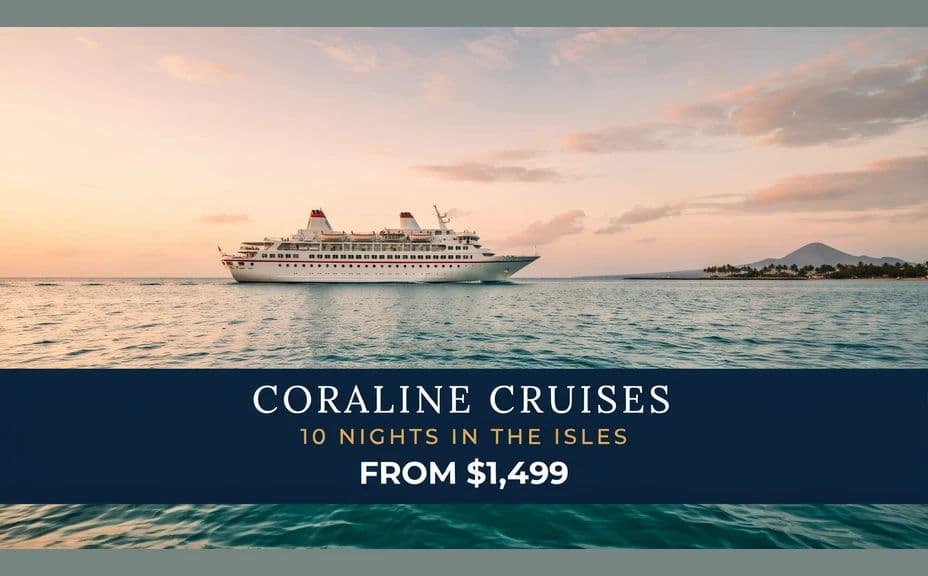
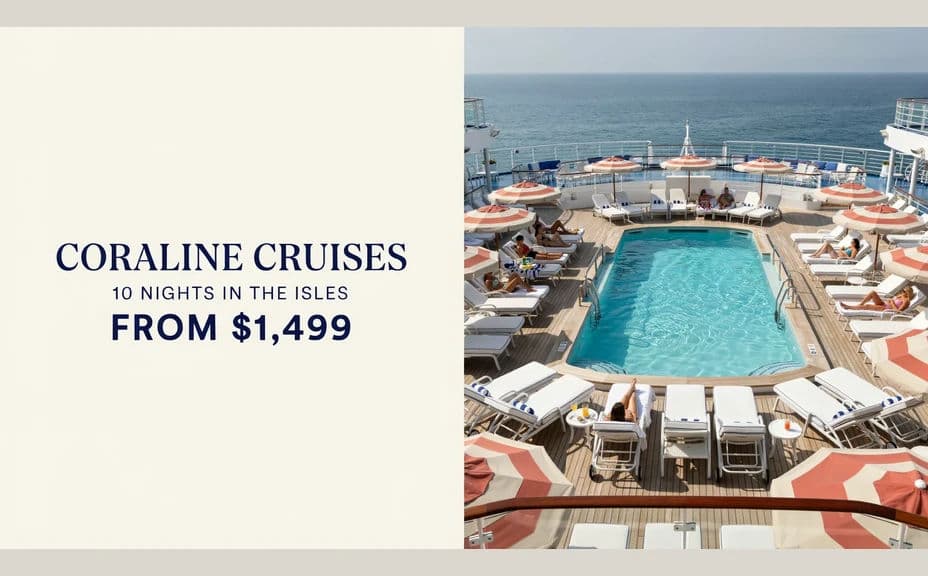
Produce two versions of the same sailing with different compositions, such as a wide ship-at-sea shot and a closer deck perspective. Comparing them shows which framing gives the headline room to sit.
Check and export
Preview the image at the size it will run and confirm the headline is sharp, correctly spelled, and clear of the ship's detail. Download in HD, then use it across ads, email, and your booking page.
Two promo treatments for the same sailing, each carrying the offer headline.
What makes a good cruise promotion image
| Quality | What it means | Why it matters |
|---|---|---|
| Aspirational light | Golden hour or clear blue water | The scene reads as a holiday worth booking |
| Clear destination cue | A coastline, port, or landmark | Viewers know where the ship is sailing |
| Room for the headline | Open sky or sea for the text | The offer stays readable over the image |
| Believable scale | The ship sits correctly in the frame | The promo looks credible, not composited |
Morphic vs the traditional way
| Morphic | Stock libraries and a retoucher | |
|---|---|---|
| Cost | Available on Morphic | Stock licences plus retouching fees |
| Time | A finished promo image in minutes | Days of searching, licensing, and editing |
| Skill needed | Describe it in plain language | Compositing and retouching skills |
| Consistency | Regenerate every sailing in one look | Mismatched stock across the campaign |
FAQs
Yes. Give the exact headline and any figure in your prompt, and the layout renders around it. Regenerate whenever the fare or season changes.
Yes. Describe the coastline, port, or landscape cues you want, such as fjords, Caribbean water, or a Mediterranean harbour, and the scene reflects them.
Match it to the placement. Wide ratios suit email headers and landing pages, while 4:5 and square work better in social feeds, and you can generate each.
Yes. Reuse the same style and lighting description for every sailing and change only the route, so the whole campaign reads as one set.
Keep the ship generic unless you have rights to the livery. Describe the vessel's class and colours instead, and add your own brand elements in the layout.
Yes. Cruise promotion images you generate with Morphic are cleared for commercial use across ads, email, and your booking pages.