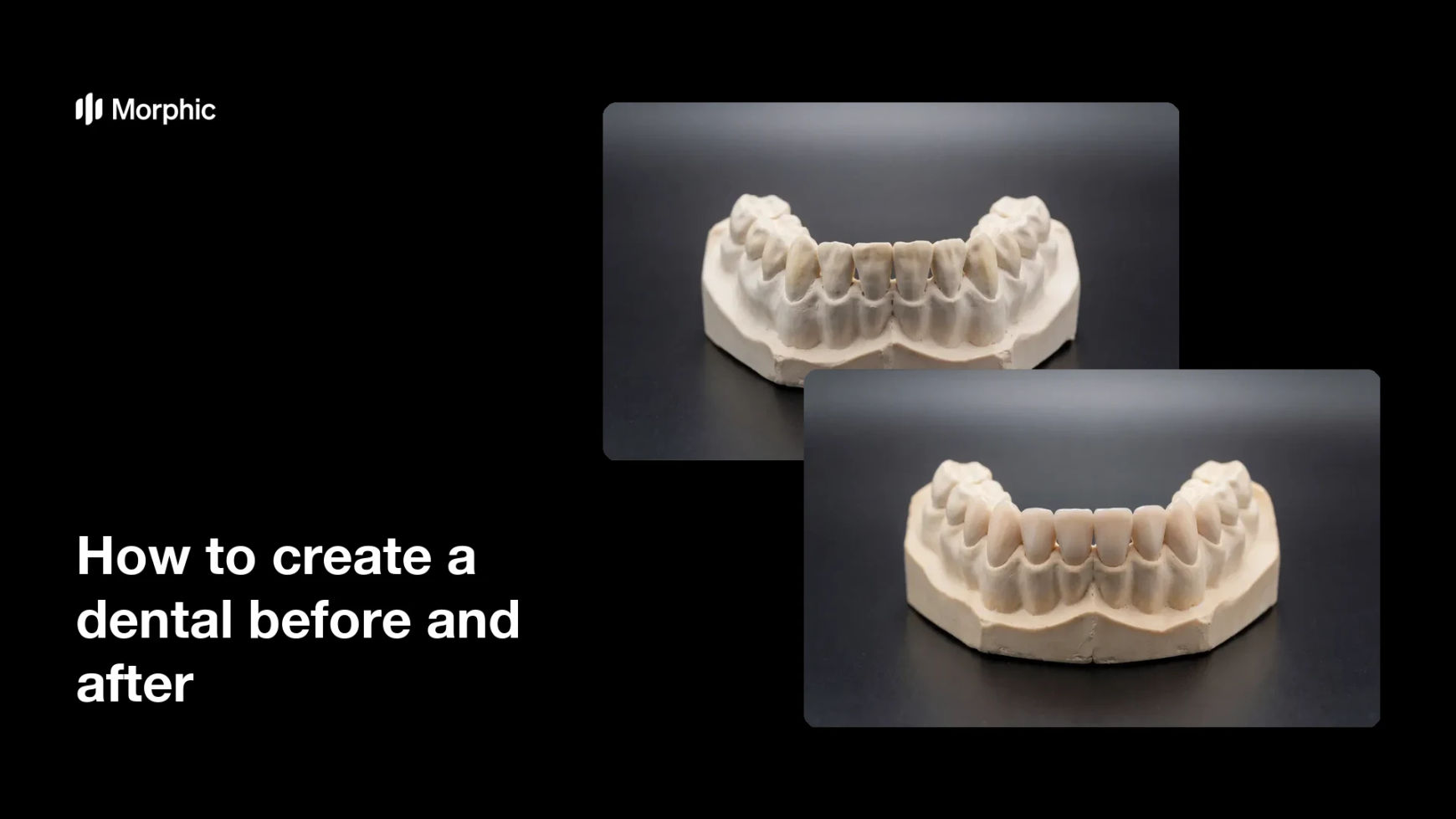
What is a dental before and after?
A dental before and after is a paired visual that shows a starting state alongside a changed state, used to explain what a procedure involves. In marketing and patient education it works as an illustrative mockup: a generic model or example image that demonstrates a concept, not a record of any particular patient. Practices and dental marketing teams use it on websites, waiting-room screens, and social posts to make an explanation easier to follow than words alone.
With Morphic you build this illustrative pair from a text prompt in your browser. Describe the model, the camera angle, and the single change between the two states, then refine and download in HD. You get a clean explanatory visual without a photo shoot or editing software.
Decide what the mockup illustrates
Pick the one concept you want to explain, such as shade or alignment, and keep everything else in the frame identical. A mockup that changes one thing is far easier for a viewer to read.
Describe the subject and framing
Open Morphic and describe a generic dental study model on a clean studio surface, lit evenly and shot straight on. Ask for the same subject, angle, and lighting in both states so only the stated change differs.
Generate the paired states
Ask for the starting state and the changed state as a matched pair rather than two unrelated images. Keeping the pair in one generation stops the model, background, and lighting from drifting between them.
Label the visual honestly
Mark the image clearly as an illustration or a mockup wherever it appears so nobody mistakes it for a patient record. If you publish real patient results anywhere, use unedited photographs with consent and represent them accurately.
Check compliance and export
Review the wording around the image against the dental advertising rules that apply where you practise, and avoid claiming a result anyone will get. Download in HD, then place it on your site, screens, or social channels.
The same illustrative dental model shown twice, with only the tooth shade and alignment changed between the two states.
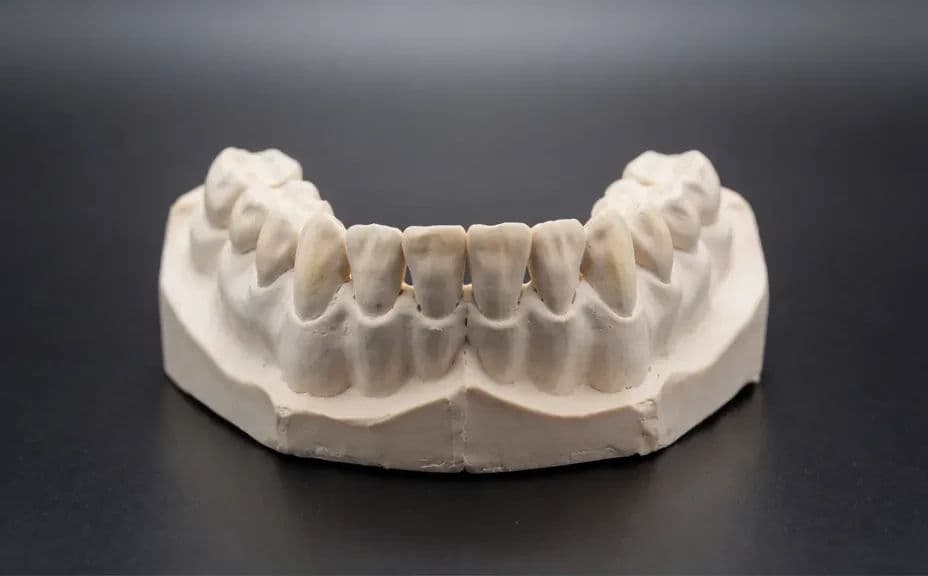
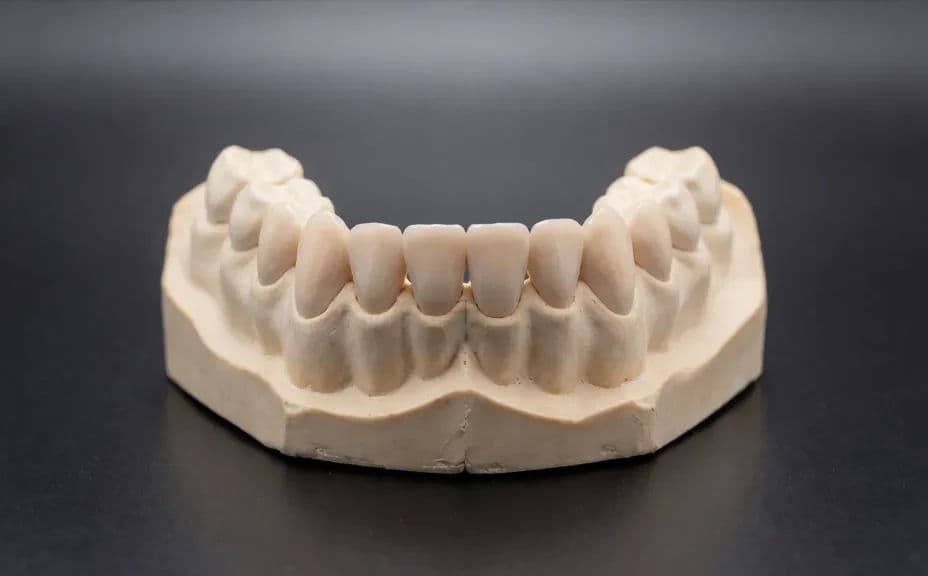
What makes a good dental before and after mockup
| Quality | What it means | Why it matters |
|---|---|---|
| Matched framing | Same angle, distance, and lighting | The viewer sees the change, not a new photo |
| One variable | Only the stated feature differs | The explanation stays simple and honest |
| Clear labelling | Marked as an illustration or mockup | Nobody mistakes it for a patient record |
| Compliant wording | No promise of results | The visual meets healthcare advertising rules |
Morphic vs the traditional way
| Morphic | A photo shoot and retouching | |
|---|---|---|
| Cost | Available on Morphic | Photographer and retoucher fees |
| Time | A matched pair in minutes | A shoot day plus editing turnaround |
| Skill needed | Describe it in plain language | Studio lighting and retouching skills |
| Consistency | Both states from one generation | Manual matching of angle and lighting |
FAQs
No. What you generate is an illustrative mockup for education and marketing, not a record of treatment, and it should be labelled that way wherever it appears.
Use it to explain a concept, not to stand in for results. If you show real outcomes, use unedited photographs taken with consent and describe them accurately.
Ask for the pair in one generation and specify the same model, camera angle, and lighting for both states. Change only the single feature you are illustrating.
Healthcare and dental advertising rules vary by country and by professional body, and many restrict before and after imagery specifically. Check the rules that apply where you practise before you publish.
Anywhere you explain a procedure, such as a treatment page, a waiting-room screen, or a social post, as long as it is clearly presented as an illustration.
Yes. Images you generate with Morphic are cleared for commercial use across your website, print, and social channels.