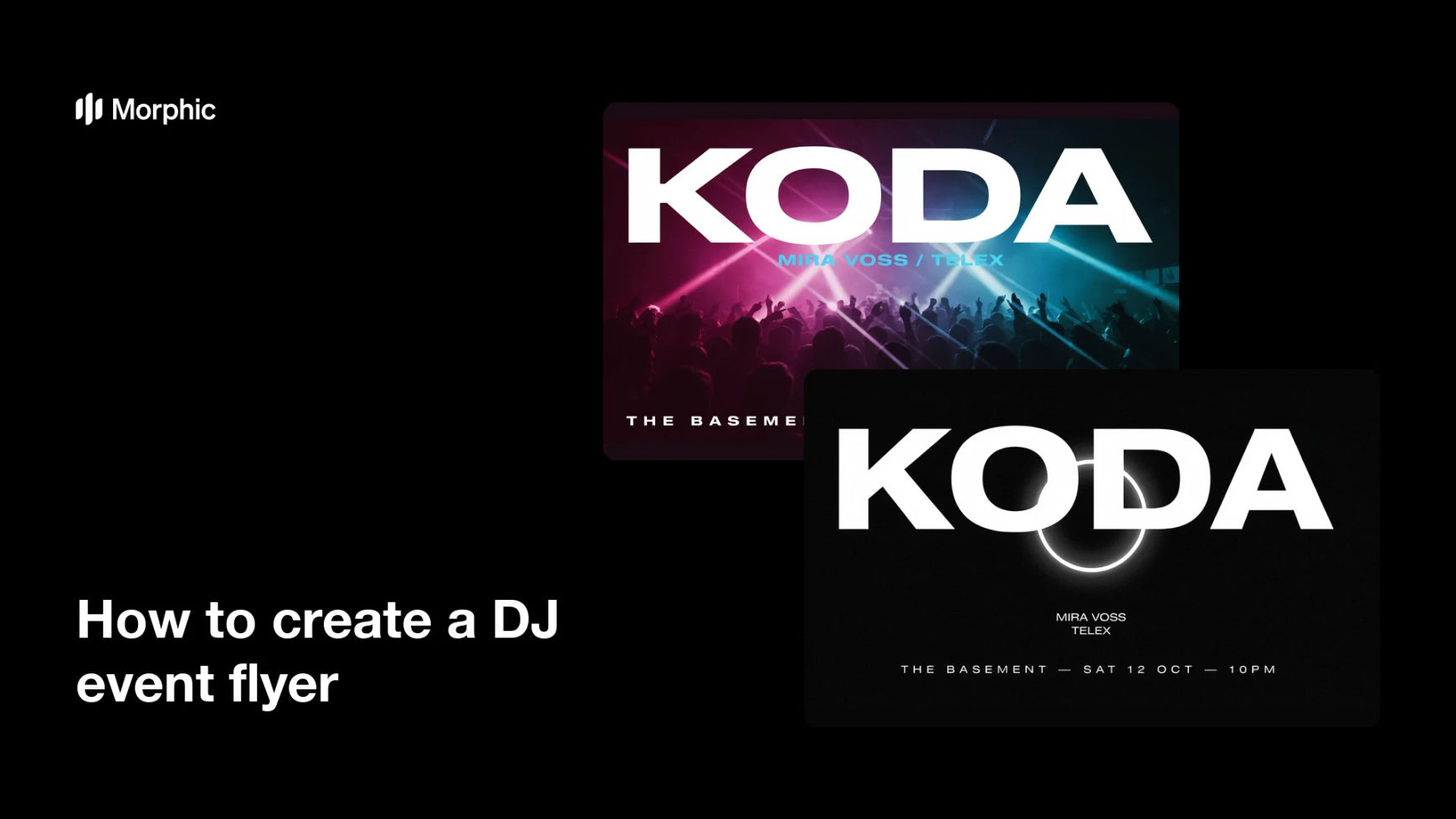
What is a DJ event flyer?
A DJ event flyer is the single image that sells a night: the headline act, the venue, the date, and the mood of the room. Promoters, clubs, and independent DJs post it to social feeds, stories, and event listings, so it has to work as a small square as well as a printed sheet. Its job is to make the night feel worth showing up to before anyone reads a word of detail.
With Morphic you design that flyer from a text prompt in your browser. Describe the vibe, the lineup text, and the layout you want, compare a few directions, then download in HD. You get a finished, on-brand flyer without opening design software or booking a designer.
Lock the event details
Write down the headline DJ, support acts, venue, date, and start time exactly as they should appear. Fixing the wording first keeps the text on the flyer accurate and saves a second round of edits.
Describe the night's mood
Open Morphic and describe the sound and the room: warehouse techno, sunset rooftop house, neon club night, or whatever fits. The mood you describe drives the colour, lighting, and energy of the flyer more than any other instruction.
Set the layout and hierarchy
Ask for a clear hierarchy: the headline act largest, support acts below it, then venue and date in a readable block. Request a couple of layout options so you can compare how each one carries the lineup.
Check every line of text
Read the artist names, venue, and date on each option and confirm the spelling and formatting are correct. Regenerate any flyer where a line looks cramped or a character is off.
Export and post it
Preview the flyer full size and as a feed thumbnail to confirm it reads at both. Download in HD, then post it to your event listing, stories, and print run.
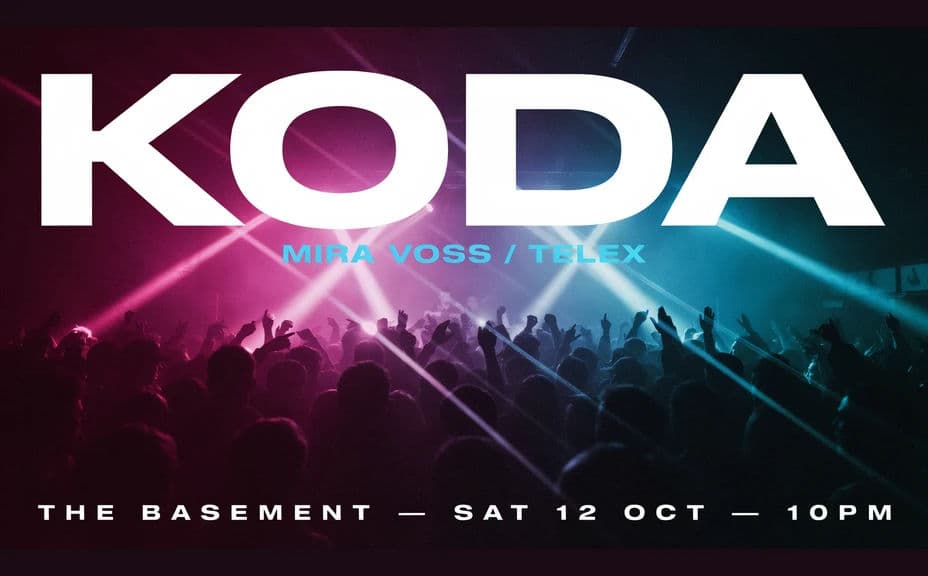
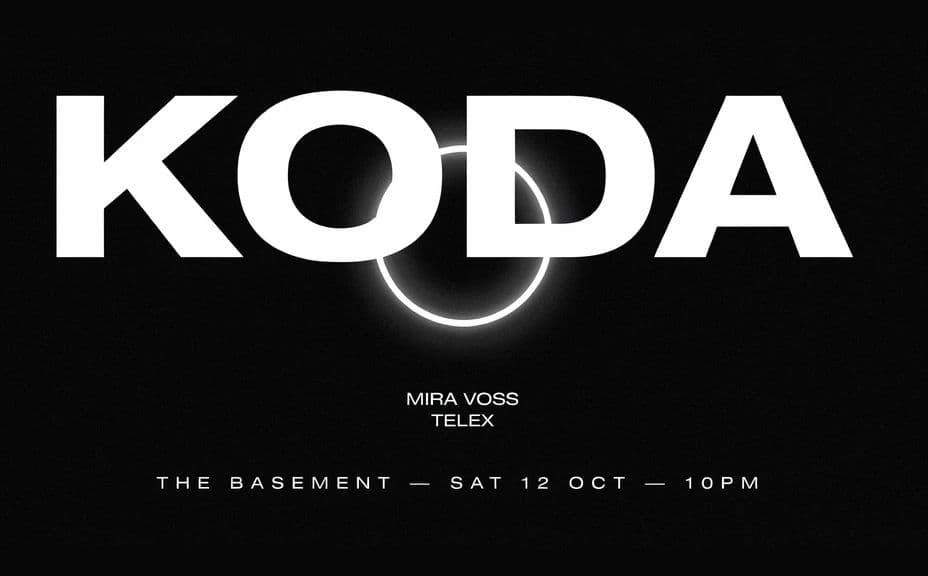
Two flyer designs for the same DJ night, each carrying the same lineup and date.
What makes a good DJ event flyer
| Quality | What it means | Why it matters |
|---|---|---|
| Clear headline act | The main name reads first | People decide by the artist before anything else |
| Readable details | Venue, date, and time are easy to find | A missed detail costs you attendance |
| Mood that matches the sound | The visual fits the genre | The right crowd recognises the night instantly |
| Works small | It holds up as a feed thumbnail | Most people will only ever see it on a phone |
Morphic vs the traditional way
| Morphic | A designer or design software | |
|---|---|---|
| Cost | Available on Morphic | Design fee or software subscription |
| Time | A finished flyer in minutes | Days of briefing and revisions |
| Skill needed | Describe it in plain language | Layout and typography skills |
| Consistency | Regenerate matching flyers for every date | Manual rework for each event |
FAQs
Yes. Give the artist names, venue, and date in your prompt, then check the rendered text and regenerate if any wording looks off before you post.
Yes. Ask for several layouts for the same night and compare them side by side, then pick the one that carries the lineup best.
Yes. Describe your colours, logo placement, and type style, and generate the flyer to match. Keep contrast high so the lineup stays legible.
Yes. Generate the flyer in HD and preview it small before you commit, so it reads as a printed sheet and as a feed post.
Describe the new lineup and date and regenerate in the same style. Keeping a series of nights visually consistent takes minutes.
Yes. Designs you generate with Morphic are cleared for commercial use across your promotion and ticketing.