What is a doctor profile photo?
A doctor profile photo is the headshot that represents a clinician on a practice website, a directory listing, or a staff board. It is usually a head-and-shoulders portrait with even lighting, a calm background, and a natural, approachable expression. Clinics use them so every practitioner appears consistent across the site rather than as a mix of phone snaps.
With Morphic you refine a headshot from a text prompt in your browser. Upload an existing photo, describe the lighting and background you want, then adjust and download in HD. You get a tidy, consistent portrait without booking a studio session or opening editing software.
Start from a good frame
Upload the sharpest photo you have of the clinician, shot straight on with the face clearly visible. A well-focused starting frame keeps the likeness natural through every adjustment.
Describe the background
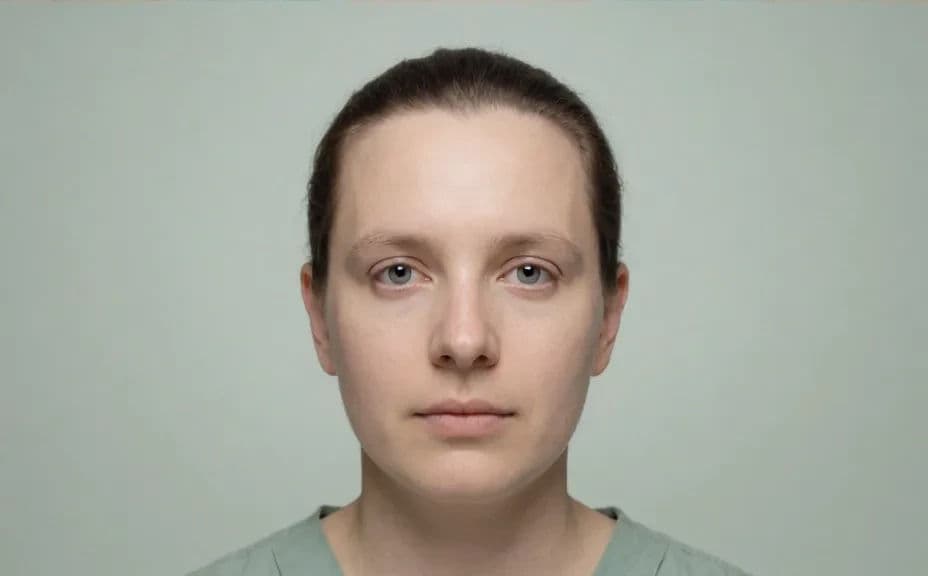
Ask for a calm, uncluttered background such as a soft neutral tone or a gently blurred clinic setting. A quiet backdrop keeps attention on the face and matches the rest of your staff page.
Clean up the lighting
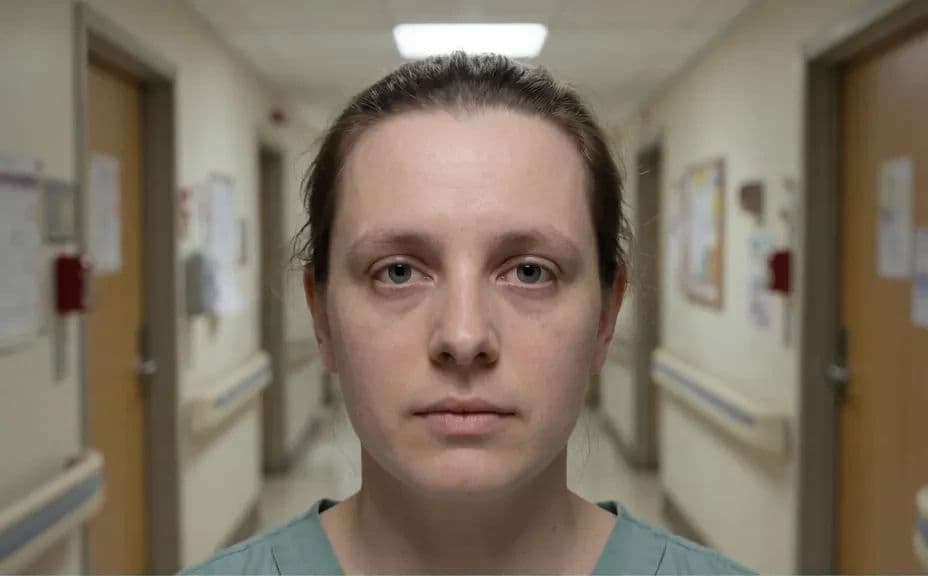
Ask for soft, even light on the face with harsh overhead shadows lifted and skin tones kept true. Even lighting is what separates a professional headshot from a corridor snapshot.
Keep the likeness honest
Ask for a natural result that keeps the person recognisable, without reshaping features or altering their appearance. Patients should meet the same person they saw on your website.
Crop and export
Request the crop your site needs, such as a square for a profile tile or a portrait for a staff card. Preview at display size, confirm the eyes stay sharp, and download in HD.
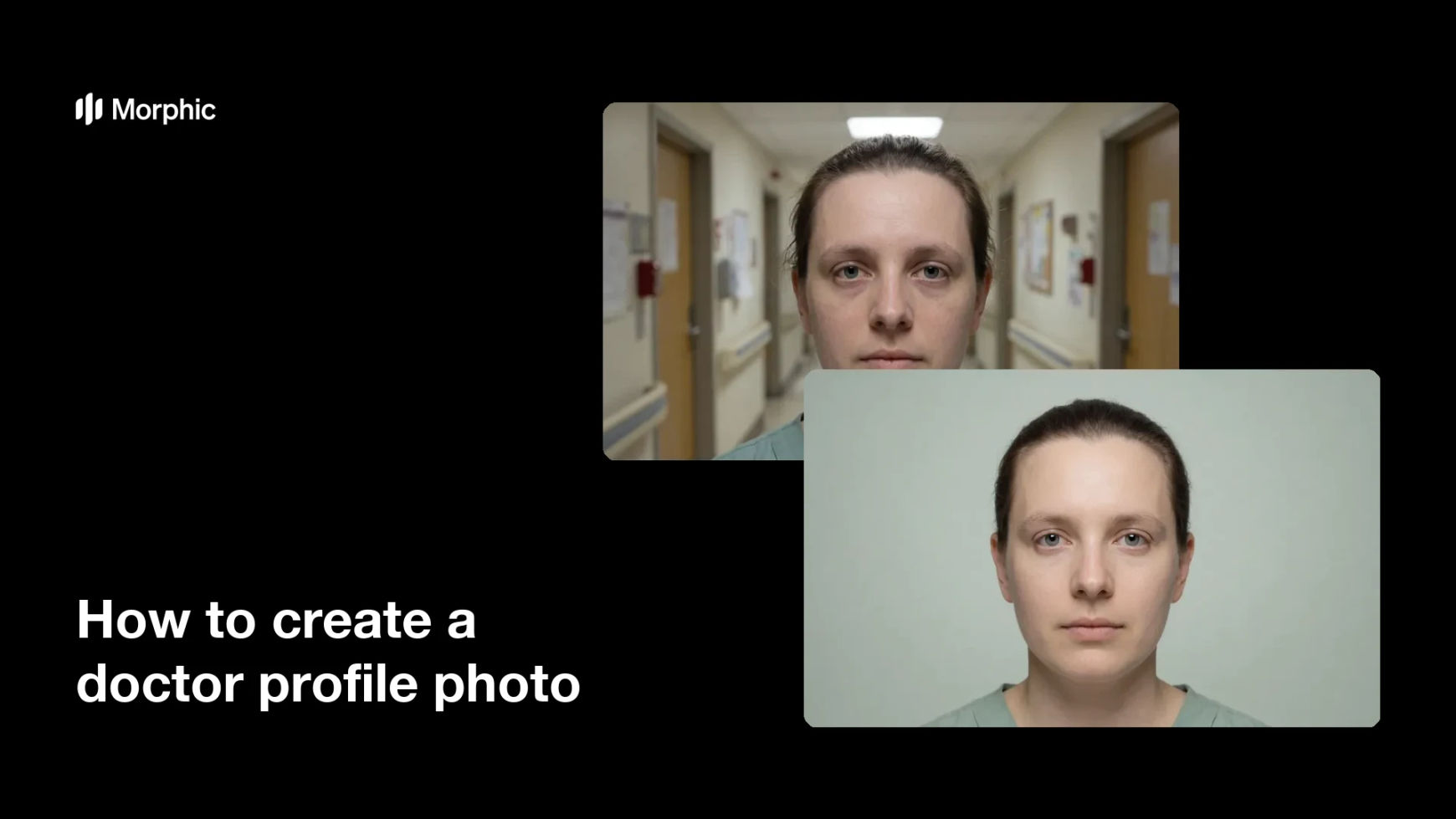
The same photo of the same clinician, before and after the lighting and background were cleaned up.
What makes a good doctor profile photo
| Quality | What it means | Why it matters |
|---|---|---|
| Even lighting | Soft light with no harsh shadows | The face reads clearly at small sizes |
| Calm background | A neutral or gently blurred setting | Nothing competes with the person |
| Natural likeness | The clinician stays recognisable | Patients meet the person they saw online |
| Consistent framing | The same crop across the team | The staff page looks like one practice |
Morphic vs the traditional way
| Morphic | A studio headshot session | |
|---|---|---|
| Cost | Available on Morphic | Photographer and studio fees |
| Time | A finished headshot in minutes | Scheduling and a half-day shoot |
| Skill needed | Describe it in plain language | Lighting and retouching experience |
| Consistency | Match every portrait to one look | Rebook whenever someone joins |
FAQs
Starting from a real photo gives the most faithful result, since the likeness is preserved through the edit. You can also describe a generic clinician portrait if you need a placeholder image.
Yes, if you ask for it. Request a natural result that keeps features unchanged, and review the output side by side with the original before you publish.
Yes. Describe the same background tone, lighting, and crop for every portrait so the whole team page reads as one consistent set.
Any crop your site needs. Specify a square for a profile tile, a portrait for a staff card, or a wider frame for a header, and the framing adapts.
Yes. Always get the clinician's consent before editing and publishing their portrait, the same as you would for any staff photography.
Yes. Images you generate with Morphic are cleared for commercial use across your practice website and listings.