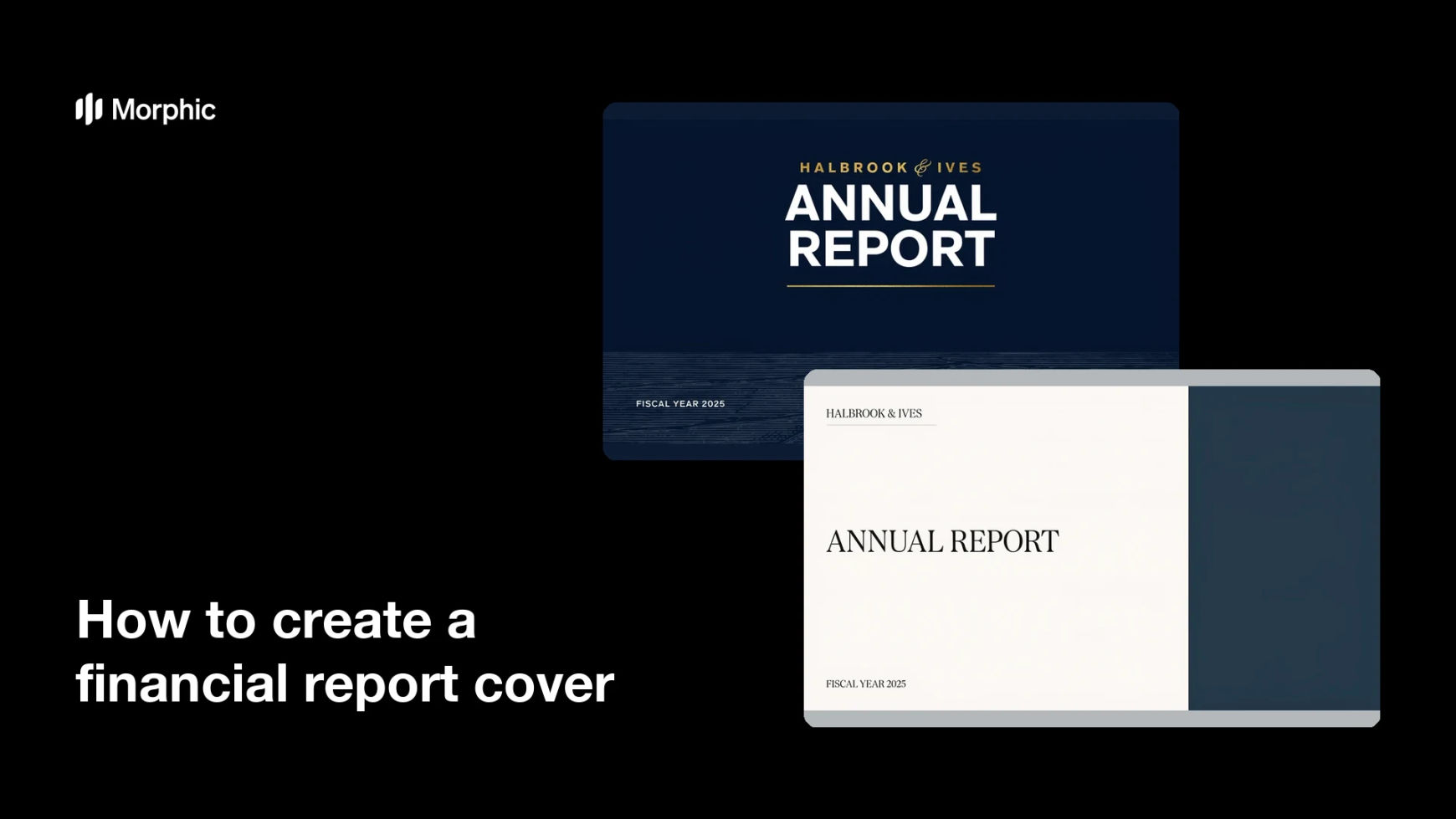
What is a financial report cover?
A financial report cover is the front page of a quarterly, annual, or investor-facing document, carrying the report title, the period it covers, and the company name. It is the first thing a reader sees, so it sets the tone before a single figure is read. Finance teams, investor relations, and corporate communications treat it as the packaging that signals the document is official and current.
With Morphic you design that cover from a text prompt in your browser. Describe the layout, the title wording, and your brand look, compare a few options side by side, then download in HD. You get a professional cover without opening design software or waiting on a design queue.
Lock the title and period
Write the report title, the company name, and the reporting period exactly as they should appear. Fixing the wording first keeps the rendered text accurate and saves a second round of edits.
Describe the cover layout
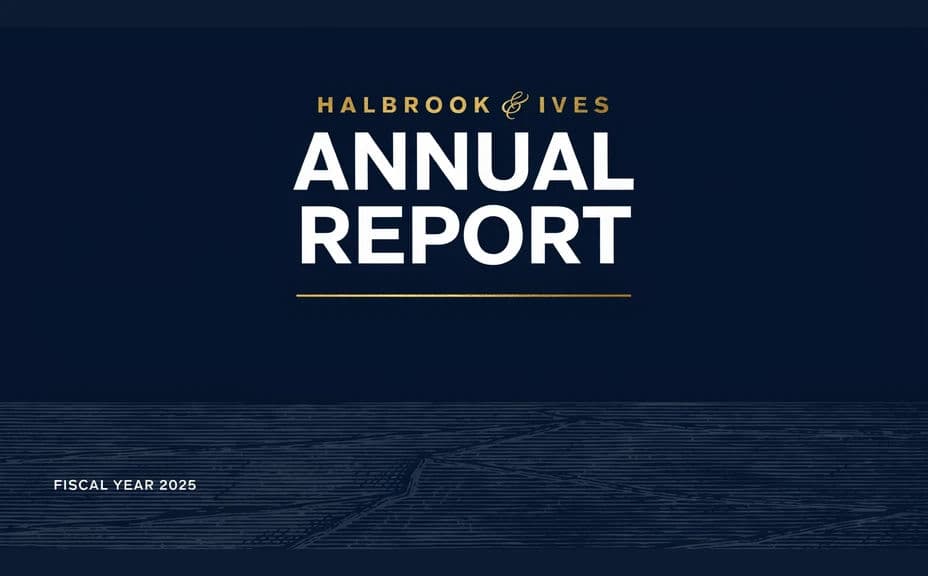
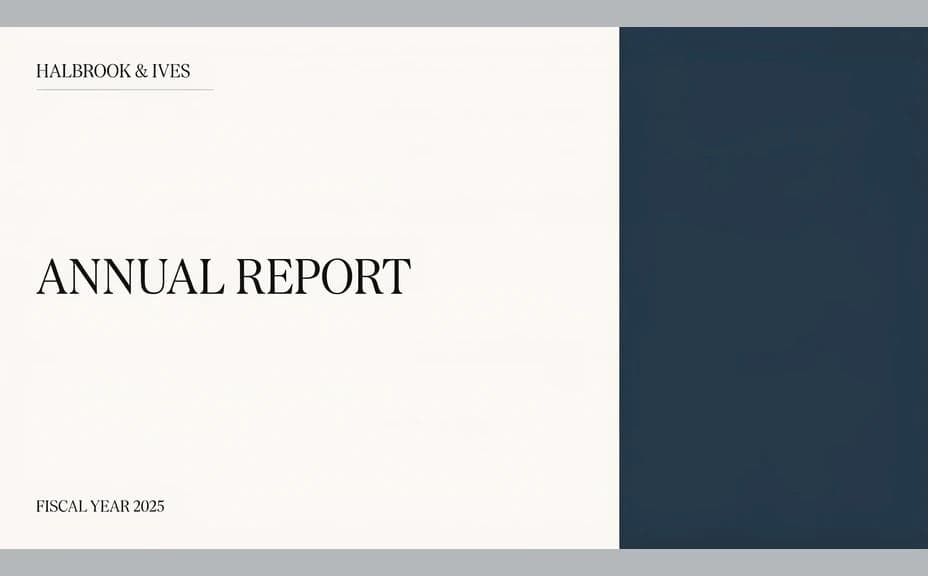
Open Morphic and describe a clean corporate cover: a bold title, room for the period line, and a restrained background that suits a finance document. Ask for a couple of layouts so you can compare hierarchy and mood.
Apply your brand look
Ask for your brand colors, logo placement, and a type style that stays readable at small sizes. Keep contrast strong so the title holds up in print and on a screen.
Check every line of text
Read the title, company name, and period on each option and confirm the spelling and formatting are right. Treat any figures or chart shapes on the cover as decorative placeholders rather than reported data.
Export and place it
Preview the cover at full size and as a small thumbnail to confirm it works at both. Download in HD, then set it as the first page of the report and its share image.
Two cover-design options for the same financial report, each carrying the title and period text.
What makes a great financial report cover
| Quality | What it means | Why it matters |
|---|---|---|
| Clear title | The report and period read instantly | Readers know which document they are holding |
| Restrained styling | The design stays calm and formal | A finance document should look measured, not promotional |
| On-brand identity | Colors, logo, and type match | The report reads as official company material |
| Print and screen ready | The cover holds up large and small | The same file works as page one and as a thumbnail |
Morphic vs the traditional way
| Morphic | Design software or a designer | |
|---|---|---|
| Cost | Available on Morphic | Software subscription or design fee |
| Time | A finished cover in minutes | Hours of layout and revision rounds |
| Skill needed | Describe it in plain language | Layout and typography skills |
| Consistency | Regenerate matching covers each period | Manual rework for every new edition |
FAQs
Yes. Provide the title, company name, and period in your prompt, then read the rendered text and regenerate if any wording looks off.
Yes. Ask for several layouts of the same report and compare them side by side, then keep the one that reads best.
Treat chart shapes and figures in a generated cover as decorative placeholders. Put real reported data inside the document, where it can be checked against your source of record.
Yes. Describe your brand colors, logo placement, and font style, and generate the cover to match. Keep contrast high so the title stays legible.
Reuse the same description and change only the period line. That keeps a consistent look across editions without rebuilding the layout.
Yes. Designs you generate with Morphic are cleared for commercial use across your documents and corporate materials.