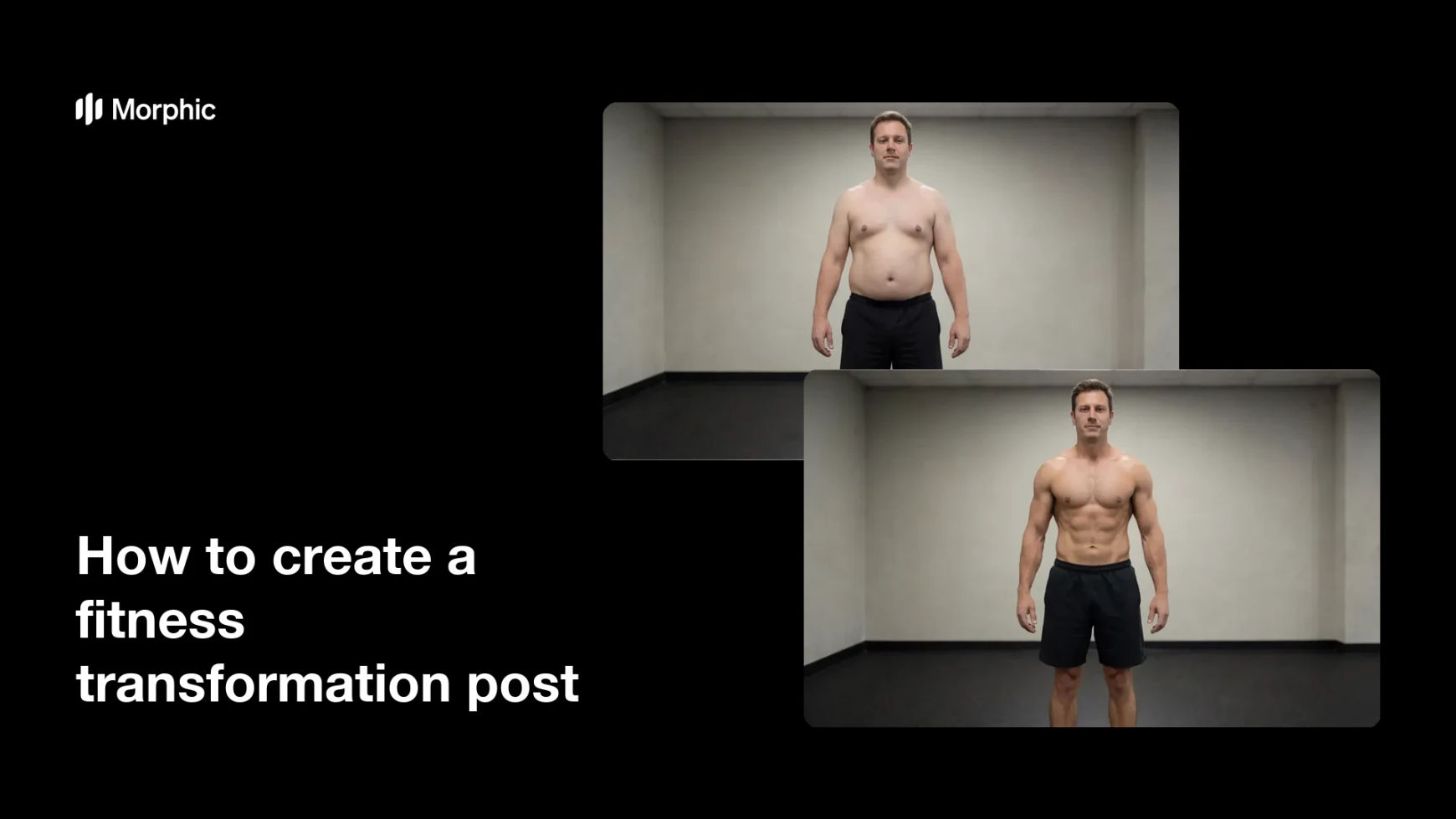
What is a fitness transformation post?
A fitness transformation post is a side-by-side image that shows how someone's physique changed over a training block. It works because the comparison is honest and immediate, the same person in the same pose, with the progress doing the talking. Coaches, gyms, and independent trainers use it as the single most persuasive piece of proof they can publish.
With Morphic you build this post from a text prompt in your browser. Describe the person, the pose, the lighting, and the change you want to show, then refine the framing and download in HD. You get a matched pair that lines up cleanly, without a studio session or a photo editor.
Decide what the comparison shows
Choose the one change the post is about, leaner build, added muscle, better posture, or improved conditioning. A single clear claim reads far better than a pair that tries to show everything at once.
Lock the pose and framing
Open Morphic and describe the exact stance, camera distance, and crop you want in both images. Matching the setup is what makes the comparison feel credible instead of staged.
Keep the lighting identical
Ask for the same light direction, softness, and background in both frames so nothing but the physique changes. Harsh side light can exaggerate definition, so keep it even if you want the result to look fair.
Generate the pair and compare
Produce the before and after together, then view them side by side at full size. Regenerate either frame if the angle, distance, or wardrobe drifts between the two.
Export and post it
Preview the pair at the size you will publish, feed post, story, or website section. Download in HD and pair it with a short, specific caption about the timeline.
The same person in the same pose, lighting, and framing, before the training block and after it.
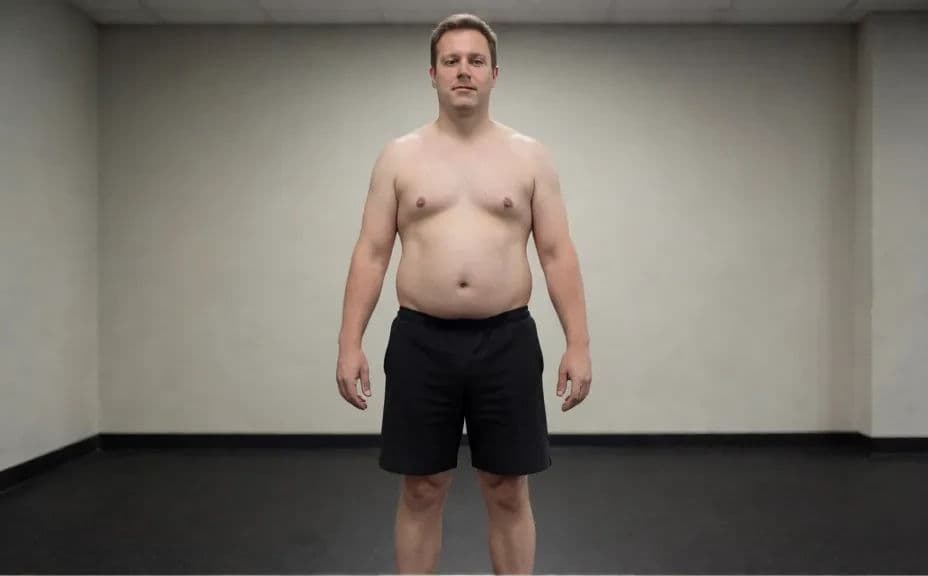
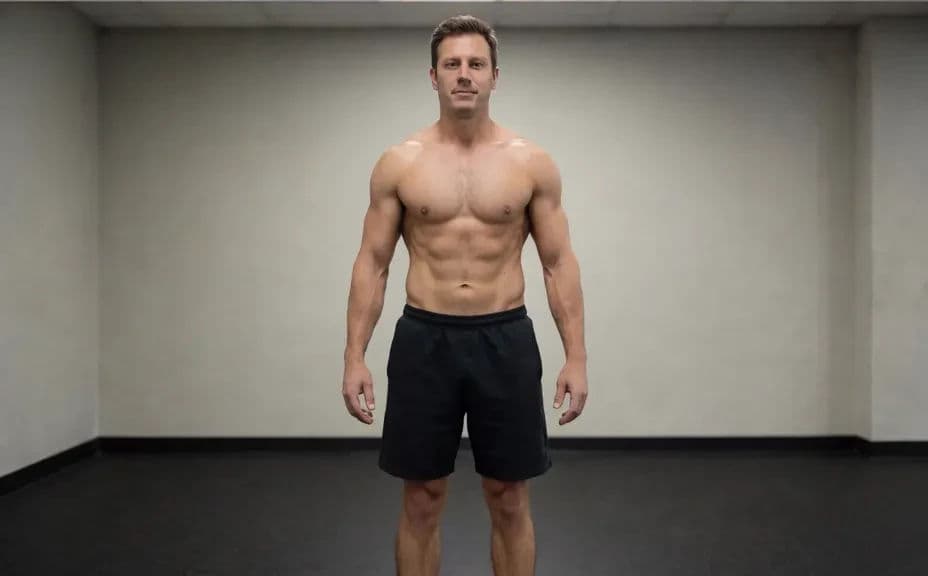
What makes a good fitness transformation post
| Quality | What it means | Why it matters |
|---|---|---|
| Matched framing | Same pose, distance, and crop in both frames | The comparison reads as progress, not as a trick of the angle |
| Even lighting | Neither frame is flattered by the light | Viewers trust what they are seeing |
| One clear change | The post makes a single claim | The message lands in the first second |
| Clean background | Nothing competing with the subject | Attention stays on the physique |
Morphic vs the traditional way
| Morphic | A photo shoot and editing | |
|---|---|---|
| Cost | Available on Morphic | Photographer fee plus editing time |
| Time | A matched pair in minutes | A shoot day plus a retouching pass |
| Skill needed | Describe it in plain language | Lighting, posing, and editing skills |
| Consistency | Regenerate frames that match exactly | Re-shooting to recover the original setup |
FAQs
Describe the pose, camera distance, background, and lighting explicitly, and use the same wording for both frames. Regenerate any frame that drifts from the setup.
Yes. Name the change you want, leaner build, added muscle, or better posture, and generate the pair around that one claim.
Generate at the shape you will publish, square or vertical for feeds and stories, wider for a website section. Download in HD so the pair stays sharp.
Yes. Describe a simple week or month label in the prompt, then read it back carefully and regenerate if the characters look off.
It does. Keep it plain and identical in both frames so nothing distracts from the subject or hints that the two photos were taken in different places.
Yes. Images you generate with Morphic are cleared for commercial use across your marketing and social channels.