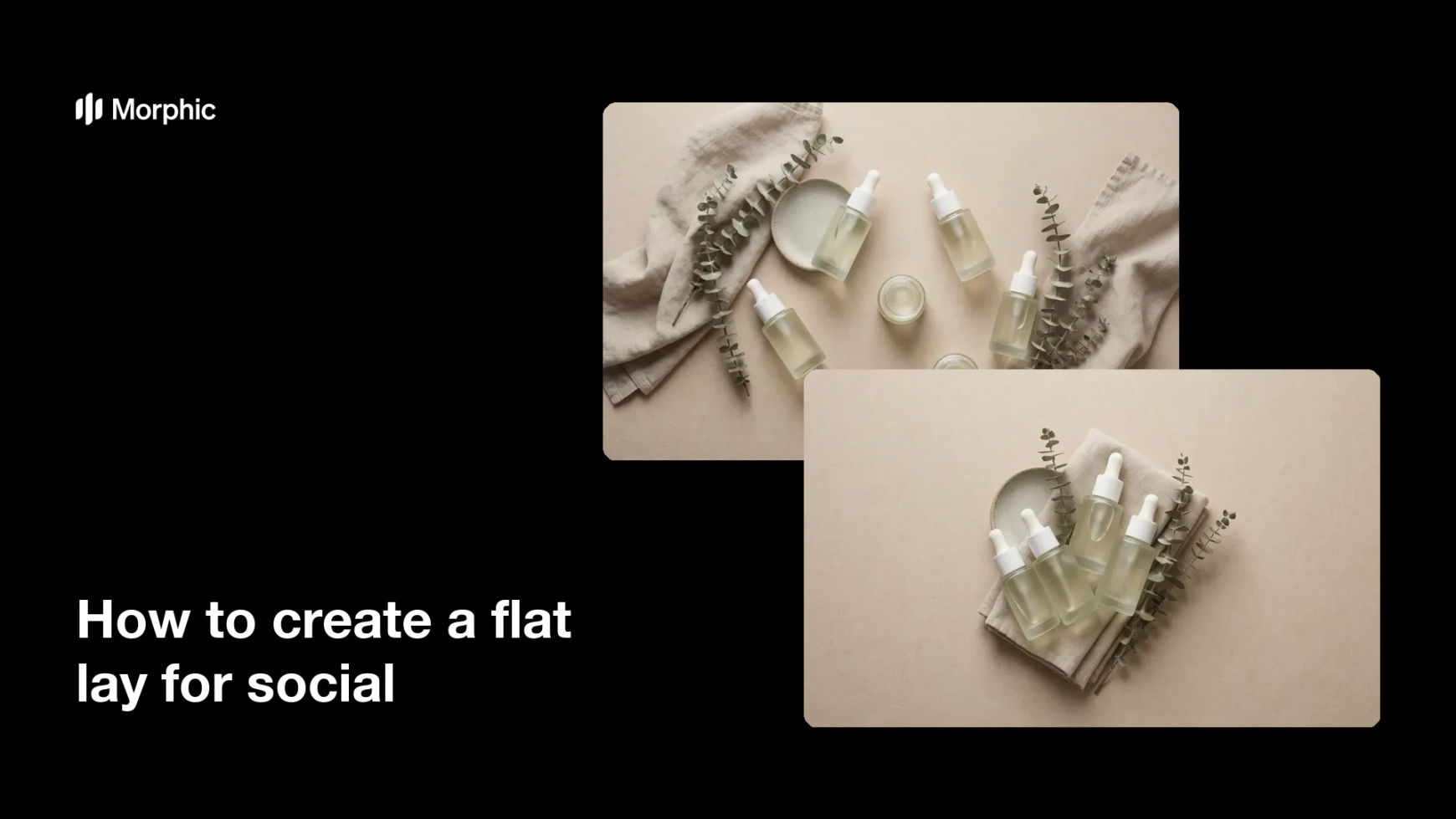
What is a flat lay for social?
A flat lay is a photo shot straight down on a surface, with products and props arranged into a tidy, styled scene. It is a staple of Instagram and Pinterest because the clean top-down angle shows several items at once and reads well in a grid. Brands, shops, and creators use flat lays to present a product, a bundle, or a mood without staging a full photo shoot.
With Morphic you create a flat lay from a text prompt in your browser. Describe the products, the props, the surface, and the styling you want, then adjust and download in HD. You get a polished top-down scene without a camera, a light kit, or a studio.
Choose your products and props
Decide the items the flat lay features and the props that set the mood, such as leaves, fabric, or a coffee cup. A short list keeps the scene focused rather than crowded.
Describe the top-down scene
Open Morphic and describe a top-down flat lay with your products arranged on a chosen surface. Specify a square ratio so the scene fits neatly in a social grid.
Set the styling and light
Ask for a surface, a color mood, and soft, even lighting so the products look clean and inviting. Keep the arrangement balanced with a little breathing room around each item.
Generate arrangements to compare
Produce two styling arrangements of the same products so you can see which composition reads best. A quick look reveals which layout draws the eye to the hero item.
Review and export
Preview each arrangement and confirm the products look accurate and the scene stays balanced. Download in HD, then post it to your feed or add it to a product page.
Two flat-lay styling arrangements of the same products and props, shot in the same top-down style.

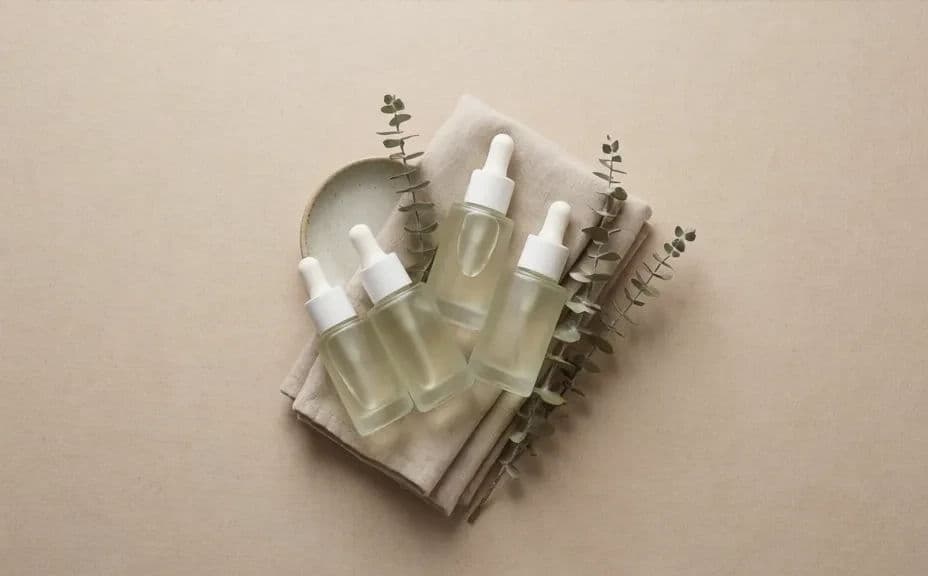
What makes a good flat lay
| Quality | What it means | Why it matters |
|---|---|---|
| Balanced layout | Items are spaced with breathing room | The scene looks styled, not cluttered |
| Clear hero | One product leads the composition | Viewers know what the post is about |
| Even lighting | Soft, consistent light on every item | Products look clean and inviting |
| Cohesive mood | Surface and props match a theme | The image fits your feed at a glance |
Morphic vs the traditional way
| Morphic | A photo shoot | |
|---|---|---|
| Cost | Available on Morphic | Camera, props, and studio time |
| Time | A finished flat lay in minutes | Hours of setup and shooting |
| Skill needed | Describe it in plain language | Styling and photography skills |
| Consistency | Regenerate arrangements on demand | Reshoot to change the styling |
FAQs
Yes. List the products and props in your prompt, and the flat lay arranges them in the scene. You can regenerate with different items any time.
Yes. Describe the surface, color mood, and lighting, and the scene renders to match. Keep the arrangement balanced so the products stay the focus.
A square ratio fits neatly in a social grid. Specify the ratio in your prompt and the composition adapts to fit.
Yes. Generate two styling arrangements of the same products and compare which composition reads best before you post.
Yes, if you ask for it. Request soft, even light in your prompt, then preview and regenerate if any item looks harsh or flat.
Yes. Images you generate with Morphic are cleared for commercial use across your social feeds and product pages.