What is a food truck menu graphic?
A food truck menu graphic is a bold menu board that lists your items and prices in a clear, branded layout. Owners use it on the truck, on signage, and on social so customers know what to order before they reach the window. A good one keeps items easy to scan, prices readable, and the whole look on brand.
Morphic lets you create one in the browser without design software. You describe the layout, type in your items and prices, and set an on-brand style in plain language. When it looks right, you download the menu graphic in high resolution, ready to print or post.
List your items and prices
Gather the dishes you want to feature along with their prices. A short, focused list is easier to read from a line than a long one crowded with options.
Choose a menu layout
Tell Morphic how to group the items, such as sections for mains, sides, and drinks. A clear structure helps customers find what they want quickly.
Set your brand style
Ask for your truck colors and a bold, legible font that fits your look. Strong type and color keep the board readable and recognizable from a distance.
Check the prices and spelling
Review every item name and price so the board is accurate before you print. Clear, correct text keeps the line moving and avoids confusion at the window.
Review and download
Make sure the board reads well from a few steps back, then generate a couple of options. Download the version you like in high resolution, ready for print or social.
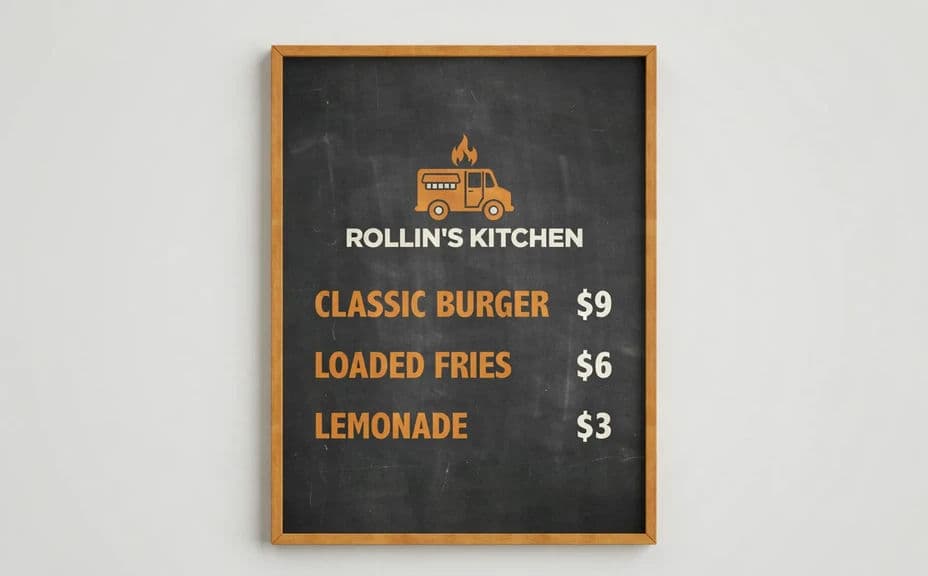
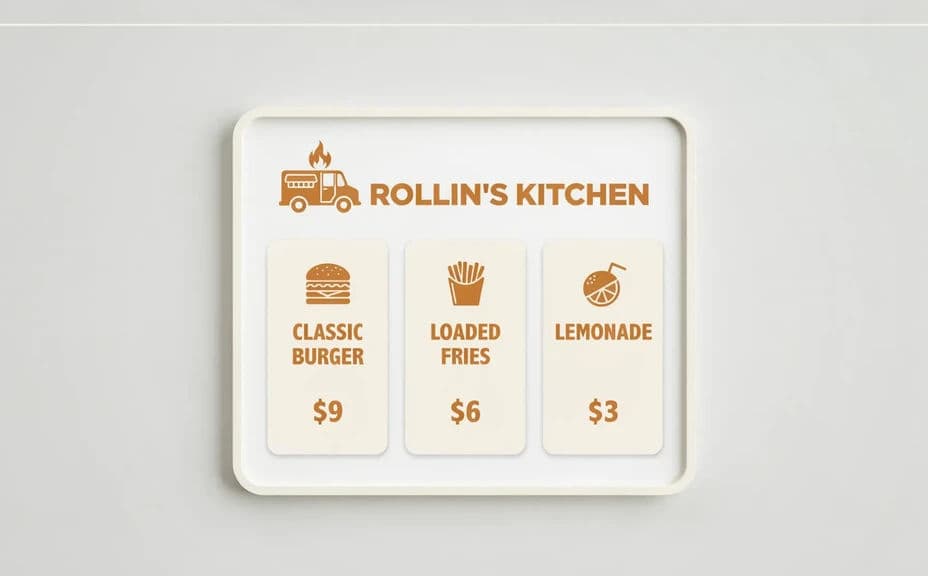
The two tiles below show two menu-board designs for the same food truck, each listing the same items and prices.
What makes a good food truck menu graphic
| Quality | What it means | Why it matters |
|---|---|---|
| Readable items | Names and prices are easy to scan | Customers decide before they reach the window |
| Bold type | Large, legible font that carries | The board reads clearly from the line |
| Clear sections | Items grouped in a logical order | People find what they want quickly |
| On-brand style | Your colors and look on the board | Your truck stays recognizable everywhere |
Morphic vs the traditional way
| Morphic | A design agency | |
|---|---|---|
| Cost | Available on Morphic | Per-graphic design fees |
| Time | Ready in minutes | Days of back-and-forth |
| Skill needed | Describe it in plain language | Design software and layout skills |
| Consistency | Same branded look every time | Varies by designer and brief |