What is a game character concept?
A game character concept is the visual definition of a character before anything is modelled or animated, covering the silhouette, costume, gear, and attitude. It gives the team one agreed picture to build from, so the modeller, animator, and writer are all describing the same person. Studios, indie teams, and tabletop designers use concepts to explore many directions cheaply before committing to production.
With Morphic you create concept art from a text prompt in your browser. Describe the character's role, build, costume, and world, compare several directions, then download in HD. You explore far more options than a hand-drawn pass would allow in the same afternoon.
Define the character's role
Write a short brief covering who the character is, what they do in the game, and how they should make a player feel. A clear role keeps every direction you generate purposeful instead of decorative.
Explore silhouettes
Open Morphic and ask for several full-body directions with different builds, proportions, and outfit shapes. Comparing silhouettes first is faster than refining detail on a design that was never going to work.
Lock the design details
Pick the strongest direction and describe the specifics: armour pieces, fabric, weapons, scars, palette, and any signature prop. Naming details explicitly is what keeps the character recognisable across later generations.
Generate supporting views
Ask for the same character from other angles and in a different pose or expression. Extra views expose parts of the design that were hidden and give modellers something to work from.
Export and hand it over
Review the set at full size and drop anything that contradicts the locked design. Download in HD and pass the sheet to your team as the reference for production.
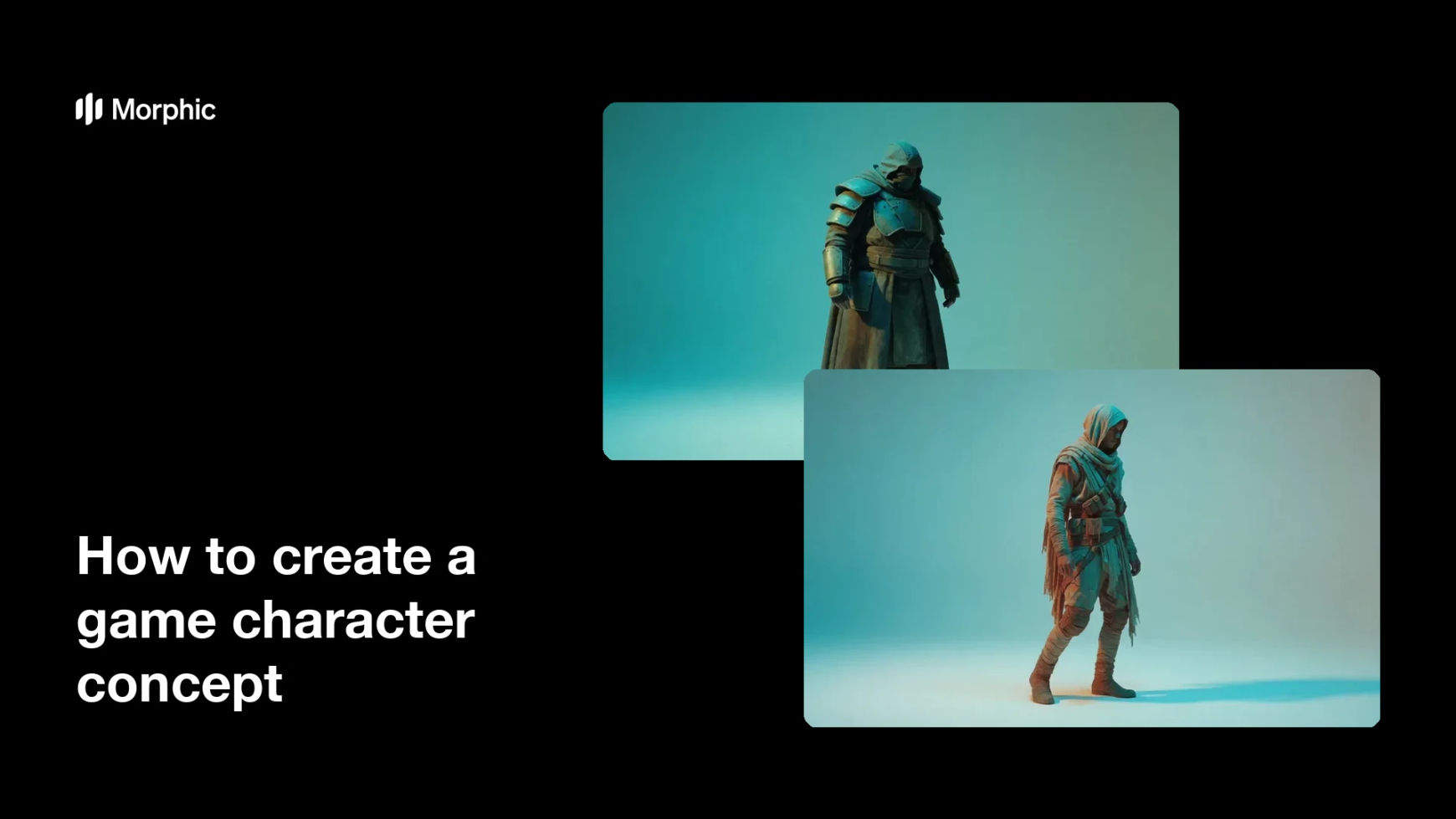
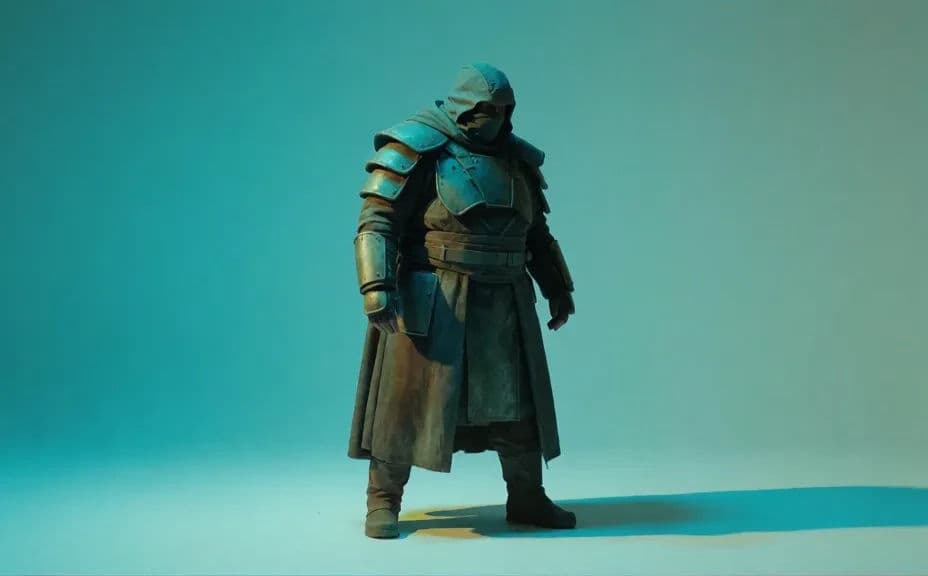
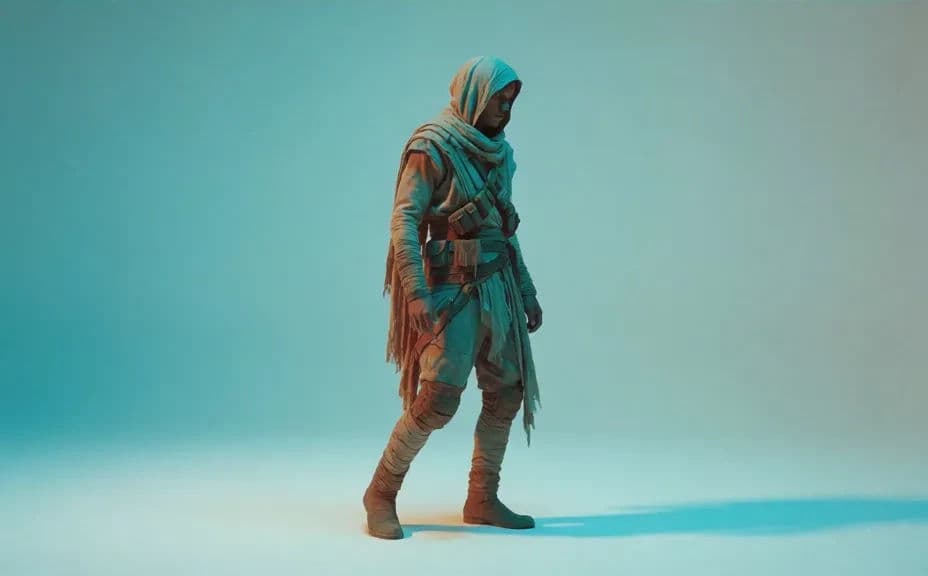
Two design directions for the same invented character brief.
What makes a good game character concept
| Quality | What it means | Why it matters |
|---|---|---|
| Readable silhouette | The shape is clear in outline | Players identify the character instantly |
| Role is legible | The design signals what they do | Gameplay reads without explanation |
| Consistent details | Gear and marks repeat across views | The team builds one character, not three |
| Fits the world | Materials and palette match the setting | The character belongs in the game |
Morphic vs the traditional way
| Morphic | Concept artist commission | |
|---|---|---|
| Cost | Available on Morphic | Per-concept artist fee |
| Time | Several directions in minutes | Days per exploration round |
| Skill needed | Describe it in plain language | Anatomy and rendering skills |
| Consistency | Regenerate the same character in new views | Each new view is a new commission |
FAQs
Yes. Ask for multiple builds and outfit shapes from the same brief, then compare silhouettes before refining any of them.
Yes, if you restate the locked details in every prompt. Name the armour, palette, and signature props each time so the design does not drift.
Yes. Ask for the same character from other angles and poses, then drop any view that contradicts the locked design.
Yes. Describe the rendering style, line quality, and palette you use, and generate the concept to match your existing art.
It is a way to explore and communicate quickly. Many teams use it for the exploration pass and bring an artist in to finish the chosen direction.
Yes. Images you generate with Morphic are cleared for commercial use in your pitch decks, production docs, and marketing.