What is game key art?
Game key art is the single hero image that represents a game everywhere it appears, from a store page to a poster to a social banner. It usually pairs a lead character or world shot with the game's title, so a player understands the genre and mood before reading a word of description. Studios, publishers, and indie developers treat it as the most reused asset in the whole marketing set.
With Morphic you create key art from a text prompt in your browser. Describe the hero, the world, the mood, and the title treatment, compare a few compositions, then download in HD. You get a store-ready image without commissioning an illustration or opening design software.
Decide the hero and the mood
Choose what the art leads with: a character, a vehicle, a creature, or a landmark from the world. Settle the genre mood too, so the lighting and palette have a clear direction before you generate anything.
Describe the composition
Open Morphic and describe the shot, including the hero's pose, the background depth, and where the title should sit. Ask for a couple of compositions so you can compare a centred hero against an off-centre one.
Add the title treatment
Name the game exactly as it should appear and describe the type style, such as heavy carved letters or a clean modern wordmark. Leave clear space around the title so it holds up when the art is cropped for a store tile.
Check the details
Read the title on each option and confirm the spelling and spacing are right. Look at hands, weapons, and edges of the hero, and regenerate any version where the detail breaks down.
Export and adapt it
Preview the art full size and as a small tile to confirm the hero still reads. Download in HD, then ask for cropped variants for banners and social posts from the same description.
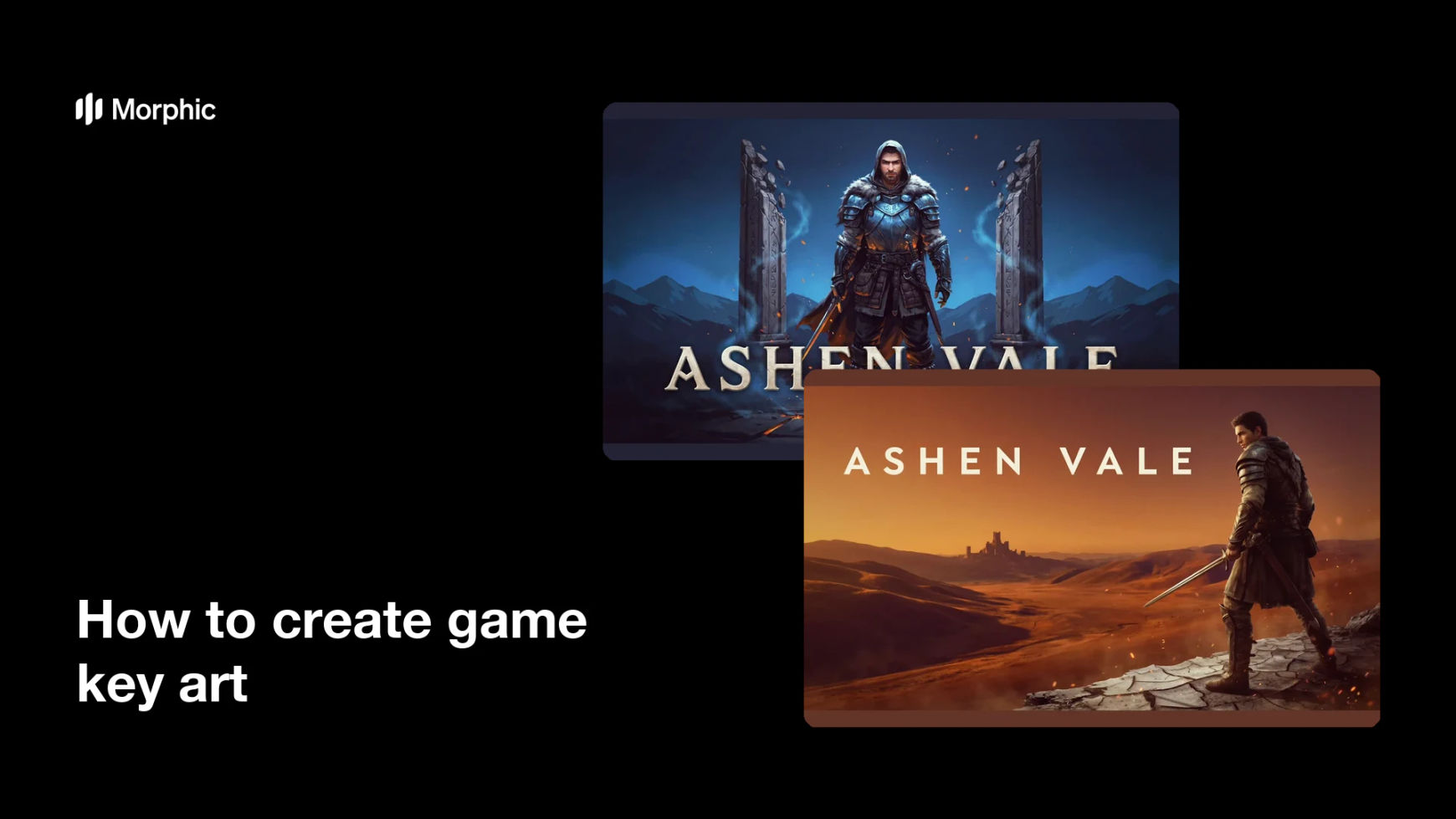
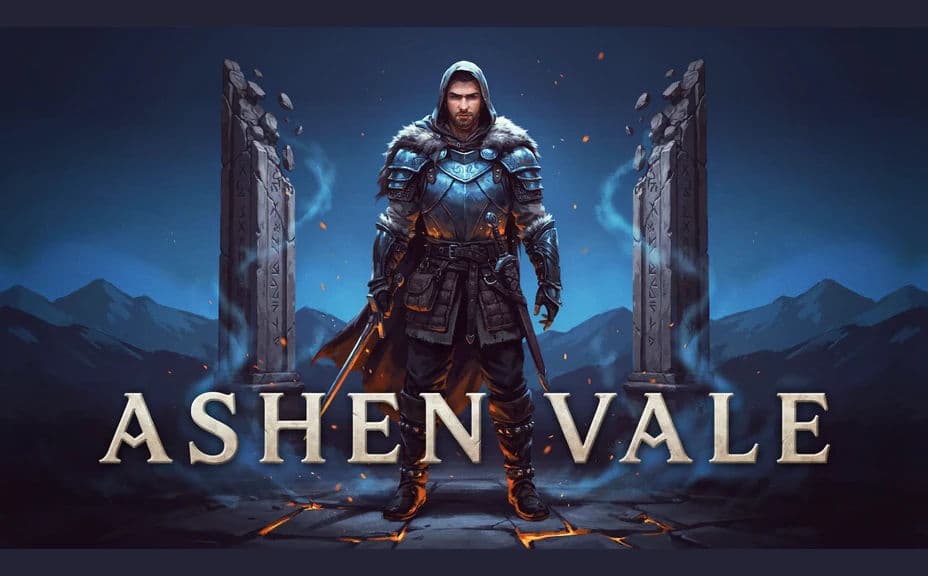
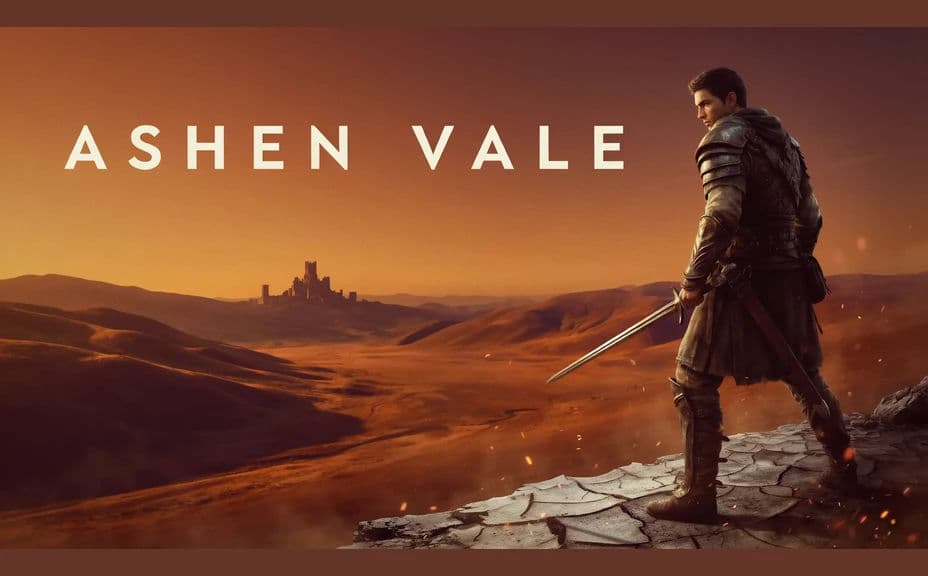
Two key art compositions for the same invented game, each carrying the title.
What makes great game key art
| Quality | What it means | Why it matters |
|---|---|---|
| Clear hero | One subject leads the frame | Players grasp the game in a glance |
| Readable title | The wordmark stays legible | The art works as a store tile and a poster |
| Genre signals | Lighting and palette match the tone | The right audience recognises the game |
| Crops well | The subject survives reframing | One image feeds banners, tiles, and social |
Morphic vs the traditional way
| Morphic | Commissioned illustration | |
|---|---|---|
| Cost | Available on Morphic | Illustrator fee per piece |
| Time | Finished key art in minutes | Weeks of sketches and revisions |
| Skill needed | Describe it in plain language | Illustration and layout skills |
| Consistency | Regenerate variants that match | Each new crop is a separate job |
FAQs
Yes. Give the title in your prompt, then check the rendered text and regenerate if the spelling or spacing looks off before you publish.
Yes. Ask for several layouts of the same hero and world, then compare them side by side and keep the one that reads best small.
Yes. Describe the style, palette, and lighting you already use, and generate the art to match so it sits alongside your other assets.
Yes. Ask for the same art reframed to the crops you need, and check that the hero and title still read in each one.
Describe the new title and regenerate. There is no manual repaint, so updating the art is quick.
Yes. Images you generate with Morphic are cleared for commercial use across your store pages, ads, and marketing.