What is a game store page screenshot?
A game store page screenshot is one of the images in the gallery of a digital storefront listing, sitting under the trailer and above the description. It shows a moment of the game (an environment, a character, a mechanic) and often carries a short caption naming the feature on display. Indie developers and publishers treat the gallery as the main sales pitch, because most players scroll the images before they read a word.
With Morphic you create these gallery images from a text prompt in your browser. Describe the scene, the art direction, and the caption you want, compare a few versions, then download in HD with no watermark. It gives you a consistent gallery without a screenshot-capture and retouching session.
Pick the moment to show
Choose the single feature each image should sell, such as an environment, a combat beat, or a build mode. One clear idea per image keeps the gallery readable when a player scrolls it quickly.
Describe the scene and art direction
Open Morphic and describe the setting, the camera angle, the lighting, and the art style your game uses. Ask for a couple of versions so you can compare framing and mood.
Add the caption text
Give the short caption exactly as it should read, keeping it to a few words so it stays legible at gallery size. Ask for it placed in a corner with clear space around it so it never sits on the focal point.
Check clarity and text
View each version at gallery thumbnail size and confirm the subject still reads and the caption is correctly spelled. Regenerate any image where the scene is cluttered or the type is cramped.
Export and build the gallery
Download in HD at the aspect ratio your storefront expects. Order the images so the strongest one leads, and keep the art direction consistent across the set.
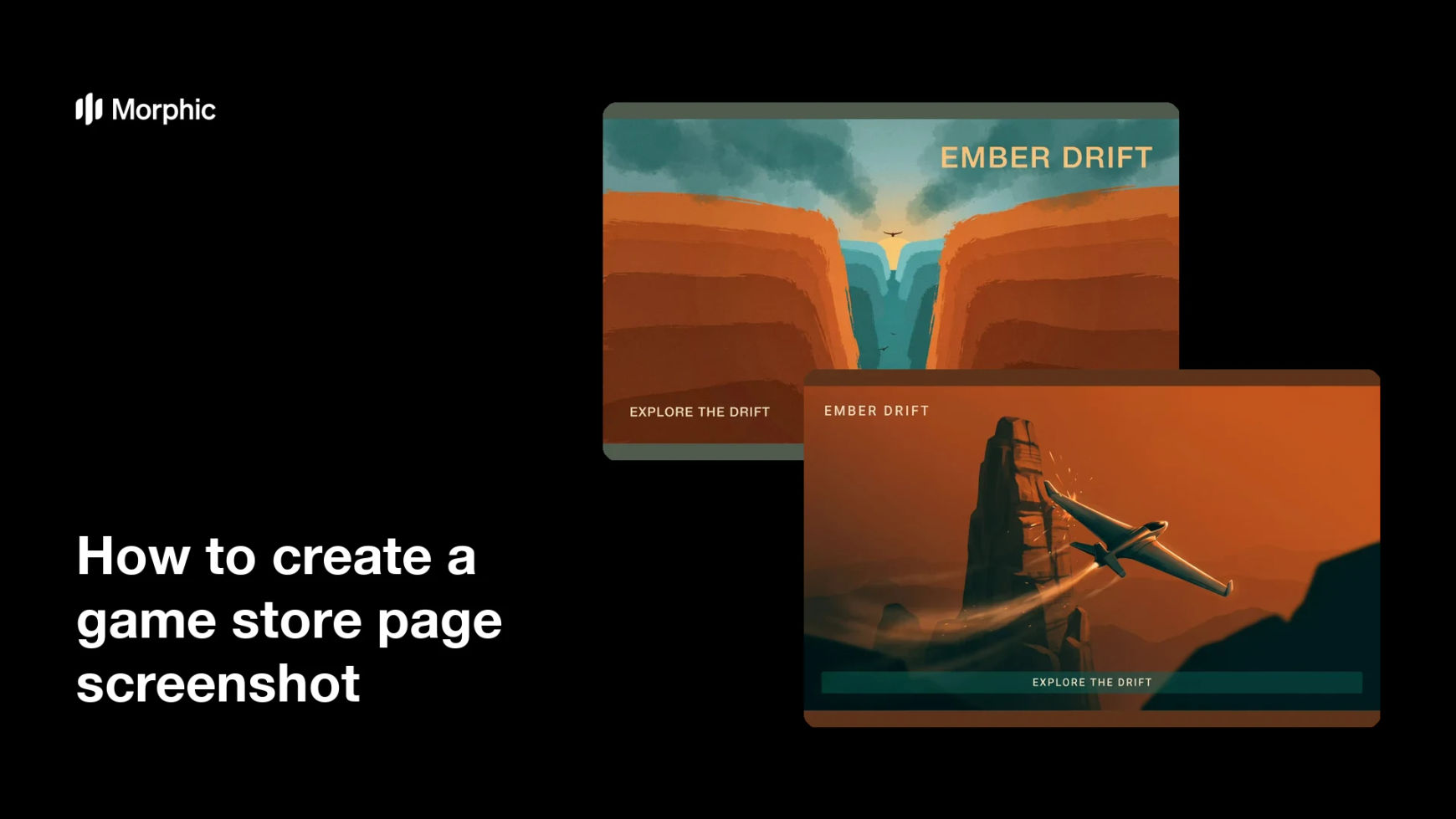
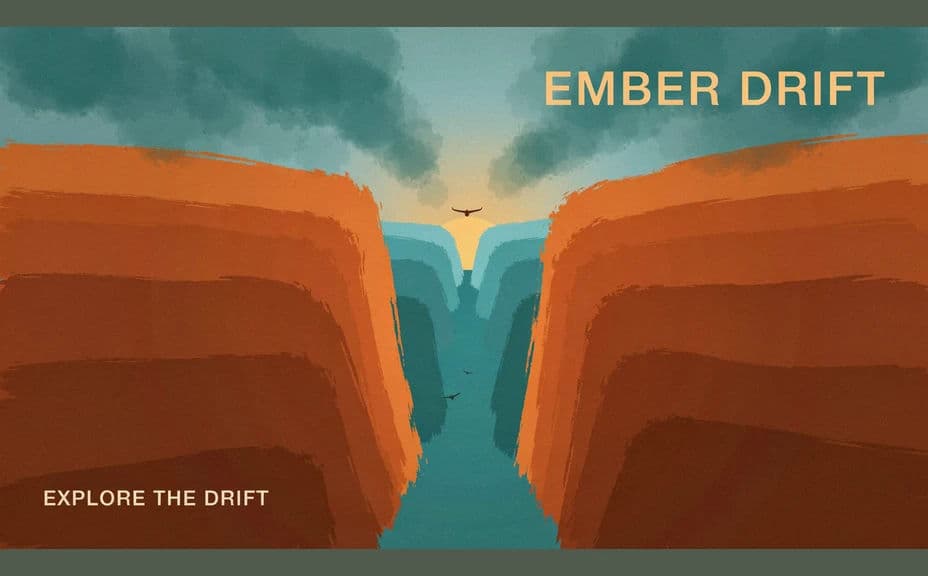
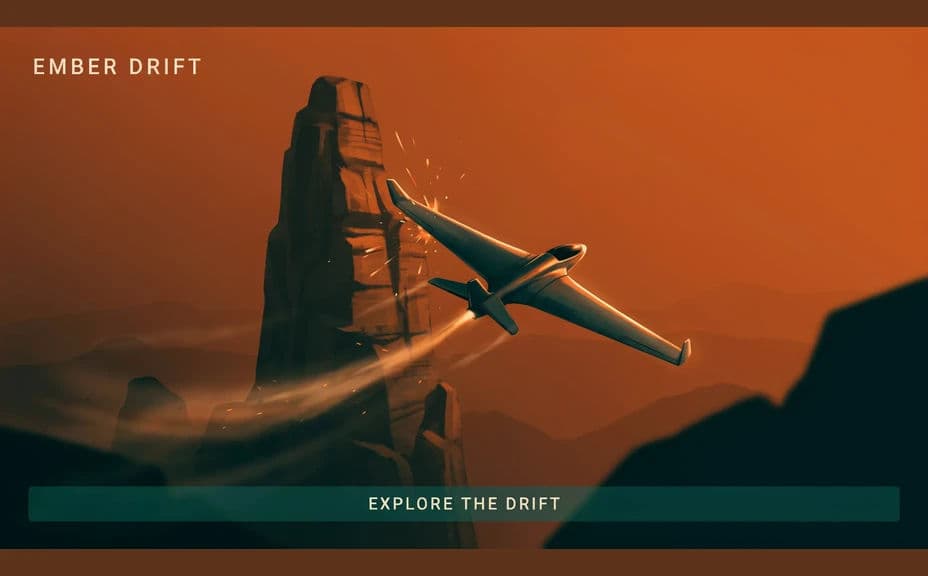
Two gallery-image options for the same game scene, each carrying a short feature caption.
What makes a good game store page screenshot
| Quality | What it means | Why it matters |
|---|---|---|
| One clear idea | The image sells a single feature | A scrolling player reads it in a second |
| Readable at thumbnail size | The subject survives being small | Storefront galleries show images tiny first |
| Consistent art direction | The set shares lighting and style | The game looks finished and coherent |
| Honest to the game | The image reflects real play | It sets expectations that reviews will confirm |
Morphic vs the traditional way
| Morphic | Capture and retouch in an editor | |
|---|---|---|
| Cost | Available on Morphic | Editor subscription or an artist fee |
| Time | A gallery image in minutes | A capture session plus hours of cleanup |
| Skill needed | Describe it in plain language | Capture setup and image editing skills |
| Consistency | Regenerate a matching set | Manual colour and layout work per image |
FAQs
Yes. Give the exact caption in your prompt, keep it short, and check the rendered text before you upload the image.
Yes. Reuse the same art direction wording (lighting, palette, camera height) for every image so the set looks like one game.
Match the ratio your storefront lists in its asset guidelines, then export in HD so the image stays sharp when it is shown large.
It will if you keep one subject per image. Preview each version small and regenerate anything that turns into visual noise.
Describe the updated look and regenerate the set. Refreshing a gallery after an art pass takes minutes rather than a new capture session.
Yes. Images you generate with Morphic are cleared for commercial use on your store page and marketing.