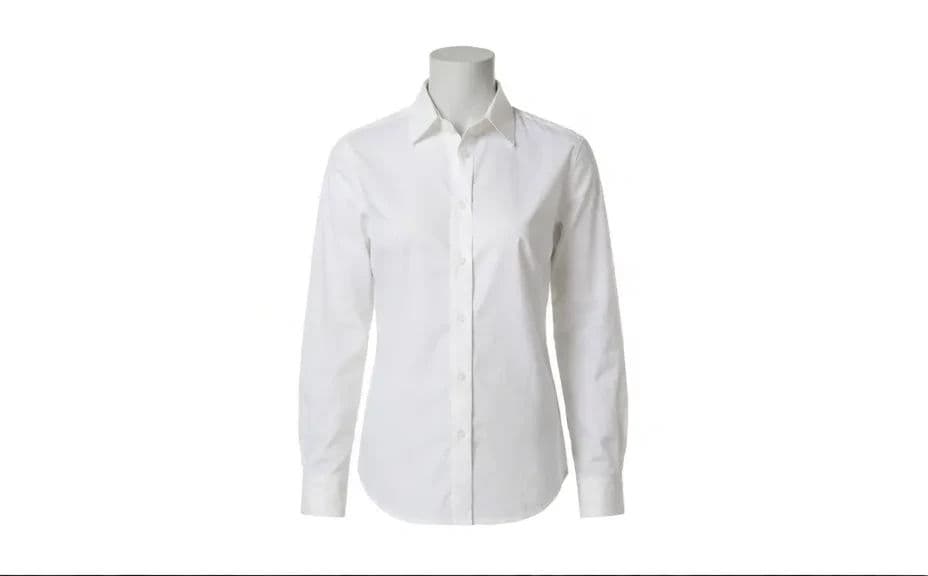
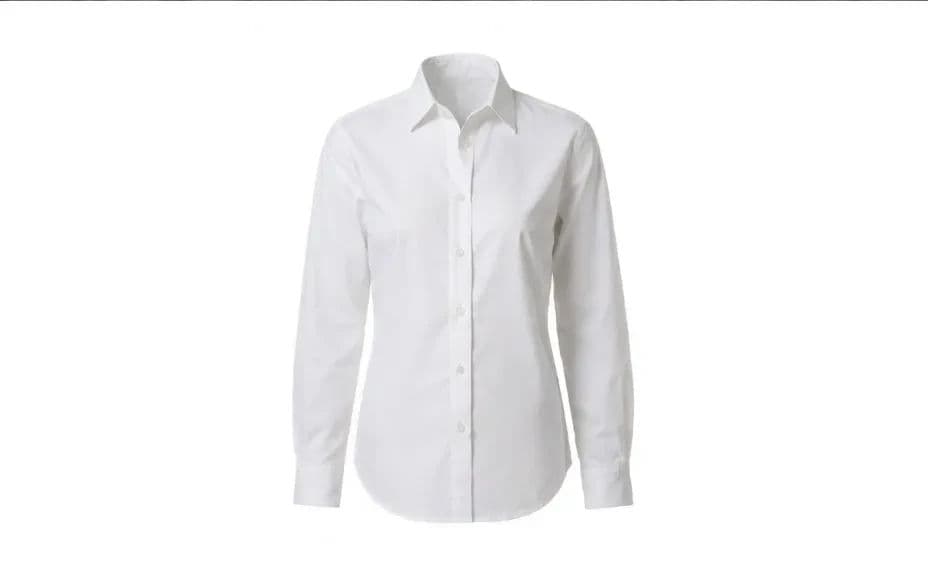
What is a ghost mannequin product photo?
A ghost mannequin photo shows a garment holding its worn shape with the mannequin or model invisible, so the clothing appears to float. It is the standard ecommerce treatment because it shows fit and volume without a body distracting from the product. Apparel retailers, marketplace sellers, and wholesale catalogues use it to keep an entire product grid looking uniform.
With Morphic you produce this from a normal on-mannequin shot in your browser. Upload the photo, ask for the mannequin to be removed while the garment keeps its three-dimensional form, and check the neckline and cuffs. The result downloads in HD and is cleared for commercial use.
Shoot or choose the source photo
Use a straight-on shot of the garment on a mannequin with even lighting and no harsh shadow. The cleaner the source, the less correction the neckline will need.
Ask for the mannequin to disappear
Open Morphic, upload the photo, and describe a ghost mannequin result where the form is removed and the garment keeps its worn volume. Say the fabric, seams, and drape must stay exactly as photographed.
Fill the inside of the neckline
Ask for the inner back of the collar to be visible so the garment reads as hollow rather than cut out. This detail is what makes the effect convincing at a glance.
Clean the background
Request a pure white or neutral background with a soft contact shadow beneath the garment. Consistent backgrounds keep the product grid tidy across every listing.
Review the edges and export
Zoom in on the shoulders, cuffs, and hem and confirm no mannequin edge or halo remains. Download in HD and upload it to your product page.
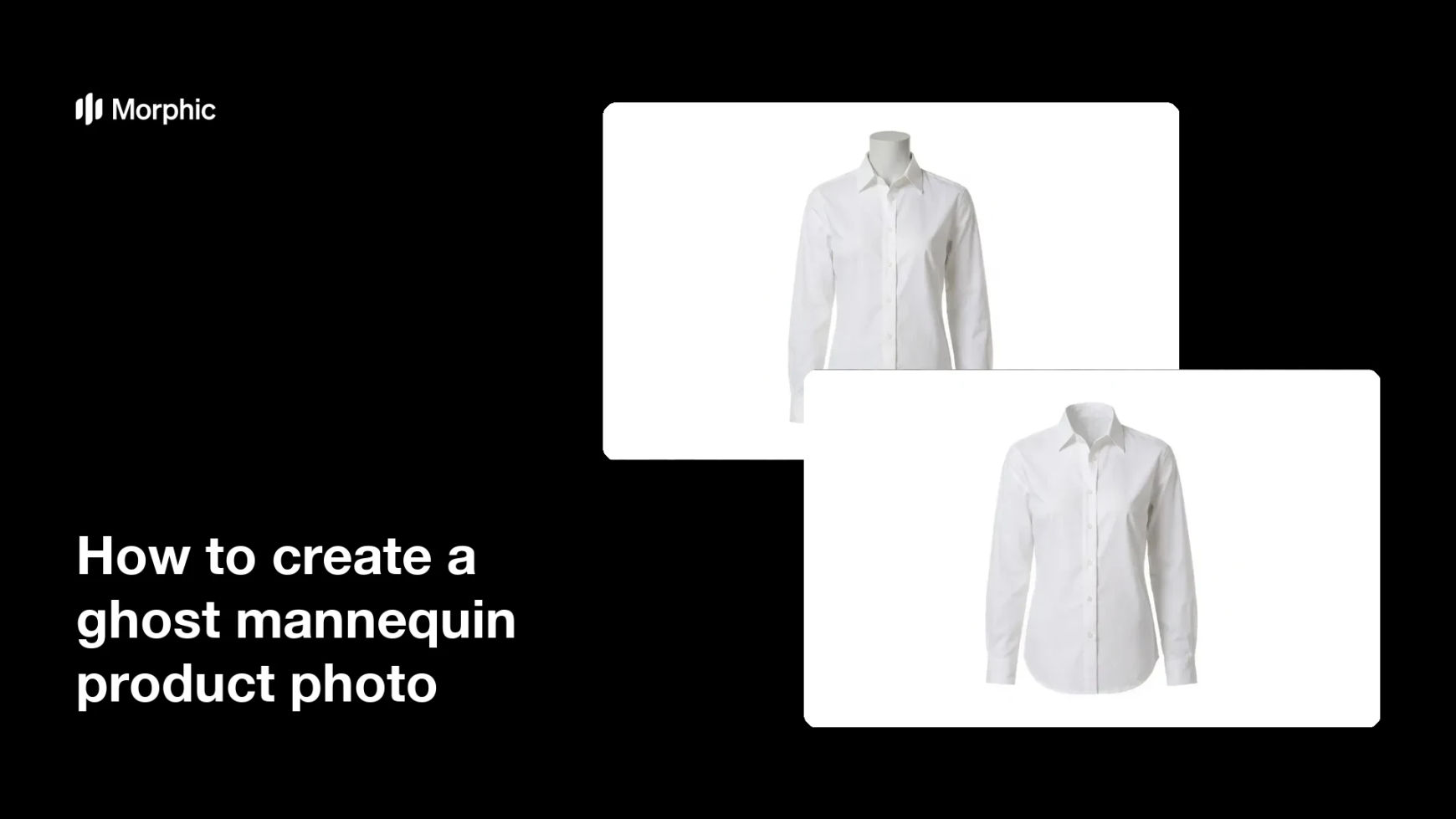
The same garment shot on a mannequin, then with the mannequin removed.
What makes a good ghost mannequin photo
| Quality | What it means | Why it matters |
|---|---|---|
| Held volume | The garment keeps its worn shape | Shoppers judge fit from the silhouette |
| Hollow neckline | The inner collar is visible | It is the detail that sells the effect |
| Clean edges | No mannequin outline or halo | Leftover edges look like a rushed cut-out |
| Uniform background | Same white and shadow every time | The product grid stays consistent |
Morphic vs the traditional way
| Morphic | Manual compositing | |
|---|---|---|
| Cost | Available on Morphic | Per-image retouching fees |
| Time | A finished cut-out in minutes | Multiple shots composited by hand |
| Skill needed | Describe it in plain language | Masking and compositing experience |
| Consistency | The same treatment across the catalogue | Quality varies image to image |
FAQs
No. Describe the hollow neckline you want and the inner collar can be generated from the single source shot.
Yes. The same approach applies to any garment shot on a form, though longer pieces benefit from a straight-on view.
Yes. Ask for a soft contact shadow so the product does not look pasted onto the background.
Yes, when you say so. State that the weave, stitching, and drape must remain exactly as photographed.
Yes. Reuse the same prompt across every product so the background, shadow, and framing stay uniform.
Yes. Images you generate with Morphic are cleared for commercial use on your store and marketplace listings.