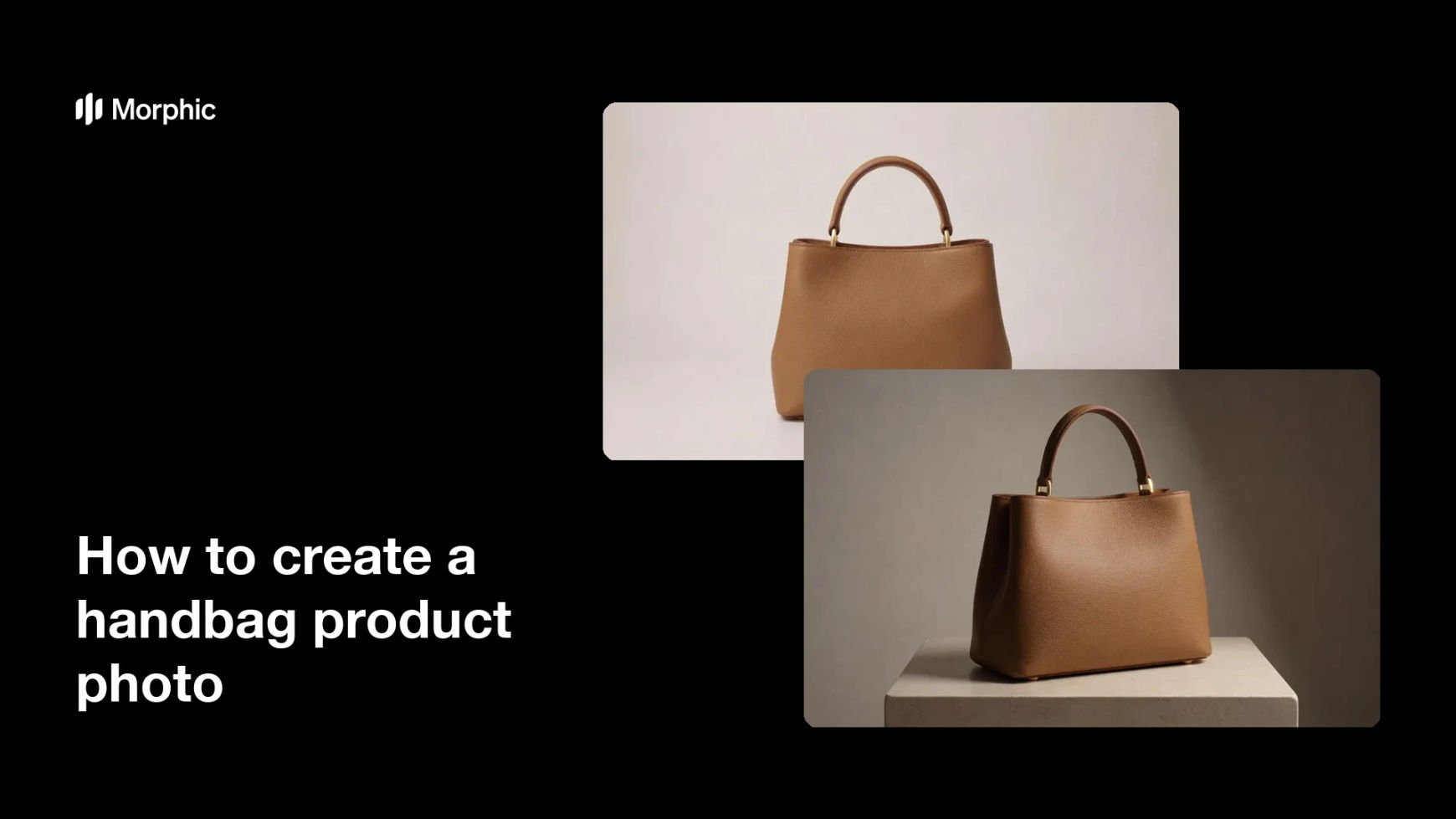
What is a handbag product photo?
A handbag product photo is a clean, well-lit shot that shows a bag clearly enough to sell it. It presents the shape, the hardware, and the material without a busy background pulling attention away. Boutiques, accessory labels, and marketplace sellers rely on these shots because a listing lives or dies on how the bag reads at thumbnail size.
With Morphic you create the shot from a text prompt in your browser. Describe the bag, the surface it sits on, and the light you want, then refine the result until the leather and stitching look right. Download in HD and publish it straight to your store, cleared for commercial use.
Describe the bag
Open Morphic and describe the handbag in detail, including shape, material, colour, and hardware finish. Mention the strap style and any signature detail that buyers look for.
Set the surface and background
Ask for a clean surface and backdrop, such as a soft neutral sweep or a pale stone plinth. A calm background keeps the eye on the silhouette of the bag.
Choose the angle
Specify the camera angle, whether that is a straight-on front view or a three-quarter turn that shows depth. A consistent angle across your catalogue makes the whole grid look considered.
Shape the light
Ask for soft studio light with a gentle falloff and a grounded contact shadow. Good light is what separates a believable leather texture from a flat, plastic-looking render.
Export and list
Check the hardware, stitching, and edges hold up at full size before you commit. Download in HD, then upload it to your product page or marketplace listing.
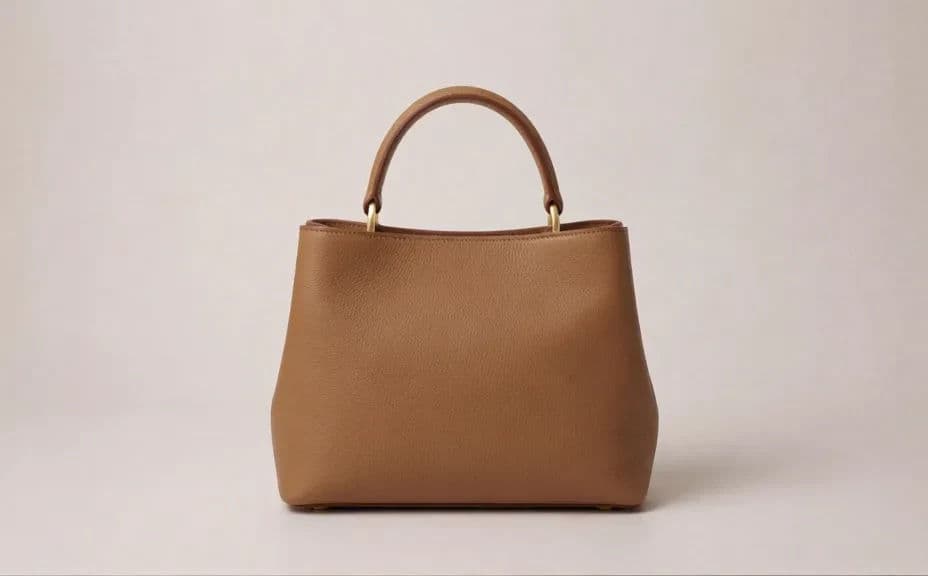
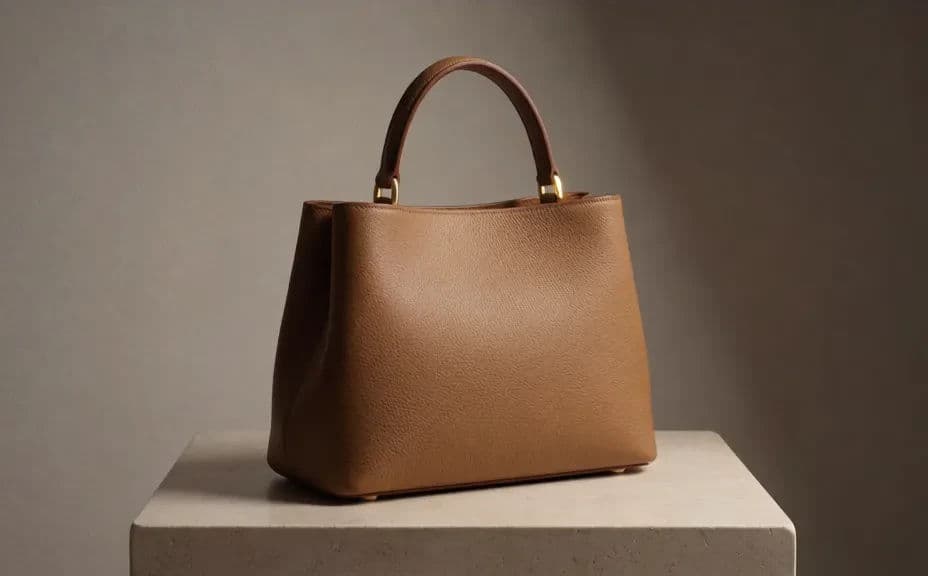
Two studio treatments of the same handbag, so you can see which setup suits your catalogue.
What makes a good handbag product photo
| Quality | What it means | Why it matters |
|---|---|---|
| Clear silhouette | The shape reads instantly against the backdrop | Buyers recognise the bag at thumbnail size |
| True material | Leather grain and hardware look convincing | The photo sets an accurate expectation |
| Soft studio light | Even light with a grounded contact shadow | The bag looks placed, not floating |
| Repeatable setup | The same angle and background across shots | Your catalogue grid looks consistent |
Morphic vs the traditional way
| Morphic | A studio product shoot | |
|---|---|---|
| Cost | Available on Morphic | Studio hire, lighting, and a photographer |
| Time | A finished product shot in minutes | A day of setup, shooting, and retouching |
| Skill needed | Describe it in plain language | Lighting, styling, and retouching skills |
| Consistency | Reuse the same setup for every bag | Relight and rematch for each session |
FAQs
Yes. Describe the background, angle, and light you already use, and reuse that same wording for every new bag so the grid stays consistent.
Ask for the specific material, such as pebbled leather or smooth calfskin, and soft studio light. Naming the grain is what keeps the surface from looking flat.
Yes. Ask for a front view, a three-quarter turn, and a detail crop of the hardware, then download the set for a full listing gallery.
No. The lighting is described in plain language, so you get a studio look from your browser without hiring a space or equipment.
Yes. Ask for a different sweep or surface and regenerate as many background options as you need to find the one that suits your brand.
Yes. Images you create with Morphic are cleared for commercial use across your store, marketplace listings, and campaigns.