What is a hoodie mockup?
A hoodie mockup is a product image that shows your artwork printed on a hoodie before a single garment is made. Merch brands, bands, clubs, and print-on-demand sellers use it for store listings, pre-orders, and social posts. It matters because buyers judge a print by how it sits on the fabric, not by a flat artwork file.
With Morphic you create this mockup from a text prompt in your browser. Describe the hoodie colour and fit, the print you want on the chest, and the lighting and background, then adjust and download in HD. You get a clean product shot without a sample run or a photo shoot.
Decide the garment and print
Choose the hoodie colour, fit and detail, such as a heavyweight pullover in bone with a kangaroo pocket. Decide what goes on the chest, whether that is a wordmark, a graphic, or a small left-chest badge.
Describe the mockup in Morphic
Open Morphic and describe the shot: the hoodie, the print placement and size, and whether it hangs flat, sits on a hanger, or is worn. State the aspect ratio you need for your store or feed.
Set the lighting and background
Ask for even studio lighting on a plain backdrop so the print stays the focus and the fabric texture reads. A neutral background also makes the image easy to reuse across listings and ads.
Generate versions to compare
Produce a couple of takes with different garment colours or print scales so you can see which combination sells the design best. Comparing them side by side reveals whether the print is too small or too dominant.
Check the print and export
Zoom in and confirm the artwork sits straight, at a believable size, and follows the folds of the fabric. Download in HD and upload it straight to your product page.
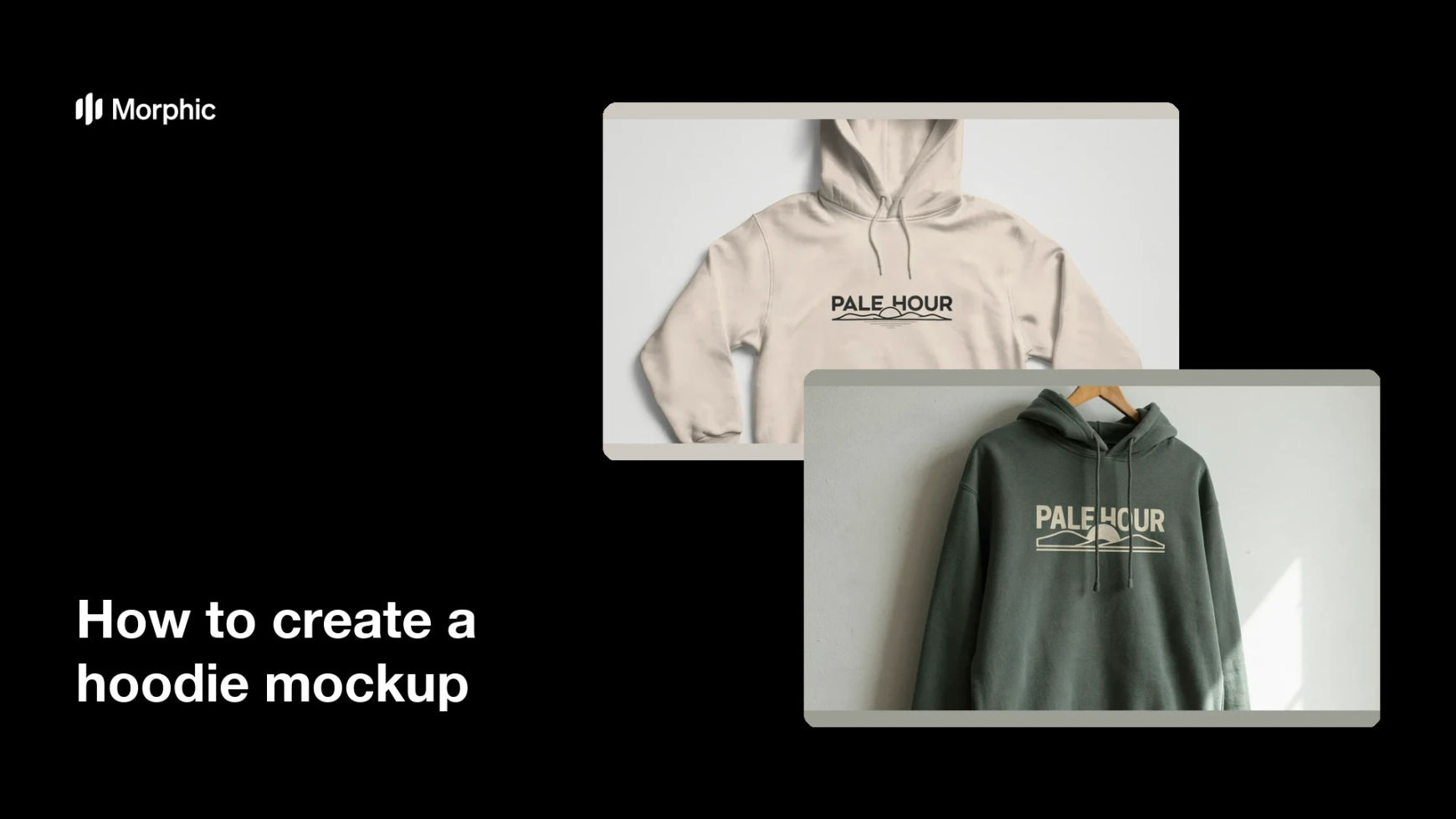
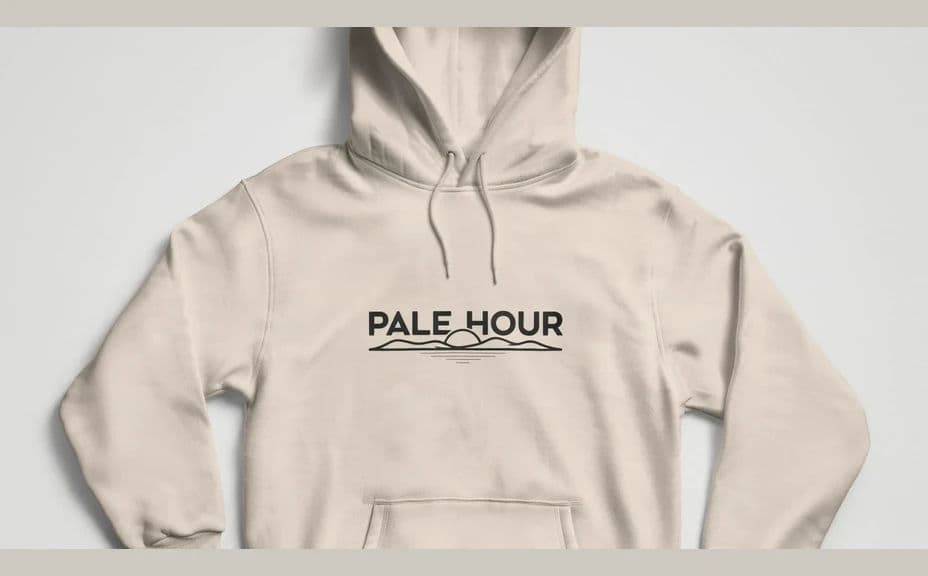
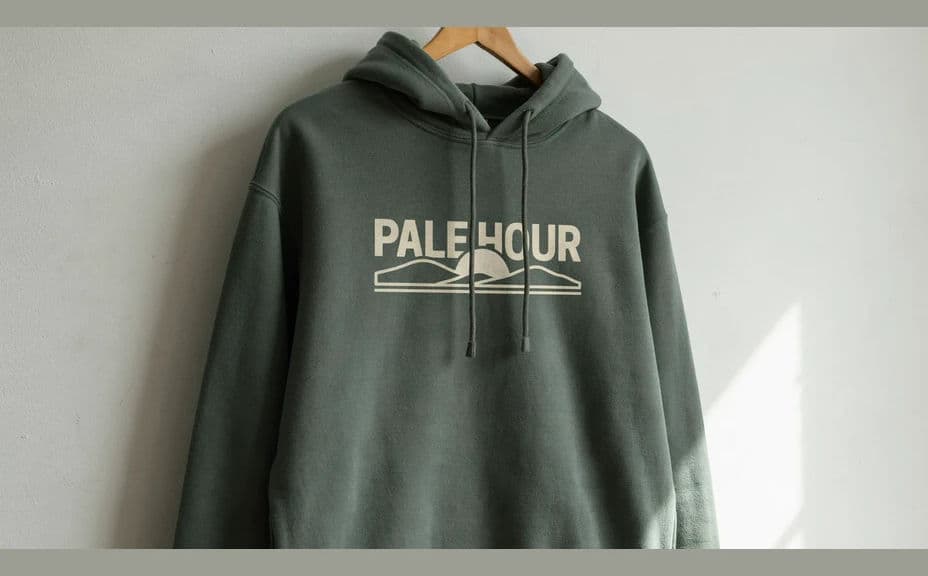
Two mockup options for the same hoodie print, shot in different garment colours.
What makes a good hoodie mockup
| Quality | What it means | Why it matters |
|---|---|---|
| Believable print placement | Artwork sits where a real press would put it | Buyers trust what they will receive |
| Fabric behaviour | The print follows folds and texture | The garment looks photographed, not pasted |
| Even lighting | No blown highlights or heavy shadow | Colours read true on a product page |
| Clean background | Plain, uncluttered backdrop | The image works across store, ads and social |
Morphic vs the traditional way
| Morphic | Sample run and photo shoot | |
|---|---|---|
| Cost | Available on Morphic | Sample costs plus studio and photographer fees |
| Time | A finished mockup in minutes | Days of production and shooting |
| Skill needed | Describe it in plain language | Product styling and photography skills |
| Consistency | Regenerate colourways in one look | Reshoot for every variant |
FAQs
Yes. Describe the artwork, the wording, and where it should sit on the chest, and the mockup renders around it. Regenerate with a new print any time.
Yes. Ask for the same hoodie and print in different colourways, so one design becomes a full listing range with a consistent look.
All three. State the presentation in your prompt, and generate more than one so you have a hero shot plus supporting images.
Yes, if you keep the wording short and the scale generous. Preview at listing size and regenerate if any letterform looks cramped on the fabric.
Ask for a plain, uncluttered backdrop, which cuts out easily if your store needs a pure white or transparent product image.
Yes. Mockups you generate with Morphic are cleared for commercial use across your store, ads and social channels.