What is a hotel room listing photo?
A hotel room listing photo is the main image a guest sees on a booking site before they reserve a room. It shows the bed, the layout, and the light clearly enough that someone can picture staying there. Hotels, boutique properties, and booking managers rely on it because the lead photo drives most of the click-throughs on a listing page.
With Morphic you create a hotel room listing photo from a text prompt in your browser. Describe the room type, the styling, and the light you want, then adjust the result and download in HD. You get a clean, booking-ready image without booking a photographer or staging the room for a shoot.
Describe the room
Open Morphic and describe the room type, its size, and the key furniture such as the bed, seating, and window. Naming the category up front, like a king suite or a twin room, keeps the layout believable.
Set the styling
Ask for the bedding, textures, and decor that match your property, from crisp white linen to warmer boutique tones. Clean, uncluttered styling reads better on a listing page than a heavily dressed set.
Choose the light
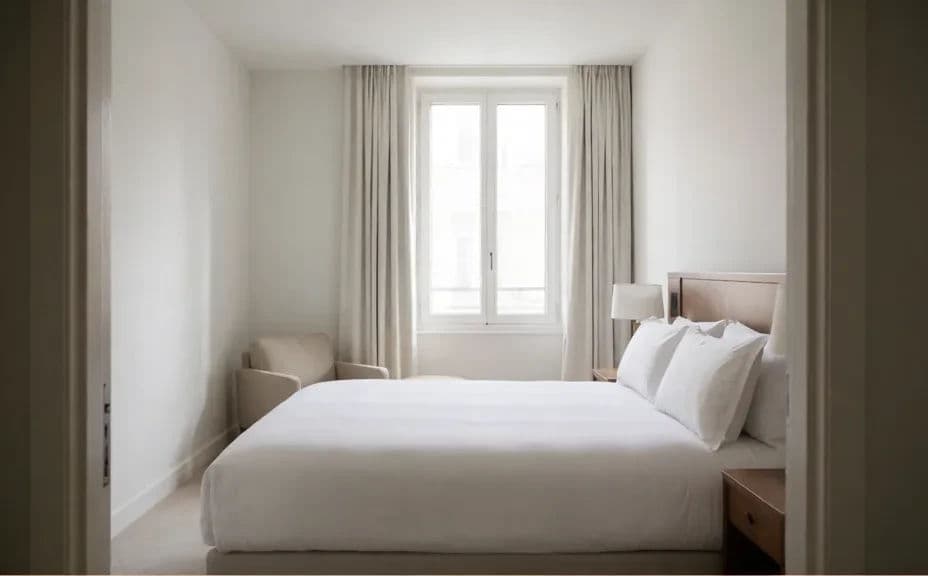
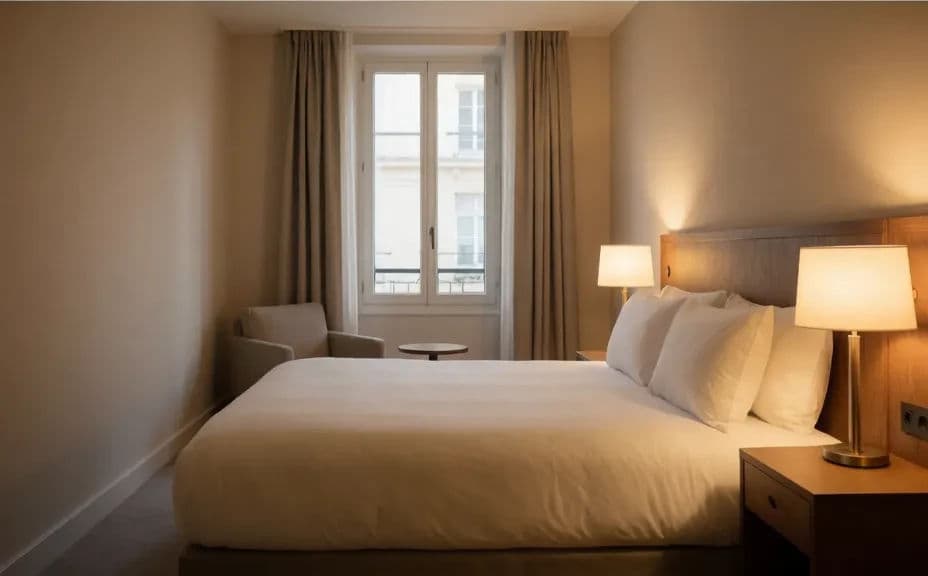
Describe the light you want, such as soft daylight through a window or a warm evening glow from bedside lamps. Even, natural light makes the space feel open and true to the real room.
Pick the angle
Ask for a wide corner angle that shows the bed and the depth of the room in one frame. This is the view guests expect from a listing, and it makes the space easier to read at a glance.
Export and publish
Check that the bed, floor, and window lines look straight and the room reads clearly at full size. Download in HD, then upload it to your booking listing and property pages.
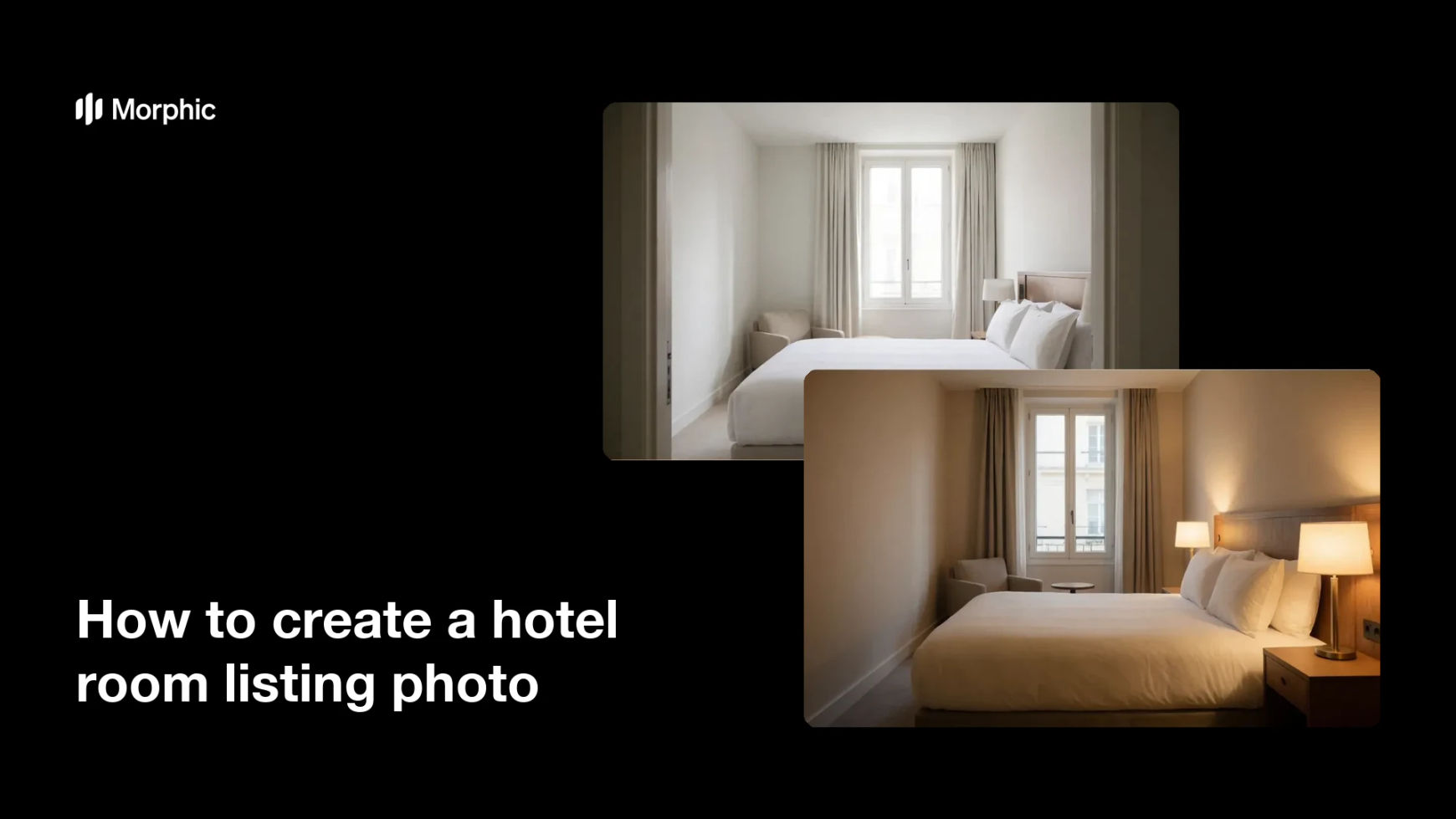
Two listing options for the same hotel room, shot from different angles and lit differently.
What makes a good hotel room listing photo
| Quality | What it means | Why it matters |
|---|---|---|
| Clear layout | The bed and room depth read in one frame | Guests understand the space instantly |
| Even light | Daylight and lamps balance across the room | The room feels open and inviting |
| Straight lines | Walls, floors, and windows stay level | The photo looks professional, not amateur |
| Honest styling | Decor matches the real room | Guests arrive to what they booked |
Morphic vs the traditional way
| Morphic | A hotel photo shoot | |
|---|---|---|
| Cost | Available on Morphic | Photographer, stylist, and staging fees |
| Time | A listing photo in minutes | Days of scheduling, shooting, and editing |
| Skill needed | Describe it in plain language | Interior photography and lighting skills |
| Consistency | Regenerate the same look for every room type | Results vary by shoot and by room |
FAQs
Yes. Describe each room type, from a standard double to a suite, and generate a matching photo for each one so the listing set feels consistent.
Describe real furniture, real proportions, and natural light rather than an idealised set. Guests should recognise the room when they arrive.
Yes. Mention your palette, materials, and decor in the prompt so the room reflects your property rather than a generic hotel look.
A wide corner angle that shows the bed and the depth of the room usually performs best, because it lets a guest read the whole space at a glance.
Yes. Ask for softer daylight, a warmer evening feel, or a brighter overall exposure, and regenerate until the room reads the way you want.
Yes. Images you create with Morphic are cleared for commercial use across your booking listings and marketing.