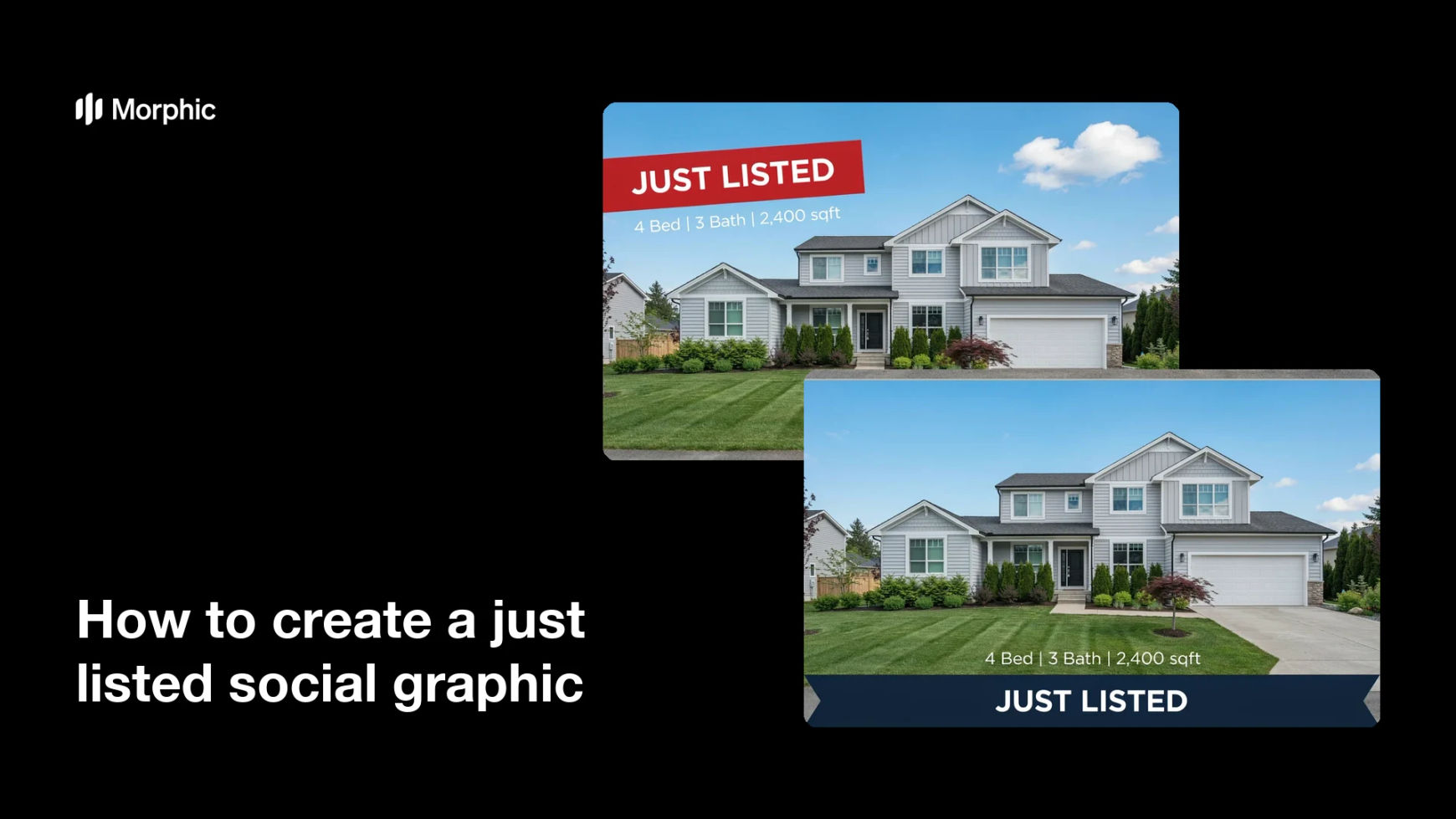
What is a just listed social graphic?
A just listed social graphic is a branded post that announces a new property to the market. Agents share it on Instagram, Facebook, and other feeds the moment a listing goes live, so buyers and referral partners see it first. A good one pairs a strong exterior photo with a clear "Just Listed" label and a few key property details.
Morphic lets you make one in the browser without design software. You describe the layout, upload your property photo, and set the headline and details in plain language. When it looks right, you download the graphic in high resolution, ready to post.
Upload your property photo
Start with your best exterior or hero shot of the home. Clear, well-lit photos give the graphic a professional base and keep the property front and center.
Add the 'Just Listed' label
Tell Morphic to place a bold "Just Listed" banner where it reads clearly against the image. Keep the wording short so it stays legible in a crowded feed.
Set the property details
Add the essentials buyers scan for, such as beds, baths, square footage, and the neighborhood. Keep the text to a single tidy line or two so it never crowds the photo.
Match your brand colors
Ask for your brand colors on the banner and text so the post looks like the rest of your feed. Consistent color and type build recognition across every listing you share.
Review and download
Check that the text is readable and the property looks its best, then generate a couple of options. Download the version you like in high resolution and post it straight to social.
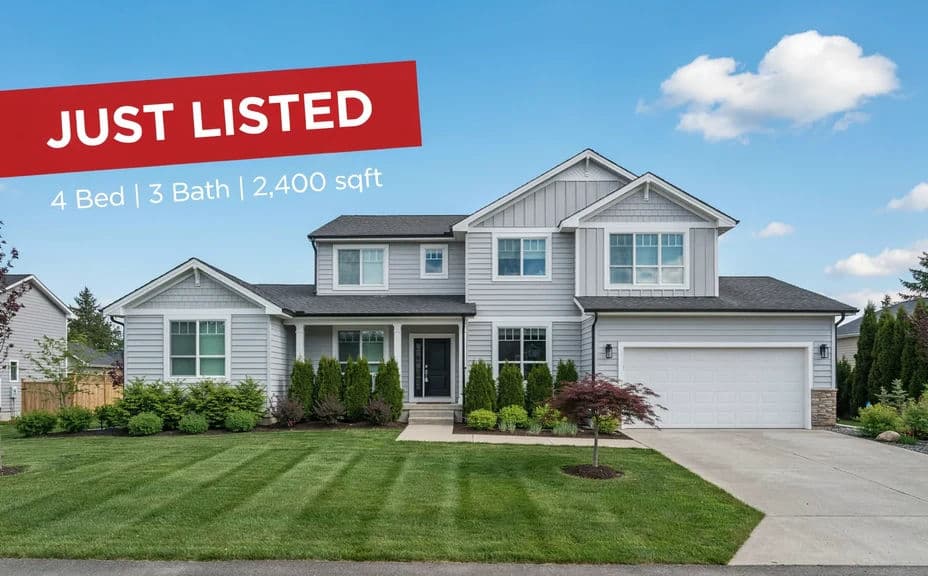
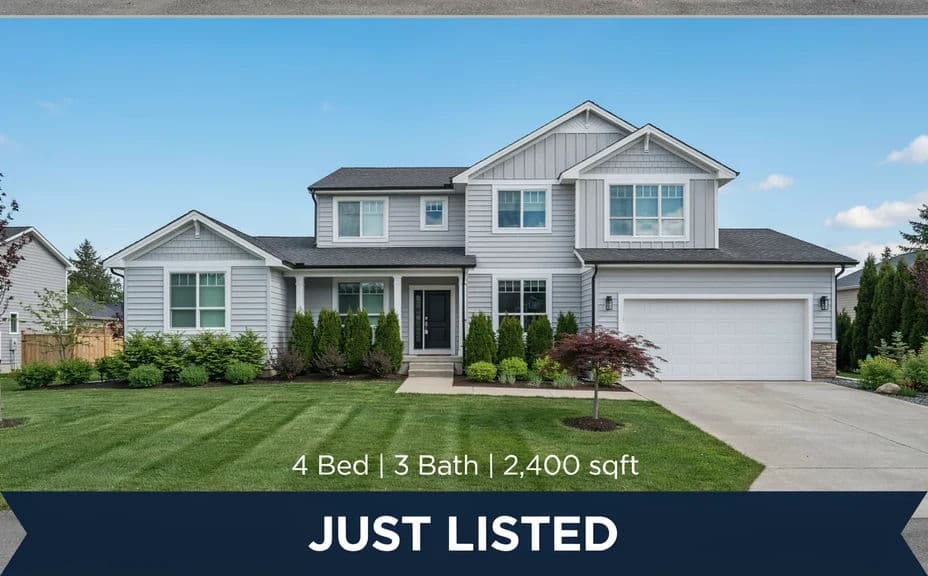
The two tiles below show two design variations of the same listing, each carrying the "Just Listed" label and the same property details.
What makes a good just listed graphic
| Quality | What it means | Why it matters |
|---|---|---|
| Clear label | The 'Just Listed' text stands out at a glance | Buyers know instantly the home is new to market |
| Readable details | Beds, baths, and area are easy to scan | People decide fast whether to click through |
| Strong photo | A sharp, well-lit hero image of the home | The property looks its best in a busy feed |
| On-brand style | Your colors and type on every post | Your listings become recognizable and trusted |
Morphic vs the traditional way
| Morphic | A design agency | |
|---|---|---|
| Cost | Available on Morphic | Per-graphic design fees |
| Time | Ready in minutes | Days of back-and-forth |
| Skill needed | Describe it in plain language | Design software and layout skills |
| Consistency | Same branded look every time | Varies by designer and brief |