What is a law firm profile image?
A law firm profile image is the picture that represents a practice on its website, directory listings, and social profiles. It is usually an office interior, a reception detail, or a considered exterior shot, and it needs to read as settled and credible in a small circle or card. Marketing leads and office managers care about it because a listing photo is often the first impression a prospective client forms.
With Morphic you create that image from a text prompt in your browser. Describe the setting, the lighting, and the mood, compare a couple of options, then download in HD. You get a consistent, professional picture without booking a photographer or licensing a stock shot.
Choose the subject
Decide what the image should show: a reception area, a meeting room, a shelf of bound volumes, or a building detail. Picking one subject keeps the result focused and easy to crop into a profile frame.
Describe the scene in Morphic
Open Morphic and describe the setting, the time of day, and the mood in plain language. Ask for a couple of options so you can compare how formal or warm each version feels.
Set the lighting and palette
Ask for soft, even lighting and a restrained palette that matches your brand. Calm, natural light tends to read as more credible than a heavily stylised look.
Check how it crops
Preview the image in a square and a circular crop, since most profile frames use one or the other. Regenerate anything where the key detail sits too close to an edge.
Export and apply it
Download in HD, then upload it to your website, directory listings, and social profiles. Using the same image everywhere makes the practice easier to recognise.
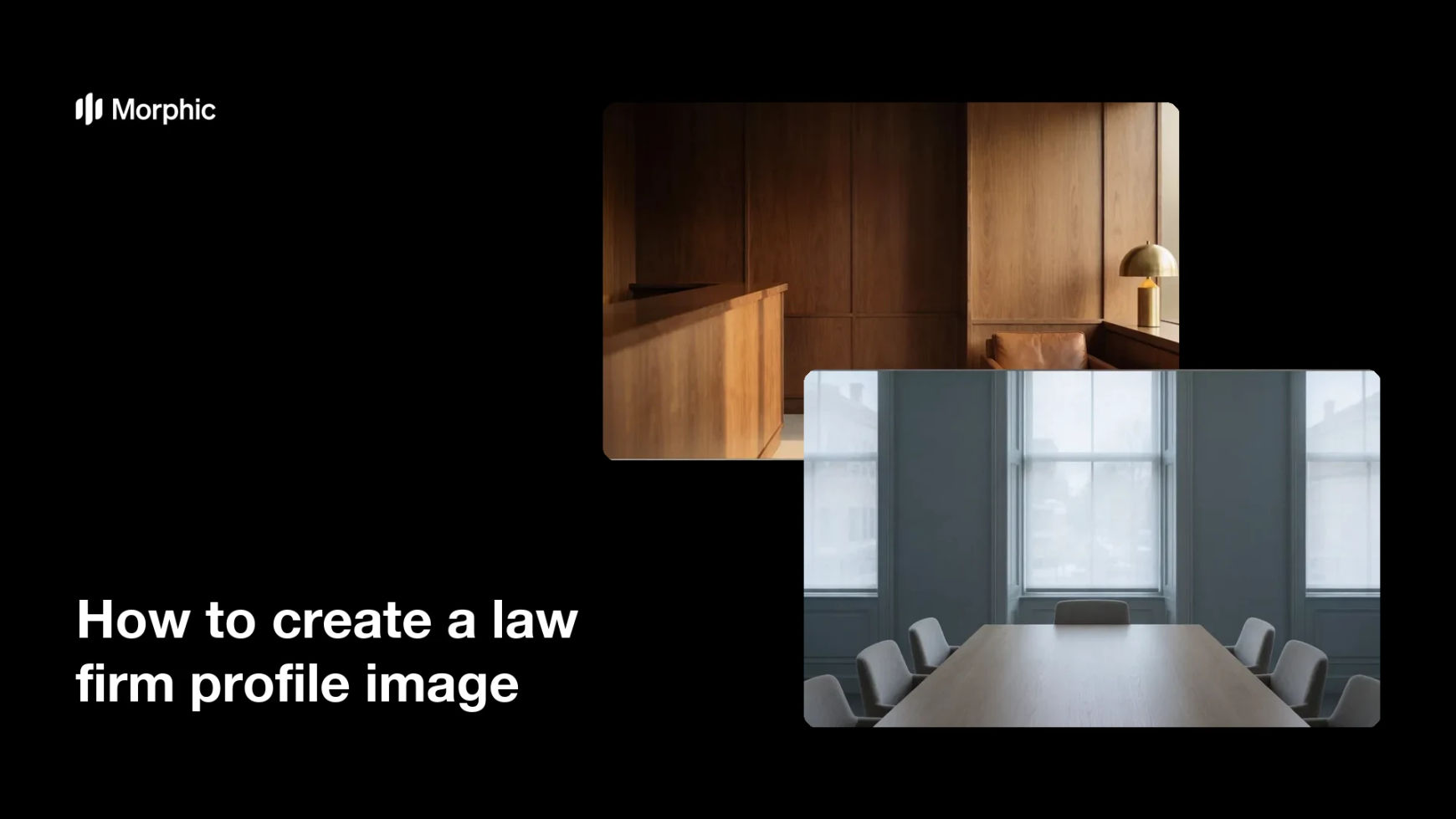
Two style options for the same law firm profile image, one warmer and one cooler.


What makes a good law firm profile image
| Quality | What it means | Why it matters |
|---|---|---|
| Calm and settled | The scene feels composed, not staged | A practice is judged on how steady it looks |
| Works in a small crop | The subject holds up in a circle | Most profile frames are small and round |
| Consistent palette | Colors match your other brand material | Listings across sites should look like one firm |
| Clean composition | No clutter competing for attention | A simple frame reads faster at thumbnail size |
Morphic vs the traditional way
| Morphic | A photo shoot or stock licence | |
|---|---|---|
| Cost | Available on Morphic | Photographer day rate or licence fee |
| Time | A finished image in minutes | Days of scheduling and editing |
| Skill needed | Describe it in plain language | Photography, lighting, and retouching |
| Consistency | Regenerate matching images anytime | A reshoot to match the original look |
FAQs
For a profile image, an office or interior scene avoids the question entirely. If you want people in the picture, use photographs of colleagues who have agreed to it.
Yes. Describe your palette, the materials in the space, and the mood you want, and generate options until the look matches your other material.
It will if you plan for the crop. Keep the main subject centred, preview it in a circle, and regenerate anything that loses its detail when scaled down.
Yes. Reuse the same description and change only the subject, so a reception shot and a meeting room shot still look like one firm.
Keep a profile image clean and let the platform show your name alongside it. Signage generated into a photo can render imperfectly and is easy to get wrong.
Yes. Images you generate with Morphic are cleared for commercial use across your site, listings, and profiles.