What is a clothing brand lookbook?
A lookbook is a curated series of images that shows a collection as it is meant to be worn, look by look. It gives buyers, stylists, and shoppers a sense of the fit, the fabric, and the mood in a way a flat product grid cannot. Independent labels, wholesale brands, and in-house merchandising teams use it to sell a season before a single garment ships.
With Morphic you build the whole series from text prompts in your browser. Describe the collection, the styling, and the setting, then hold that description steady across every look so the set reads as one shoot. Each image downloads in HD and is cleared for commercial use.
Define the collection and mood
Write down the season, the garment types, and the feeling you want the collection to give off. A short written brief keeps every later image pulling in the same direction instead of drifting look to look.
Set one styling language
Open Morphic and describe the shared elements: the location or backdrop, the lighting, the camera distance, and the styling of hair and accessories. Reusing this same wording in every prompt is what makes separate images feel like one shoot.
Generate each look
Add the specific garment and colourway for one look on top of your shared styling language, then generate. Work through the collection look by look so each image inherits the same treatment.
Review the set together
Lay the looks out side by side and check that the light, the colour temperature, and the framing hold across the series. Regenerate any image that jumps in tone or crops differently from its neighbours.
Export and lay out the book
Download the approved looks in HD at the aspect ratio your layout needs. Drop them into your lookbook pages or share them straight to buyers and press.
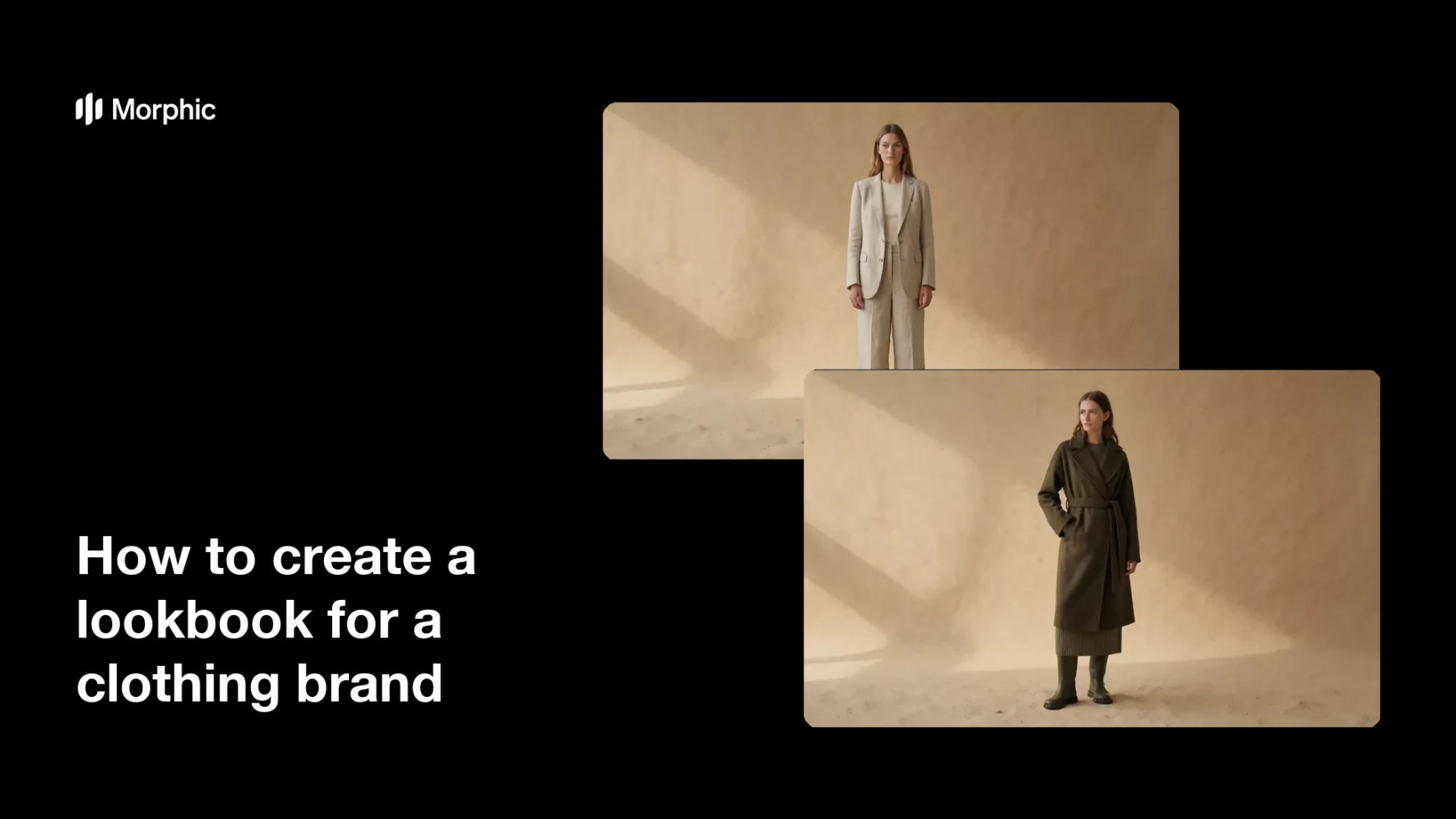
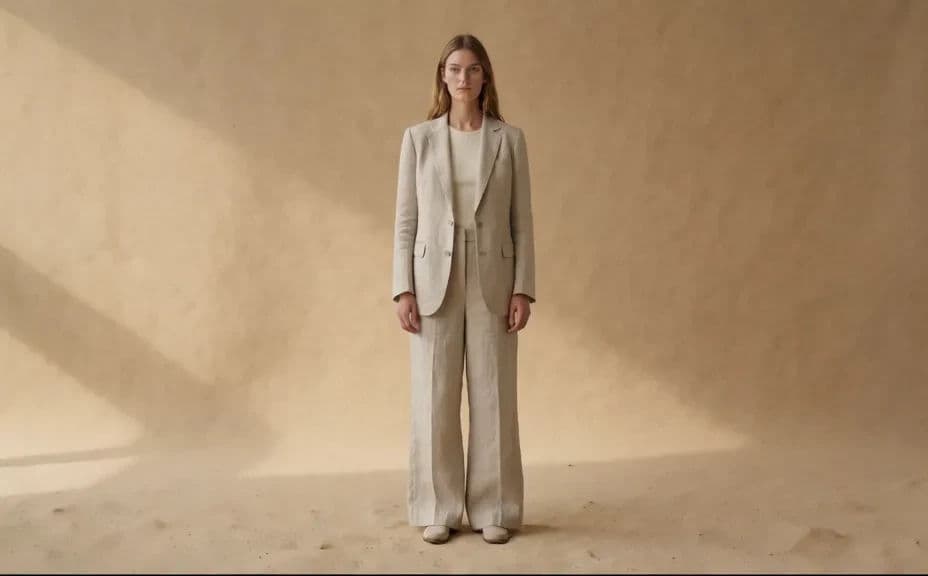
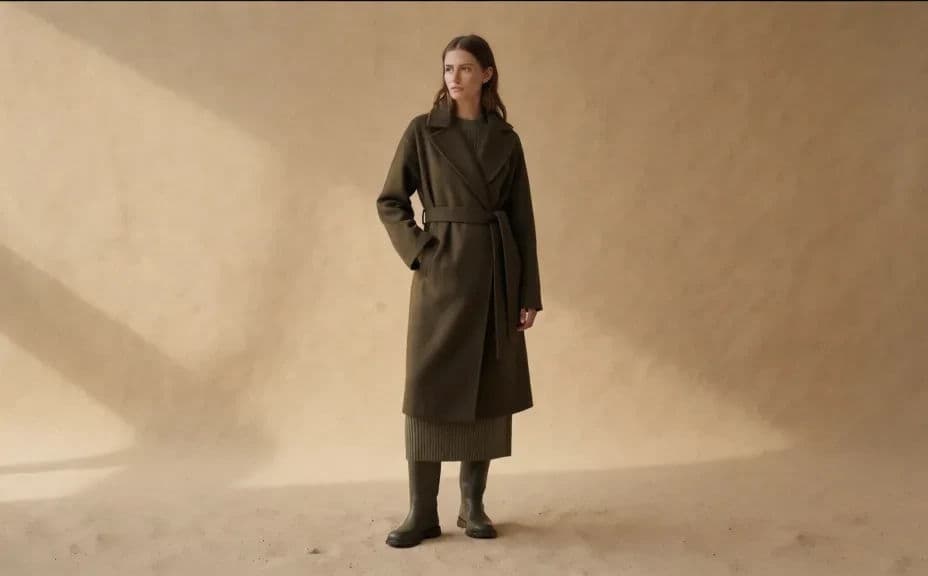
Two looks from the same collection, styled and lit the same way so the pages sit together.
What makes a good clothing lookbook
| Quality | What it means | Why it matters |
|---|---|---|
| One styling language | Light, backdrop, and framing repeat | The looks read as a single collection |
| Clear garment detail | Cut, drape, and fabric are visible | Buyers can judge the product, not just the mood |
| Considered sequence | Looks build in a deliberate order | The book tells a story rather than listing items |
| True colour | Colourways match the real garments | Wholesale and retail expectations stay accurate |
Morphic vs the traditional way
| Morphic | A booked fashion shoot | |
|---|---|---|
| Cost | Available on Morphic | Studio, model, stylist, and crew fees |
| Time | A full set of looks in an afternoon | Weeks of scheduling and post-production |
| Skill needed | Describe it in plain language | Art direction, styling, and photography |
| Consistency | Reuse one styling description across every look | Reshoots when a look does not match the set |
FAQs
Most brands run between eight and twenty looks. Generate a few more than you need so you can cut the weakest ones and still have a full book.
Write one shared description of the backdrop, lighting, and framing, and repeat it word for word in each prompt. Only change the garment details between looks.
Yes. Keep the prompt identical and change only the colour wording, so the versions sit next to each other cleanly.
Yes. Describe a studio backdrop, a street location, or an interior, and hold that setting across the series for a unified feel.
Images download in HD, which suits print pages, wholesale PDFs, and web galleries alike.
Yes. Images you generate with Morphic are cleared for commercial use across your sales, press, and marketing material.