What is a meme template?
A meme template is a base image built to carry a caption, usually with bold text across the top and bottom. People reuse the same template again and again, swapping the words to fit new jokes or moments. Social teams and creators rely on templates because a recognizable image plus a fresh caption is a fast way to join a trend and get shares.
With Morphic you create a meme template from a text prompt in your browser. Describe the scene, the caption text, and the classic meme layout, then adjust and download in HD. You get a clean, reusable template without opening an image editor or hunting for the right base image.
Pick the scene and the joke
Decide the image the template shows and the caption you want to lead with. Write the top and bottom text before you generate so the layout leaves room for both lines.
Describe the meme layout
Open Morphic and describe the base image with bold caption text across the top and bottom in the classic meme style. Specify a square or standard meme ratio so it posts cleanly to feeds.
Style the caption text
Ask for a bold, high-contrast caption font with an outline so the words stay readable over the image. Keep the lines short so the joke lands the moment someone sees it.
Generate layouts to choose from
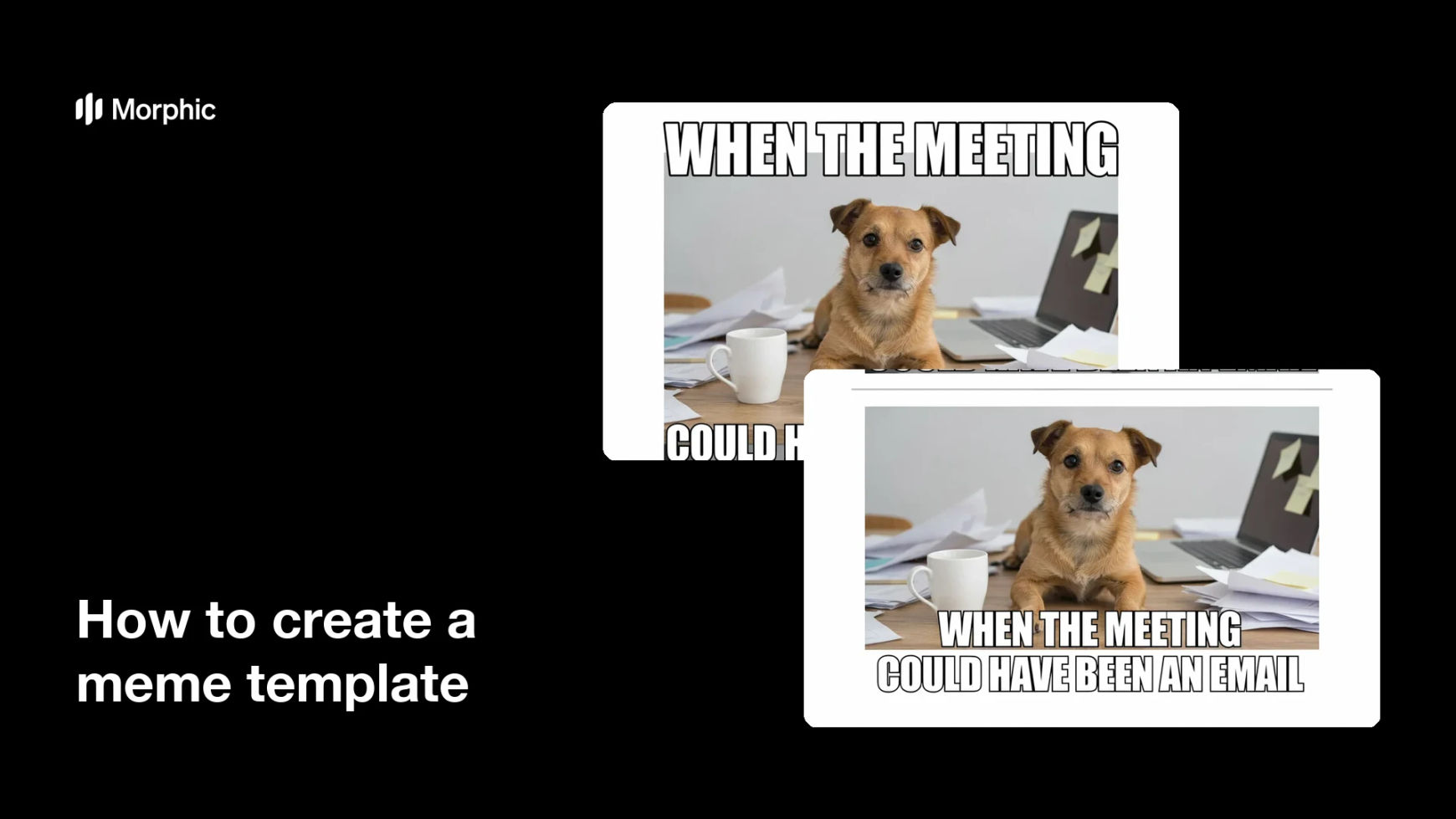
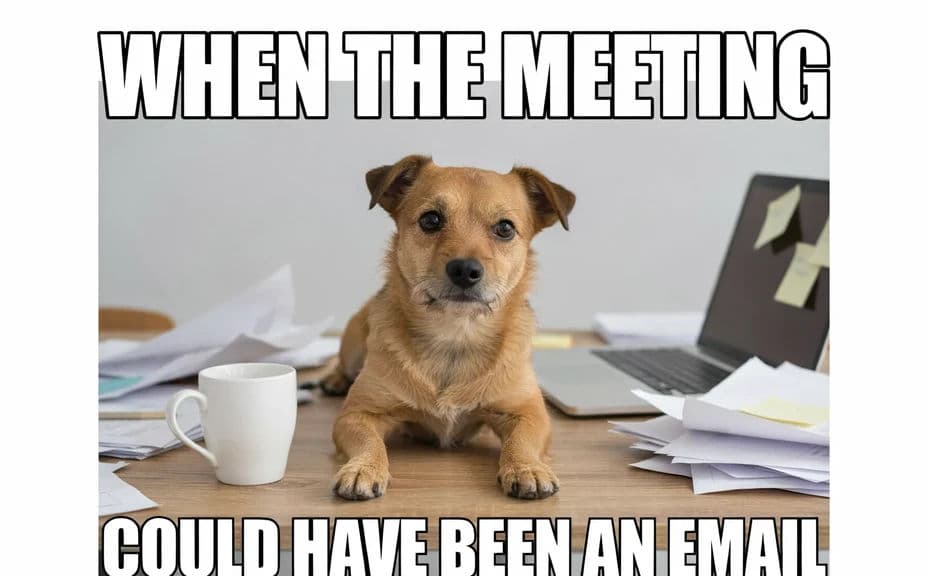
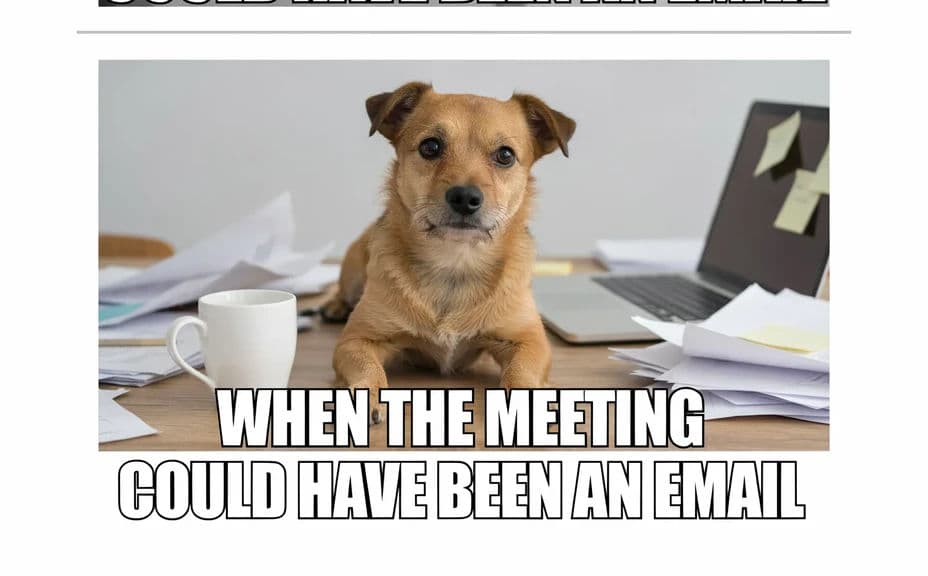
Produce two layouts of the same meme so you can compare where the text sits and how it reads. A quick look reveals which version keeps both the image and the caption clear.
Check readability and export
Preview each layout at feed size and confirm the top and bottom text stay sharp over the image. Download in HD, then reuse the template with new captions whenever a trend hits.
Two layouts of the same meme image, each with top and bottom caption text.
What makes a good meme template
| Quality | What it means | Why it matters |
|---|---|---|
| Clear image | The base scene reads instantly | Viewers get the setup before the caption |
| Bold caption | Text is high contrast with an outline | The words stay readable over any image |
| Room for text | Space at the top and bottom | Captions fit without covering the scene |
| Reusable layout | The design fits many jokes | You can post the template again and again |
Morphic vs the traditional way
| Morphic | Image editor or stock hunt | |
|---|---|---|
| Cost | Available on Morphic | Software subscription or stock fee |
| Time | A finished template in minutes | Searching and editing by hand |
| Skill needed | Describe it in plain language | Editing and typography skills |
| Consistency | Regenerate layouts on demand | Manual rework for every version |
FAQs
Yes. Specify the exact top and bottom lines in your prompt, and the template renders with both. You can regenerate with new captions any time.
Yes. Keep the base image and swap the caption text whenever a trend hits, so one template serves many posts.
A square or standard meme ratio posts cleanly to most feeds. Specify the ratio in your prompt and the layout adapts to fit.
Yes. Generate two layouts of the same meme and compare where the text sits before you pick the clearest one.
Yes, if you prioritize contrast. Ask for a bold outlined font, keep the lines short, and preview at feed size before you post.
Yes. Templates you generate with Morphic are cleared for commercial use across your social channels.