What is an event menu card?
An event menu card is the small printed card set at each place at a wedding, gala, or corporate dinner. It lists the courses in order, sometimes with wine pairings or dietary notes, so guests know what is coming without asking a server. Wedding planners, caterers, and event producers make one for almost every seated meal they run.
With Morphic you create that card from a text prompt in your browser. Describe the courses, the wording, and the table styling, then compare a couple of layouts and download in HD. You get a print-ready menu card without a stationery order or layout software.
Write out the courses first
List every course in service order with its exact wording, plus any pairing or dietary line. Settling the content before you generate keeps every version accurate and avoids reprinting over a typo.
Describe the card in Morphic
Open Morphic and describe the format, a tall place-setting card with the event name at the top and courses stacked below. Ask for a couple of layouts so you can see the courses grouped different ways.
Match the table styling
Name the palette, paper tone, and type style so the card sits naturally with your linens, florals, and place settings. A card that clashes with the table is noticed immediately.
Proof every line
Read each course, pairing, and name straight off the card and confirm the spelling and order are right. Regenerate any version where a line is cramped or the spacing between courses is uneven.
Download and print
Preview the card at actual size to check the type is comfortable to read in low dinner lighting. Download in HD, then send it to your printer for the table run.
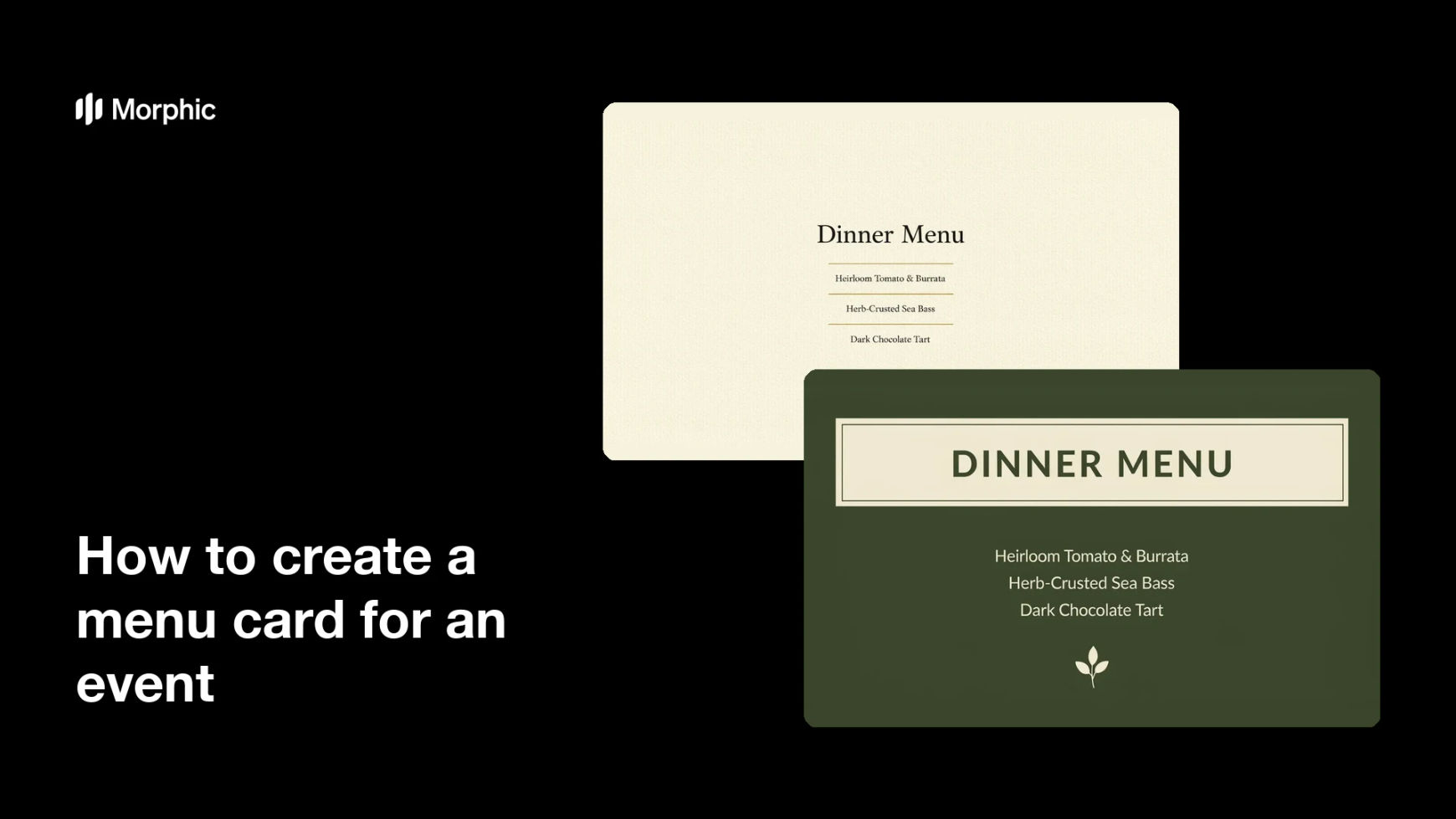
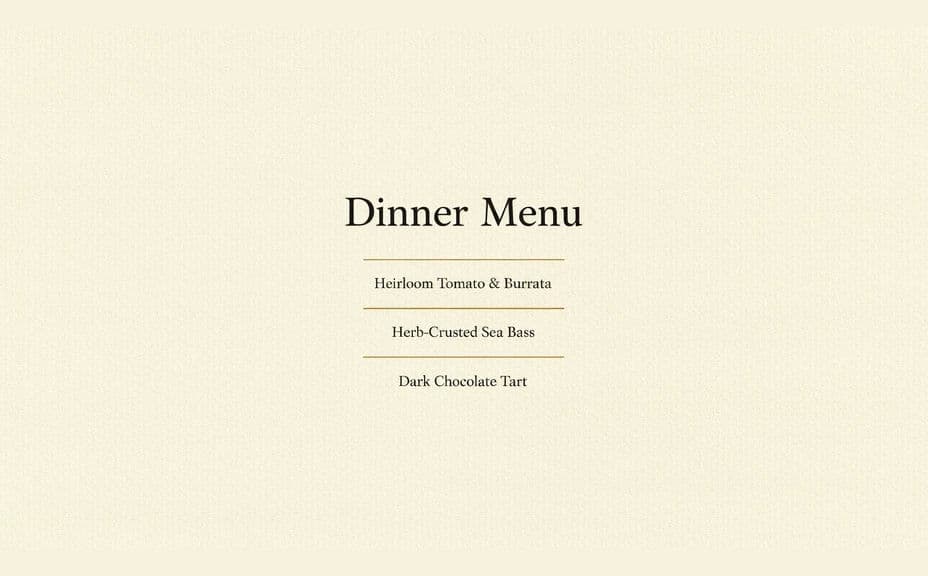
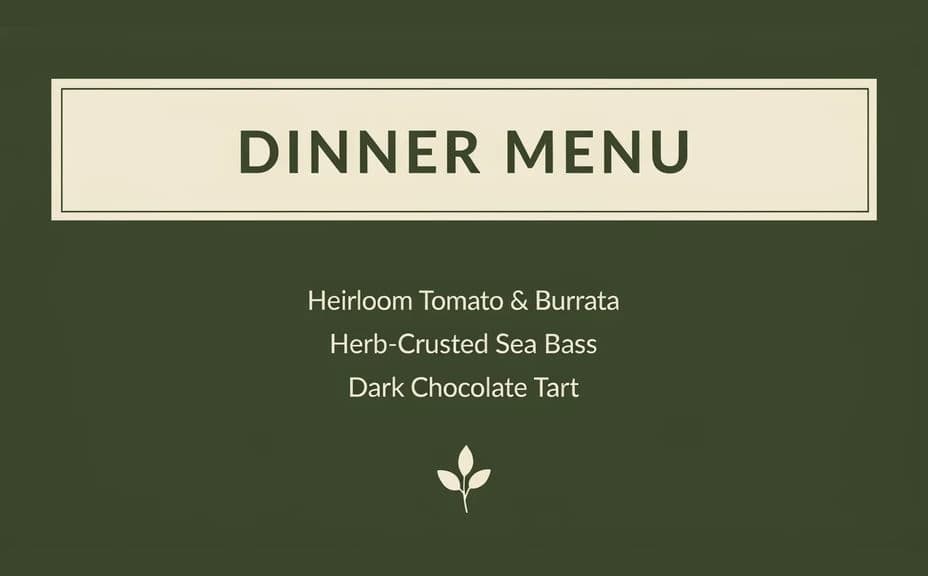
Two design options for the same event menu card, each carrying the same course listing.
What makes a good event menu card
| Quality | What it means | Why it matters |
|---|---|---|
| Comfortable type size | Courses read in low dinner light | Guests are not holding the card to a candle |
| Courses in service order | The sequence matches the kitchen | Nobody is surprised by what arrives next |
| Even vertical spacing | Consistent gaps between courses | The card looks considered rather than improvised |
| Styling that matches the table | Palette and type suit the setting | The card belongs to the room it sits in |
Morphic vs the traditional way
| Morphic | Stationery designer or print studio | |
|---|---|---|
| Cost | Available on Morphic | Designer fee or per-card stationery order |
| Time | A finished menu card in minutes | Days of proofs and revision rounds |
| Skill needed | Describe it in plain language | Typesetting and layout skills |
| Consistency | Regenerate matching place cards and signage | Manual rework for every companion piece |
FAQs
Yes. Provide the exact wording in your prompt, then proof the rendered text and regenerate if any line reads wrong.
Yes. Describe the alternate courses and generate a second card, keeping the same layout so both versions sit together on the table.
A tall card around 4x9 inches suits a place setting. Describe the proportions you want and check the type at actual print dimensions.
Yes. Name your palette, paper tone, and type style in the prompt. Keep contrast high so the courses stay readable in dim lighting.
Describe the revised course and regenerate. There is no manual redraw, so a change on the day of the run takes moments.
Yes. Images you generate with Morphic are cleared for commercial use, including client events you plan and bill for.