What is a mood board?
A mood board is a single arranged sheet of images, colours, and textures that shows the intended look of a project before any work begins. Photographers, art directors, and designers use it to agree on tone, palette, and styling with a client in one glance instead of a long conversation. It turns a vague brief into something everyone can point at and react to.
With Morphic you build that board from a text prompt in your browser. Describe the mood, the palette, and the kind of imagery you want, compare a few arrangements, then download the board in HD. You get a presentable direction piece without sourcing reference images one by one.
Define the direction
Write down the mood in a few words, such as warm and film-like or cool and minimal. A clear direction keeps every element on the board pulling the same way.
Describe the board
Open Morphic and describe a mood board arrangement: the number of images, the subjects, the palette, and the overall styling. Ask for a couple of arrangements so you can compare density and rhythm.
Set the palette
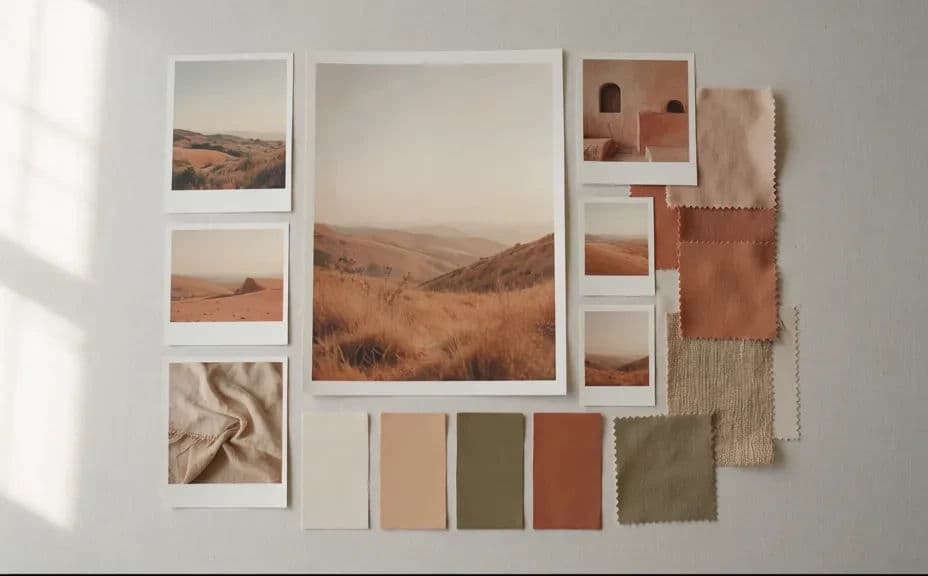
Name the colours you want dominant and the ones you want as accents. A tight palette is what makes a board read as one idea rather than a pile of references.
Balance the composition
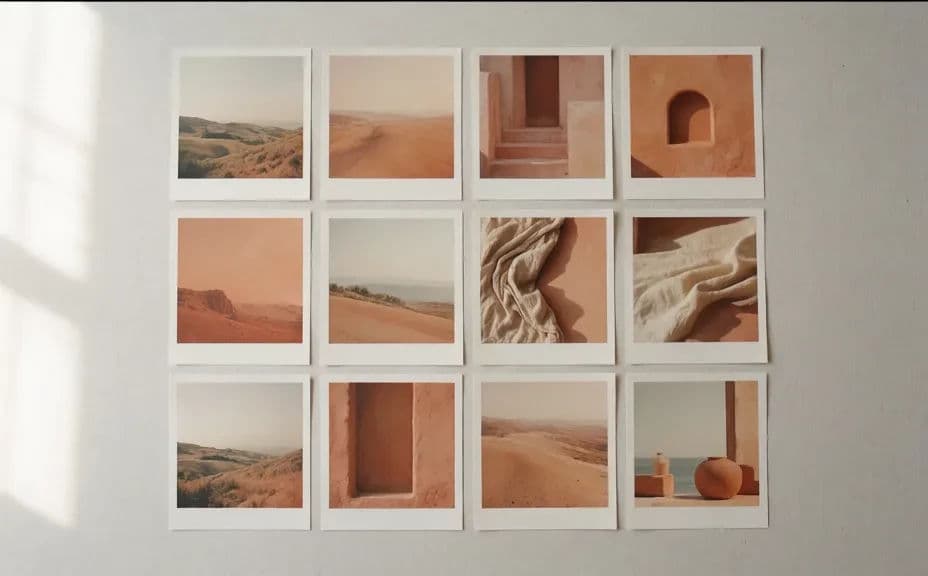
Check that the board has a clear focal image and that the smaller tiles support it. Regenerate any version where the elements compete or the spacing feels crowded.
Export and share it
Preview the board at full size to confirm every tile still reads clearly. Download in HD and send it to your client or team as the agreed direction.
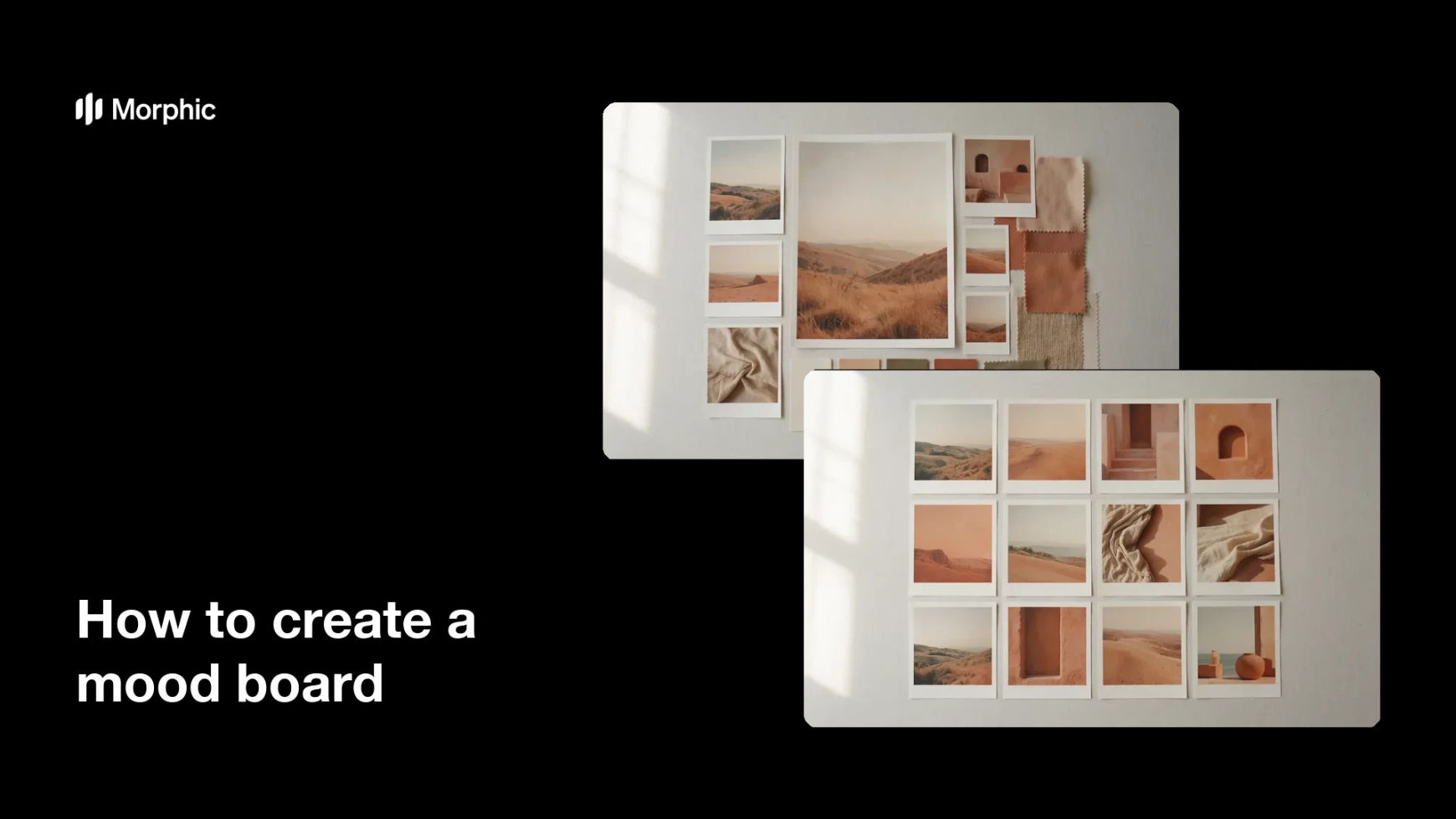
Two different mood board arrangements built around the same visual direction.
What makes a good mood board
| Quality | What it means | Why it matters |
|---|---|---|
| One clear direction | Every element supports the same mood | The board reads as a decision, not a collection |
| Tight palette | Colours repeat across the tiles | The look feels deliberate and reproducible |
| Clear focal point | One image leads the arrangement | The viewer knows where to start |
| Breathing room | Spacing between elements is even | The board stays easy to read on a screen |
Morphic vs the traditional way
| Morphic | Collecting references by hand | |
|---|---|---|
| Cost | Available on Morphic | Stock licences or hours of sourcing |
| Time | A finished board in minutes | An afternoon of hunting and cropping |
| Skill needed | Describe it in plain language | Layout and image-editing skills |
| Consistency | Regenerate arrangements that match | Mixed sources that clash in tone |
FAQs
Yes. Name the dominant and accent colours in your prompt, and the board will be arranged around them. Regenerate if any tile drifts off the palette.
Yes. Ask for several layouts of the same direction and compare them side by side, then keep the one that reads clearest.
Yes. State the number of tiles you want and whether one should lead. Fewer, larger tiles usually read better in a presentation.
Yes. Describe the project, whether that is a portrait shoot, an interior, or a product launch, and the board will reflect that subject matter.
Describe the new direction and regenerate. There is no manual re-collage, so revisions take minutes.
Yes. Boards you generate with Morphic are cleared for commercial use in client pitches and internal decks.