What is a nail art portfolio image?
A nail art portfolio image is a close, well-lit shot of a finished manicure, made to show colour, finish, and detail work at a glance. Nail technicians, salons, and freelance artists use them to fill a booking page or an Instagram grid, because clients choose a set from a picture long before they read a service list.
With Morphic you describe the manicure you want to show and get a clean studio-style shot of it in your browser. Say the shape, the colour, the finish, and the hand pose in plain language, refine until the detail reads clearly, and download in HD.
Decide which set you are showcasing
Pick one design per image rather than crowding several into a single frame. A portfolio reads best when each shot has a clear subject, so the viewer knows exactly which set they are booking.
Describe the manicure in detail
Open Morphic and describe the nail shape, length, base colour, and finish, such as almond nails in a soft chrome or short squoval with a matte French tip. Name the artwork itself, including any line work, glitter placement, or gradient, so the detail is unmistakable.
Set the hand pose and background
Ask for a relaxed, natural hand position against a simple background that does not compete with the nails. A plain neutral or soft gradient backdrop keeps attention on the colour and the artwork.
Light it like a product shot
Request soft, even light with a gentle highlight along the nail plate to bring out gloss, chrome, or texture. Harsh light flattens detail, while soft light shows the finish the way a client will see it in person.
Keep the whole portfolio consistent
Use the same background, lighting, and crop across every image so your grid looks like one body of work. Download each shot in HD, ready for your booking page, social profile, and price list.
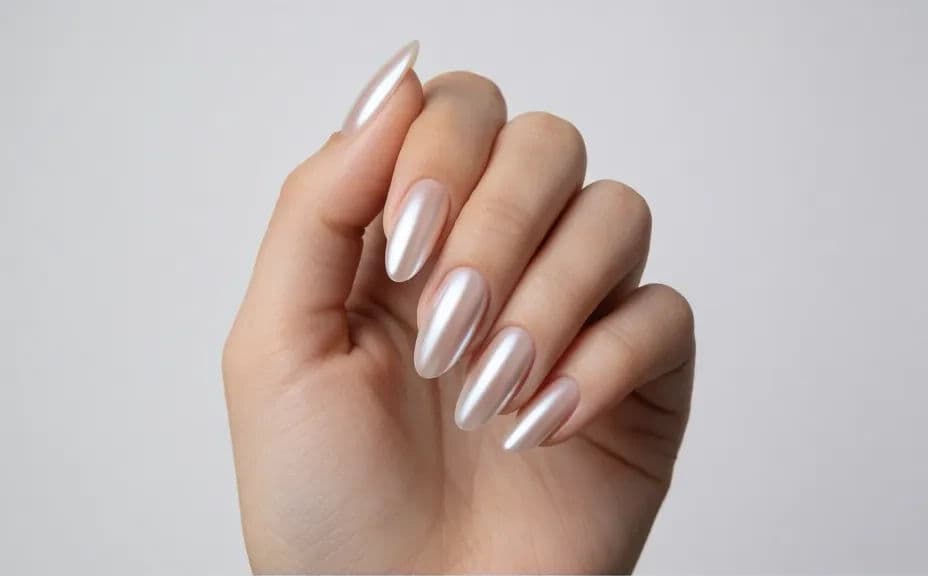
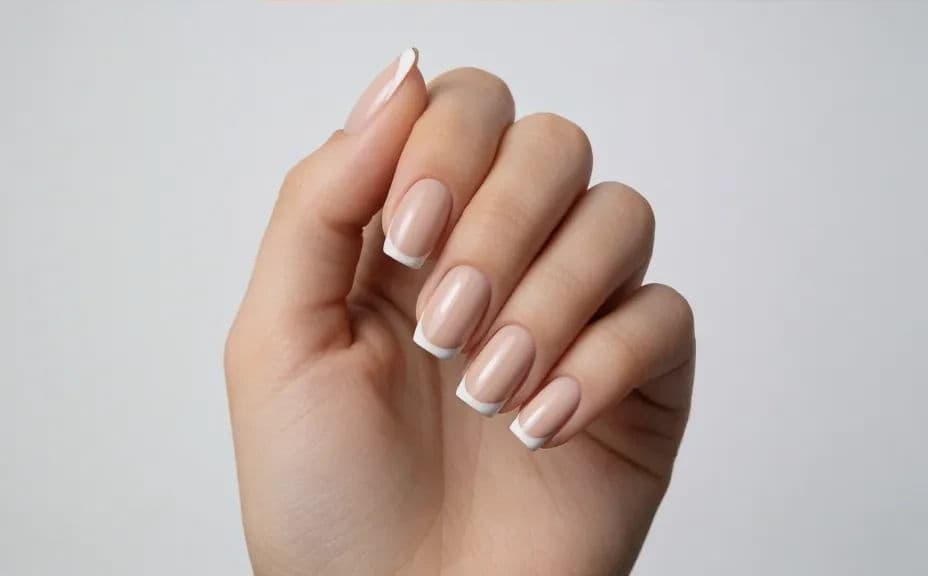
Two design options for the same portfolio shot, so you can pick the look that fits your grid.
What makes a good nail art portfolio image
| Quality | What it means | Why it matters |
|---|---|---|
| Sharp detail | Line work and texture read clearly up close | Clients judge your precision from the fine detail |
| True colour | The shade matches what you actually apply | A colour that shifts on screen leads to disappointment |
| Clean background | Nothing competes with the hand and nails | The set stays the subject in a crowded feed |
| Consistent styling | Same light, crop, and backdrop each time | The grid looks like one professional body of work |
Morphic vs the traditional way
| Morphic | A studio photo shoot | |
|---|---|---|
| Cost | Available on Morphic | Photographer, hand model, and studio time |
| Time | A finished portfolio shot in seconds | A shoot day plus retouching turnaround |
| Skill needed | Describe it in plain language | Macro photography and lighting knowledge |
| Consistency | The same look across every set you post | Lighting and framing drift between sessions |
FAQs
Describe the shade precisely, naming the tone and the finish together, such as a dusty rose in a soft matte. Compare the result against your actual polish and adjust the description until they match.
A relaxed, slightly curled hand shows nail shape and length without looking stiff. Keep fingers separated a little so each nail is visible and the artwork is not hidden.
Yes, if you want a cohesive grid. Repeating one neutral backdrop across your portfolio makes each new design stand out while the set as a whole looks deliberate.
Yes. Describe the technique and where it sits on the nail, then ask for close, soft-lit detail so the line work and reflective finish stay readable.
Square and vertical suit Instagram and booking pages, while landscape works for a website gallery header. Download each in HD so fine detail holds up when someone zooms in.
Yes. The images download without a watermark and are cleared for commercial use, so they are ready for your booking page, price list, and paid social.