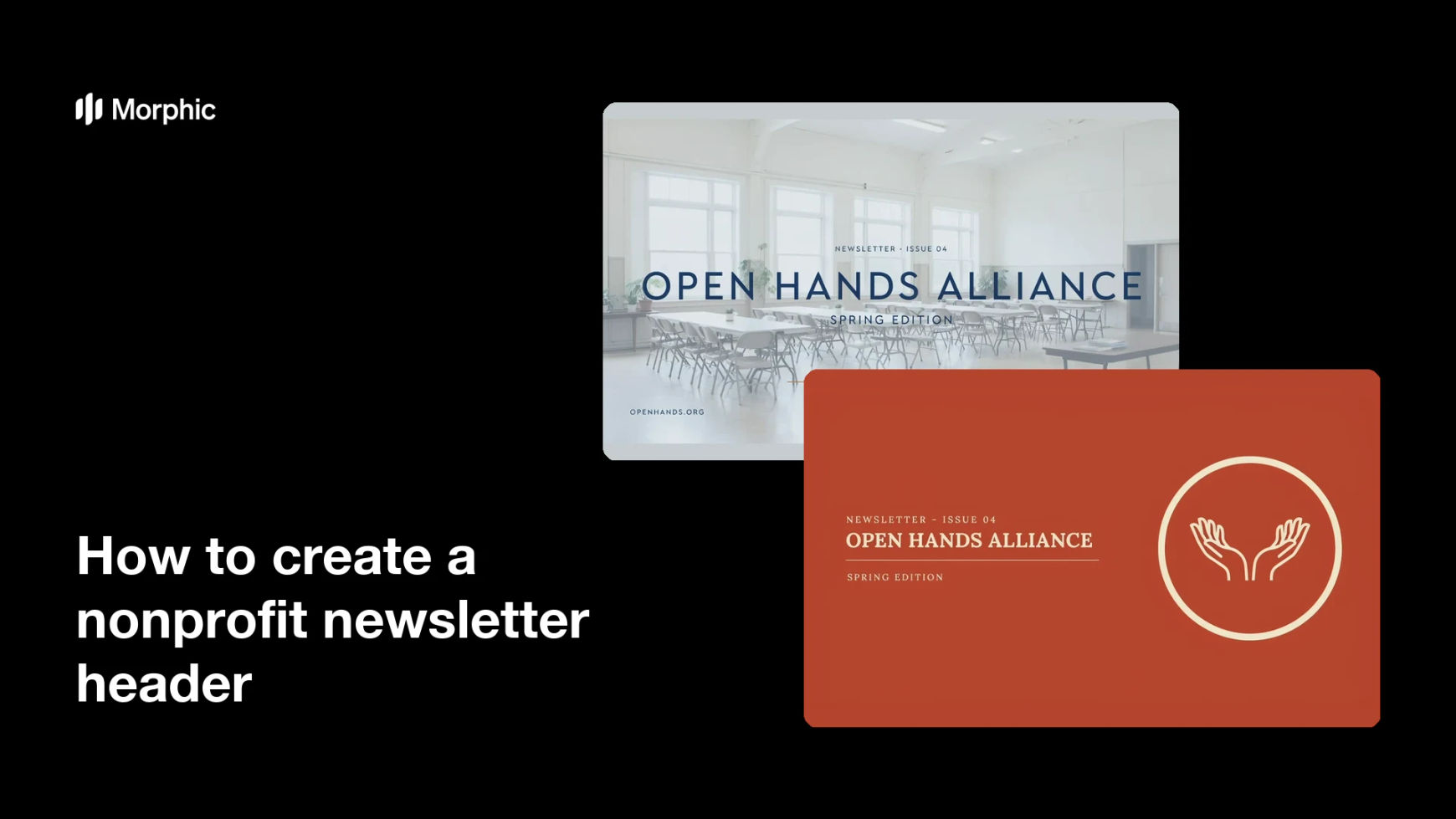
What is a nonprofit newsletter header?
A nonprofit newsletter header is the wide banner at the top of the email or printed update a charity sends to supporters. It usually holds the organisation name, a short issue line such as a month or edition number, and one image that signals what the edition is about. Supporter engagement teams treat it as the first thing a reader sees, so it has to identify the sender instantly and set an inviting tone before anyone scrolls.
With Morphic you create this header from a text prompt in your browser. Describe the banner shape, the colours, the mood, and the exact words you want across the top, then adjust and download in HD. You get a clean, on-brand banner without design software and without a new brief every send.
Set the shape and where it will live
Decide the ratio your email template needs, typically a wide banner around 3:1, and note the width your platform renders at. Designing to the real slot stops the header being cropped or squeezed once it is in the template.
Write the words that go across the top
Fix your organisation name and a short issue line, such as a month, a season, or an edition number. Keep it to two short strings so the banner stays readable on a phone screen where most supporters open it.
Describe the imagery and how people appear
Describe the scene and mood you want, and ask for any people to be shown as active members of a community rather than as subjects being helped. Avoid depicting identifiable real people, and use an invented organisation name while you are testing designs.
Match your brand and protect the text
Give your palette and type feel, and ask for a calm area behind the name so the type never sits on a busy part of the image. High contrast here is what keeps the header legible in dark mode and on small screens.
Test at send width and export
View the banner at the actual width your email renders, confirm the name and issue line stay crisp, and check every word against your own approved copy. Download in HD, then drop it into your template and send yourself a test.
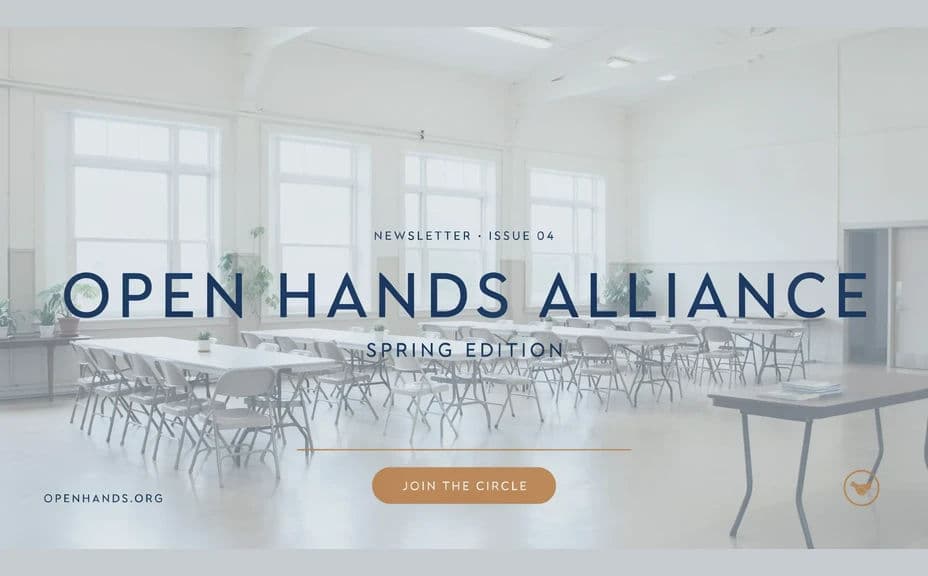
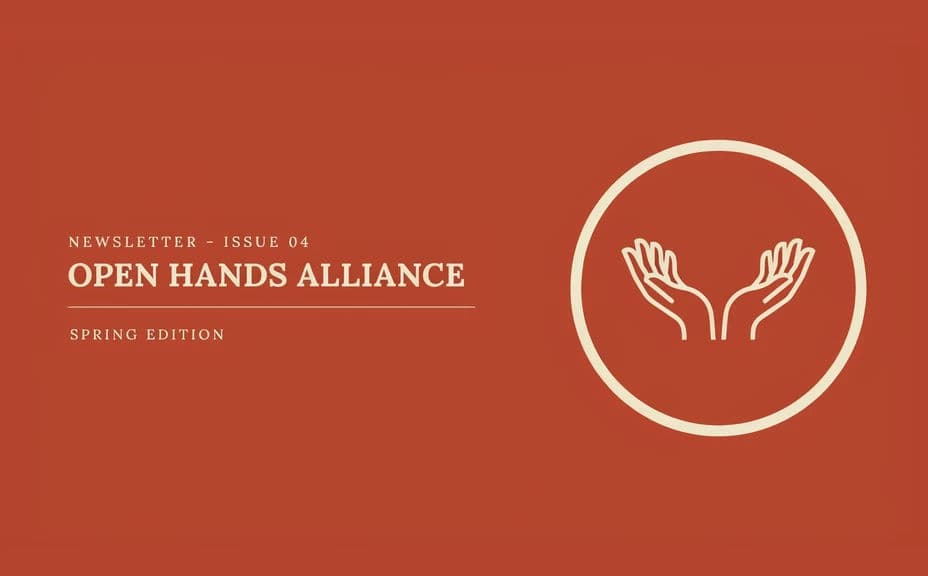
Two header designs for the same invented organisation, each carrying the same name and issue line in a different layout.
What makes a good nonprofit newsletter header
| Quality | What it means | Why it matters |
|---|---|---|
| Instant identification | Your name reads before anything else | Supporters recognise the sender in a crowded inbox |
| Mobile legibility | Type stays sharp at phone width | Most newsletters are opened on a small screen |
| Dignified imagery | People shown as community, not case studies | It honours the people your work is about |
| Consistent look | The same palette and type every issue | Repetition builds recognition over a year of sends |
Morphic vs the traditional way
| Morphic | A designer or template tool | |
|---|---|---|
| Cost | Available on Morphic | Design fee or a paid template subscription |
| Time | A finished banner in minutes | Days of back-and-forth per issue |
| Skill needed | Describe it in plain language | Layout and email image-sizing knowledge |
| Consistency | Regenerate each issue from one brief | Manual rebuilds that drift off brand |
FAQs
Yes. Provide both strings in your prompt and the banner renders around them. Regenerate with a new month or edition number for every send.
A wide banner around 3:1 suits most email templates. Specify the ratio and the render width your platform uses so nothing is cropped in the template.
Yes. Describe your palette and type feel, and ask for a calm area behind the name so the text holds. Keep contrast high so the header survives dark mode.
Describe them as active members of a community rather than as recipients, and avoid depicting identifiable real people. If you use your own photography, get written consent first.
Keep the header to your name and issue line, and put figures in the body. Any number in a generated example is an illustrative placeholder, so replace it with your own verified figure.
Yes. Banners you generate with Morphic are cleared for commercial use across your newsletters, appeals, and supporter communications.