What is a nutrition plan graphic?
A nutrition plan graphic is a single image that lays out what someone eats across a day or a week. It groups meals into labelled blocks, breakfast, lunch, dinner, and snacks, so a client can follow the plan without reading a document. Nutritionists, coaches, and fitness studios send it to clients and post it as lead-generating content.
With Morphic you create this graphic from a text prompt in your browser. Describe the structure, the meal labels, the food styling, and your brand colors, then adjust the wording and download in HD. You get a clean, client-ready plan without opening design software or photographing every dish.
Write the plan out first
List the meals and the label text you want on the graphic before you generate anything. A settled list keeps the layout tidy and stops you from regenerating to fit late additions.
Describe the structure
Open Morphic and describe how the plan should be organised, a four-block grid for a day or a column per meal. Say how many blocks there are so the composition is built around the right count.
Set the food styling
Ask for the look you want in each block, bright overhead bowls on a light surface or warm plated dishes on wood. Keeping one styling across every block is what makes the plan read as a single set.
Check the labels
Read each meal label on the graphic and confirm the wording and spelling are correct. Regenerate any version where a label runs into the image edge or the type looks cramped.
Export and send it
Preview the graphic at the sizes your clients will see, a phone screen, an emailed PDF, and a printed sheet. Download in HD, then share it.
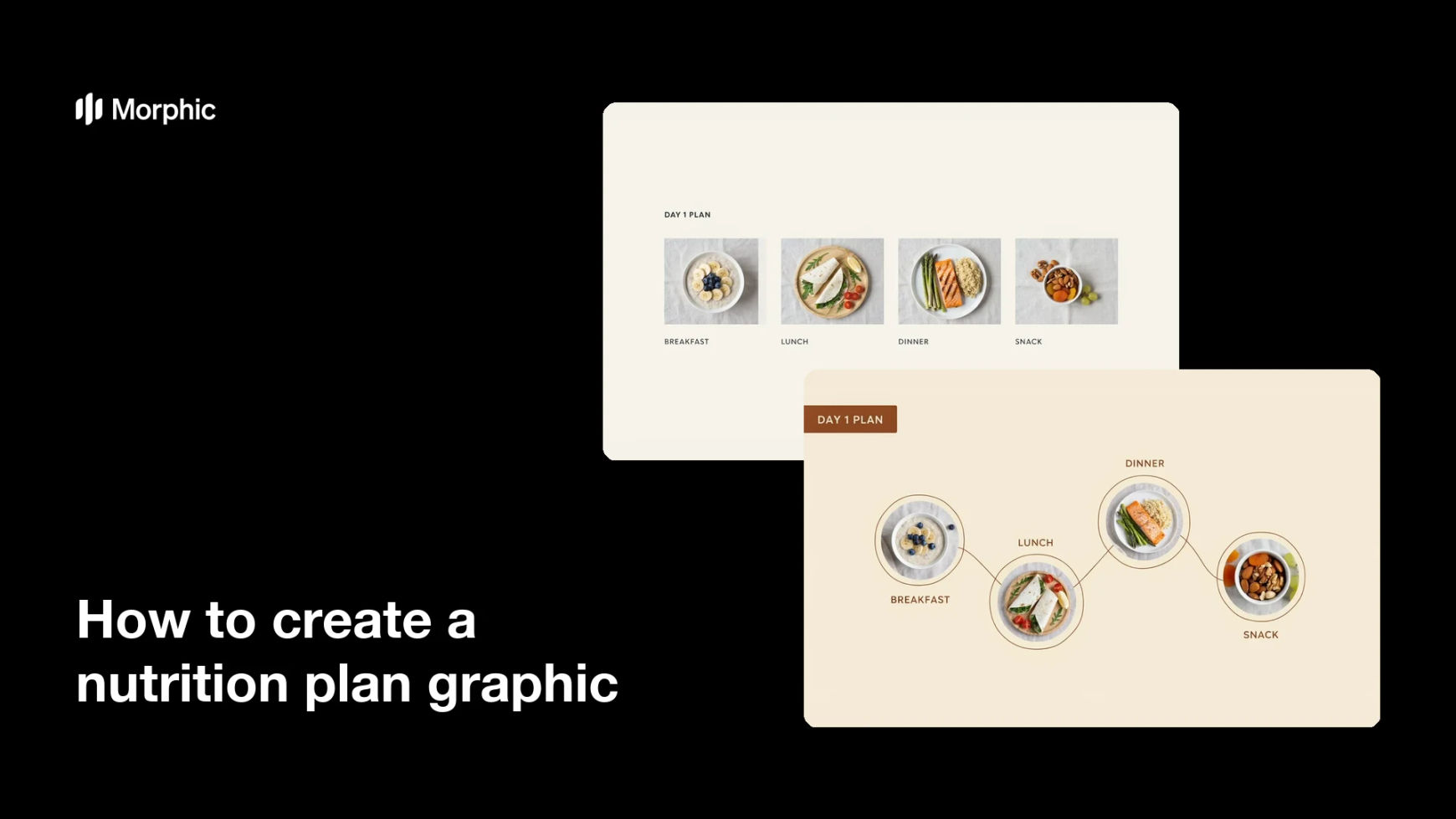
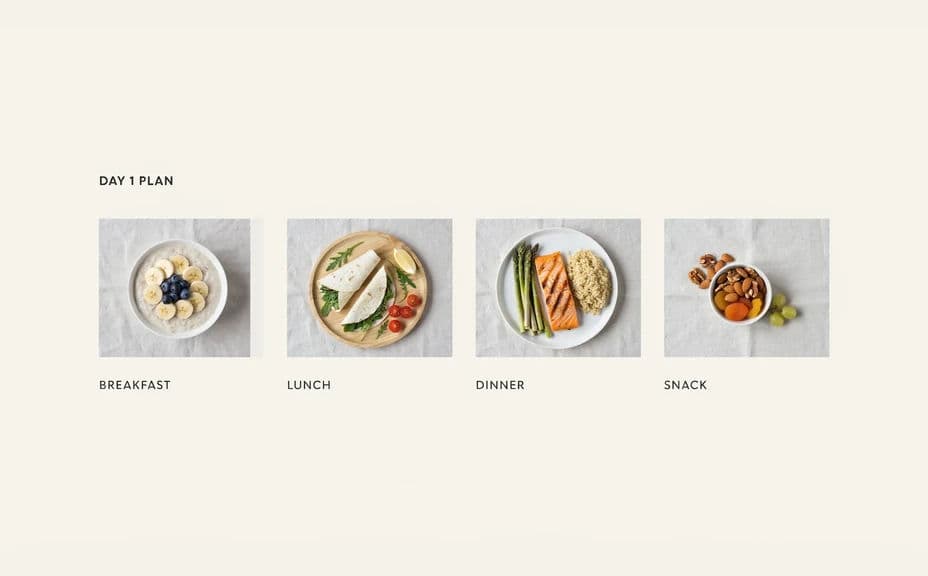
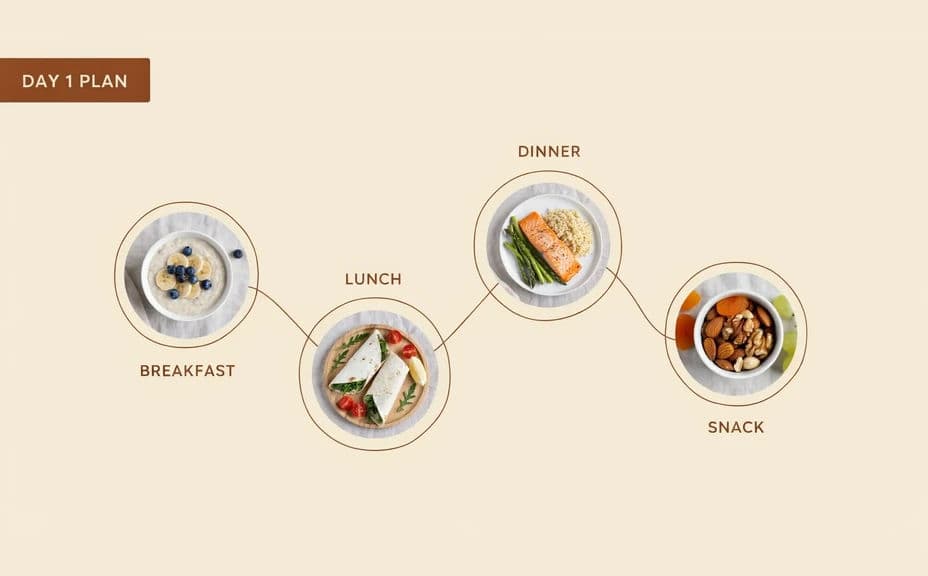
Two design options for the same daily nutrition plan, each carrying the meal labels.
What makes a good nutrition plan graphic
| Quality | What it means | Why it matters |
|---|---|---|
| Clear structure | Meals sit in obvious blocks | Clients follow the plan without asking |
| Readable labels | Every label is sharp and short | The plan works on a phone screen |
| Consistent food styling | One light and surface throughout | The graphic looks like one set, not a collage |
| Realistic portions | Plates match what you prescribed | Expectations line up with the actual meals |
Morphic vs the traditional way
| Morphic | Food photography and design software | |
|---|---|---|
| Cost | Available on Morphic | Shoot and styling costs plus a design subscription |
| Time | A finished plan graphic in minutes | A day of cooking, shooting, and layout |
| Skill needed | Describe it in plain language | Food styling and layout skills |
| Consistency | Regenerate blocks in one style | Lighting drifts between shots |
FAQs
Yes. Give the labels in your prompt, then read the rendered text and regenerate if any wording looks off before you send it.
Yes. Describe the number of days and meals per day, and generate a layout built for that count. The structure follows what you ask for.
Yes. Describe your colors, accent, and font style, and generate the graphic to match. Keep contrast high so labels stay readable.
Only if you want them shown. Include the exact figures in your prompt and check them on the rendered graphic before sharing.
Describe the replacement meal and regenerate with the rest of the plan unchanged. Keeping the styling description identical keeps the set consistent.
Yes. Images you generate with Morphic are cleared for commercial use in client programmes and marketing.