What is a personal trainer profile image?
A personal trainer profile image is the photo that fronts a coach's website, booking page, and social profiles. It has to do two jobs at once, look professional enough to trust with money and look capable enough to trust with training. Independent trainers, studio coaches, and online programme sellers all live or die by how this one image reads.
With Morphic you create this image from a text prompt in your browser. Describe the person, the posture, the gym setting, the lighting, and the crop you want, then compare options and download in HD. You get a polished profile photo without booking a photographer or renting studio time.
Decide the impression you want
Choose the tone first, approachable and warm, or serious and performance-focused. That decision drives the posture, the expression, and the light more than any other choice.
Describe the subject and setting
Open Morphic and describe the trainer, the outfit, the stance, and the gym environment behind them. Ask for a shallow depth of field so the equipment reads as context rather than clutter.
Direct the lighting
Ask for soft, even light on the face with a gentle rim from behind to separate the subject from the background. Avoid harsh overhead light, which hollows the eyes and flattens the expression.
Compare a few options
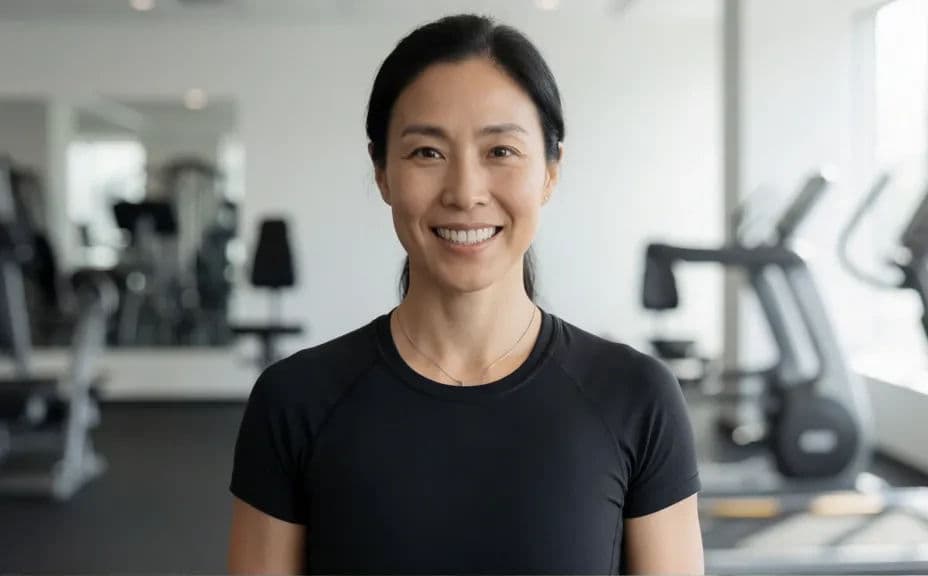
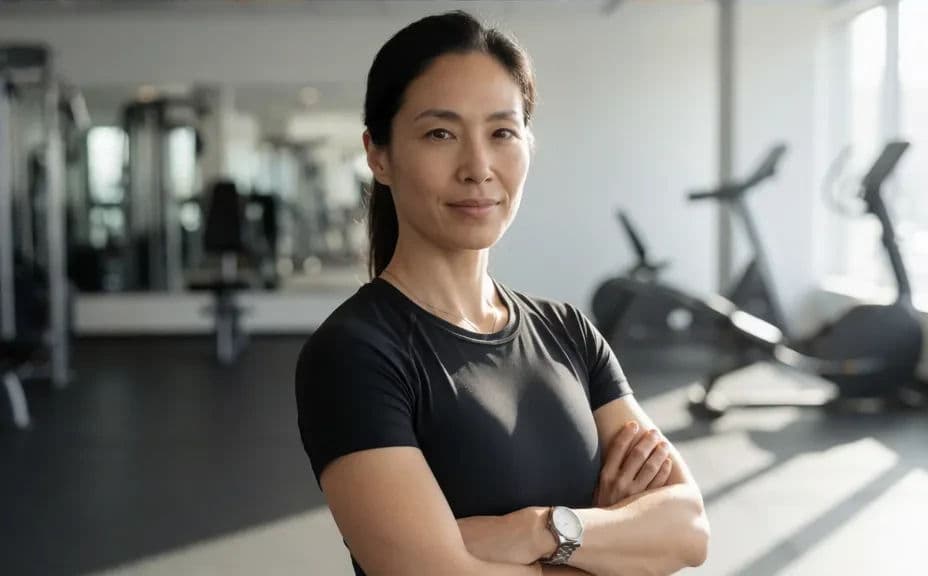
Generate more than one framing, a tighter head-and-shoulders crop and a wider half-body shot. Put them side by side and pick the one that reads best when it is scaled down to a small avatar.
Export and use it
Preview the image at profile-picture size and check that the face still carries at a glance. Download in HD and use the same photo across your site, booking page, and social profiles.
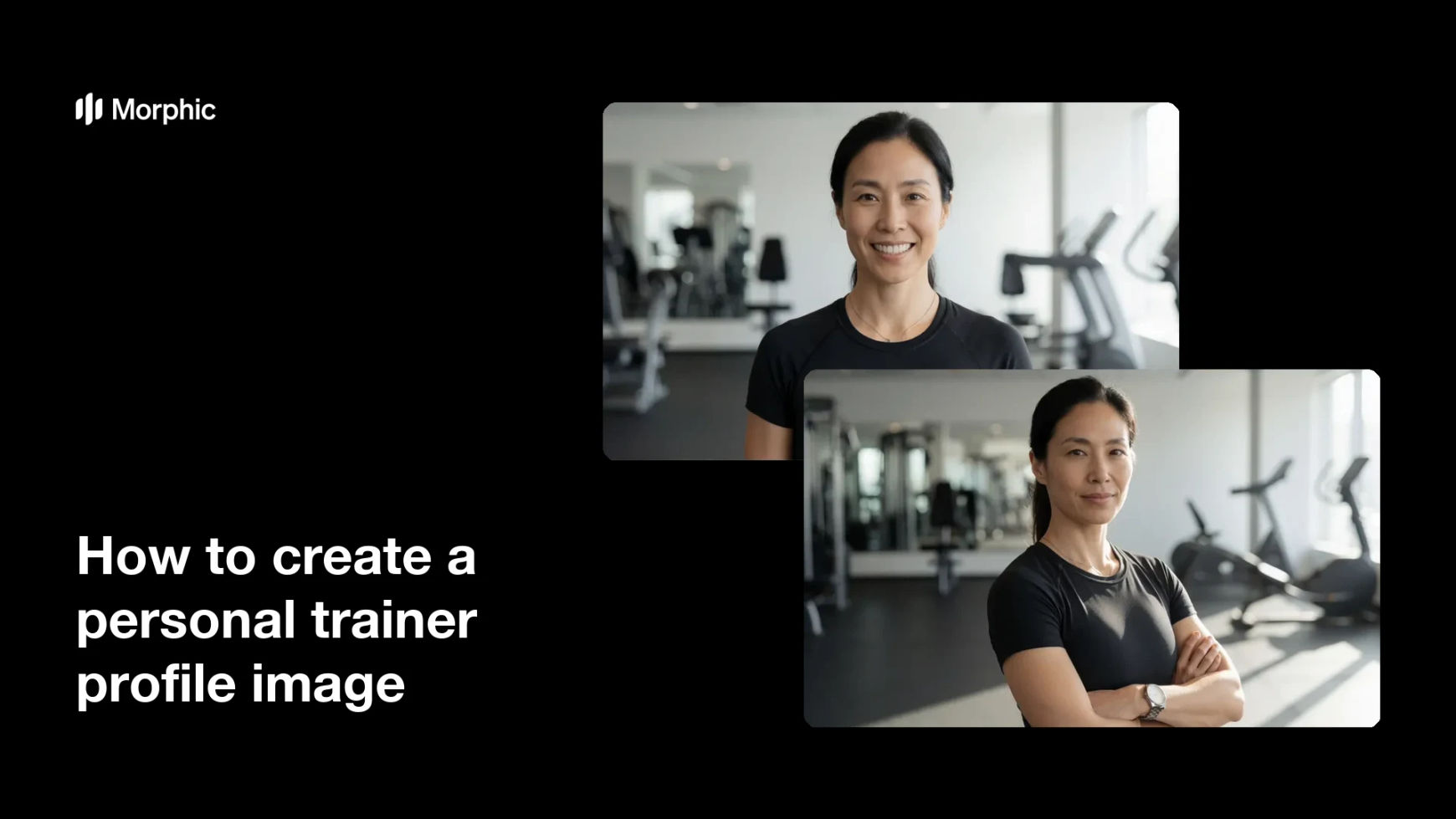
Two different profile options of the same trainer, shot with different framing and lighting.
What makes a good personal trainer profile image
| Quality | What it means | Why it matters |
|---|---|---|
| Clear face | Eyes visible, expression readable | Trust is built on the face, not the physique |
| Flattering light | Soft, even light with gentle separation | The photo looks professional rather than snapped |
| Relevant setting | A gym environment kept softly out of focus | Context signals the job without stealing attention |
| Works small | Still readable as a round avatar | Most people will see it at thumbnail size |
Morphic vs the traditional way
| Morphic | A studio photo shoot | |
|---|---|---|
| Cost | Available on Morphic | Photographer and studio hire fees |
| Time | Several options in minutes | Scheduling, a shoot day, then a wait for edits |
| Skill needed | Describe it in plain language | Posing direction and lighting knowledge |
| Consistency | Regenerate matching shots any time | Booking a new shoot to get the same look |
FAQs
A head-and-shoulders crop reads best at small sizes. Generate a wider half-body version too if you also need a hero image for your website.
Describe a relaxed stance and a natural expression rather than a formal pose. Slight asymmetry in the shoulders makes the shot feel far less rigid.
A softly blurred gym background adds useful context. Keep it out of focus so equipment and signage never compete with the face.
Yes. Keep the outfit, lighting, and setting wording the same across prompts, and generate several framings in one consistent look.
Ask for extra space on one side so headline text can sit beside you. Generating that room up front beats cropping into the shot later.
Yes. Images you generate with Morphic are cleared for commercial use across your website, booking pages, and social profiles.