What is a photographer business card?
A photographer business card is a small printed card carrying a photographer's name, specialty, and how to reach them. It gets handed over at weddings, shoots, and events, so it has to look like the work it represents while staying easy to read. Independent photographers and small studios treat it as the cheapest piece of branding they own.
With Morphic you design this card from a text prompt in your browser. Describe the name, contact lines, and the look you want, compare a couple of designs, then download in HD ready for print. There is no template to wrestle with and no design software to open.
Gather your details
Write down the name, specialty line, and the contact details you want on the card, keeping each one short. Deciding this first means the generated text is accurate rather than something you fix afterwards.
Describe the card design
Open Morphic and describe the card: the orientation, how much space the name takes, and whether the back carries an image or stays plain. Ask for two designs so you can compare a type-led card against an image-led one.
Set the style and finish
Describe the palette, type feel, and any finish you want suggested, such as matte black stock or a clean white card with fine type. Keep it in step with the photography you shoot so the card and the work agree.
Proof the text
Read the name, specialty, and every contact line on each design and confirm the spelling is exact. Regenerate any card where the type sits too close to an edge to survive trimming.
Export for print
Preview the card at actual size to confirm the smallest text is still comfortable to read. Download in HD, then send it to your printer or use the design across your other materials.
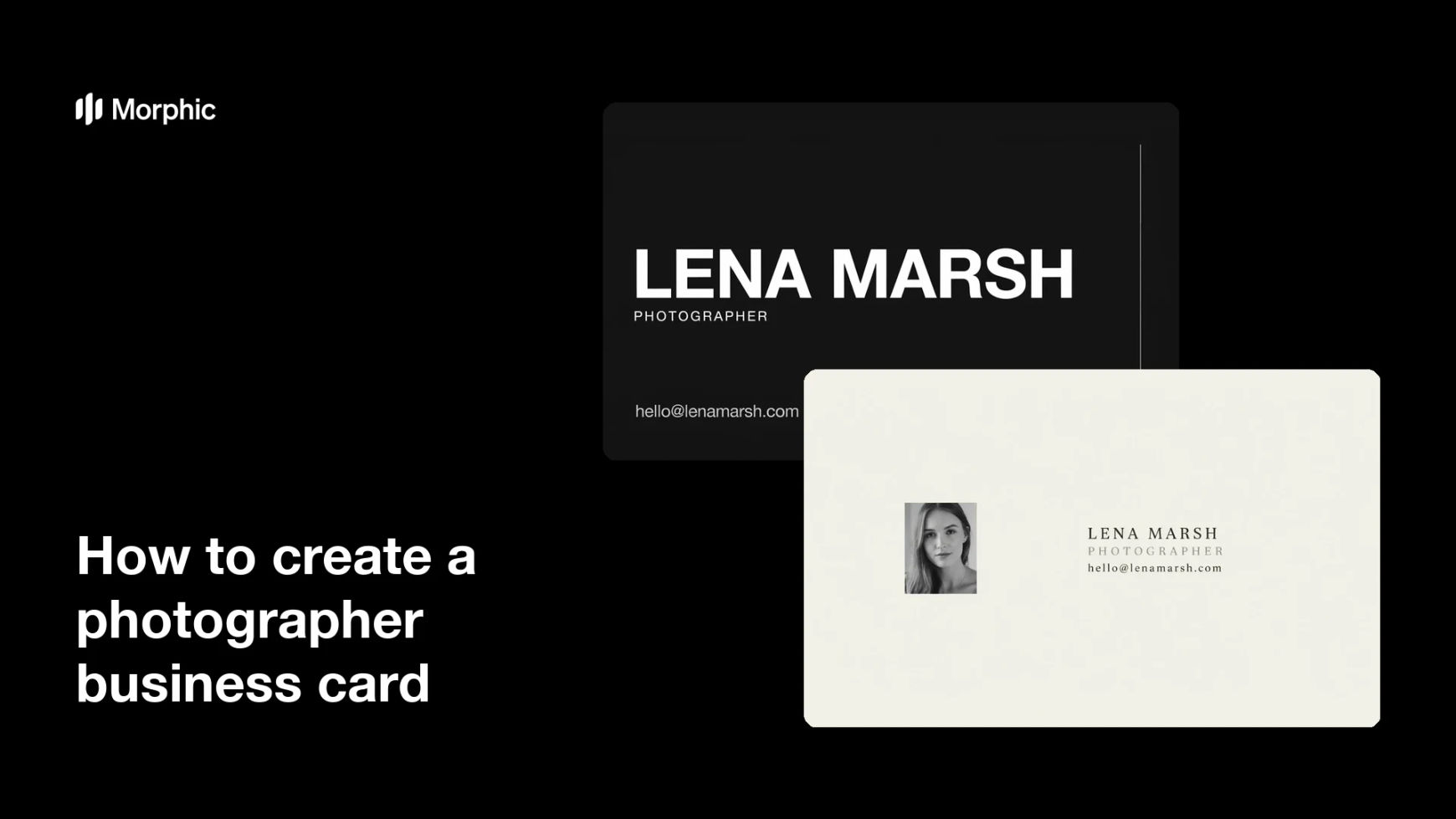
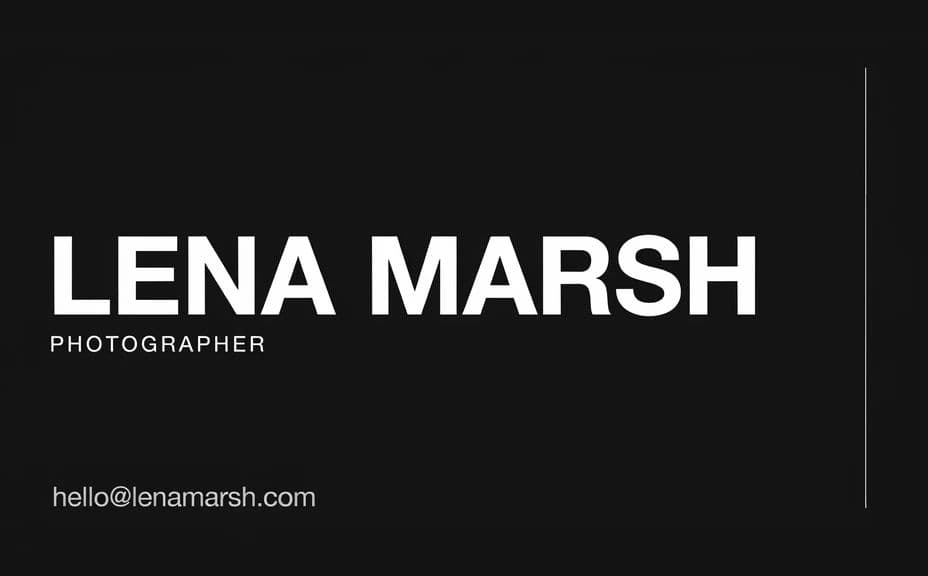
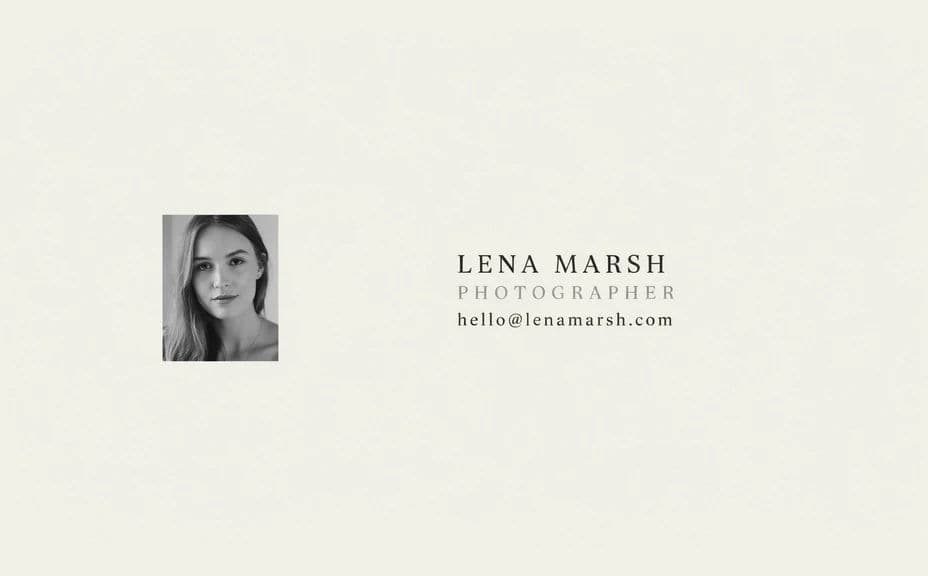
Two card designs for the same photographer, carrying the same name and contact details.
What makes a good photographer business card
| Quality | What it means | Why it matters |
|---|---|---|
| Readable contact | Details are clear at actual size | A card nobody can read is a lost enquiry |
| Clear name | The name leads the design | People remember who gave them the card |
| Style that matches | The card looks like your photography | It sets the right expectation before a shoot |
| Safe margins | Text sits away from the trim edge | Nothing important is cut off in printing |
Morphic vs the traditional way
| Morphic | Design software or a designer | |
|---|---|---|
| Cost | Available on Morphic | Software subscription or design fee |
| Time | A finished card in minutes | Hours of layout and proofing rounds |
| Skill needed | Describe it in plain language | Layout and print setup knowledge |
| Consistency | Regenerate matching variations | Manual rework for every new version |
FAQs
Yes. Include the exact name, specialty, and contact lines in your prompt, then proof the rendered text and regenerate if anything is off.
Yes. Generate a front carrying the name and details and a back carrying an image or mark, and keep the palette consistent across the two.
Yes. Ask for several versions of the same card and compare them at actual size before choosing which one to print.
Download in HD and keep text well inside the edges so nothing is lost when the card is trimmed. Check your printer's size and bleed requirements before ordering.
Yes. Describe the colours and type style you already use, and generate the card so it sits alongside your portfolio and site.
Yes. Cards you generate with Morphic are cleared for commercial use in print and across your marketing.