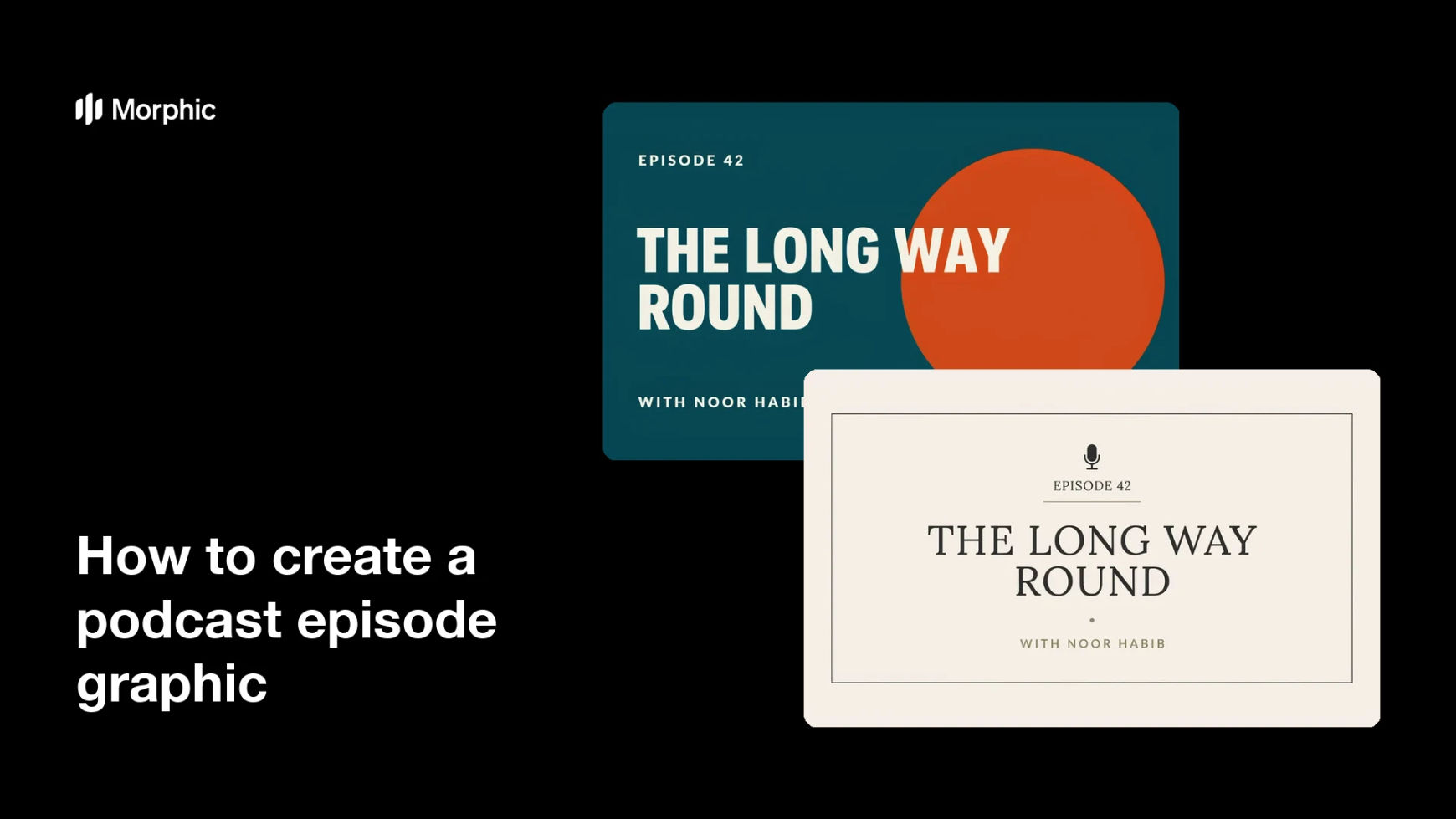
What is a podcast episode graphic?
A podcast episode graphic is the per-episode image that sits alongside the show's main cover art: the episode number, its title, and often the guest. Hosts and producers use it in podcast apps, on YouTube, and as the social post that drives listens for that specific episode. It has to feel unmistakably part of the series while still saying what this one episode is about.
With Morphic you produce that graphic from a text prompt in your browser. Describe the show's look once, then generate each episode with new title text, compare options, and download in HD. You get a consistent weekly asset without rebuilding a template every time.
Define the series look
Decide the colours, type feel, and framing that every episode graphic will share. Setting this once is what makes the whole feed read as one show rather than a pile of unrelated posts.
Write the episode text
Note the episode number, episode title, and guest name exactly as they should appear. Short, specific titles survive better at thumbnail size than long ones.
Generate the episode version
Open Morphic, describe the series look, and ask for this episode's graphic with the number and title in place. Request a couple of arrangements so you can compare where the title sits best.
Check the text and the crop
Read the number, title, and guest name on each option and confirm they are spelled and spaced correctly. Preview the graphic as a small app tile and regenerate anything that gets crowded.
Export and publish
Download in HD, then attach it to the episode in your host and use it for the social and video versions. Keep the prompt so the next episode starts from the same look.
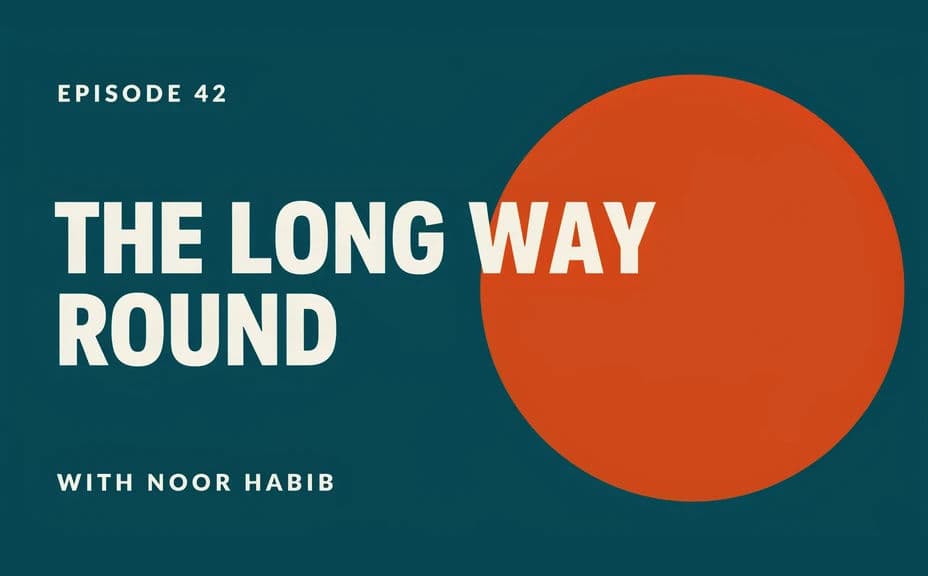
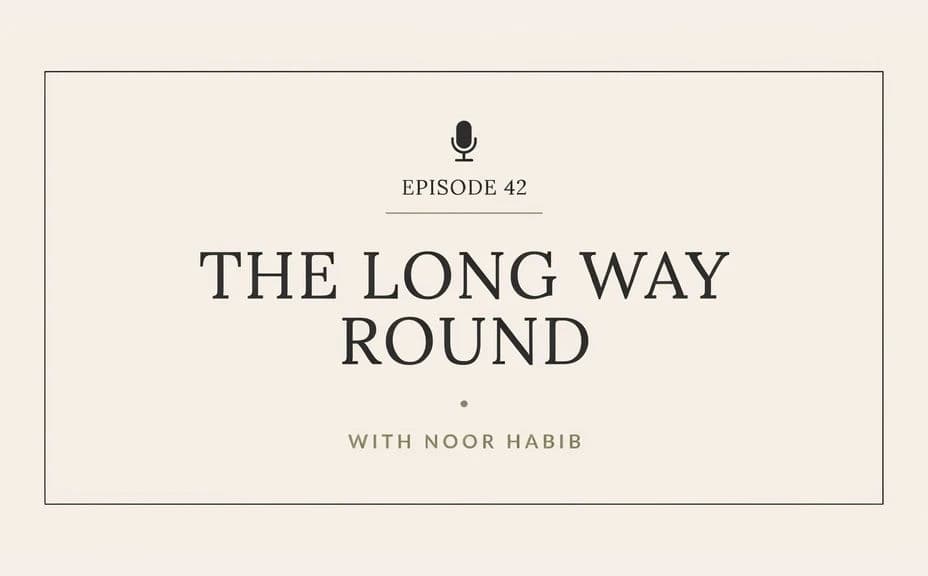
Two episode-graphic options for the same episode, each carrying the number and title.
What makes a good podcast episode graphic
| Quality | What it means | Why it matters |
|---|---|---|
| Recognisable series look | Every episode shares a frame | Listeners spot your show in a crowded feed |
| Clear episode title | The subject reads instantly | It is what convinces someone to press play |
| Works as a small tile | It holds up in podcast apps | Most listeners see it at thumbnail size |
| Room for a guest name | Names fit without crowding | The guest is often the draw for the episode |
Morphic vs the traditional way
| Morphic | A template in design software | |
|---|---|---|
| Cost | Available on Morphic | Software subscription or design fee |
| Time | An episode graphic in minutes | A manual export for every episode |
| Skill needed | Describe it in plain language | Template and typography skills |
| Consistency | Regenerate the same look each week | Drift as templates get edited by hand |
FAQs
Yes. Provide the episode number, title, and guest name in your prompt, then check the rendered text and regenerate if anything reads wrong.
Describe the same colours, framing, and type feel each time and only change the episode text. The series then reads as one consistent set.
Yes. Ask for a wide crop of the same design with a larger title, and generate it alongside the square version.
Yes, if you keep it short and high contrast. Preview the tile small and regenerate any option where the title becomes hard to read.
Yes. Describe a portrait-style panel within the layout and generate it, keeping the episode text clear of the face.
Yes. Designs you generate with Morphic are cleared for commercial use across your show and its promotion.